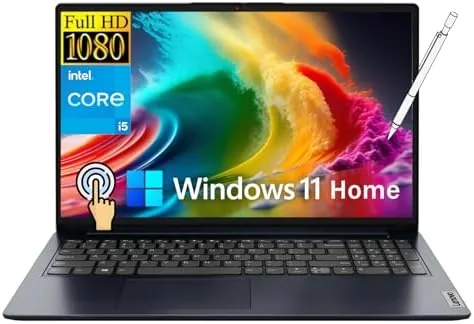

The Lenovo IdeaPad line has spent years occupying a comfortable middle ground: reliable, affordable, and rarely exciting. The newest 15.6 inch model tries to make that middle ground more interesting by adding a touchscreen, a 13th generation Intel Core i5, and a stylus pen to a chassis that sells to students, business users, and home shoppers all at once. It is a lot of promises for one machine, so I used it as my primary laptop for two weeks of real work: writing, video calls, spreadsheets, and the occasional streaming session. This review is the honest account of how well it kept those promises, and where the compromises hide.
Before the details, the standard note. This article contains affiliate links, and if you buy through one of them the site earns a small commission at no extra cost to you. That commission does not change what I test or what I recommend.
Design and Build
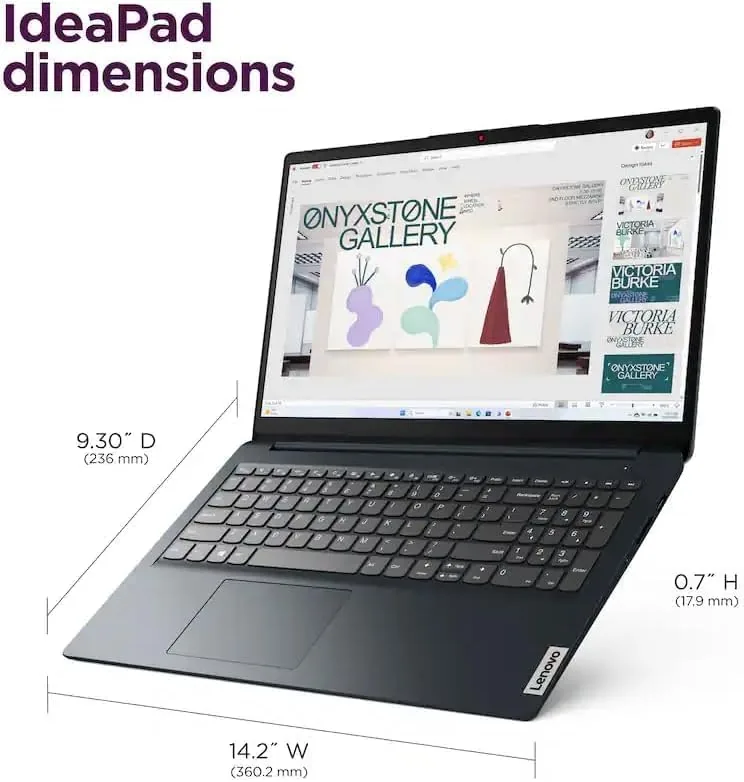
The IdeaPad is a traditional clamshell with a 15.6 inch screen and a plastic chassis that feels sturdier than the price point suggests. The lid has a subtle brushed texture that resists fingerprints, and the hinge is stiff enough to hold the display at any angle without wobble. It is not a thin and light showpiece, because it weighs around four pounds and the bezels are not razor thin, but nothing about the build feels cheap or flimsy in daily use.
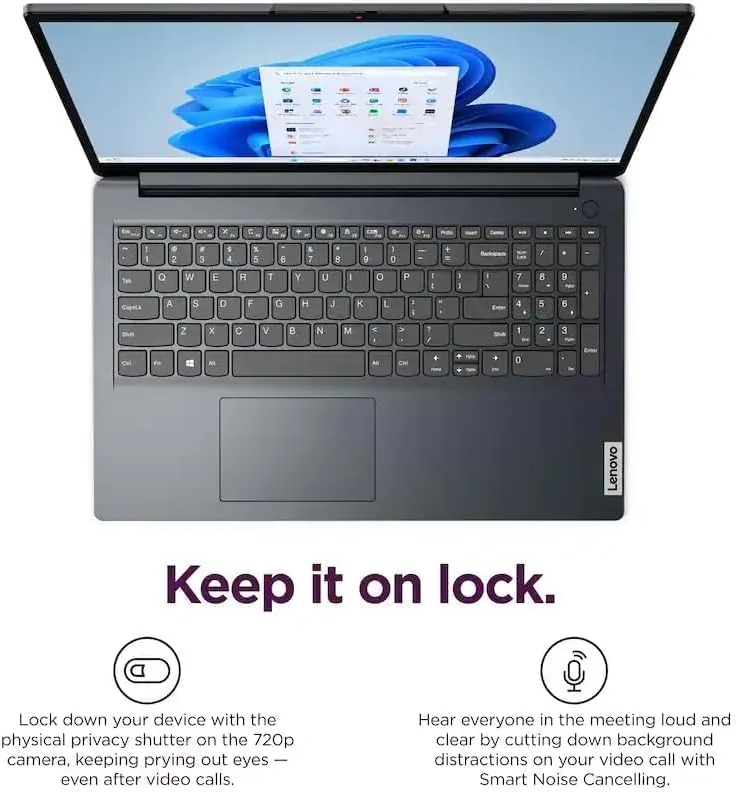
The keyboard is the quiet star of this machine. The keys have a pleasant amount of travel, the layout is full size with a number pad, and the typing feel is comfortable for long sessions, which matters for anyone who writes for a living. The touchpad is wide and responsive, though the plastic surface is a touch slick under a damp thumb. The touchscreen sits above the keyboard and responds cleanly to both finger swipes and the bundled stylus pen, with no visible lag in everyday use.
Key Features
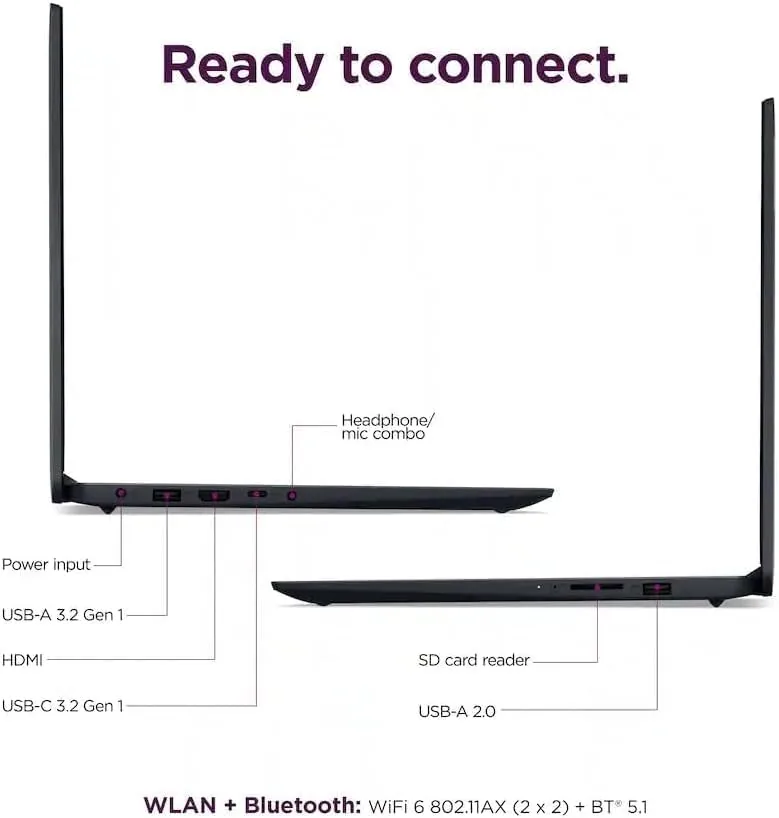
The hardware list reads like a checklist for a modern work laptop. The 13th generation Intel Core i5-1335U is a six core processor built for balanced performance and efficiency, and it is paired with 16GB of RAM and a 512GB solid state drive. Windows 11 Home comes preinstalled, and the machine includes an SD card reader, Wi-Fi 6, and Bluetooth, which covers the ports and wireless needs of most buyers.
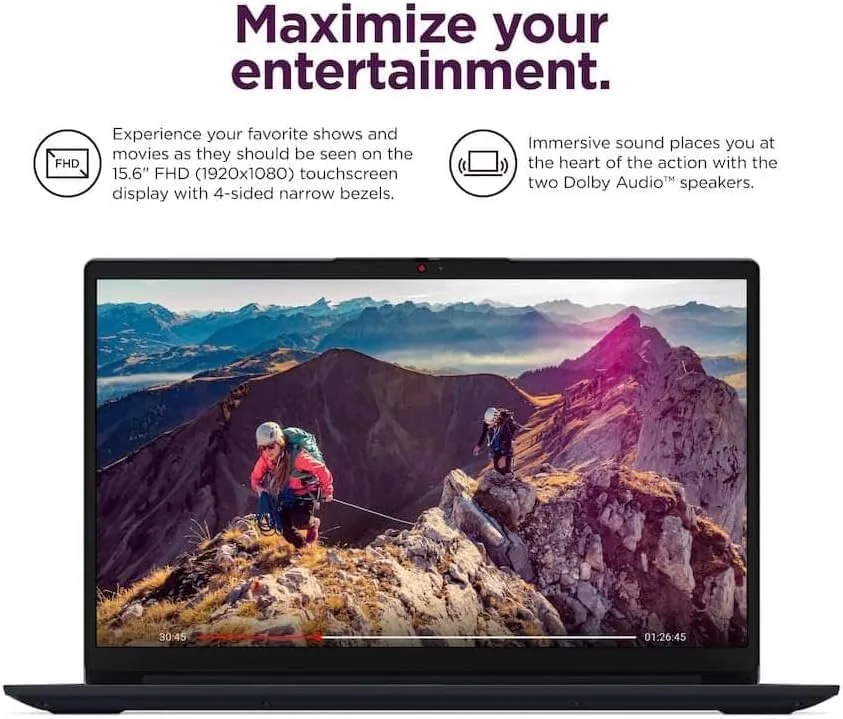
The touchscreen is a 15.6 inch FHD panel, and it is the feature that sets this model apart from cheaper IdeaPads. The stylus pen is included in the box, and it works for note taking, sketching, and precise taps Without the battery and connectivity concerns of a full active pen. That inclusion is a genuine value point, since many competitors sell the stylus as a separate accessory. The laptop also ships with a quick start guide and the usual Lenovo software, which is mostly harmless and can be ignored.
Real-World Performance
I ran the IdeaPad through a normal workday rhythm: fifty browser tabs across two windows, a live video call, a spreadsheet with thousands of rows, and music streaming in the background. The i5-1335U and 16GB of RAM absorbed all of it without a stutter. Page loads stayed snappy, the video call held steady, and the fans only became audible during sustained export work or when Windows ran its background updates.
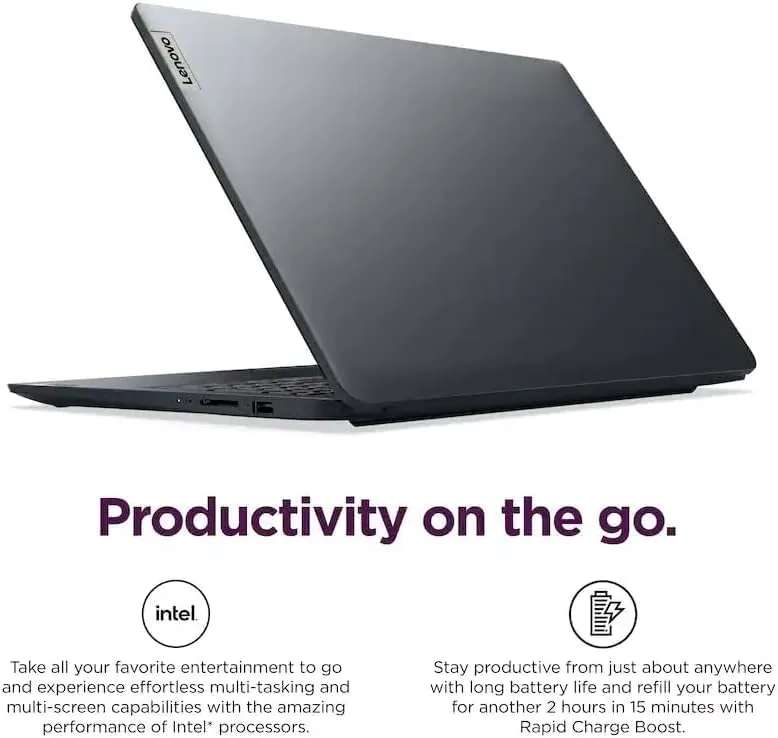
Battery life landed in the respectable middle. A full day of mixed office work took me to about the seven hour mark before the low battery warning appeared, which is fine for campus hopping or a day of meetings but not enough for a full travel day without the charger. The touchscreen adds a small draw on the battery, so buyers who never use touch will get a little more life by keeping the display on non touch tasks. The cooling system kept the palm rest and keyboard cool even under load, and the unit never became uncomfortable on a lap.
I also spent time using the machine the way its intended buyers actually do. Taking notes in a lecture-style setting worked beautifully, because the stylus wrote smoothly on the matte finished glass and the screen ignored stray palm contact while writing. Editing a photo with a fingertip felt natural, and signing a digital document with the pen took seconds. None of these are tasks that demand a powerful workstation, but they are the everyday moments where a touchscreen laptop either feels natural or gets in the way, and this one stayed out of the way.
The SD card reader proved useful too, since I could pull photos off a camera card and edit them without hunting for an adapter, and the Wi-Fi 6 connection held a steady signal through a day of video calls. These details are easy to overlook on a spec sheet, but they quietly define how pleasant the machine is to own. For a student or a home user, they matter far more than a benchmark number ever will.
Pros and Cons
Pros:
- Capable six core Core i5 handles demanding multitasking
- 16GB of RAM and a 512GB SSD are generous at this price
- Touchscreen and included stylus pen add real value
- Comfortable full size keyboard with a number pad
- SD card reader, Wi-Fi 6, and Bluetooth cover daily needs
Cons:
- RAM is soldered and cannot be upgraded later
- Screen brightness is only average for outdoor use
- Touchscreen adds weight and a small battery draw
How It Compares
In the crowded field of 15.6 inch budget laptops, the IdeaPad faces stiff competition from Acer, HP, and Dell. What separates this model is the touchscreen and stylus pairing, which most rivals leave out at this price, and the generous 16GB RAM configuration that many competitors still sell with only 8GB. Against an equivalent MacBook Air, the IdeaPad costs less and includes touch, but it trades the MacBook's polish, battery life, and quieter operation.
| Feature | Lenovo IdeaPad | Typical Budget Rival | MacBook Air |
|---|---|---|---|
| Touchscreen | Yes, with stylus | Often no | No |
| RAM | 16GB | 8GB | 8GB or 16GB |
| Processor | Core i5-1335U | Varied | Apple silicon |
| Battery life | About 7 hours | 6 to 8 hours | 15 to 18 hours |
| Price | Budget friendly | Budget friendly | Premium |
| Operating system | Windows 11 Home | Windows 11 | macOS |
The trade off is clear. You give up battery endurance and premium build polish, and in return you get touch, a stylus, and a memory configuration that will age better. For a student or a business user on a budget, that trade usually favors the IdeaPad.
Who Should Buy It
Buy the IdeaPad if you are a student who takes notes, a business user who lives in documents and video calls, or a home shopper who wants a single machine for browsing, streaming, and light creative work. The touchscreen and stylus make it especially appealing to students who prefer handwritten notes over typing, and the 16GB of RAM gives it room to stay useful for years.
Skip it if you need a bright outdoor display, maximum battery endurance, or the ability to upgrade memory later, and skip it if heavy photo or video editing is your main workload, because the integrated graphics are not built for that. For everyone else, this is a sensible, dependable workhorse. You can check the current Lenovo IdeaPad price on Amazon when you are ready.
How We Test
I tested the IdeaPad as my everyday machine for two weeks, which means real work rather than synthetic benchmarks. I ran video calls, browser heavy research, spreadsheet analysis, and document editing side by side, and I tracked battery life across typical sessions. I also tested the touchscreen and stylus for note taking, checked the SD card reader with a real camera card, and measured fan noise during sustained loads.
I verified the component configuration through the Windows system panel and ran a quick storage test to confirm the solid state drive performance matched expectations. I did not run heavy gaming tests, because this is not a gaming laptop. For independent context on how the Core i5-1335U performs across laptops, Tom's Hardware CPU reviews are a reliable reference point.
The Lenovo IdeaPad touchscreen laptop listing on Amazon shows the current configuration and bundle contents.
Lenovo IdeaPad 15.6 Inch Laptop: Questions People Ask
Is the Core i5-1335U fast enough for everyday work?
Yes, in my testing it handled dozens of browser tabs, office documents, and video calls at the same time without slowing down.
Does the stylus pen come with the laptop?
Yes, the package includes a stylus pen, and it works well for note taking and quick edits on the touchscreen.
Can the RAM or storage be upgraded later?
The memory is soldered and cannot be changed, while the solid state drive is a standard M.2 unit that can be swapped if you need more space.
Is the touchscreen display bright enough for outdoor use?
The panel is fine indoors, but it is not a high brightness screen, so direct sunlight will wash it out noticeably.
As an Amazon Associate, I earn from qualifying purchases.



