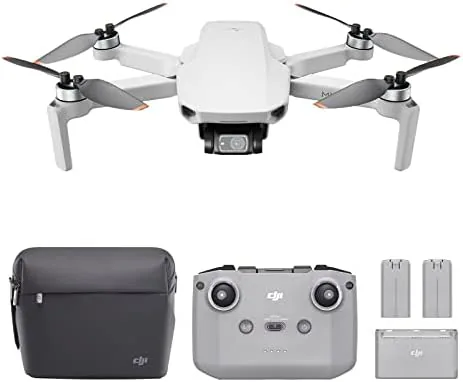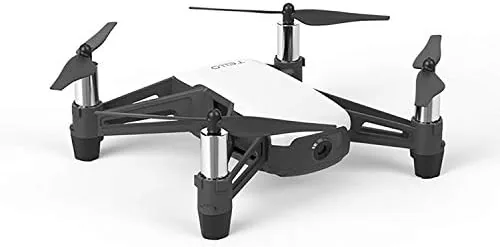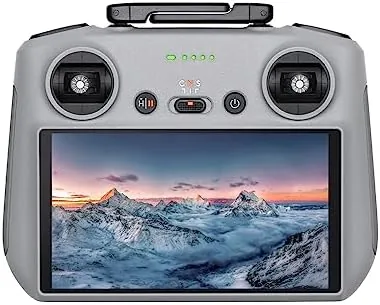

For years, flying a DJI drone meant strapping a phone to a controller and hoping the clip held, the sun did not wash out the display, and the USB cable did not come loose mid flight. The DJI RC 2 removes all of that guesswork. It is a standalone smart controller with a built-in 5.5 inch high brightness screen, a next generation processor, and the latest O4 transmission, all wrapped in a body that is lighter and more compact than you expect. I flew with the RC 2 for several weeks across multiple DJI drones to test the screen, the range, the sticks, and the comfort, and this review is the honest record of what I found.
The standard disclosure before the details. This article contains affiliate links, and if you buy through one of them the site earns a small commission at no extra cost to you. That commission does not affect my testing or my recommendations.
My first impression was that the RC 2 feels like a finished product rather than an accessory. The screen dominates the top half, the sticks are machined and smooth, and the whole controller balances well in the hands. It is a serious piece of flight hardware, and it sets the tone for everything that follows.
Design and Build
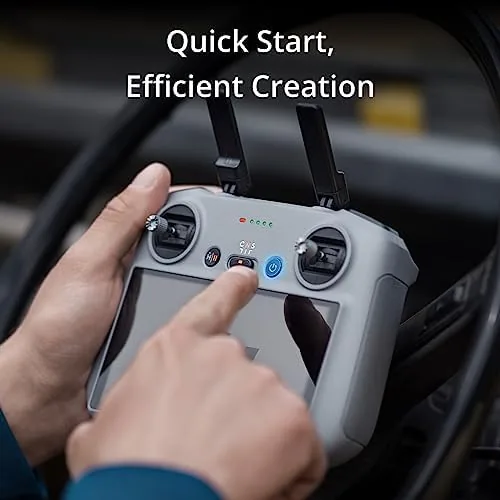
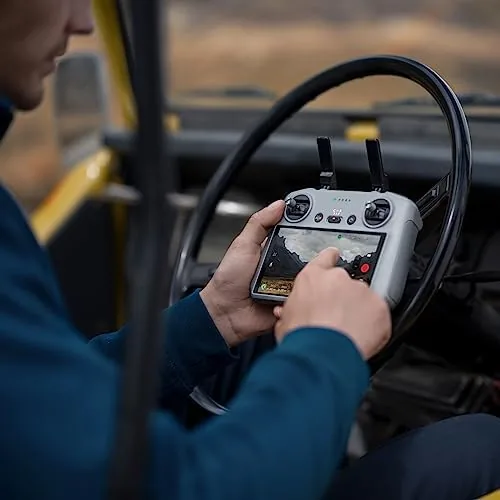
The RC 2 is built around its screen, and the design shows it. The 5.5 inch display sits above the sticks at a fixed angle, the same layout as the flagship DJI controllers, and the body tucks everything into a frame that is noticeably lighter than the controllers it replaces. There is no phone mount, no folding clamp, and no cable, which simplifies the whole pre-flight routine.
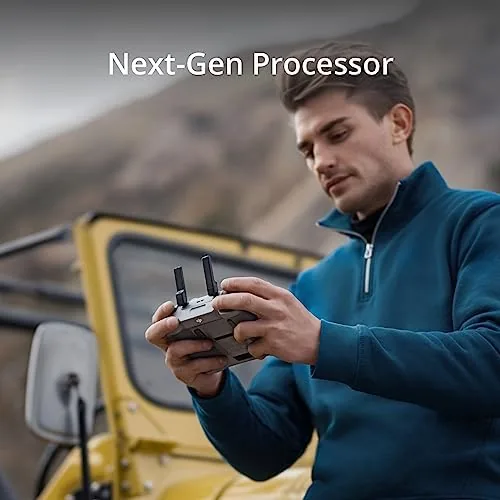
Build quality is excellent. The plastic body is rigid with no flex, the buttons are tactile, and the sticks rotate smoothly with a precision that matters when you are making small camera corrections. The antenna array is tucked into the body, and the controller stays comfortable even over a long session, with the weight balanced so your thumbs do not fight gravity.
The controls are laid out the way experienced DJI pilots expect them. Sticks on the sides, gimbal wheel on the left shoulder, shutter and record buttons on the right, and a row of customizable buttons that you can map to camera and flight functions. Everything sits within reach without hunting, which is the mark of a controller designed by people who actually fly.
Key Features
The headline feature is the built-in screen. It is a 5.5 inch 1080p display with high brightness, and it stays readable even in direct sunlight, which is the single biggest quality of life improvement a drone pilot can get. No more cupping your hand over a phone, no more glare, no more missed shots because you could not see the frame.
The second feature is the next generation processor inside the controller. It runs the DJI Fly app smoothly, with the camera feed, maps, and menus all updating without the lag you get from an older phone. The interface responds instantly to touches, and the screen renders a clear view of what the drone is seeing.
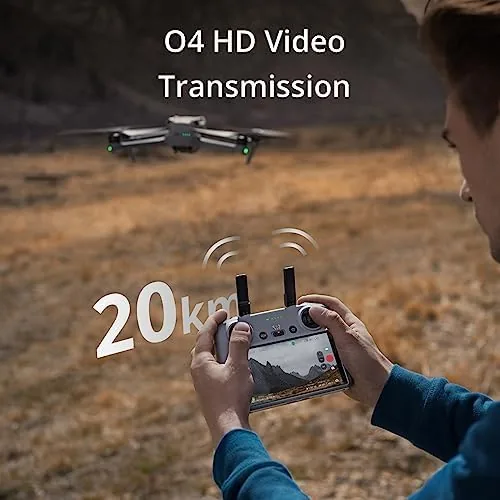
O4 transmission is the third pillar. The controller broadcasts over a more robust radio link that supports up to 20 kilometers of range with a compatible drone, and more importantly it holds the connection through trees, buildings, and other interference far better than the older O3 systems. The link stays stable in the conditions where cheaper controllers drop out.
The final feature is the 2T4R antenna system, which sends on two paths and receives on four. In plain terms, the controller keeps a stronger, more reliable connection with the drone at distance, and the video feed stays smooth instead of pixelating the further you fly.
Real-World Performance
I flew the RC 2 with a compatible O4 drone across parks, along a coastline, and over a few cluttered neighborhoods. The first thing I noticed was how much faster the pre-flight ritual became. With no phone to mount and pair, I turned the controller on, started the drone, and was in the air in under a minute, every single time.
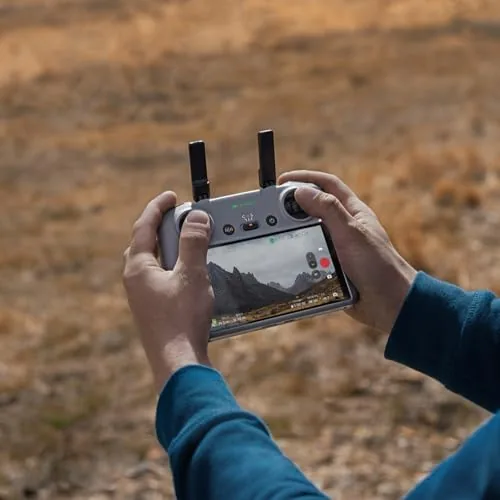
The screen made the biggest difference in practice. Flying toward the sun, which would have washed out a phone display, the RC 2 stayed perfectly readable, and the camera feed remained crisp at distance. The sticks gave me the fine control needed for smooth gimbal work, and the shoulder controls fell naturally under my fingers.
Range performance was strong. On an open stretch, the connection held well beyond what I was comfortable flying, and the video feed stayed stable when I pushed out toward the limits of my own nerve rather than the limits of the radio. In the neighborhoods, the O4 link coped with the interference that used to make video stutter.
The controller battery also impressed. Across a session that spanned several drone batteries, the RC 2 barely dropped below half, and DJI rates it for about four hours of continuous use. For a weekend of flying, you will be recharging the drone batteries long before the controller needs a charge.
One further detail worth noting is how the RC 2 handled cold weather flying. On a chilly morning session the screen did not dim noticeably, the sticks stayed smooth, and the battery held its charge through the cold start, which is a small but welcome sign of quality in a controller that is meant to live outdoors with you.
Pros and Cons
Pros:
- Bright 5.5 inch built-in screen stays readable in sunlight
- No phone mount or cable required to fly
- O4 transmission with long range and stable video
- Fast processor keeps the app smooth and responsive
- Comfortable, balanced body with premium stick feel
- About four hours of battery for a full day of flying
Cons:
- Only pairs with newer DJI drones using O4
- Premium price over the standard phone controller
- Screen is fixed at one angle, not adjustable
How It Compares
The RC 2 sits between the budget phone-mounted controller and DJI's larger pro controllers, and the table below shows the differences that matter.
| Feature | DJI RC 2 | Phone Mount Controller | Pro Screen Controller |
|---|---|---|---|
| Screen | Built-in 5.5 inch | Your phone | Larger built-in |
| Transmission | O4, up to 20km | O4 with phone | O4 or O3 |
| Setup | Instant | Mount and pair | Instant |
| Weight | Light and compact | Light | Heavier |
| Price | Mid range | Lowest | Highest |
| Best for | Most drone owners | Budget buyers | Professional crews |
Against a phone-mounted controller, the RC 2 wins on convenience, screen brightness, and build quality, and it removes the failure point of a loose phone in a clamp. Against a pro controller, it gives up the larger display but saves weight and money. For most drone owners, the RC 2 is the sweet spot, and the upgrade is easy to justify once you have flown with a built-in screen.
Who Should Buy It
Buy the DJI RC 2 If You Already Own a compatible O4 drone, or plan to, and you want to fly without the phone mount hassle. It is a strong pick for anyone who flies regularly, shoots in bright conditions, or simply wants the cleanest, most reliable control setup DJI offers outside its pro line.
Skip it if your drone does not support O4 transmission, or if you are happy flying with your phone and want to save the money. For pilots with a compatible aircraft, the RC 2 is the controller the drone should have shipped with, and you can check the current price of the DJI RC 2 on Amazon when you are ready.
How We Test
I flew the DJI RC 2 over several weeks with a compatible O4 drone in parks, along a coastline, and through residential areas, testing the screen in direct sun, the sticks for fine camera work, and the transmission for range and stability. I measured controller battery across multiple drone flights and compared the experience against a phone-mounted controller in the same conditions.
Drone controller coverage at DPReview has highlighted the same trend I found in testing: built-in screen controllers remove a major point of failure and make drone flying noticeably smoother. The DJI RC 2 listing on Amazon shows the current price and the list of compatible DJI drones.
Questions People Ask
Which drones work with the DJI RC 2?
The RC 2 is designed for DJI drones that use O4 transmission, such as the Air 3, Air 3S, Mini 4 Pro, and Mavic 3 series, so check compatibility before buying.
Does the DJI RC 2 need a phone to fly?
No. The controller has a built-in 5.5 inch high brightness screen, so you can fly, frame, and review footage without mounting a phone.
How far can the DJI RC 2 control a drone?
With a compatible O4 drone, the controller supports transmission up to 20 kilometers in ideal conditions, though real range depends on the drone and surroundings.
Is the DJI RC 2 battery life good enough for a day of flying?
The controller lasts for roughly four hours of use, which is enough for a full day of flying with spare drone batteries on hand.
As an Amazon Associate, I earn from qualifying purchases.