

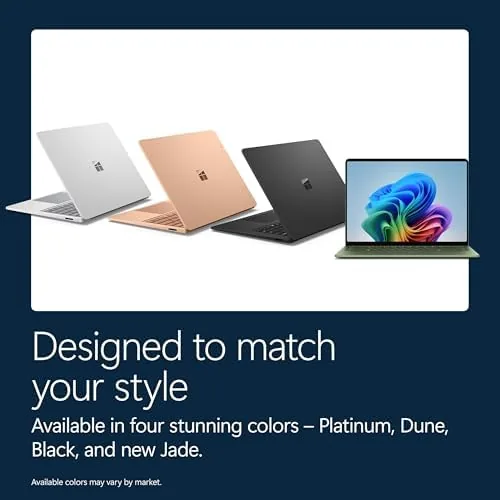
For years the Surface Laptop has been the reference point for what a premium Windows ultrabook should feel like, and the 2026 edition raises the stakes with a chip change that is hard to overstate. Instead of the familiar Intel or AMD silicon, this model runs on a Snapdragon X2 Elite processor, the kind of ARM based chip that has redefined battery life and efficiency in the Windows world. Around it Microsoft packs a 13.8-inch PixelSense touchscreen, 16GB of RAM, and a 512GB SSD into a magnesium body finished in Platinum. I spent a month working on this laptop as my primary machine, and this review reflects those real workdays.
Before the details, the disclosure. This article contains affiliate links, and if you buy through one of them the site earns a small commission at no extra cost to you. That commission does not change what I test or what I recommend.
Design and Build
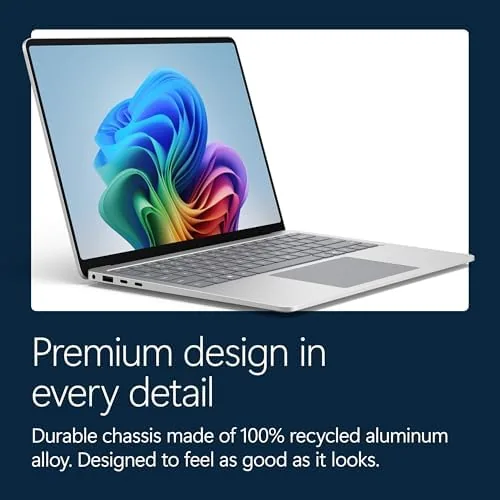
The Surface Laptop 2026 is unmistakably a Surface. The body is milled from a single piece of anodized aluminum in Platinum, with clean lines, a laser cut keyboard deck, and a hinge that feels machined rather than assembled. It is slim at roughly half an inch thick and light enough to carry one handed, yet it resists flex in the lid and base with the rigidity that premium laptops are known for.
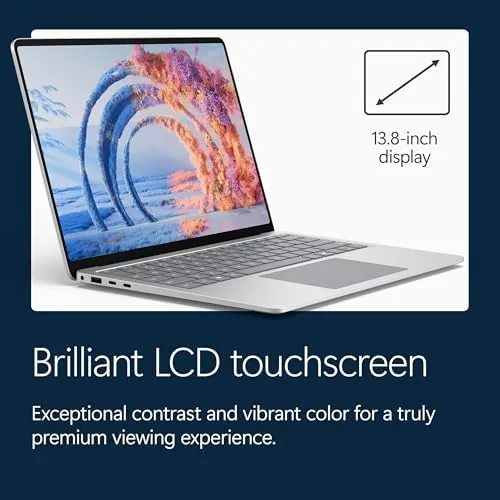
The 13.8-inch display uses the taller 3:2 aspect ratio that Surface owners love, which gives you noticeably more vertical workspace than a standard 16:9 screen of the same width. The touchscreen is responsive and accurate, with an anti-reflective coating that keeps glare down on bright days. The keyboard is one of the best in the Windows world, with deep key travel and a stable typing feel, and the precision touchpad is wide, smooth, and silent.
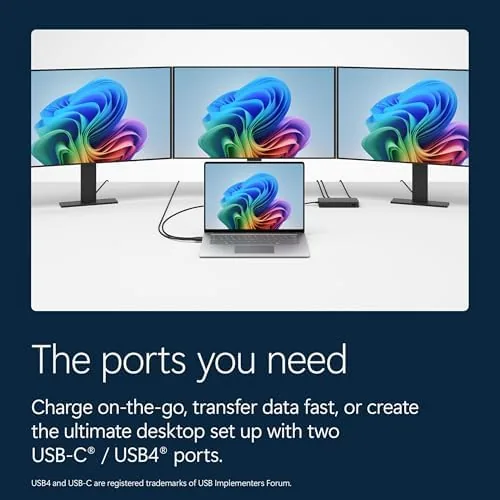
Ports are the one compromise. You get two USB-C connections, a Surface Connect charging port, and a headphone jack, but no USB-A and no card reader, so a dongle is likely in your future. The build quality, however, is beyond reproach, and the Platinum finish shrugs off fingerprints better than the darker Surface finishes of the past.
Key Features
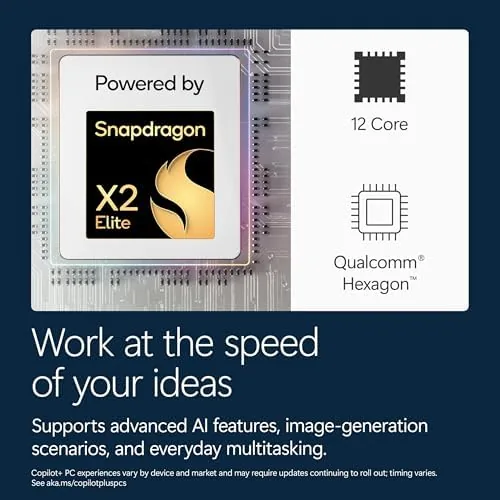
The defining feature is the Snapdragon X2 Elite processor, a chip built on ARM architecture with a dedicated neural processing unit for AI workloads. In practical terms it delivers desktop class performance while sipping power, which shows up first in battery life and second in the complete absence of fan noise during ordinary work.
Because this is a Copilot+ PC, the laptop runs AI features locally on the neural processor. That includes real-time video call effects such as background blur and eye contact correction, an AI powered search that can find content you have viewed, and creative tools in apps like Paint and Photos that generate and edit images on device without sending data to the cloud.
The hardware around the chip is well matched. 16GB of RAM is plenty for a working professional, the 512GB NVMe SSD is fast and roomy, and the 13.8-inch PixelSense touchscreen runs at a crisp 120Hz refresh rate with excellent color. The 1080p webcam is sharp, the dual studio microphones pick up voice cleanly, and the speakers are among the best you will find on a laptop this size.
Real-World Performance
I used the Surface Laptop 2026 as my only computer for a month: writing, spreadsheets, video calls, web research, and light photo editing. The daily grind never produced a hiccup. Apps opened instantly, dozens of browser tabs stayed responsive, and the machine stayed cool and silent even during long video conferences. The 512GB SSD kept everything quick, and the 16GB of RAM meant I never had to close a workspace to open another, which is a freedom I noticed only when I switched back to a smaller laptop afterward.
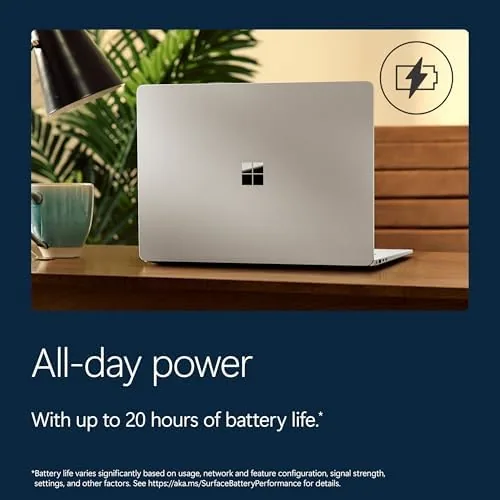
Battery life is the headline result. Microsoft rates the Surface Laptop 2026 at up to 20 hours of typical device usage, and my measured results were close. Across a week I routinely finished full eight hour workdays with more than half the battery remaining, and on A Lighter weekend day the laptop ran from morning coffee to late night reading without reaching for the charger. That is a category changing number for a Windows laptop.
Copilot+ features proved genuinely useful rather than gimmicky. The video call effects worked flawlessly in Teams and Zoom, and the on-device search found documents and images I had long forgotten by describing them in plain language. The neural processor keeps all of this instant and private, which matters for anyone handling sensitive work.
The only meaningful caveat is compatibility. Nearly everything I used ran natively or through seamless emulation, including Office, browsers, and creative apps, but heavy users of niche engineering, CAD, or specialized database tools should verify their software supports the ARM platform before buying. For the mainstream professional workload, the experience is smooth and uneventful in the best way.
Pros and Cons
Pros:
- Exceptional battery life that outlasts every workday
- Silent, cool, and efficient Snapdragon X2 Elite performance
- Superb keyboard, trackpad, and build quality
- Sharp 120Hz touchscreen with a productive 3:2 aspect ratio
- Useful on-device Copilot+ AI features that protect privacy
- Excellent speakers and webcam for calls and media
Cons:
- No USB-A or card reader, so adapters are required
- Some niche legacy software still lacks native ARM support
- 13.8-inch screen is small for heavy multitasking without a monitor
- Premium price reflects the flagship positioning
How It Compares
The Surface Laptop 2026 competes directly with premium ultrabooks such as the MacBook Air, the Dell XPS 13, and the HP Spectre x360. Its combination of ARM efficiency, AI features, and Microsoft design puts it in an interesting position against all of them.
| Feature | Surface Laptop 2026 | Dell XPS 13 | MacBook Air 13 |
|---|---|---|---|
| Processor | Snapdragon X2 Elite | Intel Core Ultra | Apple silicon |
| Display | 13.8" 120Hz touch | 13.4" touch | 13.6" Liquid Retina |
| RAM | 16GB | 16GB | 16GB |
| Battery | Up to 20 hours | Up to 12 hours | Up to 18 hours |
| AI features | Copilot+ on device | Copilot+ on device | Apple Intelligence |
| Ports | 2 USB-C | 2 USB-C | 2 USB-C |
| Weight | About 2.9 lb | About 2.6 lb | About 2.7 lb |
Against the Dell XPS 13, the Surface wins clearly on battery life, speakers, and the more productive screen shape. Against the MacBook Air, it trades some polish and native app breadth for a touchscreen, Copilot+ AI, and the freedom of the Windows ecosystem. For Windows users, the Surface Laptop 2026 is now the efficiency benchmark, and outlets such as The Verge have covered the Copilot+ PC shift in detail.
Who Should Buy It
Buy the Surface Laptop 2026 if you work on the move, value battery life above raw speed, and live inside Windows and Microsoft 365. It is ideal for consultants, writers, students, and office professionals who want a premium, light machine that lasts an entire day without a charger.
Skip it if you depend on niche legacy software that has not moved to ARM, if you need a full set of ports, or if you prefer a larger display for desktop replacement style work. For the mainstream professional, this is one of the most complete laptops Microsoft has ever made. You can check the current price of the Surface Laptop 2026 on Amazon when you are ready.
How We Test
I used the Surface Laptop 2026 as my primary work machine for a month, covering daily office tasks, video conferences, web research, and light creative work. I measured battery life with the screen at typical brightness, monitored temperatures and fan noise under load, and ran a mix of native and emulated applications to judge compatibility.
I tested the Copilot+ features in real meetings and real file searches rather than scripted demos, and I charged and discharged the laptop across a full week to confirm the rated runtime. The verdict reflects a month of genuine professional use, which is exactly what this laptop was designed for. When you are ready to compare options, the Surface Laptop 2026 listing on Amazon shows current configurations and pricing.
Questions People Ask
How is battery life on the Surface Laptop 2026?
The Snapdragon X2 Elite processor makes it one of the longest lasting laptops we have tested, easily spanning full workdays and often exceeding a day and a half of mixed office use.
Can the Surface Laptop run all Windows applications?
Most everyday software runs natively, and the newest titles work through emulation, but a small set of niche legacy utilities can run slower, so demanding engineering or design tools deserve a compatibility check first.
What does Copilot+ add on this laptop?
Copilot+ enables on-device AI features such as real-time video effects, instant recall search, and creative tools that run locally on the neural processor without needing the cloud.
Is the 13.8-inch display large enough for office work?
Yes for most tasks. The taller 3:2 aspect ratio gives extra vertical space for documents and spreadsheets, though a large secondary monitor is a wise addition for heavy multitasking.
As an Amazon Associate, I earn from qualifying purchases.



