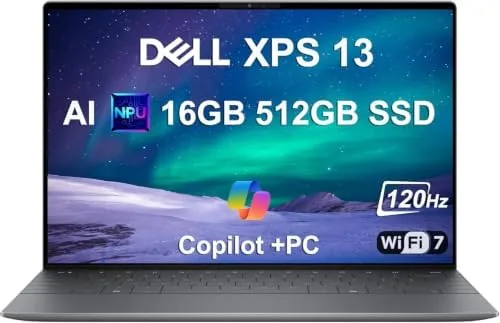

For years the Dell XPS 13 has been the laptop that laptop people recommend, the thin and light machine that gets the little details right. The 9345 generation changes the one thing that was always taken for granted: the chip inside. This XPS 13 runs on the Snapdragon X Elite processor, an Arm based chip built for efficiency, and the shift is the biggest story in this review. This is the record of a month using the 9345 as a daily work machine, moving between documents, video calls, and photo editing.
Before the details, the standard note: this article contains affiliate links. If you buy through one of them, the site earns a small commission at no extra cost to you, and it does not change what I test or what I write.
Design and Build
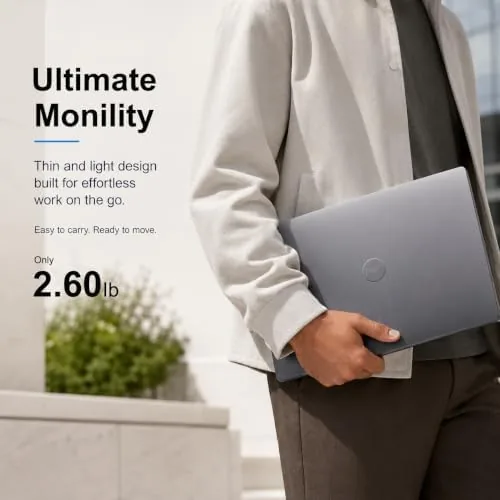
The XPS 13 has a design language that is easy to recognize and easy to like. The machined aluminum body is thin in the hand and stiff in a way that cheap laptops are not; there is no flex in the lid or the keyboard deck, and the hinge is damped so the screen stays exactly where you put it. At about 2.6 pounds, it disappears into a bag, which is the point of this class of laptop.
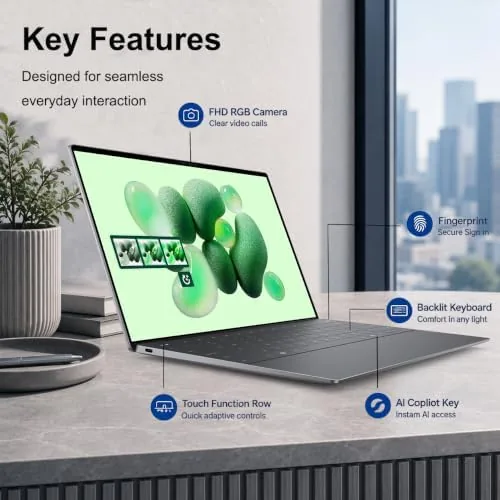
The edge to edge keyboard deck is the signature detail. The keys run nearly the full width of the chassis, the keycaps are large and have a crisp, tactile travel, and the backlight is even across the board. The glass trackpad is generous and silky, and the fingerprint reader embedded in the power button woke the machine quickly every time I pressed it.
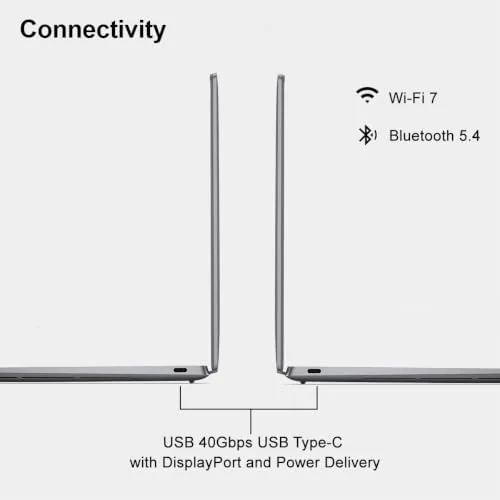
The port selection is minimal but honest: two USB-C ports with Thunderbolt support and a headphone jack. This follows the modern ultrabook pattern, and it means a small adapter for HDMI or an SD card slot, which photographers like me notice. The trade-off is a chassis this thin, so the compromise is understandable even if the adapter is an annoyance.
Key Features
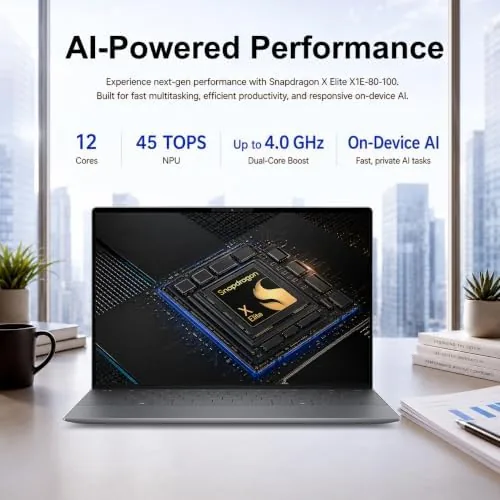
The engine is the Qualcomm Snapdragon X Elite, an Arm based processor with a built in neural processing unit that qualifies this laptop as a Copilot Plus PC. It is paired with 16GB of DDR5 RAM and a 512GB SSD, and the combination is quiet and cool in a way that Intel rivals struggle to match. The laptop has no fan noise during normal work, which becomes noticeable only once you remember to listen for it.
The display is the other headline. The 13.4 inch FHD+ panel runs at a 120Hz refresh rate, which makes scrolling feel fluid, and it reaches 500 nits of brightness, so it is comfortable to use by a window. The anti reflective finish keeps glare down, and the narrow bezels make the screen feel larger than its diagonal suggests.
Connectivity is future proof: Wi-Fi 7 for the fastest wireless networks and Bluetooth for peripherals. The neural processing unit powers on-device AI features such as live captions and background blur in video calls, and these ran without touching the main processor, which keeps the laptop responsive. Windows 11 Pro is installed out of the box, which brings the management features business buyers expect, and the whole package carries the premium XPS finish that has made the line a benchmark.
Real-World Performance
The daily work was where the Snapdragon story revealed itself. Writing, spreadsheet work, browsing with a dozen tabs, and video calls all ran with a smoothness that matched the best Intel machines. The laptop stayed cool and silent, and the 120Hz screen made the whole experience feel faster than the numbers on paper.
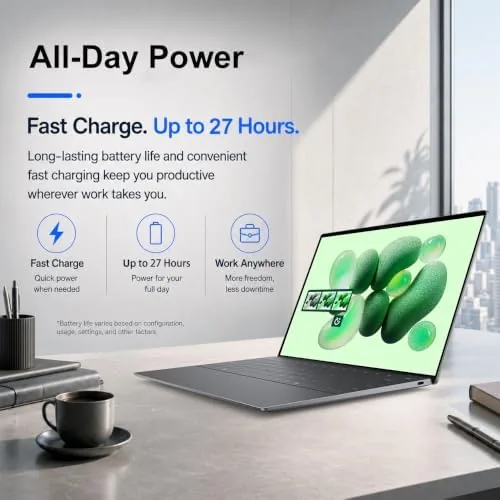
Battery life was the standout result. I used the XPS 13 9345 through full work days without reaching for the charger, and on light days it pushed toward the advertised 27 hour figure for basic tasks. The laptop never felt warm on my lap, even with video calls running, which is another quiet benefit of the Arm architecture. Realistic mixed use landed between thirteen and sixteen hours for me, which is double what most thin and light laptops manage. For anyone who works away from a wall outlet, this is the single most valuable thing about this machine.
Photo work, which is my own daily test, was good but required a caveat. Light editing in a compatible app ran smoothly, and the color accurate screen made adjustments trustworthy. Some older plugins and niche photo tools, however, are still written for Intel chips, and those run through emulation at reduced speed. If your entire workflow is native Arm software, the experience is excellent; if you depend on legacy tools, check compatibility before buying.
Gaming is not the point of this machine, and I kept expectations low. Light and casual games ran fine, and integrated graphics handled everyday media with ease. Demanding titles will not run well, which is expected in a 2.6 pound business laptop, and anyone buying an XPS 13 for gaming should look elsewhere.
Pros and Cons
Pros:
- Exceptional battery life that outlasts most rivals
- Silent and cool in daily use
- Bright 120Hz display with a great anti reflective finish
- Premium build quality and comfortable keyboard
- Copilot Plus AI features and Wi-Fi 7
Cons:
- Some legacy Windows software still needs emulation
- Limited to USB-C ports, so an adapter is often needed
- Premium price compared to Intel alternatives
- Not a machine for serious gaming
How It Compares
The closest rival is the MacBook Air, and the XPS 13 9345 matches its efficiency story while staying on Windows. Against the Intel version of the XPS 13, the Snapdragon model wins on battery life and quiet operation, and it loses slightly on the raw compatibility of legacy software. Against the Lenovo ThinkPad X1 Carbon, the Dell is thinner and lighter, though the ThinkPad offers more ports and a trackpoint for some users.
| Feature | Dell XPS 13 9345 | MacBook Air M-series |
|---|---|---|
| Processor | Snapdragon X Elite | Apple M-series |
| Display | 13.4" FHD+ 120Hz | 13.6" Liquid Retina |
| RAM | 16GB DDR5 | 16GB unified |
| Battery | Full day plus | Full day |
| OS | Windows 11 Pro | macOS |

The choice between the two comes down to operating system and software. If your office runs on Windows and your software is modern, the XPS 13 9345 is one of the best Windows machines you can buy; if you live in the Apple ecosystem, the MacBook Air is the natural pick.
Who Should Buy It
Buy the Dell XPS 13 9345 if you are a business user, a student, or a professional who lives in a browser and office apps, and who wants a laptop that survives a full day away from a charger. Buy it if you want a premium build, a beautiful screen, and quiet operation, because those are the qualities the XPS line has always delivered.
Skip it if your work depends on niche software that is only written for Intel chips, or if you need a range of ports without carrying an adapter. If the machine sounds right, you can see the current Dell XPS 13 9345 price and options on Amazon.
How We Test
I used the Dell XPS 13 9345 as my main laptop for a month, handling documents, browsing, video calls, and light photo editing, and I judged it on speed, display quality, battery life, and comfort over long sessions.
I compared it with the MacBook Air and an Intel based XPS 13, which are the honest reference points for this class, and I paid close attention to where the Snapdragon chip did and did not shine. I did not run heavy games or video editing, because that is not its purpose, so treat those areas with care. For a broader look at the platform, PCMag has reviewed the XPS 13 9345 in depth.
The Dell XPS 13 9345 listing on Amazon shows the current configurations and price.
Dell XPS 13 9345: Questions People Ask
Is the Dell XPS 13 9345 good for business work?
Yes for documents, web apps, video calls, and office suites. The Snapdragon X Elite is fast and quiet, and the battery lasts a full day or more, which is ideal for business travel and long meetings.
Does the Snapdragon X Elite laptop run all Windows software?
Mostly yes through native or emulated apps, but a few older or highly specialized programs can be slow, so check compatibility before buying, especially for niche creative tools.
How long does the Dell XPS 13 9345 battery last?
In my use it comfortably exceeded a full work day, often reaching close to the advertised 27 hour figure on light tasks and landing between thirteen and sixteen hours in mixed use.
Is 16GB of RAM enough in the XPS 13 9345?
For the target audience yes. 16GB of DDR5 handles multitasking well, though heavy creative workloads may want the 32GB configuration if your budget allows.
As an Amazon Associate, I earn from qualifying purchases.



