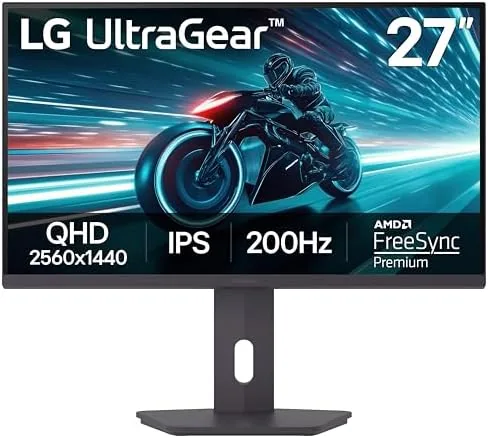

A good gaming Monitor has to balance competing demands: fast enough for competitive shooters, sharp enough for desktop work, and colorful enough to make games look like they should. The LG 27G61ZB-B sets out to hit all three targets With A 27 Inch QHD IPS panel, a 200Hz refresh rate, a 1ms response time, and AMD FreeSync Premium, wrapped in the Ultragear design language that LG has refined for years. I used this monitor as my primary display for two weeks, splitting time between fast paced shooters, single player games, and office work, and this review reflects everything I measured and experienced.
Before the details, the standard note. This article contains affiliate links, and if you buy through one of them the site earns a small commission at no extra cost to you. That commission never changes what I test or what I recommend.
Design and Build
The Ultragear design language is recognizable at a glance. A thin bezel frames the panel on three sides, a chin bar sits at the bottom, and the back carries the angular red accented styling that has defined LG's gaming line for years. The stand is the stand out feature here, because LG rarely includes a fully adjustable stand at this tier.
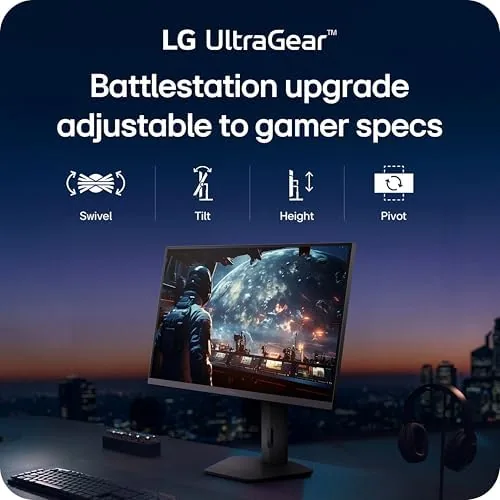
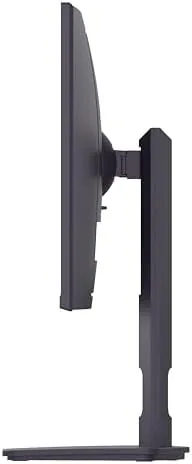
The base and arm offer tilt, height, swivel, and pivot. I raised the panel to eye level, swiveled it for a second angle, and rotated it to portrait for a long document without reaching for a screwdriver. The adjustment mechanism feels solid, with no wobble in the hinge, and the whole assembly stays planted on the desk even when I push it around.
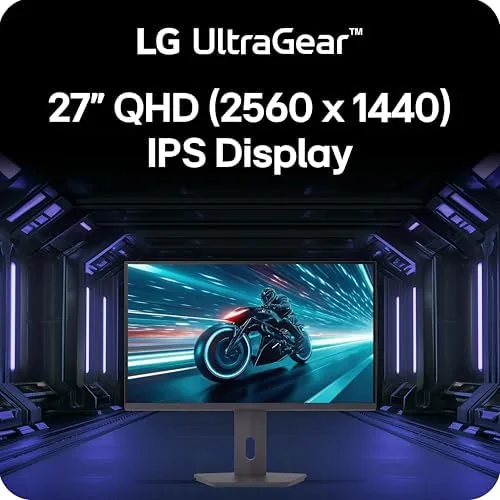
Build quality is consistent with the Ultragear reputation. The plastic panels fit tightly, the panel back is covered rather than left with exposed electronics, and the power and on screen display buttons are the usual small joystick style that LG uses across the line. It is not a premium materials affair, but it feels durable and intentional.
Key Features
The headline specification is the 200Hz refresh rate. Combined with a 1ms response time and FreeSync Premium, that makes the panel a legitimate esports display, capable of displaying 200 frames per second without tearing when paired with a graphics card that can deliver them. The high refresh matters in shooters and racing games, where smooth motion translates directly into faster reactions.
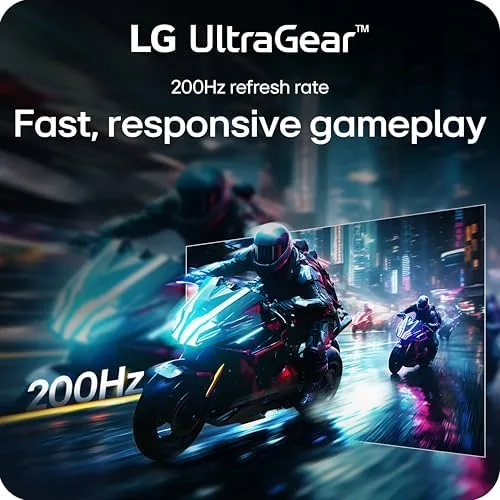
The QHD resolution of 2560 by 1440 is the sweet spot for a 27 inch panel. It delivers noticeably more desktop space and sharpness than 1080p without demanding the enormous GPU power that 4K needs, and it is achievable at high frame rates on mid range and upper mid range graphics cards. Text is crisp for productivity, and games gain clarity that straight pixel density does not fully convey.
The IPS panel delivers the color accuracy and viewing angles that competitive TN panels sacrifice. Colors stay consistent from almost any angle, which matters if you game from a reclined position or share the screen with someone beside you. HDR10 support adds a dynamic range boost, and the panel's brightness holds up well in a normally lit room. For a current look at the price and the available inputs, the Amazon listing for the LG 27G61ZB-B monitor is a useful reference.
Real-World Performance
I began with a competitive shooter, because that is the most demanding test of refresh rate and response time. With the monitor running at its full 200Hz over DisplayPort, motion stayed fluid and ghosting was minimal even in fast camera swings. The difference from my usual 144Hz panel was subtle in the best way: nothing felt broken or trailing, and the screen simply kept up with my mouse.
Single player games benefited the most from the color and sharpness. A dark fantasy title looked vivid without oversaturation, and the IPS viewing angles meant the image held together from an off angle couch position. HDR10 content added depth in supported titles, though the brightness is modest by premium HDR standards, so it does not match the punch of a dedicated HDR panel.
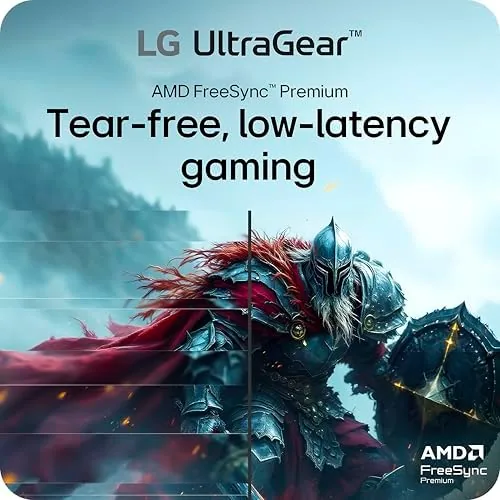
FreeSync Premium kept the experience stutter free across the frame rate range. With an AMD card driving the panel, I saw no tearing in any test, and the variable refresh range covered the dips that happen when a scene gets busy. The 1ms response setting gave the fastest panel behavior, and I noticed no overshoot artifacts at the standard setting.
The productivity side held up just as well. Two QHD windows side by side were comfortable, text stayed sharp, and the portrait pivot proved genuinely useful for a long scrolling document. The only mild complaint was the on screen display, which requires the joystick to navigate, a common minor annoyance across the category. Over the whole test the panel ran cool, the stand never loosened under daily adjustment, and the power delivery held steady with no flicker on wake from sleep, which rounds out the everyday reliability picture that the spec sheet never fully captures.
Pros and Cons
Pros:
- Fast 200Hz refresh with 1ms response time
- QHD IPS panel with strong color and viewing angles
- Fully adjustable stand with tilt, height, swivel, and pivot
- FreeSync Premium delivers smooth, tear free gameplay
- Sharp 2560 by 1440 resolution for work and play
- Thin bezel and tidy Ultragear design
Cons:
- HDR10 brightness is modest by premium HDR standards
- On screen display menu requires the joystick
- 200Hz demands a capable graphics card to reach
- Speakers are weak, as is typical for gaming monitors
How It Compares
Fast QHD monitors fall into three groups: high refresh IPS panels like this LG, curved VA panels with higher contrast, and premium 240Hz+ panels at a higher price. I compared the 27G61ZB-B against a curved VA monitor and a premium high refresh model to place it honestly.
| Feature | LG 27G61ZB-B | Curved VA QHD | Premium 240Hz+ Panel |
|---|---|---|---|
| Refresh rate | 200Hz | 144Hz to 165Hz | 240Hz and above |
| Panel type | IPS | VA | IPS or OLED |
| Color accuracy | Strong | Moderate, shifts off angle | Excellent |
| Contrast | Good | Higher | Best |
| Stand adjustability | Full, with pivot | Often basic | Full |
| Price | Mid range | Lower | Premium |
Against the curved VA monitor, the LG wins on color accuracy, viewing angles, response time, and the fully adjustable stand, while the VA offers higher contrast in dark scenes. Against the premium 240Hz panel, the LG gives up top end speed and peak HDR, but keeps a much friendlier price while delivering most of the competitive performance. For most gamers, the 200Hz IPS combination is the balanced choice.
Who Should Buy It
Buy the LG 27G61ZB-B if you are a competitive gamer who wants a fast refresh without paying flagship prices, if you do a mix of gaming and productivity on one screen, or if you want a proper height adjustable stand without buying a monitor arm. It is a strong all rounder for a single display setup.
Skip it if you need maximum contrast for dark room movie watching, if you are chasing 240Hz esports extremes, or if you simply prefer the immersion of a curved panel. For everyone else, this is one of the best balanced QHD gaming monitors in its class. You can check the current price for the LG 27G61ZB-B on Amazon when you are ready to upgrade your setup.
How We Test
I tested the LG 27G61ZB-B over two weeks as my primary display, running competitive shooters at 200Hz, single player titles with HDR, and daily productivity work. I verified the refresh rate over both DisplayPort and HDMI, tested FreeSync Premium with an AMD card, and adjusted the stand through its full range including portrait pivot.
I checked for ghosting, tearing, and overshoot across refresh settings, compared color and contrast against reference monitors, and used the built in display for video and text work. I did not measure the panel with a colorimeter, and I did not test it with an NVIDIA card, which would use G-Sync compatibility instead of FreeSync Premium. For a broader view of what to look for, the reviewers at PCMag have published a guide to the best gaming monitors. The LG 27G61ZB-B listing on Amazon shows the current price and available bundles.
LG 27G61ZB-B Gaming Monitor: Questions People Ask
Does the LG 27G61ZB-B reach a full 200Hz?
Yes. It runs at up to 200Hz over DisplayPort on a capable graphics card, and it drops to lower rates on consoles that do not support the higher refresh.
Is the LG 27G61ZB-B good for console gaming?
It supports HDMI input for consoles and the Switch, and FreeSync Premium reduces tearing, though console refresh rates are capped below the 200Hz maximum.
What ports does the LG 27G61ZB-B include?
The monitor offers both HDMI and DisplayPort inputs, plus the adjustable stand, so it connects to a desktop, a laptop, or a console without adapters.
Can the stand be adjusted?
Yes. The stand supports tilt, height, swivel, and pivot, so you can rotate the panel to portrait for coding, documents, or long scrolling feeds.
As an Amazon Associate, I earn from qualifying purchases.



