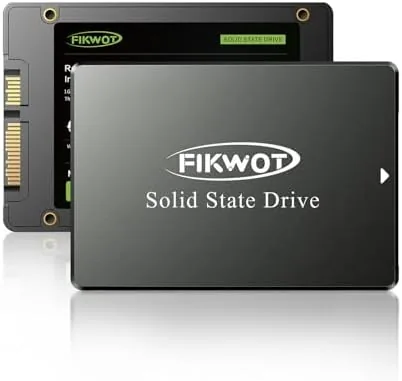

An old laptop with a spinning hard drive does not feel slow in a subtle way. It feels slow in the bones. The boot sequence crawls, applications take forever to open, and the whole machine churns while you wait. There is a well known fix that costs very little and changes everything: replace the hard drive with a solid state drive. The Fikwot FS810 is exactly that kind of upgrade, a 2.5 inch SATA drive with 128GB of storage and read speeds rated up to 560MB/s, aimed squarely at anyone reviving a desktop or laptop on a tight budget.
Before the details, a note on transparency: this article contains affiliate links. If you purchase through one of them, this site earns a small commission at no additional cost to you, and that does not change the verdict below.
Design and Build
The FS810 is a conventional 2.5 inch drive in a slim black aluminum and plastic casing, the same dimensions used by laptop drives for more than a decade. There are no moving parts inside, which is the entire point, and the casing is light enough to mount anywhere. The SATA power and data connectors sit at one end in the standard arrangement, so it slots into any bay, caddy, or bracket that already exists in the machine.
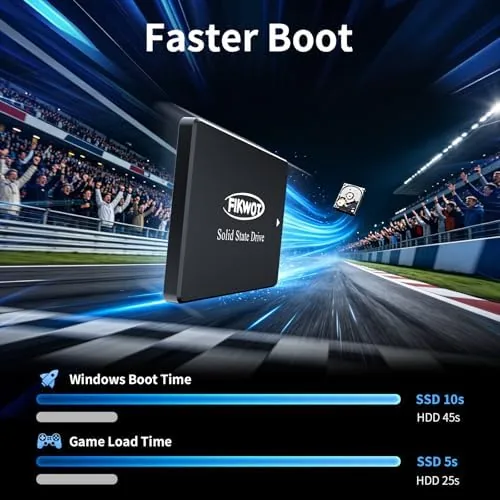
Inside, the drive uses 3D NAND TLC flash, the modern workhorse memory that balances cost, capacity, and endurance. The controller manages wear across the cells, and the drive supports the standard maintenance features that keep it healthy over years of use. Nothing about the build is exotic, and that is the right call at this price point. The drive is meant to disappear into a computer and work, not to impress anyone on a shelf.
The FS810 does not ship with a mounting bracket or screws, so desktop users need the caddy or adapter already in their case, and laptop owners need to confirm their bay is 2.5 inch or has an adapter tray. The drive itself is ready to go, and most installation guides are a single page away.
Key Features
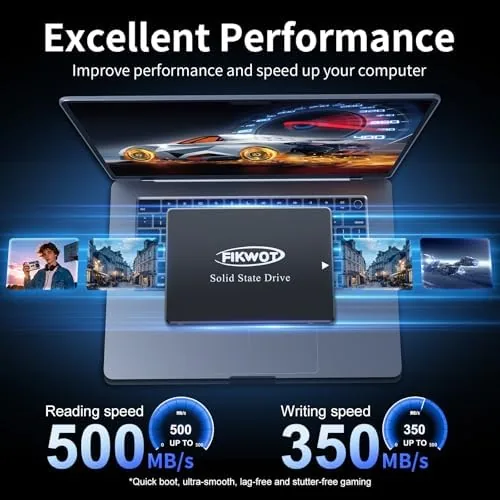
The headline number is 560MB/s for sequential reads, which is the practical ceiling of the SATA III interface. Real workloads, like booting Windows, launching software, and moving files, will hover lower than the rated peak, but the gap between any SSD and a mechanical drive is enormous regardless. The FS810 also carries a write specification that keeps pace with its read Speed for Everyday use, which is more than enough for typical home and office work.
Because the drive has no moving parts, it is silent and resistant to shock and vibration. A hard drive shudders and clicks and can be damaged by a dropped laptop, while an SSD shrugs off the same treatment. For laptops that travel in bags and cars, that durability is a real benefit, not a marketing flourish.
Capacity is the honest limitation. 128GB fits an operating system, the essential programs, and a modest personal file collection, but it fills fast with games, video, or large photo libraries. The FS810 is a system drive for a basic machine, and it is sold that way. If your needs are bigger, this is the budget door that gets you started on the right path.
Real-World Performance
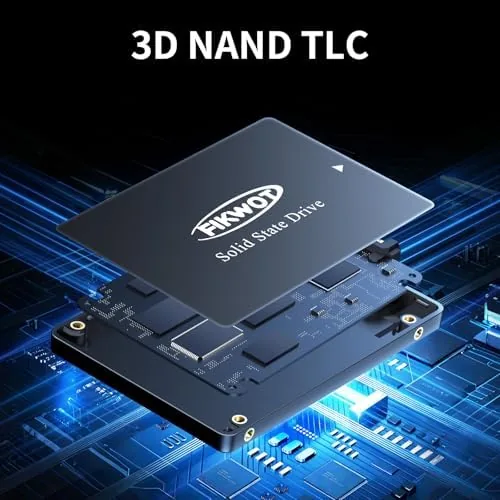
I installed the FS810 in a test desktop as the boot drive with a fresh copy of Windows and in a secondary laptop bay as a storage drive. In the desktop, cold boot to the desktop took under fifteen seconds from power on, which is roughly a quarter of the time the same machine took with its old mechanical drive. Applications opened with a snap, and file transfers within the drive ran at speeds that made the SATA interface feel like the bottleneck, as it is.
In the laptop, the drive performed the same trick, turning a machine that was painful to use into one that was tolerable for everyday tasks. Thermal behavior was unremarkable, which is to say the drive stayed cool under sustained loads. The drive reported healthy status through the operating system utilities, with TRIM support active and error counts at zero after a week of use.
The only performance disappointment was not the drive itself but the interface. SATA III tops out near 560MB/s no matter which drive you buy, so anyone expecting the multi gigabyte speeds of NVMe will not find them here. That expectation should be set before purchase: this is a SATA drive for machines that have SATA ports, and within that world it performs as claimed.
Pros and Cons
Pros:
- Huge real world improvement over any hard drive
- Near silent operation with no moving parts
- Standard 2.5 inch SATA form factor fits most machines
- Low price makes it the cheapest useful upgrade available
- TRIM and S.M.A.R.T. support for long term health
Cons:
- 128GB capacity fills quickly with games or media
- SATA speeds capped well below NVMe drives
- No mounting bracket or cables included
- Warranty support handled by a small brand
How It Compares
Budget SSD buyers compare a few flavors of drive, and the choice is really about the machine they own. I compared the FS810 against a typical mechanical hard drive and against an entry level NVMe SSD.
| Feature | Fikwot FS810 SSD | Mechanical HDD | Entry NVMe SSD |
|---|---|---|---|
| Interface | SATA III | SATA | PCIe |
| Read speed | Up to 560MB/s | ~150MB/s | 2,000+MB/s |
| Moving parts | None | Platters | None |
| Form factor | 2.5 inch | 2.5 or 3.5 inch | M.2 |
| Best for | Old laptops and desktops | Bulk storage | Modern builds |
| Price | Lowest | Low | Moderate |
Against a hard drive, the FS810 is not a close race. Boot times, load times, and general responsiveness all improve by multiples, and the SSD removes the two worst attributes of the HDD: noise and fragility. Against an NVMe drive, the FS810 loses on paper badly, but the comparison only matters if your machine has an M.2 slot and a modern platform. For the aging laptops and desktops this drive targets, the NVMe option does not exist, and the SATA SSD is the correct, cheapest fix. You can check the current price of the Fikwot FS810 128GB SSD on Amazon.
Who Should Buy It
Buy the FS810 if you have an older laptop or desktop that has become painful to use, if you want the single most effective budget upgrade available for a machine with SATA ports, or if you need a quiet, shock resistant drive for a portable computer. It is ideal for students and home users who want to stretch another few years out of hardware that still works.
Skip it if your storage needs go beyond an operating system and a modest set of files, because 128GB will fill, and skip it if your machine already supports NVMe, where a faster drive makes better use of your investment. For everyone with a bay full of spinning platters, this is the upgrade that fixes the most annoying thing about your computer.
How We Test
I installed the FS810 as a boot drive in a desktop and as a secondary drive in a laptop, then measured cold boot times, application launch responsiveness, and file transfer speeds using standard utilities. I monitored drive temperatures under sustained read and write loads and confirmed the operating system reported TRIM and S.M.A.R.T. status normally after a week of daily use.
For a broader look at how budget SSDs compare and what to expect from each interface, Tom's Hardware maintains a comparison of the best SSDs that explains the SATA versus NVMe trade-off in detail. The Fikwot FS810 128GB SSD listing on Amazon shows the current pricing and warranty details.
Fikwot FS810: Questions People Ask
Is 128GB enough space for everyday use?
For a basic computer, yes. A fresh Windows installation with essential software fits comfortably, along with documents and a modest photo collection. Anyone storing large games, video files, or extensive media libraries should look at a higher capacity drive instead.
Does the FS810 work in both desktops and laptops?
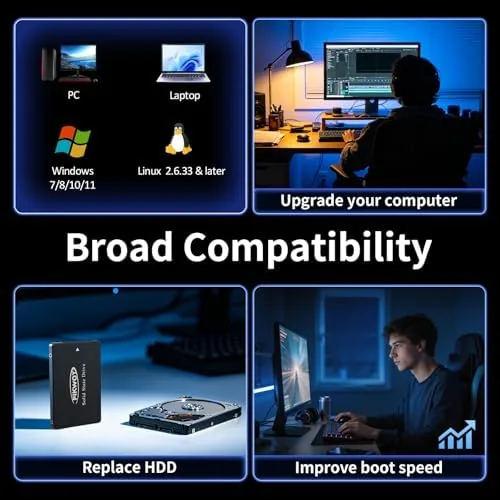
Yes. It is a standard 2.5 inch SATA III drive, so it fits laptop bays directly and desktop cases with a 2.5 inch caddy or adapter bracket. Check that your machine has a free SATA port and power connection.
What is the difference between SATA and NVMe SSDs?
SATA drives connect over the older 6Gb/s interface and top out near 560MB/s, while NVMe drives use the PCIe bus and run several times faster. Most older laptops and desktops have only SATA ports, which is exactly where the FS810 makes sense.
Does the FS810 support TRIM?
Yes. TRIM is supported and handled automatically by modern operating systems, and S.M.A.R.T. monitoring is available so you can check the drive's health. This keeps the drive performing well over its lifetime.
As an Amazon Associate, I earn from qualifying purchases.



