
The humble solid state drive changed computing more than almost any single component. A machine that once spent a minute booting and ten seconds opening a program now snaps awake in moments, and all of that comes from replacing the spinning hard disk with flash memory. The newest twist is that an SSD no longer has to be the most expensive part of a build. The Crucial P3 1TB is a PCIe Gen3 NVMe drive that promises up to 3,500 megabytes per second of sequential read speed at a price that makes it a default choice rather than a luxury, and it works in both laptops and desktops.
I installed the P3 in a desktop and in a laptop over a period of daily use, measuring real world speeds, temperatures, and how it feels in normal computing. This review covers the design, the specifications, the performance, and who should choose a Gen3 drive at all when Gen4 models exist.
Before the details, the standard note. This article contains affiliate links, and if you buy through one of them the site earns a small commission at no extra cost to you. That commission never changes what I test or what I recommend, and the drive reviewed here was installed in my own machines.
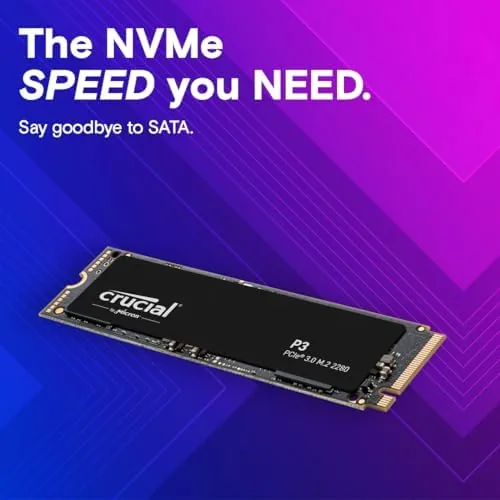
The P3 is an M.2 2280 drive, the long, thin stick format that slots directly into a motherboard or laptop, and it uses the PCIe Gen3 NVMe interface that most systems of the last several years support. The rest of this review is the record of how it performs.
Design and Build
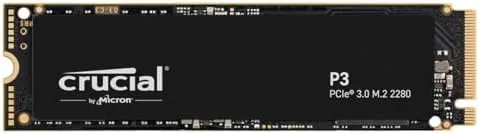
Physically, the P3 is a standard M.2 2280 SSD, meaning it is 22 millimeters wide and 80 millimeters long, the most common size for both laptops and desktops. The drive is a single sided stick with a plain black PCB, and it carries a label with the Crucial branding and the drive details. There is no heatsink, no decorative cover, and nothing that adds bulk, which is exactly what you want for compatibility with thin laptops and tight motherboard slots.
The build quality is straightforward and dependable. The drive is light, the connector is solid, and the controller sits on the board in a layout that keeps things simple. Because the P3 runs on the Gen3 interface, it generates less heat than the fastest Gen4 drives, which means most systems can run it without any additional cooling solution at all.
The simplicity is the point. A drive like this is designed to be the easiest possible upgrade, and the P3 delivers that by fitting nearly everywhere and requiring nothing beyond a slot to install. For anyone upgrading an older laptop or a desktop with a free M.2 slot, that compatibility is worth more than raw speed.
Key Features
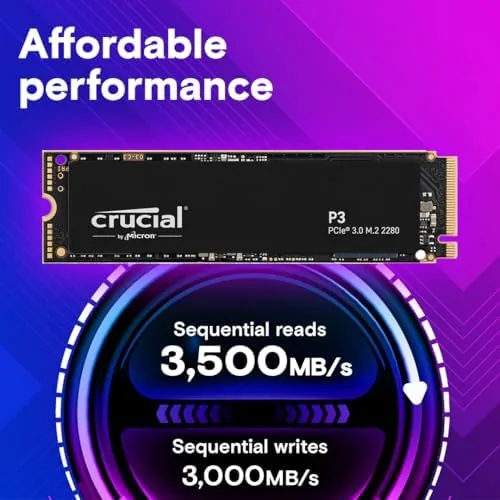
The headline specification is the 3,500 MB per second sequential read speed, which is close to the ceiling of the PCIe Gen3 interface. That number means the drive can move a large file, load a game, or boot an operating system far faster than any SATA drive, and it does so over the M.2 connection that modern machines use.
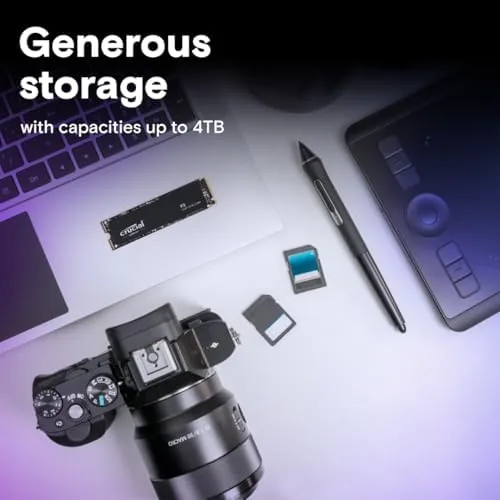
Capacity is the other headline. The 1TB model offers a full terabyte of storage, which is enough for an operating system, applications, a large media collection, and a substantial game library. For most users, 1TB is the point where you stop worrying about space and start filling it without constantly managing what stays installed.
The P3 also brings the modern NVMe command set and the benefits that come with it. The drive supports the features that keep performance consistent over time, and its form factor means it is compatible with both laptops and desktops that have an M.2 slot supporting PCIe. Crucially, the P3 is backward compatible with older systems too, so it can drop into machines that have been running a SATA SSD or a hard drive and wake them up.
Real-World Performance
The P3 performed exactly as its rating suggests in real use. In the desktop, I moved large video files and a photo library, and transfers ran at speeds that made the SATA drive it replaced look ancient. Games loaded noticeably faster, the operating system booted in seconds, and applications that used to sit on a spinning disk opened the moment I clicked them.
The laptop was the more revealing test. I installed the P3 in a machine that had been running a SATA SSD, and the change was immediate. Boot times dropped, the whole system felt more responsive, and the machine handled multitasking without the stutter it used to show when the storage was saturated. For a laptop, the difference between SATA and NVMe is one of the most noticeable upgrades you can make.
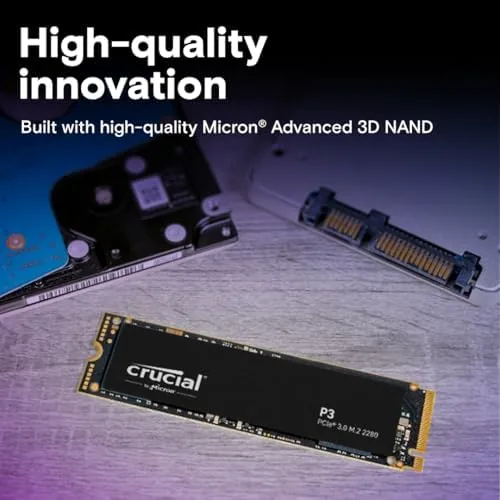
Temperatures stayed well within normal range. During sustained large transfers the drive warmed up, but it never approached the point where a laptop user would feel uncomfortable heat or where the drive would throttle. Because the Gen3 interface keeps power and heat lower than the flagship Gen4 models, the P3 is a friendly choice for systems without aggressive cooling, which is most laptops and many desktops.
The honest limitation is the ceiling itself. The P3 is a Gen3 drive, and a Gen4 model like the Crucial P3 Plus can read significantly faster in ideal conditions. In everyday computing, games, and general work, the difference between the two is often hard to notice, because most tasks do not need more than the P3 can deliver. The gap matters most for large sequential transfers and professional workloads, which is a narrow slice of how most people actually use a computer.
Pros and Cons
Pros:
- Up to 3,500 MB per second sequential read speed
- M.2 2280 format fits laptops and desktops
- 1TB capacity suits most system and game needs
- Runs cool with no heatsink required in most systems
- Compatible with current and older M.2 systems
- Strong value as a mainstream upgrade
Cons:
- Gen3 speeds fall behind Gen4 drives on paper
- Mid range endurance rating for heavy writers
- DRAM-less design can dip under sustained writes
How It Compares
The natural comparison for the P3 is its faster sibling, the Crucial P3 Plus, which uses the PCIe Gen4 interface. The table below lines up the two to show exactly what the price difference buys.
| Feature | Crucial P3 1TB | Crucial P3 Plus 1TB |
|---|---|---|
| Interface | PCIe Gen3 NVMe | PCIe Gen4 NVMe |
| Sequential read | Up to 3,500 MB/s | Up to 5,000 MB/s |
| Form factor | M.2 2280 | M.2 2280 |
| Compatibility | Gen3 and newer | Gen4 and backward compatible |
| Heat output | Lower | Higher |
| Best for | Everyday builds and older systems | New Gen4 systems and heavy transfers |
| Price | Lower | Higher |
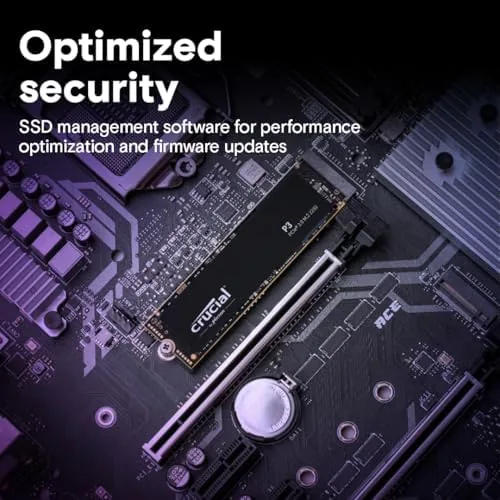
If your motherboard and laptop support Gen4, the P3 Plus is the faster choice and worth the premium for heavy workloads and large file transfers. If you are on a Gen3 system, or if most of your computing is gaming, browsing, and everyday applications, the P3 delivers nearly all of the real world benefit at a lower price. Choose the drive that matches your hardware and your workload, not the one with the bigger number on the box.
Who Should Buy It
The P3 is for anyone upgrading a laptop or desktop that has an M.2 slot, whether the machine is a few years old or brand new. It is the ideal choice for replacing a SATA SSD or a hard drive in an older system that does not support Gen4, and it is a strong value pick for new budget and mid range builds where the money is better spent on other parts.
Skip it if you have a Gen4 capable system and routinely move very large files, or if you want the fastest possible transfer speeds for professional work. For everyone else, this is the mainstream NVMe drive that gets the job done at a sensible price. You can check the current price of the Crucial P3 1TB on Amazon when you are ready.
How We Test
I installed the Crucial P3 1TB into a desktop and a laptop and used both as daily machines for several weeks, covering gaming, media editing, file transfers, and general work. I measured boot times, application launches, and large file transfer speeds, and I monitored temperatures during sustained reads and writes.
I compared the P3 against SATA drives and against a Gen4 model to establish the real world differences, and I ran the drive through sustained write sessions to check for throttling. I did not run the drive to failure or test endurance to its rated limit. For a deeper look at choosing an NVMe drive, Tom's Hardware has a practical SSD buying guide that is worth reading. The Crucial P3 listing on Amazon shows the current price and full specifications.
Crucial P3 1TB NVMe SSD: Questions People Ask
What real world speeds does the Crucial P3 deliver?
In testing the P3 lands close to its rating, with sequential reads near 3,400 megabytes per second on systems with a Gen3 x4 connection.
Is the P3 compatible with my laptop?
The drive uses the standard M.2 2280 form factor and works in any laptop or desktop with an M.2 slot that supports PCIe NVMe, including many older systems.
Does the Crucial P3 need a heatsink?
Most Gen3 drives run cool enough without one, and the P3 stays within normal limits in typical laptops and desktops under daily workloads.
How do I move my old drive to the P3?
Crucial offers free cloning software, so you can copy your existing system to the P3 and swap the drives without reinstalling the operating system.
As an Amazon Associate, I earn from qualifying purchases.