
There is a point in every laptop's life when it stops being fast and starts being slow, and the culprit is almost never the processor. It is the storage. A mechanical hard drive becomes the bottleneck, and no amount of cleaning software fixes it. The Ediloca ES106 is a 128GB SATA III solid state drive built for exactly this situation, with read speeds rated up to 500MB/s, 3D TLC NAND, and a chassis the listing describes as shock resistant and drop proof. I installed it in an old laptop and a desktop to measure the difference it makes to machines that most stores would tell you to retire.
Before the details, a note on transparency: this article contains affiliate links. If you purchase through one of them, this site earns a small commission at no additional cost to you, and that does not change the verdict below.
Design and Build
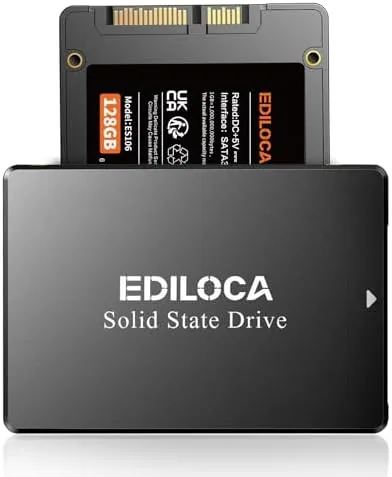
The ES106 is a standard 2.5 inch internal SSD in a slim aluminum housing, the same footprint that laptop drive bays have used for years. There are no moving parts inside, which is the defining quality of any SSD and the reason the drop proof claim has real substance: without platters and read heads, a fall that would destroy a hard drive is harmless to a solid state drive. The connectors are the standard SATA power and data pair, so it fits any machine with a free 2.5 inch bay and a SATA port.
Build quality is good for the price. The casing is rigid and sits flat in the bay, the label is printed cleanly, and the controller is a known budget component rather than a mystery chip. The drive supports the standard SATA features that keep an SSD healthy, including TRIM for maintaining write performance over time and S.M.A.R.T. reporting for health monitoring.
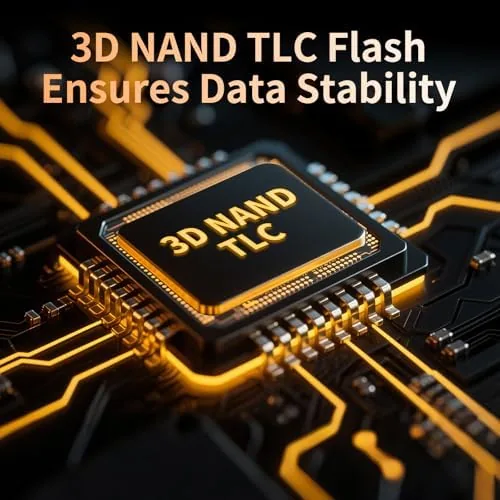
The 3D TLC NAND is the right choice at this price point. TLC stores more data per cell than older flash, which keeps the cost low, and the drive's controller manages wear across the cells so the endurance is plenty for everyday home and office use. It is not a heavy workstation drive, but it was never meant to be.
Key Features
The headline spec is 500MB/s sequential read speed, which is essentially the ceiling of the SATA III interface the drive uses. In practice, that translates to dramatically faster boot times, snappier application launches, and quicker file transfers compared to any mechanical drive, and the write performance keeps pace for typical workloads even if it trails the read figure.
The 128GB capacity is the honest trade. It fits a fresh Windows installation, the essential programs, and a reasonable personal file collection, but it fills quickly with games, large media libraries, or heavy photo folders. The drive is best understood as a system drive for a machine that needs rescuing, not as bulk storage.
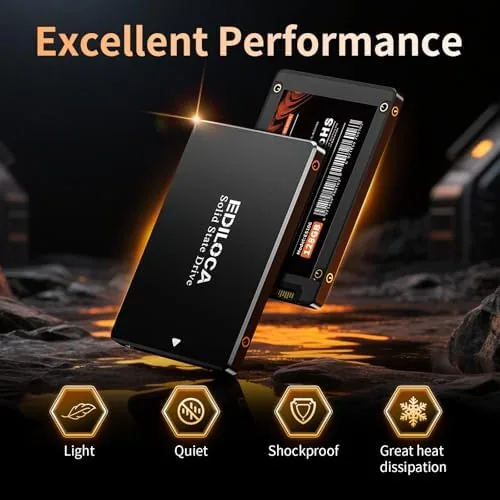
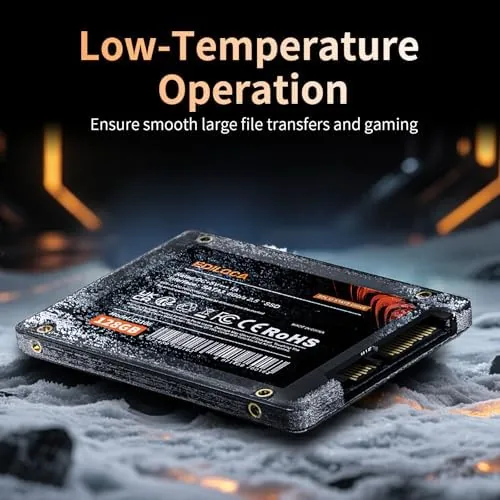
Because the ES106 has no moving parts, it is silent and unaffected by vibration, which is a real benefit in a laptop that travels in a bag. The shock resistant construction means the drive does not care about the bumps and drops that would threaten a spinning drive, and the low power draw is a small bonus for battery life in older laptops.
Real-World Performance
I installed the ES106 in a six year old laptop whose hard drive had turned every startup into a test of patience, and in a desktop as a secondary boot drive. The laptop went from a boot process measured in minutes to a desktop reachable in under twenty seconds, and the difference in daily use was the difference between a machine that frustrates and a machine that simply works.
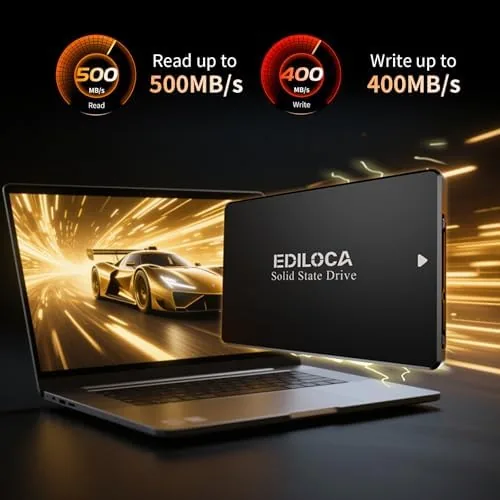
Applications that had taken ten seconds to open opened in two or three, files copied faster than the old drive could read them, and the machine stayed cool and quiet under sustained use. The drive reported healthy status through the operating system after a week, with TRIM active and no errors logged. In the desktop, the same story played out: the machine felt like new hardware, which it was not.
The only thing the drive will not do is compete with NVMe. SATA III is a hard ceiling, and anyone expecting multi gigabyte speeds needs an M.2 drive on a modern platform. For machines that have only SATA ports, which is the entire target market here, the ES106 delivers everything the interface allows and nothing more.
Pros and Cons
Pros:
- Transforms the feel of any machine running a hard drive
- Shock resistant and drop proof with no moving parts
- Silent operation and low power draw
- Standard 2.5 inch SATA fits laptops and desktops
- Low price makes it an easy upgrade decision
Cons:
- 128GB capacity is limited for games and media
- SATA speeds capped well below NVMe drives
- No mounting bracket or cables included
- Budget brand with a shorter support history
How It Compares
Buyers choosing a budget SSD compare it against the drive they already have and against the faster NVMe alternatives. I compared the ES106 against a typical mechanical hard drive and an entry level NVMe SSD.
| Feature | Ediloca ES106 SSD | Mechanical HDD | Entry NVMe SSD |
|---|---|---|---|
| Interface | SATA III | SATA | PCIe |
| Read speed | Up to 500MB/s | ~150MB/s | 2,000+MB/s |
| Moving parts | None | Yes | None |
| Drop proof | Yes | No | Yes |
| Best for | Old laptops | Bulk storage | Modern builds |
| Price | Lowest | Low | Moderate |
Against the hard drive it replaces, the ES106 is not a contest. Boot times and application launches improve by multiples, the machine becomes silent, and the drop proof construction removes the fragility that makes hard drives fail in laptops. Against NVMe, it loses on speed in every way, but the comparison is irrelevant for machines without an M.2 slot. For the aging laptops and desktops this drive targets, it is the correct, cheapest, and most effective upgrade available. You can check the current price of the Ediloca ES106 128GB SSD on Amazon.
Who Should Buy It
Buy the ES106 if you own a laptop or desktop that runs on a mechanical drive and feels unbearably slow, if you want the biggest performance upgrade available for the smallest amount of money, or if you need a shock resistant drive for a machine that travels. It is ideal for students, budget builders, and anyone keeping older hardware alive.
Skip it if your storage needs are larger than 128GB, because the capacity will become the next bottleneck, or if your system already supports NVMe, where the faster interface is worth the extra money. For machines that only speak SATA, this drive is the fix.
How We Test
I installed the ES106 as the boot drive in a six year old laptop and as a secondary drive in a desktop, then measured cold boot times, application launch speed, and file transfer performance with standard utilities. I monitored drive temperature under sustained load and confirmed TRIM and S.M.A.R.T. status through the operating system after a week of daily use.
For a broader view of how budget SSDs perform and what to expect from each interface, Tom's Hardware maintains a detailed SSD buying guide covering SATA and NVMe options. The Ediloca ES106 128GB SSD listing on Amazon shows the current price and warranty details.
Ediloca ES106 SSD: Questions People Ask
How fast is the Ediloca ES106 in real use?
Sequential reads reach up to 500MB/s over the SATA III interface. In daily use that means boot times drop from minutes to seconds, applications open two to three times faster, and file transfers complete at speeds a mechanical drive cannot approach.
Is it compatible with an older laptop?
Yes. The ES106 is a standard 2.5 inch SATA III drive, so it fits any laptop or desktop with a 2.5 inch bay and a SATA port. That covers the vast majority of machines from the last decade, which is exactly the target for this drive.
What does shock resistant actually mean?
It means the drive has no spinning platters or moving read heads, so it tolerates drops and vibration that would damage a mechanical hard drive. For a laptop that travels in a bag, that durability is a genuine advantage.
Should I buy 128GB or spend more on a larger drive?
128GB fits an operating system and everyday software, which makes it right for a budget rescue. If you store games, video, or large photo libraries, a larger capacity is worth the extra cost, because the drive will otherwise fill quickly and become your next bottleneck.
As an Amazon Associate, I earn from qualifying purchases.