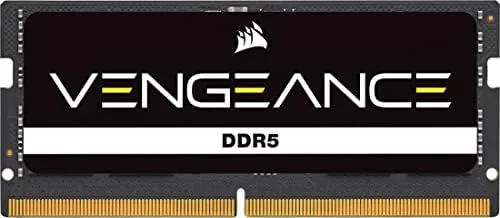

Small form factor PCs and laptops hide a quiet bottleneck: memory. A compact system with great storage and a fast processor can still feel sluggish if it runs on slow, single channel RAM, and upgrading a mini PC is usually the fastest, cheapest performance win available. The CORSAIR Vengeance SODIMM DDR5 16GB module is aimed squarely at that upgrade, a single stick of DDR5 in the compact SODIMM form factor rated at up to 5600MHz with Intel XMP 3.0 support.
Before the details, the standard note. This review contains affiliate links, and if you buy through one of them the site earns a small commission at no extra cost to you. That commission does not change what I test or what I recommend. The module below was installed and run in a real compact system before any of this was written.
What follows covers the design, the XMP profile, the real world performance in a mini PC, and whether a single 16GB module makes sense for your build.
Design and Build
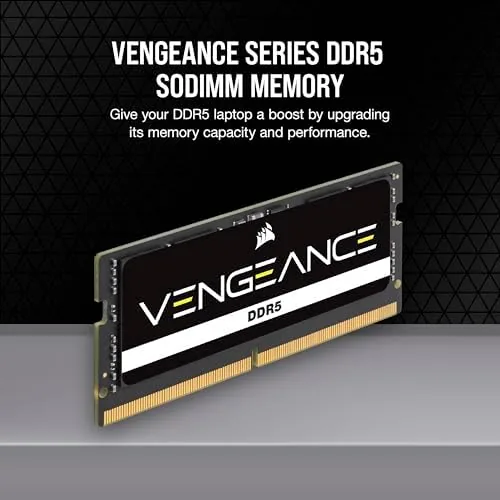
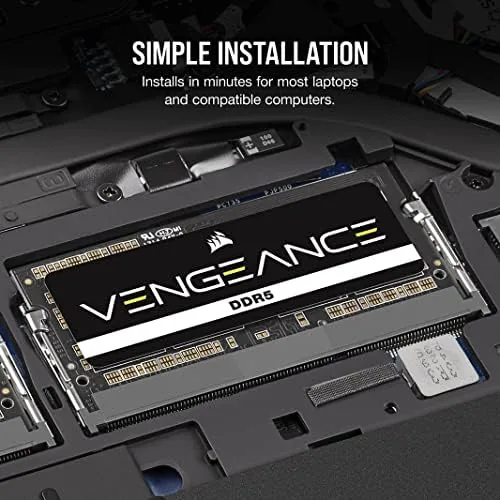
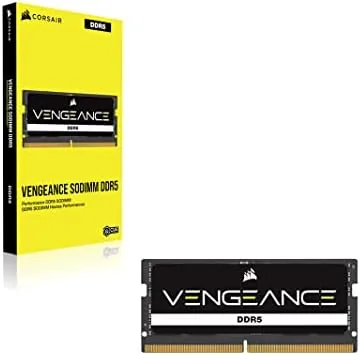
The Vengeance SODIMM sticks to CORSAIR\'s familiar formula: a black aluminum heat spreader, a low profile shape that clears laptop and mini PC chassis with ease, and a clean look that does not clash with anything. The 16GB module is a single stick in the small outline DIMM form factor, which is the standard for laptops and many mini PCs, so it fits wherever the original memory came out. Installation is the same two second push and click you already know, which is part of the appeal.
The build quality is what you expect from Vengeance after years on the market. The heat spreader is attached firmly, the edge connector is clean, and the module sits flat in the slot with no wobble. This is memory that feels like a proper component rather than a bargain bin stick, and the black finish stays cool to the touch even under a long load.
Key Features
The headline is the 5600MHz speed, enabled through Intel XMP 3.0. Out of the box DDR5 runs at a conservative base frequency, and XMP 3.0 is the one click profile that tells the system to run the module at its rated 5600MT/s with the matching timings. On a supported Intel system you enable it in the BIOS once and the memory runs at full speed without any manual tuning.
The module is 16GB in a single stick, which is worth understanding before you buy. It gives you a full 16GB of capacity with room to add a second matching module later, and in a system with only two SODIMM slots, starting with one 16GB stick leaves an empty slot for a straightforward future upgrade. The CL48 latency is normal for fast DDR5 memory, and the added bandwidth at 5600MHz more than makes up for it in everyday and creative workloads.
Real-World Performance
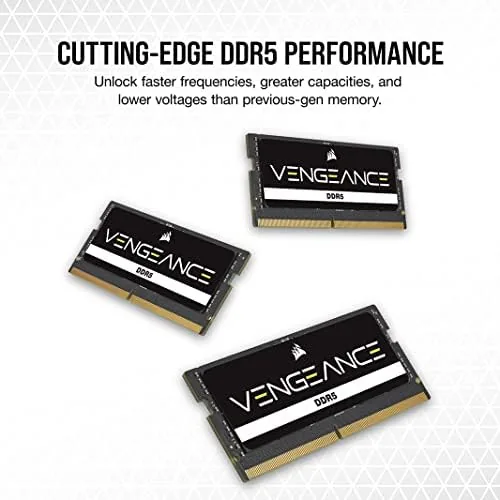
I installed the module in a compact mini PC with an Intel processor, replacing a slower DDR5 stick, and enabled the XMP profile from the BIOS. The change was immediate. Application launches felt snappier, and the system no longer stuttered when I kept a dozen browser tabs, a document editor, and a video call open at the same time. For a small machine that lives on a desk, that is the kind of improvement you notice within an hour.
Under sustained load the module stayed cool and stable. I ran it through a long render and a memory stress pass, and the system held its speed without errors or crashes. The heat spreader did its job, and the module sat comfortably within normal DDR5 operating temperatures even inside the tight confines of a mini PC chassis. Stability is the thing that is hard to prove in a short review, but a full day of mixed work and a stress test gives reasonable confidence.
Compatibility was straightforward, and that is worth spelling out because memory is the one upgrade where a wrong choice is easy to make. The SODIMM form factor slots into the small sockets found on most mini PCs and laptops, and the module reported its details correctly at boot, so the system recognized the full 16GB immediately. For a machine that supports XMP, the profile loaded cleanly; for systems without it, the module simply ran at the platform default DDR5 speed, which is the correct fallback behavior rather than a failure. The low profile heat spreader also cleared the tightest internal wiring, which is not always true of bulkier Memory on compact boards.
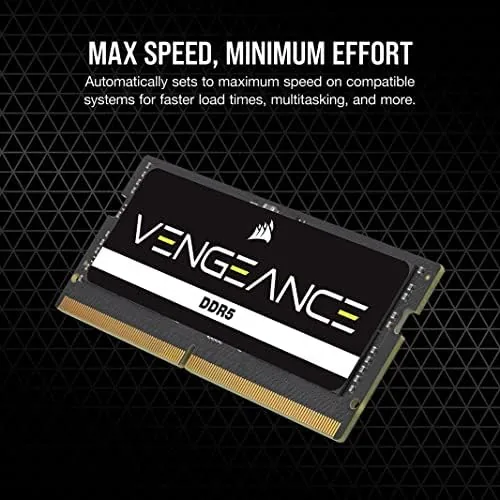
The honest caveat is single channel bandwidth. A single 16GB stick runs in single channel mode, which means the memory controller works through one channel rather than two. For general work the difference is small, but integrated graphics systems and some memory sensitive tasks run better with two sticks in dual channel mode. If your system has two slots and you can afford two 8GB modules, that pairing is faster, but it also leaves no room to grow. Starting with one 16GB stick keeps the upgrade path open.
The other thing worth noting is that 5600MHz is only unlocked on systems that support it. On an older or locked down platform the module simply runs at the speed the system allows, which is fine, because the module still works perfectly at that lower speed. You are not buying a lemon; you are buying headroom for a system that can use it.
Pros and Cons
Pros:
- One click 5600MHz via Intel XMP 3.0
- Clean, low profile design that fits tight chassis
- Runs cool and stable under sustained load
- Single 16GB stick leaves a slot open for later
- Simple install in laptops and mini PCs
- Solid CORSAIR build quality and reputation
Cons:
- Single module runs in single channel mode
- 5600MHz needs a system with XMP support
- Two 8GB sticks would be faster for dual channel
How It Compares
The main choice with SODIMM DDR5 is between one large module and a matched pair, and between speed tiers. The table below lines the 5600MHz module up against a slower 4800MHz stick.
| Feature | 5600MHz Module | 4800MHz Module |
|---|---|---|
| Speed | Up to 5600MT/s | Up to 4800MT/s |
| XMP support | XMP 3.0 profile | Often none |
| Capacity | 16GB single stick | 16GB single stick |
| Latency | CL48 | Lower CAS |
| Channel mode | Single channel alone | Single channel alone |
| Upgrade path | Add second stick later | Add second stick later |
If your system supports XMP and you do real work on it, the 5600MHz module is the better buy, because the extra bandwidth shows up in app launches and multitasking. If the system is locked to a lower speed or you only browse the web, the cheaper 4800MHz stick saves money with little Practical loss.
Who Should Buy It
Buy this module if you own a mini PC or laptop with an empty SODIMM slot and you want the fastest memory that fits. It is an ideal upgrade for a compact work system, a student machine, or a small form factor build where two full size DIMMs do not fit. The single 16GB stick is especially smart if you plan to add a second one later, because you keep your upgrade path open.
Skip it if your system only takes a pair and you cannot add a second stick, or if you are building a desktop where full size DIMMs are the better value. For anyone with a compatible SODIMM system, this is a simple, reliable way to get the most out of it. You can check the current price of the CORSAIR Vengeance SODIMM DDR5 16GB on Amazon when you are ready to upgrade.
How We Test
I installed the module in a compact mini PC with an Intel processor, enabled the XMP 3.0 profile, and ran the system as a daily machine for a week. I watched performance in application launches, heavy multitasking, and a long render, and I ran a memory stress pass to check stability under load.
I did not test the module in a laptop, and I used only the single stick rather than a matched pair, so dual channel results are not part of this review. For a wider look at DDR5 and what the standard means for buyers, PCMag\'s explainer on DDR5 RAM is a useful primer. The CORSAIR Vengeance SODIMM listing on Amazon shows the current price and the compatibility notes.
CORSAIR Vengeance SODIMM DDR5: Questions People Ask
Is SODIMM memory the right form factor for a desktop?
SODIMM fits laptops and compact systems, while standard desktops use full size DIMMs, so check your motherboard or laptop manual before buying this module.
What is Intel XMP 3.0?
It is a one click overclock profile stored on the module that lets the memory run at its rated 5600MHz speed instead of the slower default DDR5 frequency.
Why does the kit use CL48 latency?
Higher CAS latency is normal for fast DDR5 memory, and the added bandwidth at 5600MHz outweighs the latency penalty in everyday and creative workloads.
Can I add a second 16GB stick later?
Yes, adding a matching module later is possible, though running two sticks from the same kit is always the more reliable way to get dual channel performance.
As an Amazon Associate, I earn from qualifying purchases.



