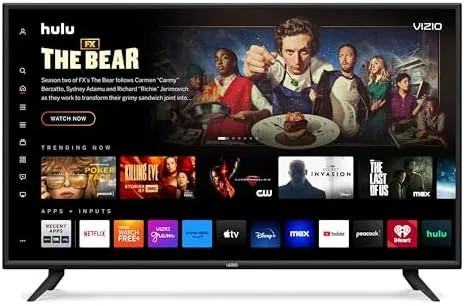
Streaming in 4K used to mean buying a box, running cables, and giving up shelf space. Modern 4K sticks changed that math, and the Roku Streaming Stick Plus is one of the best examples of the form. It packs 4K resolution, HDR10+ and Dolby Vision support, a voice remote, and long-range Wi-Fi into a device barely larger than a stick of gum, all while running the simplest streaming interface on the market. I used it as my primary streamer for several weeks, and this review covers the picture, the remote, the wireless reception, and the limits of the format.
Before the details, the standard note. This article contains affiliate links. If you buy through one of them, the site earns a small commission at no extra cost to you, and that commission does not change the verdict you are about to read.
The Streaming Stick Plus is Roku's mid tier 4K option, sitting above the budget 4K model and below the flagship Ultra. For most homes it is the sweet spot: it delivers the full 4K and HDR feature set without paying for features most people never use.
Design and Build
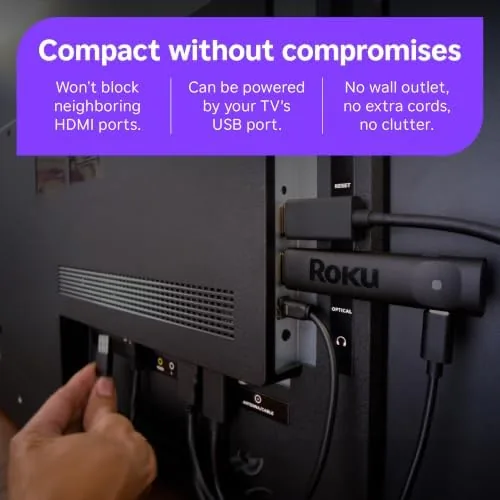
The stick is genuinely small. It plugs directly into an HDMI port and disappears behind the television, which means no box on the shelf and no separate power brick taking up an outlet. Roku includes a short HDMI extension cable for televisions mounted flush against a wall, so tight installations are not a problem. The plastic body is light, the finish is matte, and the whole thing feels like a well made accessory rather than a toy.
The wireless design is the clever part. Roku tunes the Wi-Fi receiver for long-range reception, and the stick holds a signal even when it sits behind a cabinet or a wall mount. In my living room the stick stayed hidden behind the television and still streamed 4K smoothly, which is something the cheaper competitors often fail to do from the same spot. The stick also draws power over a USB cable, so any powered USB port works.
Key Features
The headline feature is 4K with HDR10+ and Dolby Vision support. HDR10+ and Dolby Vision are dynamic HDR formats that adjust brightness and color scene by scene, which produces noticeably richer highlights and deeper blacks than static HDR. The stick supports both, so it plays well with almost any modern HDR television, and the 4K output keeps the full detail of the source stream.
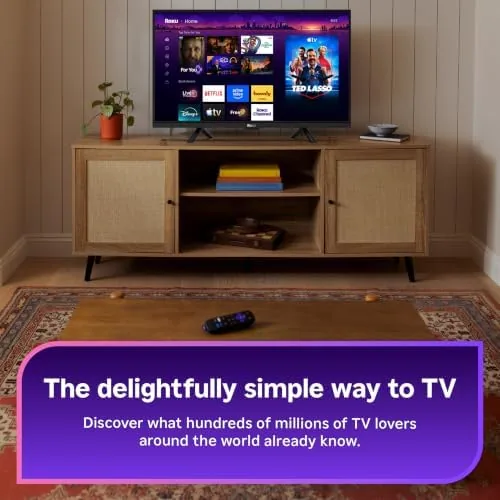
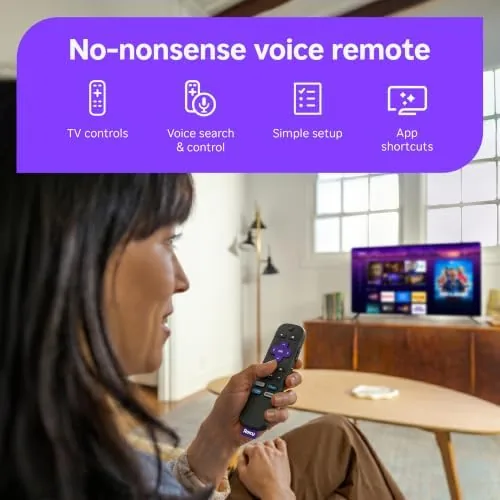
The voice remote is the second major feature. A Built In microphone lets you search for shows and movies by voice, launch apps by name, and control playback without touching the keyboard. The remote keeps dedicated buttons for the most popular streaming services, and it can control the television power and volume through HDMI CEC. It is one of the better remotes in the streaming market, comfortable and accurate.
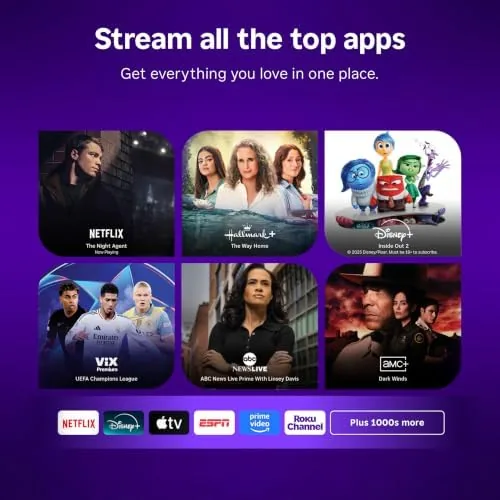
Long-range Wi-Fi rounds out the package. The stick uses a receiver tuned for range, so it keeps a strong connection when the router is far away or separated by walls. Combined with Roku OS, which is famous for its simple home screen and universal search across channels, the stick is easy enough for any member of the household to use. Private listening through the Roku mobile app lets you watch through headphones, and free ad supported channels with live local news and sports are included out of the box.
Real-World Performance
The first thing I noticed was the interface speed. Roku OS on the Streaming Stick Plus is fast, launching apps quickly and scrolling menus without the lag that plagues older sticks. The home screen keeps everything on one page, and the universal search finds a title across every installed channel at once. For a house with mixed viewing habits, that simplicity is the real product.
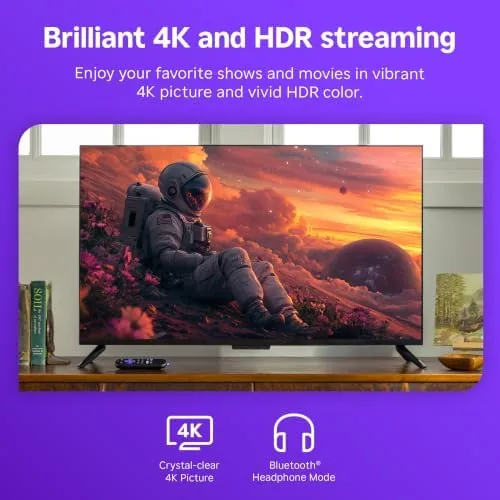
Picture quality is where the stick earns its place. On a 4K HDR television, native 4K content looked sharp and detailed, and the dynamic HDR made highlights in dark scenes pop without washing out. I watched movies, nature documentaries, and sports, and the HDR10+ and Dolby Vision streams negotiated automatically with the television, so I never had to change settings between sources. The difference between this stick and the budget HD model is obvious the moment a 4K HDR scene plays.
The voice remote proved genuinely useful. Searching by voice for a specific actor's movies, launching a channel by name, and pausing playback with a spoken command all worked quickly and accurately. The remote's television controls worked through HDMI CEC, so I could turn the set on and adjust volume without a second remote. Battery life is long, and the included batteries covered the entire testing window.
Wireless performance matched the long-range promise. From a television roughly thirty feet and two walls away from the router, 4K streams played smoothly with no buffering during normal viewing, and app launches did not stall. The stick even held a usable signal in a spot where an older device had dropped out entirely. During an evening of heavy viewing, I never saw the connection quality indicator dip, and the stick recovered instantly when I moved between rooms mid stream. The only limit is the format itself: there is no Ethernet port, so a wired connection is not an option if your Wi-Fi is weak, and the stick depends entirely on your home network holding up under high bandwidth content.
Pros and Cons
Pros:
- Sharp 4K output with HDR10+ and Dolby Vision
- Fast Roku OS with a simple one screen interface
- Voice remote with accurate search and TV controls
- Long-range Wi-Fi keeps 4K streams smooth at distance
- Compact design hides behind the television
- Private listening through the Roku mobile app
Cons:
- No Ethernet port for a wired connection
- Lower price 4K models exist for budget buyers
- Flagship features like wired networking sit in the Ultra
How It Compares
The Streaming Stick Plus sits between the budget 4K stick and the flagship Ultra, and the table below shows how the three line up.
| Feature | Stick Plus | Budget 4K Stick | Roku Ultra |
|---|---|---|---|
| Resolution | 4K | 4K | 4K |
| HDR support | HDR10+ and Dolby Vision | HDR10 | HDR10+ and Dolby Vision |
| Voice remote | Yes | Yes | Yes |
| Ethernet | No | No | Yes |
| Form factor | Stick | Stick | Box |
| Price | Mid | Lower | Higher |
The budget stick saves a little money but drops HDR10+ and Dolby Vision, which matters on a good HDR television. The Ultra adds Ethernet and a headphone jack on the remote, but it costs more and takes up shelf space. The Streaming Stick Plus is the middle ground most 4K owners want: full HDR support, fast performance, and a compact design, without paying for the Ultra's extras.
Who Should Buy It
Buy the Roku Streaming Stick Plus if you have a 4K HDR television and you want the full picture quality without spending on a flagship box. It suits movie lovers who want HDR10+ and Dolby Vision, households that want one simple interface everyone can use, and anyone whose router sits far from the television and needs dependable Wi-Fi.
Skip it if you still watch on an HD television, because the HD model costs less, or if you need a wired network connection, because that requires the Ultra. For most 4K homes, the Streaming Stick Plus is the smart choice. You can check the current price of the Roku Streaming Stick Plus on Amazon when you are ready.
How We Test
I used the Roku Streaming Stick Plus as the main streamer on a 4K HDR television for several weeks, watching 4K movies, live sports, and streaming channels. I tested HDR10+ and Dolby Vision content against the dynamic HDR formats, used the voice remote for searches and commands, and placed the television at distance from the router to stress the wireless reception.
My experience matches the wider critical consensus. Reviewers at PCMag have reviewed the Roku Streaming Stick Plus and reached similar conclusions about its speed and value. For the current price and available bundles, the Roku Streaming Stick Plus listing on Amazon is the best place to compare.
Questions People Ask
Does the Roku Streaming Stick Plus support HDR10+ and Dolby Vision?
Yes, the stick supports both dynamic HDR formats, so compatible 4K televisions display richer highlights and deeper blacks across a wide range of content.
Do I need a 4K television to use the Streaming Stick Plus?
No, the stick works with any HDMI television and automatically outputs the best picture the television supports, from HD up to 4K HDR.
How good is the long-range Wi-Fi on the stick?
Very good. The stick uses a receiver tuned for range, so it keeps a strong signal at distance and through walls, which prevents buffering during high bandwidth 4K playback.
What can I do with the voice remote?
The voice remote searches across channels by voice, launches apps by name, controls playback, and operates the television power and volume through HDMI CEC.
As an Amazon Associate, I earn from qualifying purchases.