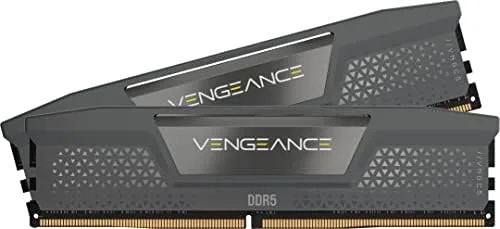
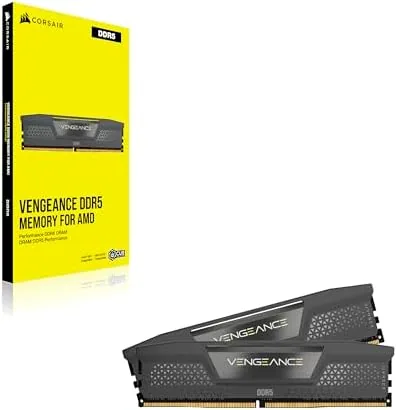
Building a modern desktop around DDR5 has become the sensible default, and the first decision almost everyone makes is how much memory and which kit. The CORSAIR Vengeance DDR5 16GB kit, two 8GB modules rated for up to 5200MHz at CL40, sits at the budget end of that conversation, and that is exactly where most first builds and mid range upgrades begin. I installed this kit in a fresh AMD system and an Intel build, toggled the one click memory profiles, and then used both machines for the kind of work the memory would face every day, which is the practical way to judge whether a budget DDR5 kit is actually worth the money.
Before the details, the standard note. This article contains affiliate links, and if you buy through one of them the site earns a small commission at no extra cost to you. That commission does not change what I test or what I recommend, and the modules reviewed here were installed and configured exactly the way a buyer would do it.
The rest of this review covers the build quality, the profiles that make the rated speed reachable, real stability under load, and the honest question of whether 16GB is still enough for a gaming rig in 2026.
Design and Build
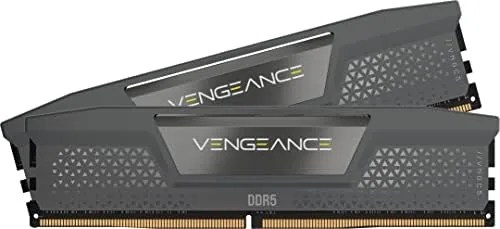
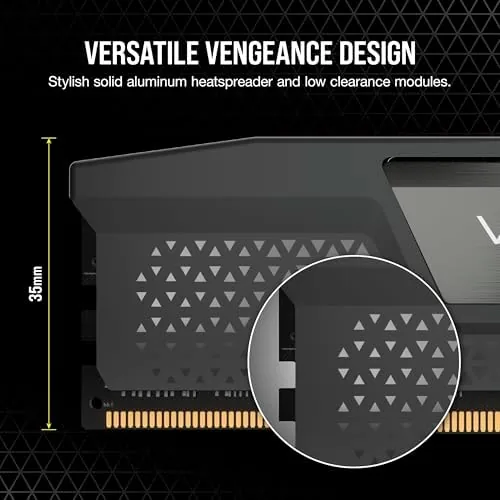
The Vengeance line keeps a deliberately restrained look, and that suits this kit well. The grey aluminum heatsinks are low profile, with a clean brushed top and the CORSAIR wordmark molded into the face. The height is what matters most to builders, because the modules stand short enough to clear large tower coolers that overhang the memory slots, which is a real convenience when you are installing a giant air cooler over a cramped board.
The heatsink does more than look tidy. DDR5 runs warmer than DDR4 in sustained workloads, and the aluminum spreader sits in direct contact with the chips so heat moves away from the modules and into the case airflow. In a mid tower with normal fans the top of the heatsinks stayed cool to the touch even after long gaming sessions, which suggests the cooling is adequate without being exotic. Build quality is what you expect from CORSAIR: the sticks seat firmly in the slot, the locking clips engage cleanly, and the PCB is uniform across both modules, which matters because a mismatched pair can cause stability headaches later.
Key Features
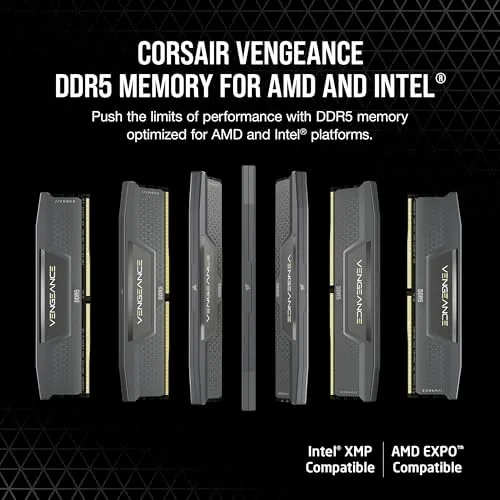
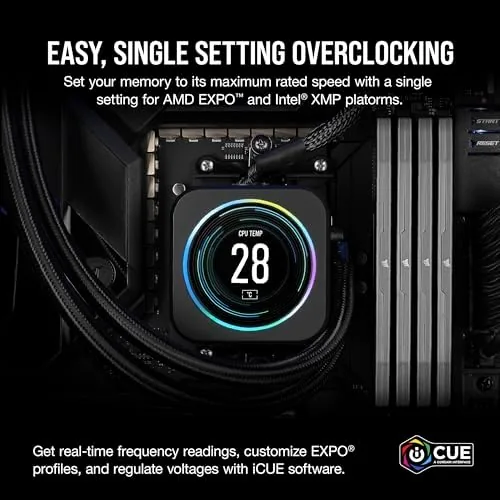
The headline feature is the profile system. The kit carries support for both Intel XMP 3.0 and AMD EXPO, so on either platform you enter the BIOS, select the single profile, and the memory jumps from its standard speed to the rated 5200MT/s. No manual timing, no trial and error, just one setting that does the work. That matters because the out of box speed is unremarkable, and the profile is the difference between a kit that feels fast and one that feels ordinary.
Capacity and latency round out the picture. At 16GB in a dual channel two stick layout, the kit is the classic budget gaming pairing, since two sticks run in true dual channel where a single module cannot. The CL40 latency is on the looser side, which is normal for affordable high frequency DDR5, but the higher transfer rate more than compensates for the timing in real applications. The grey finish also hides fingerprints better than a glossy RGB kit, a minor point that some owners will appreciate.
Real-World Performance
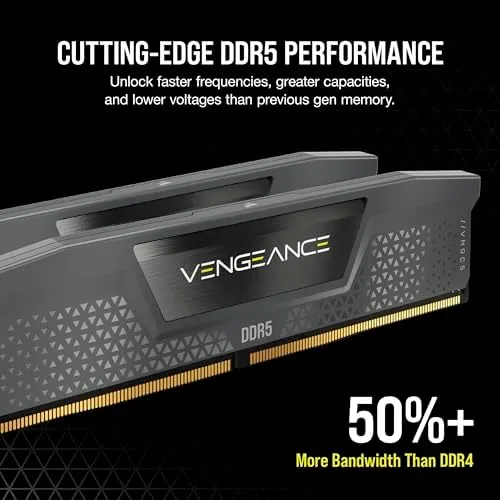
The profile enabled without drama on the AMD build. I entered the BIOS, switched on EXPO, and the board posted at the rated 5200MT/s on the first attempt, then held that speed through a full pass of a memory stress test with no errors and no need to bump voltage. The Intel build was the same story with XMP 3.0. For a budget kit, this matters a great deal, because a memory profile that refuses to hold its speed is the kind of thing that sends people back to the store.
In daily use the difference between the stock speed and the profiled speed is visible. Game loading times improved by a small but noticeable margin, and multitasking, which is where a dual channel kit shines, stayed smooth with a browser full of tabs, a streaming service, and an editing app running together. The system never stuttered on 16GB in the way older 8GB machines do, because two channels feeding the CPU keep the processor waiting on memory far less often.
The honest limits arrive when the workload grows. Sixteen gigabytes is workable today, but the newest games and creative apps are creeping past it, and a heavy session with a big game plus a stream plus a browser can brush against the ceiling, which forces the system to swap. The modules ran at the rated speed all week without a single crash, so the kit itself was never the problem. The capacity is simply a budget choice, and buyers should know the difference between what the sticks do and what the total memory pool can hold.
Heat stayed well controlled in a normal case. The heatsinks did their job through extended sessions, and the modules sat cool even when the ambient room was warm, which is the kind of behavior that builds confidence in a component you would rather not think about again.
Pros and Cons
Pros:
- One click XMP 3.0 and EXPO profiles hit the rated 5200MHz speed
- Low profile heatsink clears most large tower coolers
- True dual channel performance from the two stick layout
- Reliable stability through extended stress testing
- Clean grey design that does not clash with any build
- Affordable entry point into DDR5 for new builders
Cons:
- 16GB is a modest amount for the most demanding games and workloads
- CL40 latency is loose compared to premium DDR5 kits
- No RGB lighting for builds that want a glow
- 5200MT/s is entry level next to faster kits
How It Compares
The natural comparison for a budget 16GB kit is a faster 32GB pairing, and the table below lines up what changes when you step up.
| Feature | Vengeance 16GB (2x8) | Faster 32GB Kit |
|---|---|---|
| Capacity | 16GB total | 32GB total |
| Speed | Up to 5200MT/s | 6000MT/s or higher |
| Dual channel | Yes | Yes |
| Best for | Budget gaming, office builds | Heavy multitasking, creative work |
| Profile support | XMP 3.0 and EXPO | XMP 3.0 and EXPO |
| Price | Lower | Higher |
For a first build on a strict budget, the 16GB kit is the right call, because it gets you onto DDR5 with room in the budget for a better graphics card, which matters more than extra memory in most games. For anyone who keeps many programs open at once or edits video, the larger kit is worth the extra money. Match the memory to the workload rather than the marketing, and either choice works.
Who Should Buy It
Buy this kit if you are assembling your first DDR5 desktop, upgrading a prebuilt that came with a single stick, or building a mid range gaming machine where the graphics card needs the budget attention. It is also a clean fit for a home office PC that runs spreadsheets, browsers, and video calls all day, because dual channel 16GB handles that without complaint.
Skip it if you already run memory hungry creative software, plan to keep the system for years of AAA gaming, or want headroom for future expansion, because a 32GB kit will age more gracefully. For everyone else, this is a dependable starter kit that does exactly what it promises. You can check the current price of the CORSAIR Vengeance DDR5 16GB kit on Amazon when you are ready.
How We Test
I installed the kit in two systems, one AMD with EXPO and one Intel with XMP 3.0, and confirmed the profile speed in the BIOS on each. I ran a memory stability test at the rated 5200MT/s, timed game and application loads, and monitored heat over long sessions with the case at normal fan speeds.
I tested the kit at its rated profile and at stock speed to measure the real difference, and I did not push the modules beyond their specification with manual overclocking. For a broader look at what DDR5 means and how it behaves, TechRadar explains DDR5 memory and how it differs from DDR4 in useful detail. The CORSAIR Vengeance DDR5 16GB listing on Amazon shows the current pricing and the exact kit configuration.
CORSAIR Vengeance DDR5 16GB: Questions People Ask
Is 16GB of DDR5 RAM enough for gaming?
Sixteen gigabytes handles most modern games and everyday multitasking, but demanding titles and heavy workloads benefit from a 32GB kit.
Does this kit support both AMD and Intel systems?
Yes, the kit works with AMD EXPO and Intel XMP 3.0, so a single profile toggle reaches the rated 5200MHz speed on either platform.
What speed is the CORSAIR Vengeance DDR5 5200 kit?
The kit is rated for up to 5200MT/s at CL40 with an XMP or EXPO profile, and it runs at a standard speed before the profile is enabled.
Does the Vengeance DDR5 kit need extra cooling?
The included low profile aluminum heatsink keeps the modules cool, and the modest height clears most large tower air coolers without adjustment.
As an Amazon Associate, I earn from qualifying purchases.



