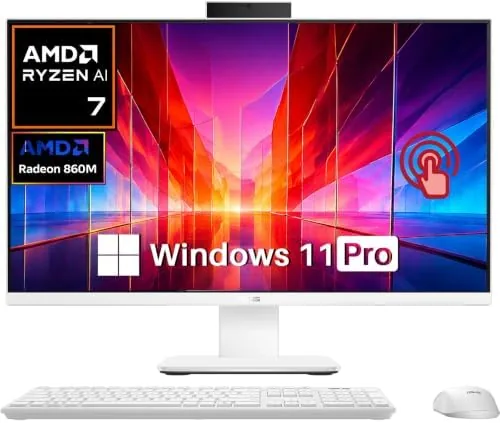
 All-in-One Desktop sitting on a desk with no tower" width="1200" height="800" loading="lazy" style="height:auto">
The classic desktop formula pairs a monitor with a boxy tower that hides under a desk, collects dust, and eats up floor space. The ASUS VM670 takes the opposite approach. It puts a complete computer inside a 27 inch touchscreen display, powered by a Ryzen AI 7 350 processor, 32GB of DDR5 memory, and a 1TB SSD, so the whole system disappears into A Single clean panel. For a home office, a reception desk, or a kitchen counter that needs real computing power, that single cable footprint is the entire point.
I used the VM670 as my primary work machine for two weeks, running spreadsheets, video calls, media, and heavy multitasking while the panel sat on a standard desk with no tower anywhere in sight. This review covers the design, the real world performance, and the compromises that come with putting everything into one screen.
Before the details, the standard note. This article contains affiliate links, and if you buy through one of them the site earns a small commission at no extra cost to you. That commission never changes what I test or what I recommend.
Design and Build
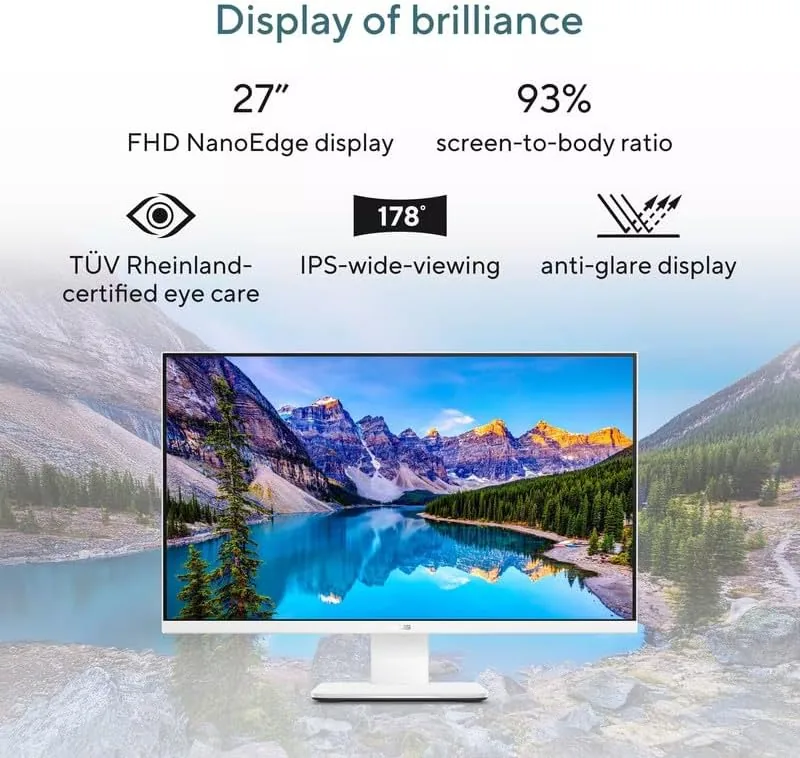
The VM670 is a study in minimalism. A single 27 inch panel with slim bezels holds the entire computer, and a sturdy metal stand lifts it off the desk with a small, neat foot that keeps the overall footprint smaller than a traditional monitor and tower combination. There is no clutter of cables beyond the power cord and the peripherals you choose to plug in, and the all-in-one construction means the panel itself carries the weight and stays put when you tilt the screen for a better viewing angle.
The construction feels solid. The panel back is a clean matte finish that does not attract fingerprints the way a glossy plastic case would, and the stand lets you adjust tilt comfortably while keeping the display stable when you tap and swipe on the touchscreen. At this size, a light touch across the 27 inch panel can wobble a cheap stand, but the VM670 holds its position without drama, which matters when the touchscreen is a primary input.
Key Features
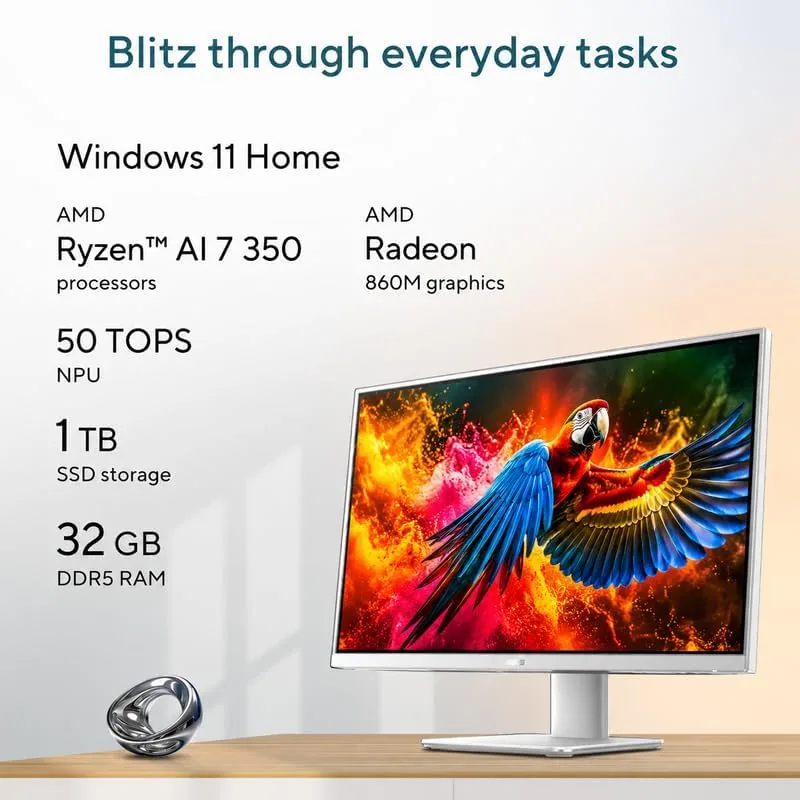
The processor is the headline. The Ryzen AI 7 350 is a modern 8 core CPU with a dedicated neural processing unit on the same silicon, which means it handles everyday productivity with ease and leaves headroom for AI accelerated tasks in supported software. In practice, the machine never broke a sweat through my workload, and the fan stayed quiet even when I pushed several applications at once.
Memory and storage round out the specification. The 32GB of DDR5 memory is generous for this class of machine, letting you keep dozens of browser tabs, a large spreadsheet, and a video call open without watching memory pressure climb. The 1TB SSD delivers the kind of instant boot times and fast application loading that makes an older mechanical drive feel ancient by comparison, and there is real storage headroom for photos, documents, and media.
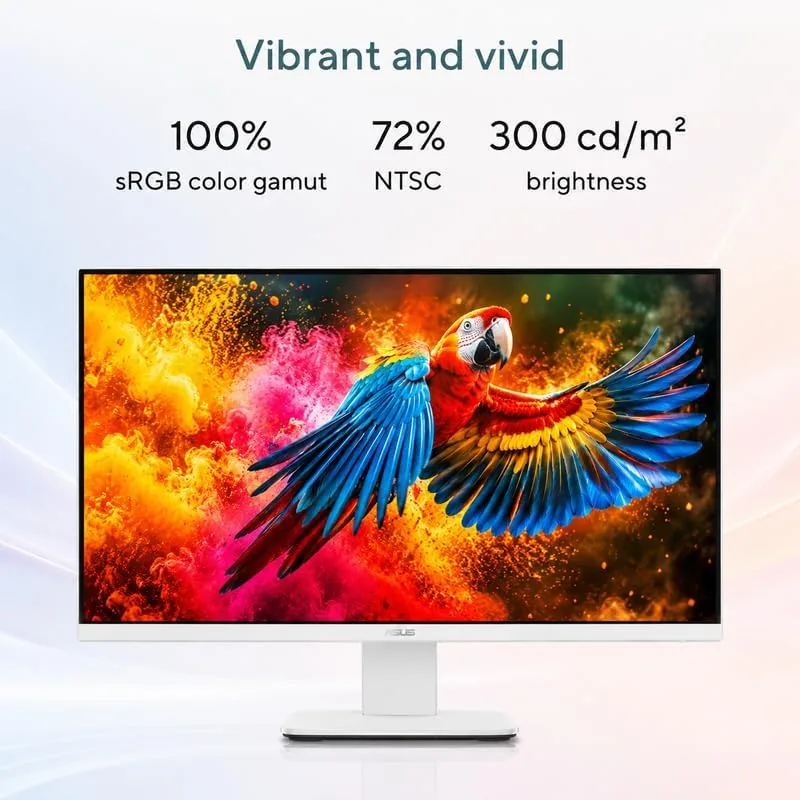
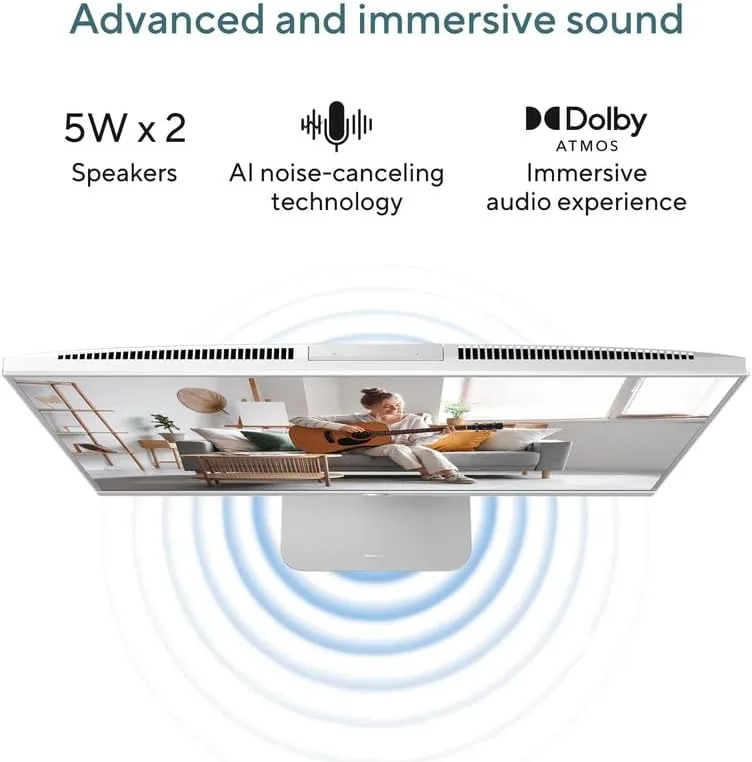
The 27 inch touchscreen is the most visible feature. It supports multi touch gestures, which feel natural when you want to pinch to zoom into a map or a dense document, and the panel itself is bright and crisp for everything from spreadsheets to streaming. The integrated webcam and microphones handle video calls cleanly, and the range of ports on the back and side covers both modern USB-C accessories and legacy peripherals.
Real-World Performance
Day to day work was effortless. I kept a heavy spreadsheet open next to a slide deck, a video call in a separate window, and a dozen browser tabs in the background, and the VM670 moved between them without any of the stutter or freeze that would expose a weaker machine. The 32GB of memory is the quiet hero here, because the machine simply never had to pause to reclaim RAM.
The Ryzen AI 7 350 also proved capable beyond office work. I encoded a short video clip for social media, and the task completed in a reasonable time without the system becoming unusable in the meantime, which is something a slower machine would struggle to manage. For the home user who edits the occasional video or processes a pile of photos, this is more than enough silicon, and the AI processor adds a future proofing element as more applications begin to use local neural processing.
The touchscreen earned its place during the test. Zooming into documents, moving windows with a drag, and navigating Windows with taps felt immediate and natural, and the display response was accurate across the whole panel. The built in webcam delivered a clear image for video calls, and the microphones picked up my voice without echo or muffling in a normal room. The only real friction appeared at the edges: the panel ships with a glossy finish that reflects a bright window behind you, and the all-in-one format makes internal upgrades impractical compared with a tower.
Pros and Cons
Pros:
- Complete desktop hidden inside a 27 inch touchscreen
- Fast Ryzen AI 7 350 processor with an onboard NPU
- 32GB of DDR5 memory handles heavy multitasking
- 1TB SSD delivers instant boot and fast loading
- Touchscreen works well for zooming and navigation
- Small footprint with a clean, minimal cable layout
Cons:
- Glossy display reflects bright windows behind you
- Limited upgrade options compared with a tower
- AI processor benefits depend on compatible software
- No option to use the panel as a standalone monitor
How It Compares
The all-in-one sits between a classic tower desktop and a laptop with a dock. I compared the VM670 against a traditional tower PC with the same class of components and against a premium laptop that would sit on the same desk, to see which form factor makes sense for whom.
| Feature | ASUS VM670 All-in-One | Tower Desktop PC | Laptop with Dock |
|---|---|---|---|
| Footprint | Single panel | Monitor plus tower | Clamshell plus dock |
| Upgradeability | Limited | Excellent | Very limited |
| Touchscreen | Yes, 27 inch | Usually no | On screen only |
| Setup time | Minutes | Moderate | Moderate |
| Portability | None | None | Full |
| Repair ease | Moderate | High | Low |
A tower offers unmatched upgradeability and repairability, and it usually costs less for the same components, but it demands desk space and cable management. A laptop adds portability and can drive the same panel as a second display, but you pay a premium and sacrifice the single cable simplicity. The VM670 wins on elegance and footprint, delivering strong performance with zero tower clutter, which is the exact trade most home office buyers want even if they give up easy upgrades.
Who Should Buy It
The VM670 is for the person who values a clean workspace over the flexibility of a tower. It suits a home office where a single screen should do everything, a reception or front desk that needs to look tidy and modern, a family room corner used for schoolwork and streaming, and anyone who wants a powerful desktop without the chore of managing a tower and its cables.
Buy a tower instead if you plan to upgrade components over time, need expandable storage, or want the maximum performance per dollar. Buy a laptop if mobility is a daily requirement. For everyone who wants a fast, complete desktop in one elegant screen, the VM670 is an excellent pick, and you can check the current price of the ASUS VM670 all-in-one on Amazon to see whether it fits your budget.
How We Test
I tested the VM670 over two weeks as my main work machine. I ran my standard office workload of spreadsheets, presentation software, a video conferencing client, and dozens of browser tabs, and I measured how the system behaved under that load. I encoded a sample video to test sustained processing, moved large files around the SSD to confirm transfer speeds, and used the touchscreen continuously to evaluate accuracy and responsiveness.
I also checked thermals and noise during a long session, ran video calls to evaluate the webcam and microphones, and placed the panel near a window to assess glare from the glossy finish. For broader perspective on what to expect from an all-in-one, the desktop buying coverage from PCMag on the best all-in-one desktops is a helpful reference. If this machine sounds like the right shape for your desk, the ASUS VM670 listing on Amazon shows the full configuration details and current pricing.
Questions People Ask
What processor powers the ASUS VM670?
The VM670 runs on a Ryzen AI 7 350 processor, which combines strong multi core performance for everyday work with a dedicated neural processing unit for AI accelerated tasks in compatible software.
How much RAM and storage does it include?
It ships with 32GB of DDR5 memory and a 1TB SSD, which gives fast boot times, snappy application loading, and comfortable headroom for heavy multitasking and media files.
Is the touchscreen useful for everyday work?
Yes. The 27 inch touchscreen supports multi touch gestures, and it is genuinely handy for zooming into documents, signing forms, moving windows, and navigating Windows quickly without reaching for a mouse.
Can I use the VM670 as a regular monitor for another PC?
No. It is designed as a standalone all-in-one desktop, not as an external monitor, so the panel drives the built in computer rather than accepting a separate video input from another device.
As an Amazon Associate, I earn from qualifying purchases.



