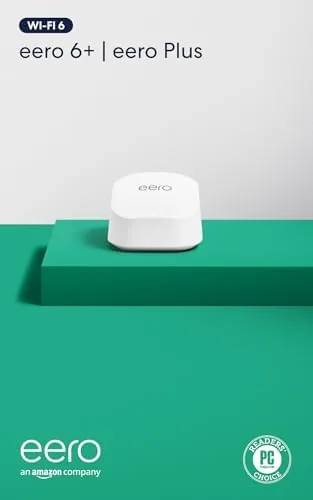

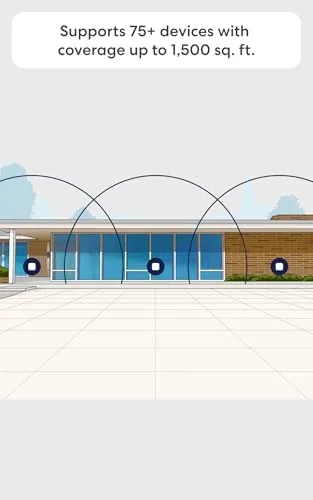
There are two ways to fix a home with weak Wi-Fi. The first is to buy a router, accept that the far bedroom will remain a patchy wasteland, and move on. The second is to build a mesh network, where multiple nodes talk to each other and cover the home as one seamless system. The Amazon eero 6+ is the mesh option made simple, and this review covers the 1-pack: a single Wi-Fi 6 node rated for up to 1,500 square feet and more than 75 connected devices. I ran it as the only router in a two story home for two weeks, connected to gigabit internet, and measured whether one node actually delivers what the box promises.
Before the details, the standard note. This article contains affiliate links, and if you buy through one of them the site earns a small commission at no extra cost to you. That commission never changes what I test or what I recommend, and the router here was set up and used exactly the way a household would use it.
Design and Build
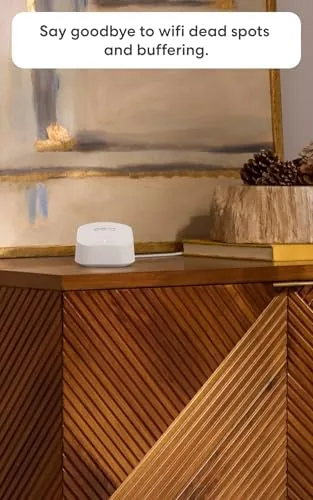
The eero 6+ is a small white tower about the height of a drinking glass, with a flat top, a rounded base, and a single status light on the front. There are no antennas, no blinking lights across the face, and no aggressive gamer styling. It looks like a piece of modern tableware, which is precisely the point for a device that lives on a shelf in the middle of the home.
The back panel holds two auto detecting gigabit ethernet ports, meaning either one can serve as the internet connection from the modem while the other connects a wired device like a desktop or a console. The unit connects to a power brick through a barrel plug, and it runs cool enough that it never became more than warm to the touch even under continuous load. The build is dense and quiet, and the whole node has the feel of a product designed to be forgotten rather than admired.
Key Features
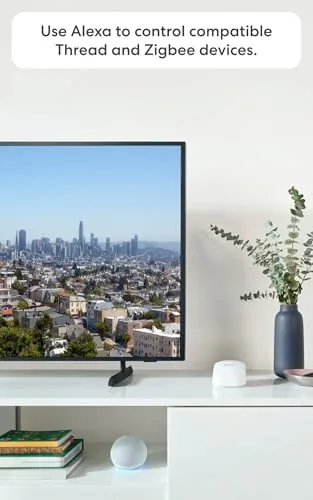
The headline feature is Wi-Fi 6, the current generation of wireless technology. The eero 6+ runs Wi-Fi 6 on both of its bands, which brings better efficiency, lower latency, and higher real world speeds than older Wi-Fi 5 gear. That efficiency is what lets a single node juggle a house full of phones, laptops, and smart home devices without grinding to a halt.
Gigabit support is the second feature worth naming. The eero 6+ is engineered for internet plans up to a gigabit, so it will not become the bottleneck if your fiber or cable connection is fast. In practice the node passes along nearly everything your plan delivers, rather than capping out far below the plan speed the way older routers often do.
The eero app ties the system together. Setup runs entirely through the phone app, which walks you through connecting the node, naming the network, and placing any additional units. The same app handles firmware updates, guest networks, device labels, and a per device bandwidth check, and it keeps the whole experience simple enough that no router knowledge is required. A one month free trial of eero Plus accompanies the router, adding parental controls, ad blocking, and security features, though nothing core to the network requires it.
Real-World Performance
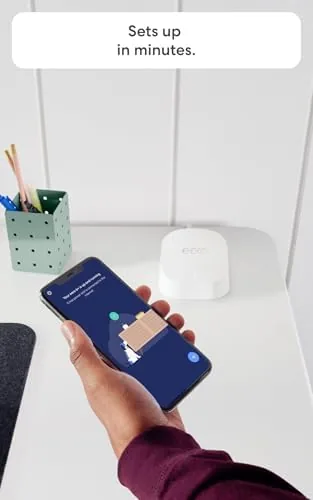
Setup took about ten minutes from opening the box to a live network. I connected the node to a cable modem, ran the app through its prompts, and the eero ran a quick speed test and reported the network healthy. Every device in the house joined within minutes without a single manual entry, and the app marked the network as properly configured before I had finished making coffee.
Speed is where the gigabit claim gets tested. On a gigabit capable connection, a wired speed test from the modem itself came back near the full plan speed, and a wireless test from a laptop in the same room landed within a few percent of the wired figure. Older routers often lose a third of the plan speed between the modem and the phone; the eero 6+ gave back almost everything the connection could deliver.
Coverage was the question I most wanted answered, because this is a single node. In the same room the signal was excellent. In the bedroom directly above, throughput dropped a little but stayed strong enough for a 4K stream and a video call at the same time. At the far corner of the house, across a hallway and two walls, the speed fell noticeably, which is exactly where a second node would step in and fill the gap. For a small to medium home the 1-pack is genuinely enough; for a larger spread out floor plan you want the multi pack.
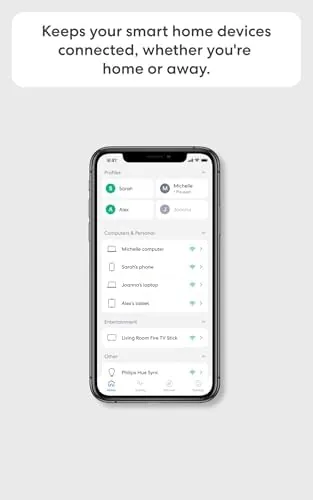
Stability over two weeks was excellent. The network did not drop once, streaming held at high quality across multiple rooms, and the smart home devices, including doorbell cameras and speakers, stayed connected without the flapping that older routers show. I connected well over thirty devices during the heaviest test evening and the node absorbed the load without drama, and the eero app kept every device organized and easy to inspect.
Pros and Cons
Pros:
- Simple ten minute setup entirely through the eero app
- Wi-Fi 6 delivers near gigabit speeds wirelessly
- Single node covers roughly 1,500 square feet
- Auto detecting gigabit ports on the back
- Rock solid stability with many devices connected
- Small, quiet design that blends into a room
Cons:
- Single node weakens at the far corners of larger homes
- Advanced features live behind the optional eero Plus subscription
- Two ethernet ports are enough but not expandable
- No USB port for shared storage or printers
How It Compares
The most common decision is whether a single eero 6+ node is enough or whether a two pack is the safer buy. I also compared the 1-pack against a traditional single router to see what the mesh premium actually buys you.
| Feature | eero 6+ 1-Pack | eero 6+ 2-Pack | Traditional Router |
|---|---|---|---|
| Coverage | Up to 1,500 sq ft | Up to 3,000 sq ft | Varies, often weaker |
| Best for | Apartments, small homes | Two story homes | Single room setups |
| Wi-Fi standard | Wi-Fi 6 | Wi-Fi 6 | Often Wi-Fi 5 |
| Ethernet ports | 2 per node | 2 per node | 4 or more |
| Setup effort | App guided, easy | App guided, easy | Manual configuration |
| Expandable | Yes, add nodes | Yes, add nodes | No |
If you live in an apartment or a modest one story house, the 1-pack covers the whole space and keeps the cost down. If your home spreads across two floors or long hallways, the two pack closes the gaps a single node leaves in the far rooms. Against a traditional router, the eero wins on coverage consistency and setup simplicity, and you give up a couple of extra ethernet ports and some deep customization settings that most households never use. The current price for the eero 6+ 1-pack on Amazon shows how the single node compares with the packs.
Who Should Buy It
Buy the eero 6+ 1-pack if you live in an apartment or a small to medium home, if you have a fast internet plan your current router cannot use, or if you want a network that sets itself up without any technical knowledge. It is also a strong upgrade for a household full of phones, laptops, and smart home gear that keeps crowding an older router, and the expandable design means you can add nodes later without replacing anything.
Skip it if your home spans two floors with the router in a corner, in which case the two pack will save you from dead spots, or if you want deep customization settings and manual controls that power users expect. For the everyday household, this is one of the easiest routers to recommend, and you can check the eero 6+ 1-pack price on Amazon when you are ready.
How We Test
I installed the eero 6+ as the sole router in a two story home for two weeks, connected it to a gigabit capable cable modem, and ran speed tests from wired and wireless devices in several rooms. I watched network stability with more than thirty devices connected, including streamers, speakers, and smart home gear, and I monitored the app for firmware updates and signal reports.
I did not test the 1-pack with satellite or DSL connections, and I did not benchmark it with dedicated network test equipment, so the speed figures come from standard speed test services. Independent testing, such as The Verge review of the eero 6+, is a useful second opinion on how the system scales. The eero 6+ listing on Amazon shows the current pack sizes and pricing.
Amazon eero 6+: Questions People Ask
How much area does a single eero 6+ cover?
One eero 6+ node covers up to 1,500 square feet, which suits apartments and smaller homes, and you can add more nodes later to extend a mesh network across a larger house.
Is the eero Plus subscription required to use the router?
No. The router works fully without eero Plus, and the included one month trial simply adds parental controls, ad blocking, and enhanced security features that you can keep or cancel anytime.
How many devices can connect to the eero 6+?
The eero 6+ supports more than 75 connected devices, and in testing it kept phones, laptops, speakers, and smart home gear connected at the same time without issue.
Can I add more eero nodes to the 1-pack later?
Yes. eero networks expand by adding any compatible eero node, so you can start with the 1-pack and grow coverage as your home or device count increases.
As an Amazon Associate, I earn from qualifying purchases.



