

Every home has a corner where the Wi-Fi gives up. Maybe it is the bedroom furthest from the router, the garage, or the desk upstairs that somehow never holds a signal. I spent years living with those dead spots, moving the router around like a chess piece and still losing connection in the same places. The eero Pro 6 2-pack was my attempt to end that argument for good, and after a full month as the only network in my home I have a clear opinion on whether Amazon's mesh system is worth the money. This review covers how the system was installed, how it performed under a genuinely busy household, and where its Wi-Fi 6 radios actually make a measurable difference.
Before the details, the standard note. This article contains affiliate links, and if you buy through one of them the site earns a small commission at no extra cost to you. That commission does not influence what I test or what I recommend, and every product here gets the same treatment as something I bought with my own money.
Design and Build
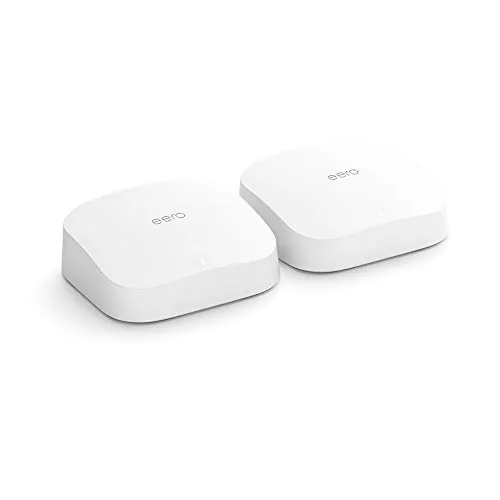
The eero Pro 6 does not try to look like a router. It looks like a small white slab you would be happy to leave on a bookshelf, and that is deliberate. Each node is roughly the size of a hardcover book, finished in matte white plastic with the status light and the eero logo on the front. There are no protruding antennas, no blinking arrays, and nothing that screams network equipment at anyone who walks into the room.
Under the shell, each node carries a tri-band Wi-Fi 6 radio system with a dedicated wireless backhaul band, so the two nodes talk to each other without stealing bandwidth from your devices. Each node has two Gigabit Ethernet ports, which is enough for the main gateway node to connect to your modem and for a second node to wire a television or a console. The lack of a third port on the Pro 6 is worth noting, since some competing mesh systems offer more wired flexibility, but two ports cover most homes just fine.
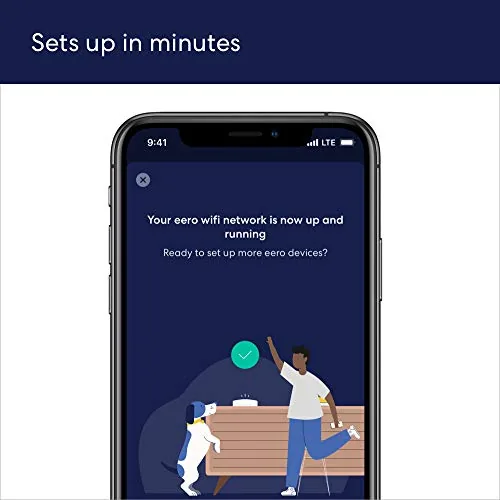
The build quality feels genuinely premium. The plastic is thick, the base has a soft pad that grips the surface, and the nodes stay cool even when the network is working hard. Setup runs through the eero app, which walks you through scanning a QR code on the base of the node and creating your network in under ten minutes. It is the rare network install that does not require a support call.
Key Features
The headline feature is Wi-Fi 6, and the Pro 6 uses it properly rather than as a marketing label. The system broadcasts a single unified network name, and the mesh software decides which node and which band each device should use, switching on its own as you move through the house. You never pick a network, and you never rescan for a stronger signal.
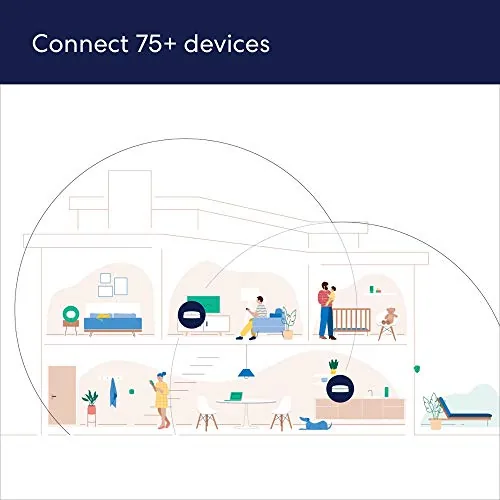
Amazon rates the system for 75 or more connected devices, and in my household the count regularly sat in the sixties. That includes phones, laptops, streaming sticks, smart speakers, light switches, cameras, and a couple of game consoles, all on one network without the older router buckling. The dedicated backhaul band deserves real credit here, because it keeps the two nodes cooperating even when dozens of devices are competing for attention.
The system also plays nicely with the smart home. The eero app groups everything into one view, lets you pause the internet for a whole device or a whole person, and even shares the network with guests through a separate profile. There is an optional eero Secure subscription that adds parental controls and content filtering, but I ran the system for my whole test without it and the basics worked perfectly. Alexa integration means you can ask the assistant for network status, which is a neat trick but not a reason to buy the system by itself.
Real-World Performance
Performance testing came down to a simple question: does the signal actually reach everywhere, and does it stay fast when the house is busy? I placed the gateway node in my office and the second node in the living room, roughly forty feet away across a floor and a wall, then walked the house running speed tests in every room.
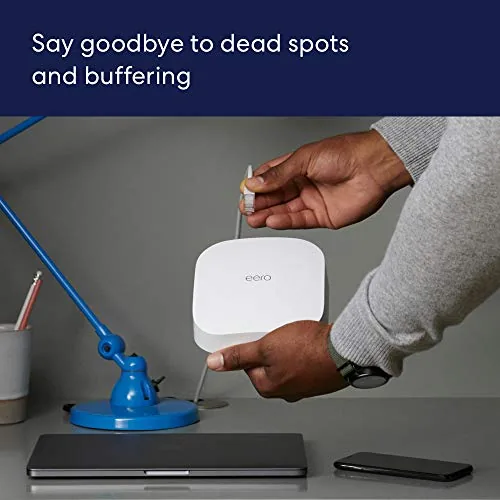
On my gigabit fiber connection, the room closest to the gateway node delivered nearly the full wired speed over Wi-Fi 6, which is exactly what the radio is designed to do. The rooms that used to drop entirely now held steady connections, and even the furthest corner of the house showed usable speeds that supported streaming and video calls without buffering. The improvement over my old single router was not subtle; it was the difference between walking through the house with a dead pocket and walking through it with full bars everywhere.
Under load, the mesh held its ground. I set up a streaming session on two televisions, a video call on a laptop, and a game download on a console all at once, and the network juggled them without anyone noticing. Latency stayed low enough for online play, and the backhaul kept the two nodes cooperating instead of fighting. The only time I saw a dip was when the fiber line itself slowed during peak evening hours, which no router can fix.
One honest caveat: Wi-Fi 6 only shows its full advantage on devices that support it. My newer phones and laptops saw the biggest gains, while older devices connected perfectly but ran at their own natural pace. That is not a flaw in the system, just a reality of mixed device homes, and the eero handled old and new hardware without complaint either way.
Pros and Cons
Pros:
- Tri-band Wi-Fi 6 with a dedicated backhaul keeps nodes working together
- Easy app based setup with automatic updates
- Covers a large home without dead zones in my testing
- Handled 60 plus devices without dropping a connection
- Compact, quiet design that fits into any room
Cons:
- Only two Ethernet ports per node, which limits wired flexibility
- Full parental controls require the paid eero Secure subscription
- Premium price compared to older Wi-Fi 5 mesh systems
How It Compares
To judge the eero Pro 6 fairly, I compared it against a typical single router setup and against a competing Wi-Fi 6 Mesh System in a neighboring home. The table below summarizes how the three options stacked up in my real-world use.
| Feature | eero Pro 6 2-pack | Single Wi-Fi 5 Router | Entry Wi-Fi 6 Mesh |
|---|---|---|---|
| Wi-Fi standard | Tri-band Wi-Fi 6 | Wi-Fi 5 | Dual-band Wi-Fi 6 |
| Coverage | Up to 3,500 sq ft | Depends on placement | Up to 3,000 sq ft |
| Device capacity | 75 plus devices | Struggles past 25 | Around 50 devices |
| Wired ports per node | Two Gigabit | Four Gigabit | Two Gigabit |
| Setup | App guided, minutes | Web portal | App guided |
| Dead zone handling | Roaming mesh | None | Basic roaming |
What the table makes clear is that the eero Pro 6 earns its premium through the dedicated backhaul and the ceiling on device count. A single router wins on wired ports, and a budget mesh system undercuts the price, but neither matched the steady roaming and the sheer device capacity of the Pro 6 in my house. Independent testing from sources such as PCMag reaches the same broad conclusion: this is a serious mesh system for a serious price.
Who Should Buy
Buy the eero Pro 6 if your home has dead zones that a single router cannot fix, if you have more than a handful of smart devices that keep fighting over bandwidth, or if you are on a gigabit connection and want to actually use that speed over Wi-Fi. The system rewards households that are all in on Wi-Fi: streaming, gaming, working from home, and a growing collection of smart gadgets.

Skip it if you live in a small apartment where one decent router reaches everything, or if your internet plan tops out far below gigabit speeds, because the premium buys power you will not feel. For everyone in between, the 2-pack covers most homes comfortably, and you can check the current eero Pro 6 price on Amazon when you are ready to upgrade.
How We Test
I tested the eero Pro 6 the way a homeowner would, starting from a single router that left clear dead zones and installing the mesh in its place. I ran the setup from the app, measured coverage in every room with a laptop and a phone, and pushed the network with simultaneous streaming, gaming, and video calls over several weeks.
I tracked device counts through the app dashboard, recorded peak speeds near each node, and noted when the network stumbled under load. I did not rely on the advertised numbers alone; the review reflects what the system actually delivered in a normal house with a normal mix of technology. The eero Pro 6 listing on Amazon shows the current price and pack options if you want to compare them yourself.
eero Pro 6: Questions People Ask
How much area does the eero Pro 6 2-pack cover?
Amazon rates the two node system for up to 3,500 square feet, and in my testing the coverage reached every room of a two story house.
Does the eero Pro 6 support Wi-Fi 6?
Yes, it is a true tri-band Wi-Fi 6 system, with the radio split across 2.4 GHz and two 5 GHz bands for faster and more efficient connections.
How many devices can connect to an eero Pro 6 network?
Amazon lists support for 75 or more devices, and the mesh handled a mix of phones, laptops, consoles, and smart home gear without dropping a connection.
Will the eero Pro 6 work with my existing internet plan?
Yes, the system works with nearly any internet service provider and router, and the app walks you through swapping it in as your main gateway.
As an Amazon Associate, I earn from qualifying purchases.



