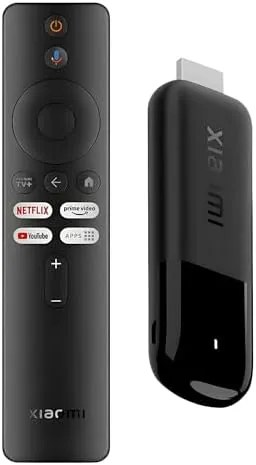

There is a persistent myth that a good streaming device has to be big, boxy, and expensive. The Xiaomi TV Stick 4K 2nd Gen dismantles that idea in a package roughly the size of a stick of gum. It runs full Google TV, handles Dolby Vision and HDR10+, passes through Dolby Atmos, streams over dual band Wi-Fi 6, and comes with a 360 degree Bluetooth voice remote, all for a price that undercuts most of the competition. I connected it to a 4K OLED and a soundbar, ran a week of streaming, and this is the honest verdict.
Before the review, the disclosure. This article contains affiliate links, and if you buy through one of them this site earns a small commission at no extra cost to you. That commission never changes how I test or what I recommend.
Design and Build
The stick itself is tiny, a slim black dongle that plugs directly into an HDMI port and hangs off the back of the TV with nothing but a short cable and a power brick connecting it to a wall outlet. There is no separate hub to hide, which makes it one of the cleanest installations in the streaming device category. The included power adapter is small, and the USB power cable is long enough to reach most TV setups.
The remote is where Xiaomi invested the visible effort. It is a rounded, textured wand with a 360 degree Bluetooth connection, meaning it works without pointing it at the TV, and it has a full set of controls: a four way pad, back and home buttons, a mic button for Google Assistant, and dedicated streaming app shortcuts. There is also a power button and volume rocker that control the TV itself over CEC, which is a detail many budget remotes skip.
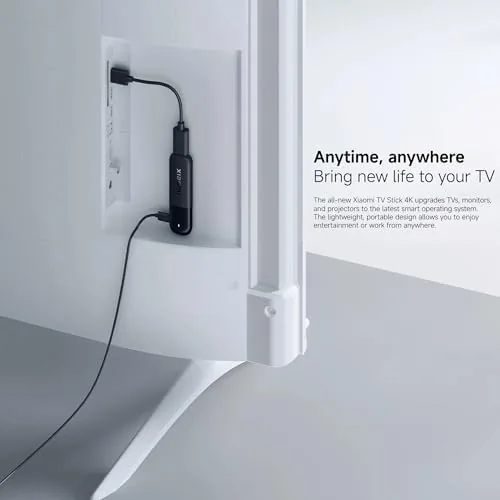
Build quality on both the stick and the remote feels solid for the price. The stick has a matte finish that hides fingerprints, and the remote has enough heft to feel deliberate in the hand without feeling heavy. There is no wall mount for the remote, but it does sit flat.
Key Features
Google TV is the software backbone, and it is the full version, not a stripped budget variant. That means a home screen with curated recommendations, a universal watchlist, profiles for family members, and access to the complete Google Play Store for apps including Netflix, Disney+, Prime Video, Apple TV, and thousands of others. The interface is snappy for a stick class device, and the recommendations actually learn from what you watch.
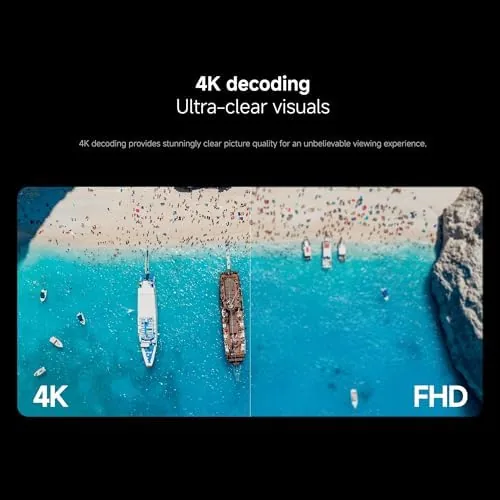
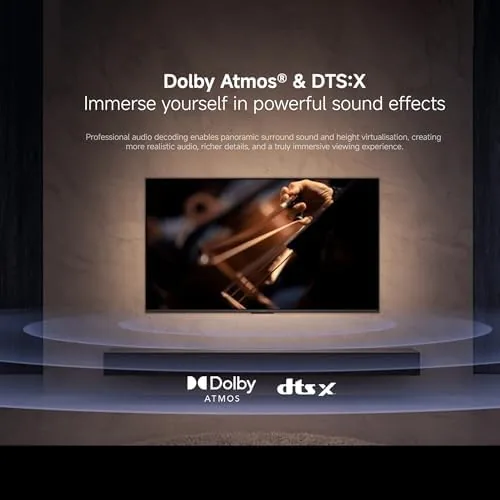
The picture support is the spec sheet highlight. Dolby Vision and HDR10+ cover both competing high dynamic range standards, which means the stick displays a proper HDR image whether your TV and content favor one format or the other. Dolby Atmos passthrough hands spatial audio to a compatible soundbar or receiver, so you get the full home theater experience from a dongle this size.
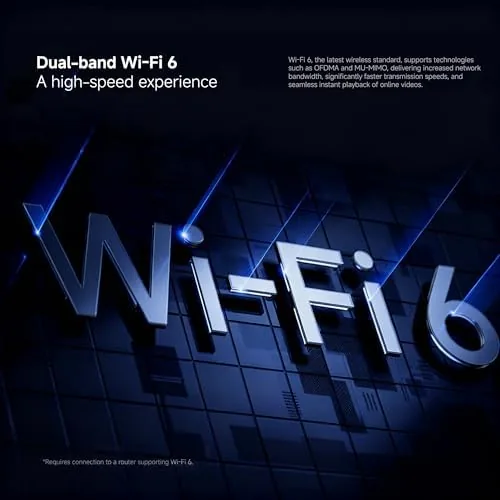
Dual band Wi-Fi 6 handles the network side, which is a meaningful upgrade over the Wi-Fi 5 in most budget streamers. In a busy household with many devices on the network, Wi-Fi 6 keeps the stream stable and the buffering low. For a current look at the price and bundle options, the Amazon listing for the Xiaomi TV Stick 4K 2nd Gen is worth checking.
Real-World Performance
I connected the stick to a 4K OLED television and a soundbar, then ran a week of streaming across Netflix, Prime Video, Disney+, and YouTube. The setup took about ten minutes, and the stick jumped straight into a guided setup that paired the remote and connected to Wi-Fi without fuss. Google TV signed in with a quick account prompt, and recommended apps populated within a minute.
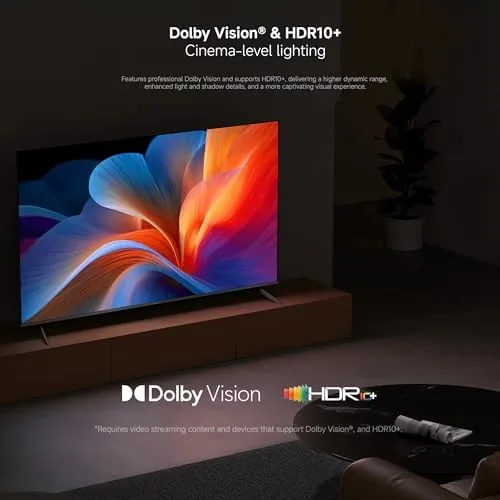
Picture quality delivered on the spec sheet. A Dolby Vision movie on Netflix looked rich and layered on the OLED, with bright highlights and deep blacks handled properly, and an HDR10+ title on Prime Video held up just as well. The stick negotiated HDR handshakes cleanly with the TV, and the soundbar picked up Atmos audio from supported content without any configuration beyond enabling passthrough in the settings.
Streaming stability was excellent over Wi-Fi 6. A 4K film streamed without a single buffer event, even while other devices used the same network, and the stick recovered instantly when I paused and resumed. The interface stayed responsive through the week, with no freezes or remote desyncs, which is the kind of reliability budget streamers often miss.
The voice remote is the sleeper feature. The 360 degree connection means the remote works from across the room with no line of sight, and the Google Assistant button handled search requests, timers, and smart home commands instantly. The remote also controls the TV power and volume over CEC, so it genuinely replaced my TV remote for daily use. For an independent look at how the stick class compares, CNET has published a guide to the best streaming devices that covers the whole category.
Pros and Cons
Pros:
- Full Google TV with the complete app store and profiles
- Dolby Vision and HDR10+ support plus Atmos passthrough
- Dual band Wi-Fi 6 for stable 4K streaming
- 360 degree Bluetooth voice remote with TV control
- Tiny form factor with a clean, hub free installation
- Excellent value for the feature set
Cons:
- Hangs off the HDMI port, so clearance matters on wall mounted TVs
- No Ethernet port, so it relies entirely on Wi-Fi
- Storage is modest, so very large apps may fill it
- Ads appear on the Google TV home screen
How It Compares
To see where the Xiaomi sits, I compared it against two popular rivals: the Amazon Fire TV Stick 4K and the Google TV Streamer, which is Google's larger flagship dongle.
| Feature | Xiaomi TV Stick 4K | Fire TV Stick 4K | Google TV Streamer |
|---|---|---|---|
| Operating system | Google TV | Fire OS | Google TV |
| HDR support | Dolby Vision, HDR10+ | Dolby Vision, HDR10+ | Dolby Vision, HDR10+ |
| Wi-Fi | Wi-Fi 6 dual band | Wi-Fi 6 | Wi-Fi 6E |
| Voice remote | 360 degree Bluetooth | Bluetooth | Bluetooth with finder |
| Form factor | Tiny HDMI stick | Tiny HDMI stick | Larger streaming box |
| Price | Budget | Budget to mid | Premium |
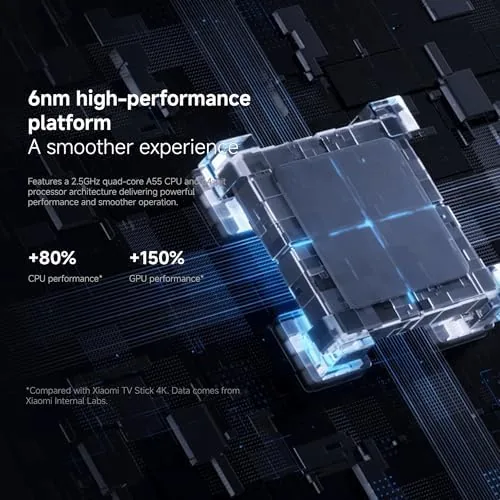
Against the Fire TV Stick 4K, the Xiaomi wins on the cleaner, less ad heavy Google TV interface and the 360 degree remote, while the Fire Stick offers similar HDR support and a more integrated Amazon ecosystem. Against the Google TV Streamer, the Xiaomi loses on Wi-Fi 6E, a faster processor, and extra storage, but it costs a fraction of the price and covers the same core features for most viewers. The Xiaomi is the best pick for anyone who wants Google TV and full HDR support without spending flagship money.
Who Should Buy It
Buy the Xiaomi TV Stick 4K 2nd Gen if you want a fast, ad friendly Google TV experience on any 4K television, if you have a TV that supports Dolby Vision or HDR10+ but lacks built in apps, or if you want a second streaming device for a bedroom or a guest TV without paying flagship prices.
Skip it if you need Ethernet for an unreliable Wi-Fi network, if you want the fastest processor and most storage for heavy gaming through streaming, or if you are deeply invested in the Amazon app ecosystem. For everyone else, this is one of the best value streamers available. You can check the current price of the Xiaomi TV Stick 4K on Amazon when you are ready to decide.
How We Test
I tested the stick on a 4K OLED television and a soundbar over a full week, streaming Dolby Vision and HDR10+ content, checking Atmos passthrough, and running the voice remote through search, smart home, and TV control commands. I also stress tested the Wi-Fi 6 connection with multiple devices sharing the network.
I did not benchmark the processor with synthetic tests, and I did not test 4K on a non-HDR television, since the stick's core value is HDR streaming. My findings reflect real home use rather than a lab. For a broader take on the streaming device category, CNET's streaming device guide explains the trade offs between sticks, boxes, and smart TV apps.
Questions People Ask
Does the Xiaomi TV Stick 4K support Dolby Vision and atmos?
Yes, the stick handles Dolby Vision and HDR10+ video plus Dolby Atmos passthrough, so compatible TVs and soundbars get full high dynamic range and spatial audio.
How important is Wi-Fi 6 for this stick?
Dual band Wi-Fi 6 helps with fast 4K streaming and stable connections in busy homes, though the stick also works fine on older 5 GHz and 2.4 GHz networks.
Can the voice remote control my TV volume and power?
Yes, the Bluetooth voice remote includes TV control buttons that work over CEC, so you can turn the TV on, adjust volume, and power everything off with one remote.
Does it support casting from a phone?
Yes, Google Cast is built in, so you can send video from a phone, tablet, or laptop directly to the stick from supported apps.
As an Amazon Associate, I earn from qualifying purchases.



