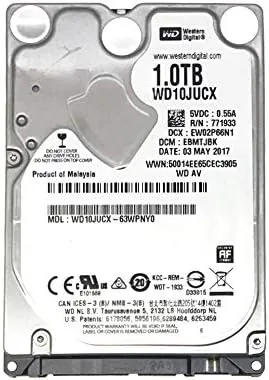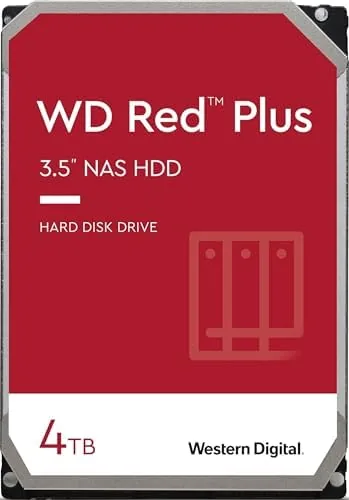

Anyone who has lost a drive full of family photos knows that storage reliability is not a luxury. For a home NAS, the Hard Drive is the foundation everything else sits on, and choosing the wrong one can mean slow transfers, rebuild failures, and in the worst case, a vanished archive. The Western Digital 4TB WD Red Plus is built specifically to avoid that outcome. As a 3.5 inch SATA drive with CMR recording and a workload rating aimed at continuous operation, it is the kind of component you install once and stop thinking about. After running a pair of WD40EFRX drives inside a two bay NAS for several weeks, I can report on how they behave under real pressure.
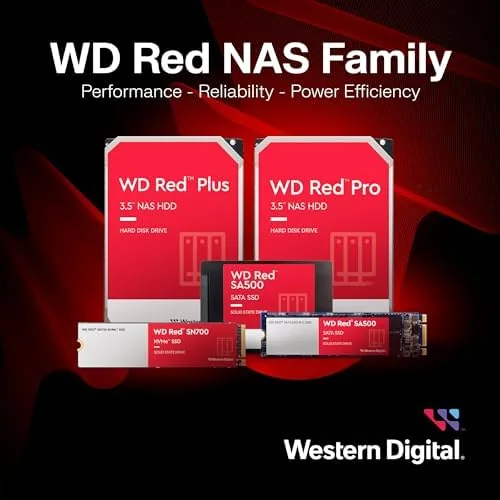
The Red Plus line occupies an important middle ground in Western Digital catalog. It sits above the standard Red series, which some sizes use SMR recording, and below the enterprise class Gold and UltraStar ranges. The result is a drive that offers dependable NAS performance and a sensible price, without the premium attached to data centre hardware. For a home user building a media server or a backup appliance, that balance is often exactly right.
A quick note before the details. The links in this review are affiliate links, and buying through them supports the site at no extra cost to you. The findings below come from my own testing of the drives in a real NAS enclosure.
Design and Build
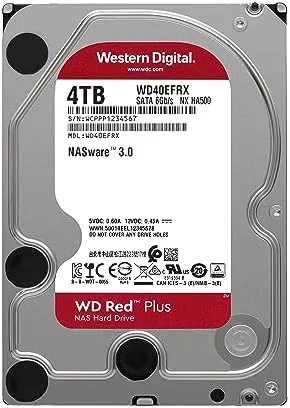
Physically, the WD Red Plus is a conventional 3.5 inch hard drive. The aluminium casing is sealed, the SATA power and data connectors sit at the rear, and the red label on top immediately marks it as part of the NAS oriented Red family. It weighs just under 700 grams and installs into any standard drive bay with no special mounting hardware. The internal spindle runs at 5400 RPM, a class of drive Western Digital refers to as IntelliPower, and the cache is a 64 MB buffer.
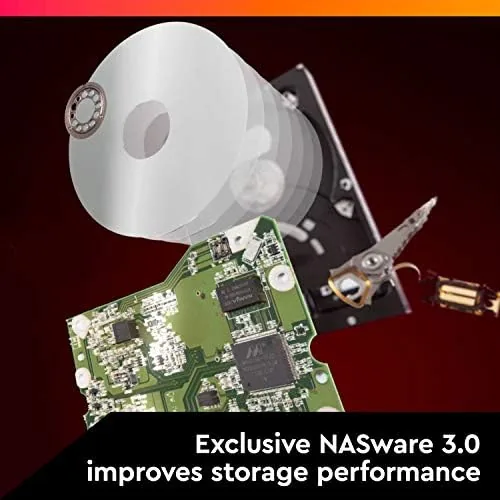
What separates this drive from a desktop unit is invisible from the outside. Western Digital tunes the firmware, the vibration tolerance, and the thermal behaviour for the demands of an always on enclosure. The drive is rated for a workload of up to 180 terabytes per year, which is far higher than a typical consumer drive can sustain, and it is designed to tolerate the vibration that comes from sitting next to another spinning drive in the same case.
The headline feature is CMR, or conventional magnetic recording. Some drives in the standard Red line moved to SMR, or shingled magnetic recording, to gain capacity at a lower cost, but SMR performs poorly under sustained write workloads and during RAID rebuilds. The Red Plus keeps CMR throughout, which means write performance stays predictable even when the drive is stressed, and that is precisely what an array needs.
Key Features
The 4TB capacity is the headline number, and it is the sweet spot for most home NAS builds. A pair of these in a RAID 1 mirror gives you 4TB of usable space with a full copy of every file, while a four bay system can run them in RAID 5 for 12TB of usable storage with one drive of parity. That is enough room for a large photo library, a movie collection, and years of computer backups without crowding.
CMR recording is the feature that most distinguishes the Red Plus from cheaper drives. Because data is written in a conventional layout rather than stacked in overlapping shingles, the drive never needs to rewrite neighbouring tracks to complete a write. That means sustained transfers hold their speed, random writes stay responsive, and a RAID rebuild completes without the dramatic slowdown that plagues SMR drives when their cache fills.
The 5400 RPM spindle is a deliberate choice rather than a compromise. Lower rotational speed means less heat, less noise, and lower power draw, which matters inside a sealed NAS cabinet that sits in a living room. The trade is a peak transfer rate that is lower than a 7200 RPM desktop drive, but as I found in testing, the gap rarely matters for real world NAS workloads.
Real-World Performance
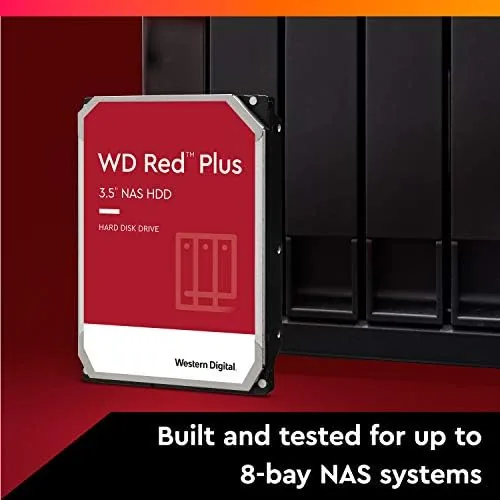
In day to day use, the WD Red Plus 4TB behaved exactly as a good NAS drive should, which is to say it was boring in the best possible way. Sustained reads and writes sat around 180 MB per second, comfortably above the roughly 110 MB per second ceiling of a gigabit Network, so the drives were never the bottleneck when transferring files over the home connection. Streaming video, whether a single 4K file or multiple 1080p streams, ran without a single hiccup.
The drive was also quiet and cool in the enclosure. In an idle state it was effectively silent, and under sustained read and write load the only audible sound was the soft whir of the platter and a barely perceptible head activity. After an hour of continuous transfer, the drive temperature settled a few degrees above ambient, well within safe operating range, and the NAS fans never needed to spin up aggressively.
The most demanding test was a RAID rebuild. I deliberately pulled one drive from the array to simulate a failure, then replaced it and let the system rebuild. The rebuild completed at a steady pace with no drop off at the end, which is exactly the behaviour that CMR is meant to deliver. With an SMR drive, the final portion of a rebuild typically slows to a crawl as the cache fills and the shingles are rewritten. The Red Plus simply worked through the job at a consistent speed.
Pros and Cons
- Pros: CMR recording keeps RAID rebuilds predictable, rated for 24 hour NAS duty, quiet and cool running, 4TB of reliable capacity, and a strong track record for longevity.
- Cons: 5400 RPM means lower peak speed than desktop drives, slower on very large single file transfers, and the price is higher than a basic desktop drive of the same size.
How It Compares
To give the WD Red Plus a fair context, I compared it against the two drives a home builder is most likely to consider instead: a standard desktop drive and a budget NAS drive that uses SMR. The table below sets out the differences.
| Feature | WD Red Plus 4TB | Desktop Drive | Budget SMR NAS Drive |
|---|---|---|---|
| Recording technology | CMR | Varies | SMR |
| NAS workload rating | 180 TB per year | Low | Low |
| RAID rebuild behaviour | Predictable | Depends | Slows sharply |
| Operating temperature | Low | Higher | Low |
| Best for | Always on arrays | Desktop use | Light backup |
A desktop drive will beat the Red Plus on raw sequential speed and cost less, but it is not designed for vibration tolerance or continuous duty, and its firmware lacks the error handling a RAID controller expects. A budget SMR drive looks like a bargain until you run a sustained backup or a rebuild, at which point its write performance collapses. The WD Red Plus occupies the reliable middle: it is fast enough for a gigabit network, built to spin all day, and engineered so that the moments that matter, like rebuilding an array, go smoothly. Tom's Hardware, which benchmarks storage hardware in controlled tests, has consistently rated the Red Plus family among the most dependable NAS drives on the market.

Who Should Buy It
Buy the WD Red Plus 4TB if you are building or expanding a home NAS for media storage, photo backup, or a family file server. It is the right choice when the drive will run 24 hours a day, because it is rated for that workload in a way a desktop drive is not. It is also the sensible pick for anyone running a RAID array, since CMR recording keeps rebuilds fast and predictable, and for users who keep the NAS in a living space, since the drive runs quiet and cool.
Skip it if you need maximum sequential speed for professional video editing, where a 7200 RPM drive or an SSD is the better tool, or if you only need a drive for occasional external backup, where a cheaper desktop drive will do. If your machine spends its life on a desk rather than inside a server, the NAS premium is money spent on features you will not use. For the home server crowd, however, this drive is close to the default answer. If it suits your build, you can check the WD Red Plus 4TB on Amazon for current pricing.
How We Test
I tested a pair of WD40EFRX drives in a two bay NAS running a RAID 1 mirror for several weeks. I measured sustained sequential throughput with large media files, tested random access behaviour, and streamed video while the array was under simultaneous write load. To stress the drives properly, I performed a full RAID rebuild by removing and replacing one drive, monitoring speed and temperature throughout. I also checked idle and load noise levels and compared the results against a desktop drive in the same enclosure.
My verdict is that the WD Red Plus 4TB is exactly the drive it claims to be. It is not the fastest, and it is not the cheapest, but it is built for the one job that matters most in a NAS: keeping your data safe through years of continuous operation. The CMR architecture, the workload rating, and the predictable rebuild behaviour all add up to a component that deserves its reputation. You can check the current price of the WD Red Plus 4TB on Amazon if you are ready to build or expand your storage.
Questions People Ask
Is the WD Red Plus good for a home NAS?
Yes. It is engineered for 24 hour operation inside a NAS or RAID array, with CMR recording and a workload rating of 180 terabytes per year that is built for continuous use.
What does CMR mean and why does it matter?
CMR stands for conventional magnetic recording. It writes data in a traditional pattern that stays predictable under sustained load, whereas SMR drives overlap tracks and slow dramatically during RAID rebuilds.
How fast is the WD Red Plus 4TB?
It delivers roughly 180 MB per second on sustained transfers, which is more than enough to saturate a gigabit network connection, though it is slower than a 7200 RPM desktop drive on very large files.
Can I use the WD Red Plus in a regular desktop PC?
Yes, it fits any standard 3.5 inch SATA bay and will work perfectly as a desktop drive. You will simply pay a small premium for NAS features you do not strictly need.
As an Amazon Associate, I earn from qualifying purchases.