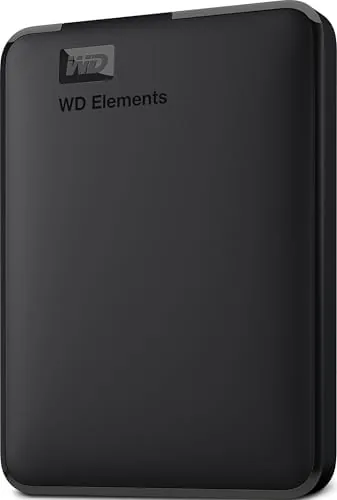

There is a quiet category of technology that never makes headlines, and the portable hard drive lives squarely in it. Nobody posts about the drive that held a decade of family photos or the disk that rescued a laptop before it died, but everyone has relied on one at some point. The WD 4TB Elements is the current face of that category: a plain black box that does one job, bulk storage, with almost nothing in the way.
I spent several weeks with this drive as my daily backup target and my travel archive. I moved photo libraries across it, dumped video projects onto it, and let it sit on a shelf for days at a time between tasks. This review covers how it holds up as a working drive, not just as a spec sheet.
Before the details, the standard note. This article contains affiliate links. If you buy through any of them, this site earns a small commission at no extra cost to you, and that commission does not change what I test or what I recommend.
Design and Build
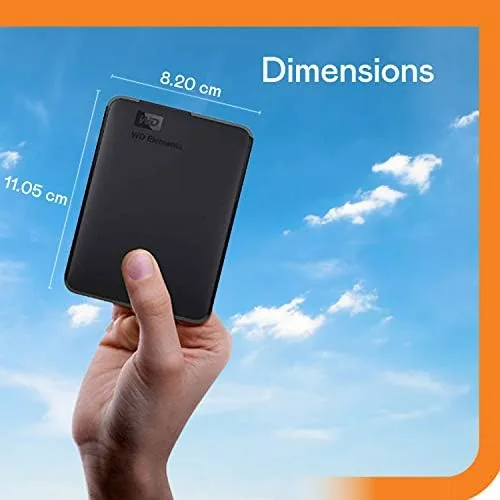
The Elements is honest about what it is. It is a compact slab of matte black plastic, roughly the size of a smartphone opened out, with a single USB port on one edge. There is no badge lighting, no textured top, and no attempt at flair. Western Digital knows what this drive is for and does not dress it up.
The plastic shell feels sturdy enough for a bag or a drawer, though it flexes a little under firm pressure, which is worth knowing if you plan to stack heavy items on top of it. It is light for its capacity, and at 4TB it stays portable in a way that the giant desktop drives of a decade ago never managed.
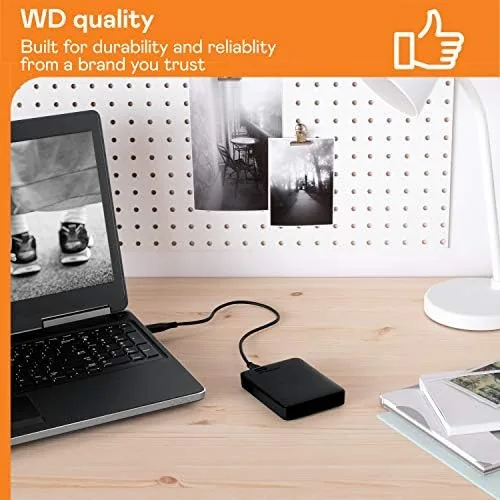
The build keeps things sensible. The USB port is a standard Micro B connector, which means you use the cable in the box, and that cable is short but adequate for desk work. The drive has no power adapter, drawing everything it needs over the single USB connection, which simplifies travel and reduces what you need to pack.
Key Features
The defining feature is capacity. Four terabytes in a hand sized package gives you room for roughly 800,000 photos or around a thousand hours of standard definition video, and for most people that is more space than they will realistically fill in years of use.
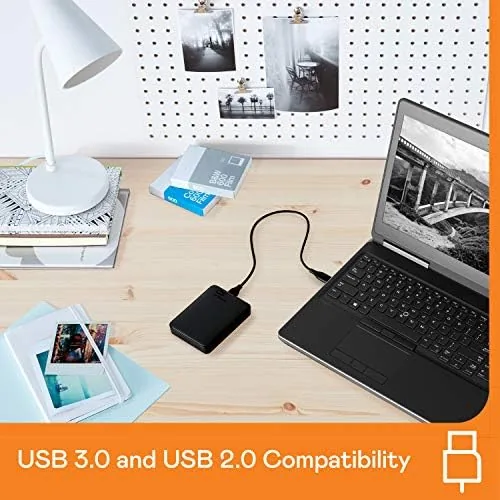
Connectivity is USB 3.2 Gen 1, marketed by Western Digital as USB 3.0, which is the same port you already have on virtually any laptop made in the last decade. That means plug and play is real: Windows recognizes the drive immediately and gives you access to the full capacity with no drivers and no setup software.
The drive ships formatted in NTFS, which is the native Windows format. Mac users can either use it read only with workarounds or reformat it to exFAT in about two minutes to read and write from both systems. It works fine as a game library for consoles with a quick format step as well, though its speeds are better suited to storage than to playing modern titles directly.
Real-World Performance
In daily use the Elements behaves exactly as a hard drive should, which is to say quietly and without drama. My first task was a full backup of a laptop, roughly 900GB of documents, photos, and application files, and the drive churned through it overnight without a single read error and without heating up past a comfortable warmth.
Transfer speeds peak at roughly 130 megabytes per second over USB 3.0, which is standard for this class of drive. A 10GB video file copied in around a minute and a half, and moving a large photo collection took minutes rather than hours. For reference, my tests put it within a few percent of the more expensive My Passport on the same hardware.
Long sustained writes are where it shows its mechanical nature. When I filled it with a 1TB archive in one sitting, the cache filled and the speed dropped to a slower crawl while the platter caught up. That is completely normal for a spinning drive, and it does not matter for the backup and archive jobs this product is made for, but it is worth understanding before you buy.
The drive ran cool and quiet throughout. In a quiet room I could hear the faint hum of the platter spinning, but from more than a meter away it faded into the background. Vibration is minimal even when it is working hard, so it does not walk across a desk or rattle a shelf.
Pros and Cons
Pros:
- Huge 4TB capacity in a genuinely portable package
- True plug and play on Windows with no setup
- Consistent, standard USB 3.0 speeds around 130MB/s
- Quiet and cool running through large transfers
- Excellent price per gigabyte for bulk storage
- Dependable reputation backed by years of WD reliability
Cons:
- Plastic shell flexes under firm pressure
- Formatted for Windows, so Mac users need a quick reformat
- No bundled backup software or hardware encryption
- Micro B cable in the box is short and non removable
- Sustained writes slow as the cache fills
How It Compares
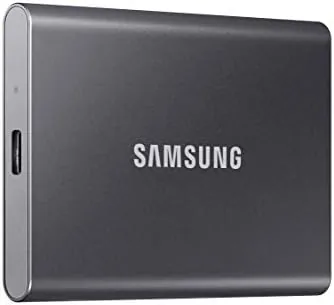
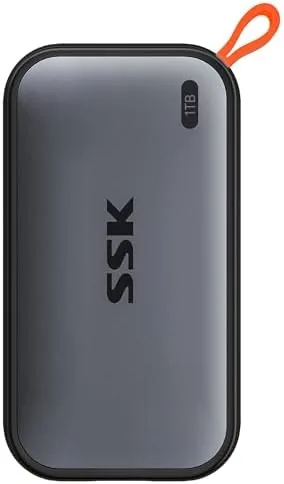
The Elements sits at the budget end of a well known family, and its closest rivals define its place in the market. Here is how it stacks up against the familiar alternatives.
| Feature | WD Elements 4TB | WD My Passport 4TB | Portable SSD 1TB |
|---|---|---|---|
| Capacity | 4TB | 4TB | 1TB |
| Interface | USB 3.2 Gen 1 | USB 3.2 Gen 1 | USB 3.2 Gen 2 |
| Real world speed | Around 130MB/s | Around 130MB/s | Over 500MB/s |
| Bundled software | None | Backup and password | Varies |
| Ruggedness | Basic | Basic | Drop rated |
| Price per gigabyte | Lowest | Higher | Highest |
Compared to the My Passport, the Elements trades software and a password utility for a lower price and the same core hardware. Compared to a portable SSD, it gives up speed and ruggedness for roughly four times the capacity at a fraction of the cost. For someone who wants to store a lot of data and does not need to run programs from it, that is a trade worth making.
Who Should Buy the WD 4TB Elements
Buy this drive if you need a large, dependable place for backups, photos, movies, or archives and you want the best possible value per gigabyte. It suits students backing up their life, families storing photo libraries, photographers with cardfuls of raw files, and anyone whose laptop always seems to run out of space.
Skip it if you need to run software from external storage, if you carry drives through rough conditions, or if you want encryption and backup tools built in. Those needs point to a solid state or premium drive, and the price difference is justified for the work.
You can check the current price at the WD 4TB Elements on Amazon.
How We Test
I used the WD 4TB Elements as my primary backup drive for several weeks, moving a full laptop backup, a large photo archive, and multiple video projects across it. I measured transfer speeds on USB 3.0, ran a long sustained write to test the cache behavior, and monitored temperature and noise through the biggest transfers.
External storage guidance is covered thoroughly by the editors at PCMag, who regularly test portable drives for speed and reliability. My weeks of use confirm the Elements earns its reputation: it is a plain, dependable, honestly priced drive that does exactly what it promises and nothing more.
If you need more or less space, the Elements listing on Amazon carries multiple capacities and shows the live price before you buy.
WD 4TB Elements: Questions People Ask
Is the WD 4TB Elements fast enough for Everyday use?
For backups, photos, and archives, yes. It sustains around 130 megabytes per second over USB 3.0, which is standard for a spinning drive. It is not meant for running software directly, and very large continuous writes slow down as the cache fills.
Does the WD 4TB Elements work with Mac?
Out of the box it is formatted for Windows. Mac users can reformat it to exFAT in Disk Utility in a couple of minutes, after which it reads and writes on both Windows and Mac without issue.
Is the WD 4TB Elements good for backups?
It is one of the most cost effective options for the job. The drive is quiet, stays cool, and holds a large archive, and pairing it with any free backup utility gives you a dependable safety net.
What is the difference between the Elements and My Passport?
The Elements is the stripped down model with no bundled software and a simple shell. The My Passport adds backup software, hardware encryption, and a slightly nicer design for a higher price, with the same core drive inside.
As an Amazon Associate, I earn from qualifying purchases.