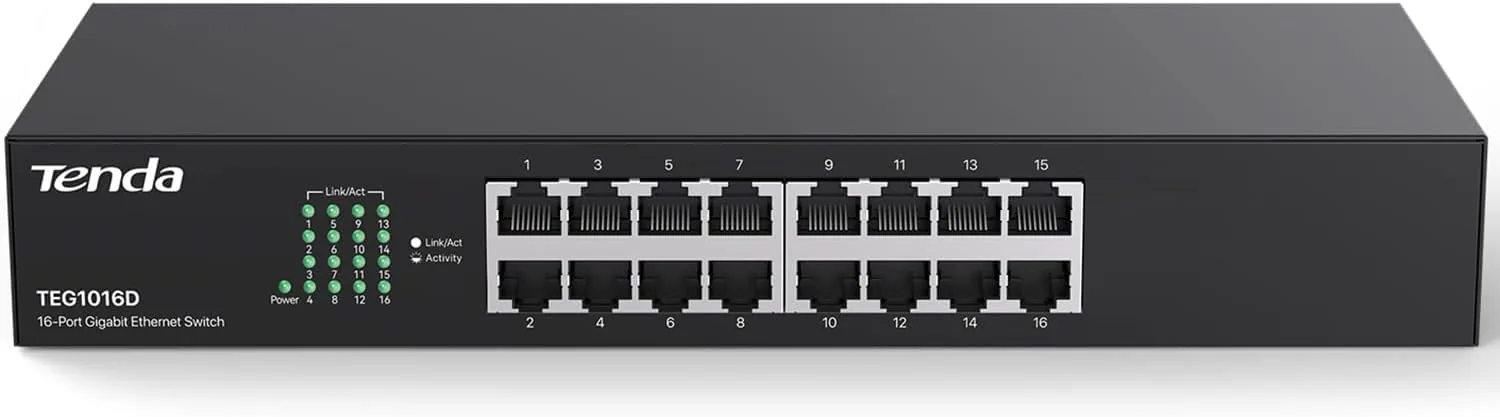

Most home networks fail quietly at the point where you run out of ports. A router has a handful of Ethernet jacks, and before long one is taken by the desktop, another by the work laptop dock, and suddenly the printer and the media player and the garage access point are fighting for the last slot. A network switch is the fix, and the Tenda TEG1016D is a sixteen port gigabit unmanaged switch pitched at exactly that problem. It is a metal, fanless, plug and play box that hands out a full gigabit to every port and asks for nothing in return. I put one at the heart of my home office network for a month, and this is the honest account of how it behaved.
Before the details, the required disclosure. This article contains affiliate links, and if you buy through one of them the site earns a small commission at no extra cost to you. That commission never changes what I test or what I recommend.
Design and Build
The TEG1016D is built like a proper piece of networking hardware rather than a plastic gadget. The housing is bare metal, cool and rigid, with sixteen ports lined across the front edge and a small row of status LEDs above each connector that glow green when a link is active and blink when data moves. The metal case is the first thing you notice, because it separates this from the cheap plastic switches that flex when you push a cable in. The build feels robust enough to sit in a rack for years.
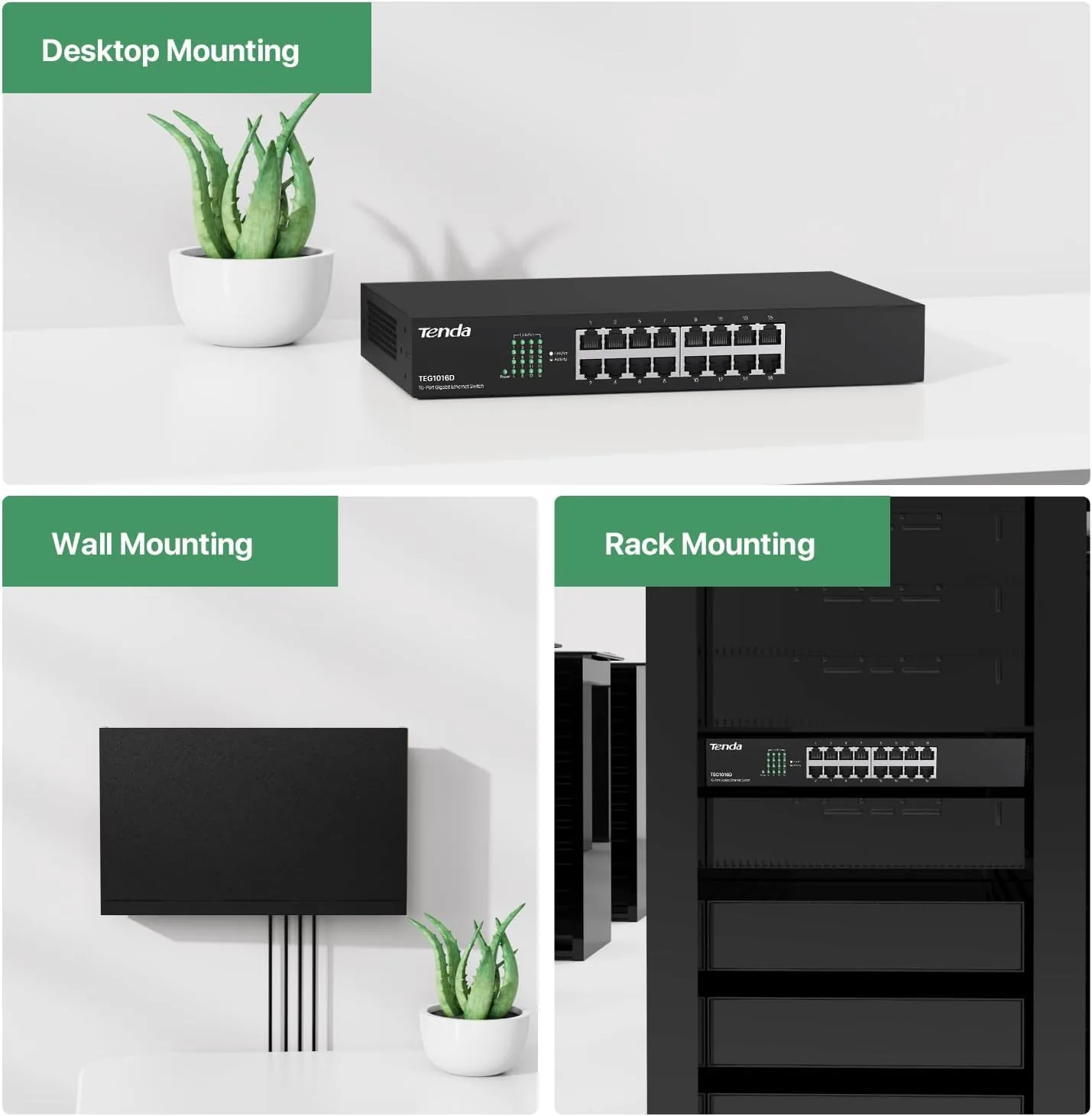
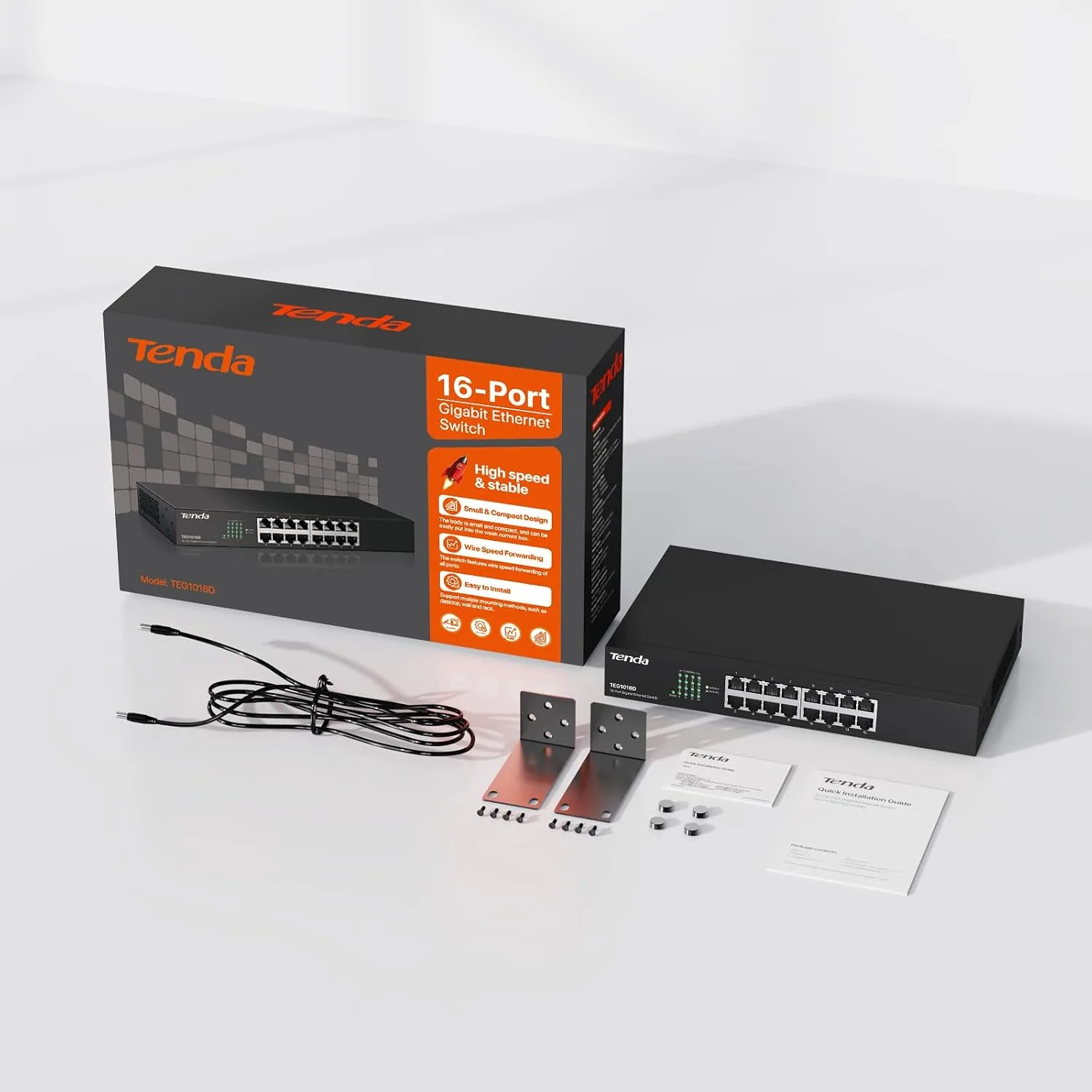
The footprint is compact for a sixteen port box. It is short and fairly deep, with the ports arranged in a tidy line, and it does not tower over the equipment shelf the way some managed switches do. There is a recessed power socket at the back and rackmount ears fixed to the sides, so you can bolt it into a standard rack or set it on a desktop on the included rubber feet. There is no visible fan anywhere on the case, which is the quiet feature at the center of this design.
Key Features
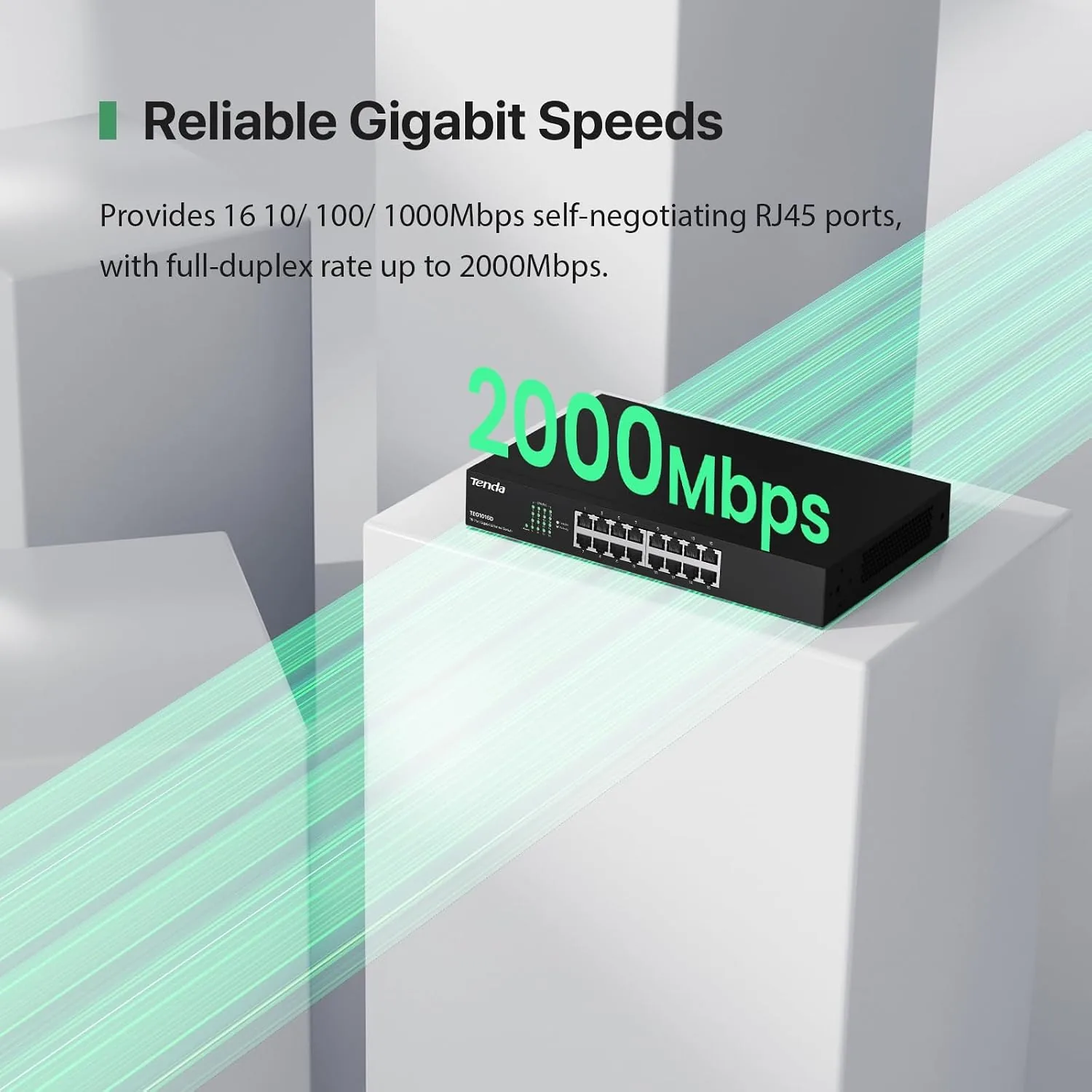
The defining feature is the combination of sixteen gigabit ports and unmanaged operation. Every one of the sixteen jacks supports 10/100/1000Mbps, meaning each connected device gets a full gigabit, full duplex connection to the network, and there is no configuration at all. You plug in cables and it works, which is precisely the point of an unmanaged switch.
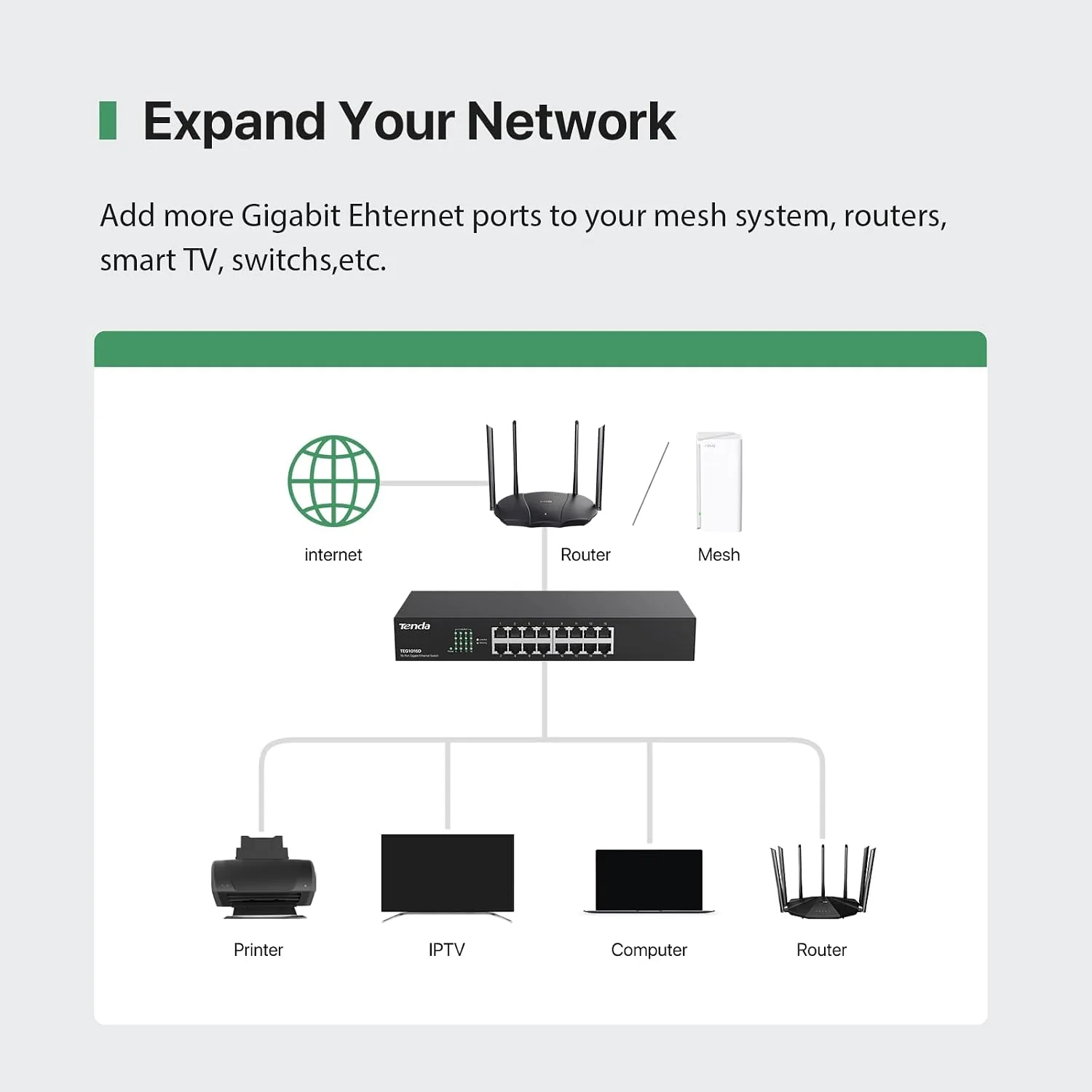
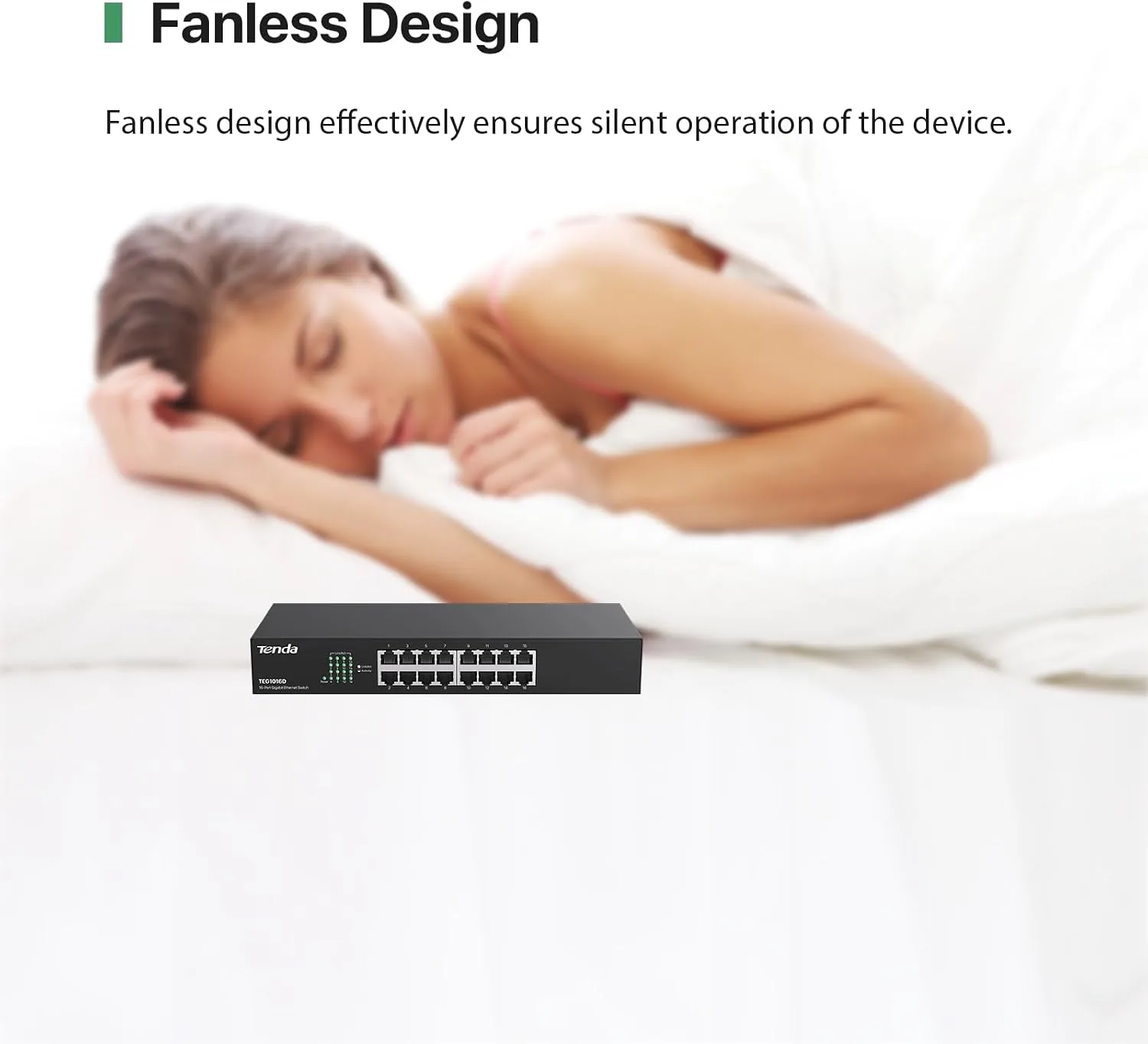
The fanless metal chassis is the second pillar. Because there is no fan, the switch produces no audible noise, which is a genuine advantage in a home office or near a desk where a whirring rack would annoy you. The metal body also serves as a heatsink, drawing heat away from the internal components so the switch stays cool without active cooling, and it is far more durable than a flimsy plastic enclosure.
Traffic optimization is a quieter feature but a real one. The switch automatically learns the devices on each port and forwards traffic only where it needs to go, and it supports the standard method that separates traffic on a gigabit link so that data on the network does not slow down everyday transfers. There is no management interface, no login, no firmware to babysit. It is the networking equivalent of a well made tool you set and forget. For a current look at the price, the Amazon listing for the Tenda TEG1016D is a useful reference.
Real-World Performance
I placed the TEG1016D at the center of a home office network with a desktop, a work dock, a printer, a media player, and a couple of network drives plugged in, which left spare ports for guests and temporary cables. The setup took barely longer than the unboxing, since I ran cables from the router to the switch and from the switch out to each device. There was nothing to configure, and every device came up online within moments.
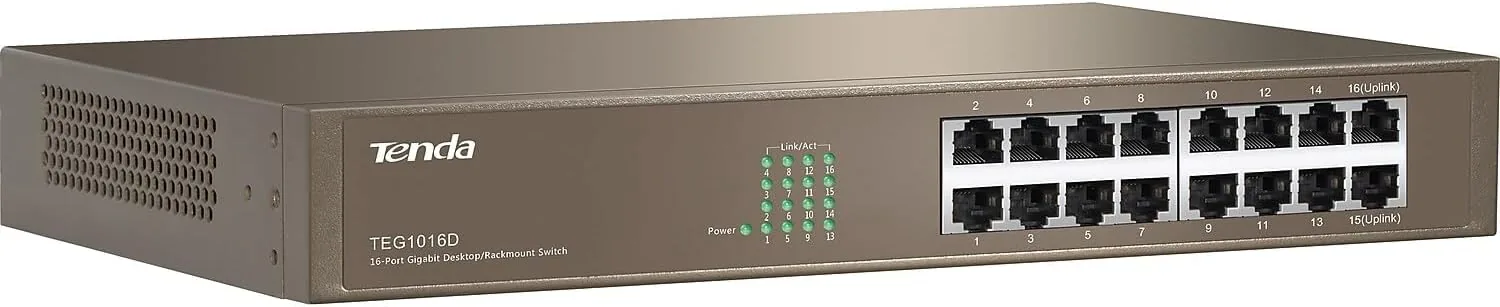
The big test for a gigabit switch is sustained throughput under load, so I copied a large folder of files between two machines that were both connected through the switch while a video was streaming and a backup ran in the background. The transfer completed at full gigabit pace with no slowdown, the stream stayed smooth, and the backup finished without interruption. The switch handled all of it simultaneously without batting an eye, which is exactly what a gigabit switch should do when it is not the bottleneck.
A second test focused on simultaneous traffic. I had files transferring between three computers at once while a network drive served media to a streaming box, and again the switch kept every link running at full speed. Link speeds showed the full gigabit negotiation on all active ports, and the status LEDs confirmed clean, steady links on each jack. There was no dropping, no stuttering, and the switch stayed completely silent throughout.
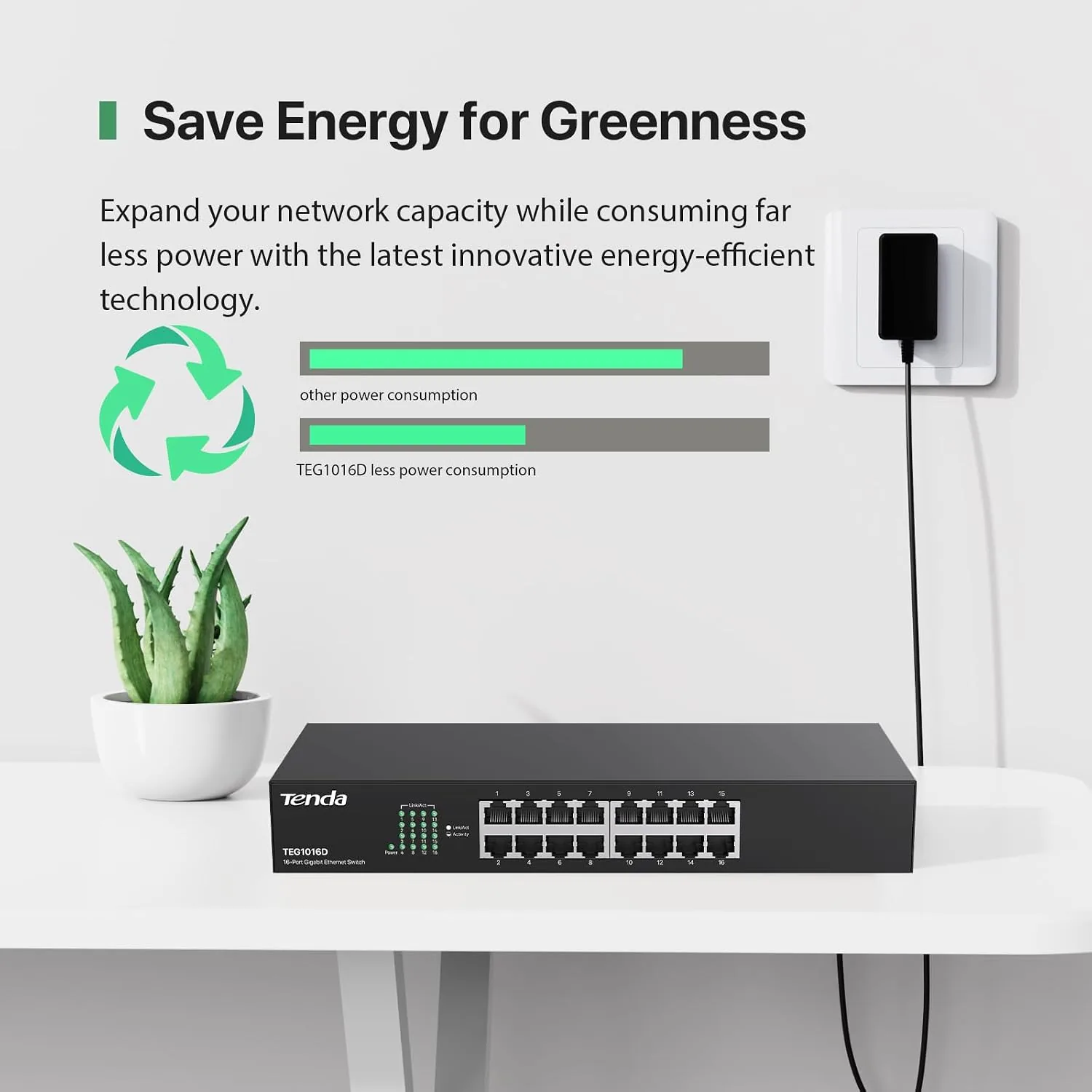
I also left the switch running constantly for several days to check thermal behavior and stability. The metal top stayed warm to the touch but never hot, and the switch maintained every connection without a single drop or reboot during that stretch. For a home or small office network, that combination of speed, silence, and stability is the whole job, and the TEG1016D did it with room to spare.
Pros and Cons
Pros:
- Full gigabit link on all sixteen ports
- Completely unmanaged and plug and play
- Fanless metal housing runs totally silent
- Metal chassis works as a heatsink and stays cool
- Can sit on a desktop or mount in a standard rack
- Handles simultaneous traffic at full speed
Cons:
- No management features, QoS options, or VLAN support
- No power over Ethernet for powered devices
- Metal body is heavier than a plastic switch
- Status lights are basic with no per port detail beyond link
How It Compares
Ethernet switches range from cheap unmanaged boxes like this one to fully managed units with advanced features. I compared the TEG1016D against a small 8 port unmanaged switch and a managed switch to show where a 16 port gigabit model earns its place.
| Feature | Tenda TEG1016D | 8 Port Unmanaged | Managed Switch |
|---|---|---|---|
| Port count | 16 gigabit | 8 gigabit | Varies, often more |
| Configuration | None needed | None needed | Full interface |
| Noise | Silent, fanless | Silent | May have fans |
| VLAN and QoS | No | No | Yes |
| Price | Low for 16 ports | Lowest | Higher |
| Best for | Home and SOHO | Small desks | Business networks |
Against an 8 port unmanaged switch, the TEG1016D wins on capacity, since it doubles the available ports for only a modest price increase, which is ideal if you expect your wired devices to grow. The 8 port wins for a cramped desk where you only need a handful of jacks. Against a managed switch, the TEG1016D loses on features like VLANs and advanced traffic control, but those features are meaningless to most home users, who gain nothing from a management interface. For a home or small office that needs lots of gigabit ports and no complexity, the TEG1016D is the practical winner.
Who Should Buy It
Buy the Tenda TEG1016D if you are running out of router ports and you want a dependable, silent way to expand a wired network without learning any networking configuration. It is a strong pick for a home office with several computers, a streaming setup with multiple connected devices, or a small office that needs a lot of gigabit ports and nothing fancy.
Skip it if you need power over Ethernet for cameras or access points, advanced management for a business network, or if you only need a handful of ports and want the Smallest possible box. For everyone else who needs real capacity and zero hassle, this is a Reliable, well priced workhorse. You can check the current price for the Tenda TEG1016D on Amazon when you are ready to expand your network.
How We Test
I tested the TEG1016D at the center of a home office network over several days, plugging in a desktop, a work dock, a printer, a media player, and network drives. I measured sustained throughput with large file transfers between switch connected machines while video streamed and a backup ran, plus a simultaneous transfer across three computers at once.
I confirmed a full gigabit link negotiation on every active port, checked the LEDs for clean links, and left the switch running continuously to observe thermal behavior and long term stability. I did not test VLAN or QoS features, since the unit does not offer them, and I did not test power over Ethernet for the same reason. For background on what to look for in a network switch, technical references such as Tom's Hardware guidance on choosing a network switch are a helpful starting point. The Tenda TEG1016D listing on Amazon shows the current price and available terms.
Tenda TEG1016D 16 Port Gigabit Switch: Questions People Ask
Do I need to configure the Tenda TEG1016D?
No. The switch is unmanaged and works straight Out of the box, so you simply plug in network cables and it starts forwarding traffic automatically with no setup and no login.
Is the Tenda TEG1016D fanless and quiet?
Yes. The metal housing is fanless, so it runs completely silently and produces no audible noise, which makes it a good fit for a desk or home office where a spinning fan would be annoying.
Can the switch be mounted in a rack?
Yes. The metal chassis includes rackmount ears for a standard rack, or you can set it on a desktop using the included rubber feet, giving you both installation options.
What speed does each port support?
Each of the sixteen ports supports 10/100/1000Mbps gigabit Ethernet, so every connected device gets a full gigabit, full duplex link to the rest of your network.
As an Amazon Associate, I earn from qualifying purchases.