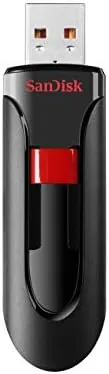

There is still a place for a simple USB flash drive, and it is not the place that demands the fastest possible transfer speeds. It is the place where you need a small, affordable stick to move documents, back up an essay, or hand a folder to a colleague without losing a cap or worrying about a bulky case. The SanDisk 32GB Cruzer Blade sits squarely in that place. It is a no frills USB 2.0 Drive with a sliding connector, a 32GB capacity, and a price that makes it easy to keep a couple in a drawer. I carried one for a month as my everyday file mover, and this is the honest record of how it performed.
Before the details, the required disclosure. This article contains affiliate links, and if you buy through one of them the site earns a small commission at no extra cost to you. That commission never changes what I test or what I recommend.
Design and Build
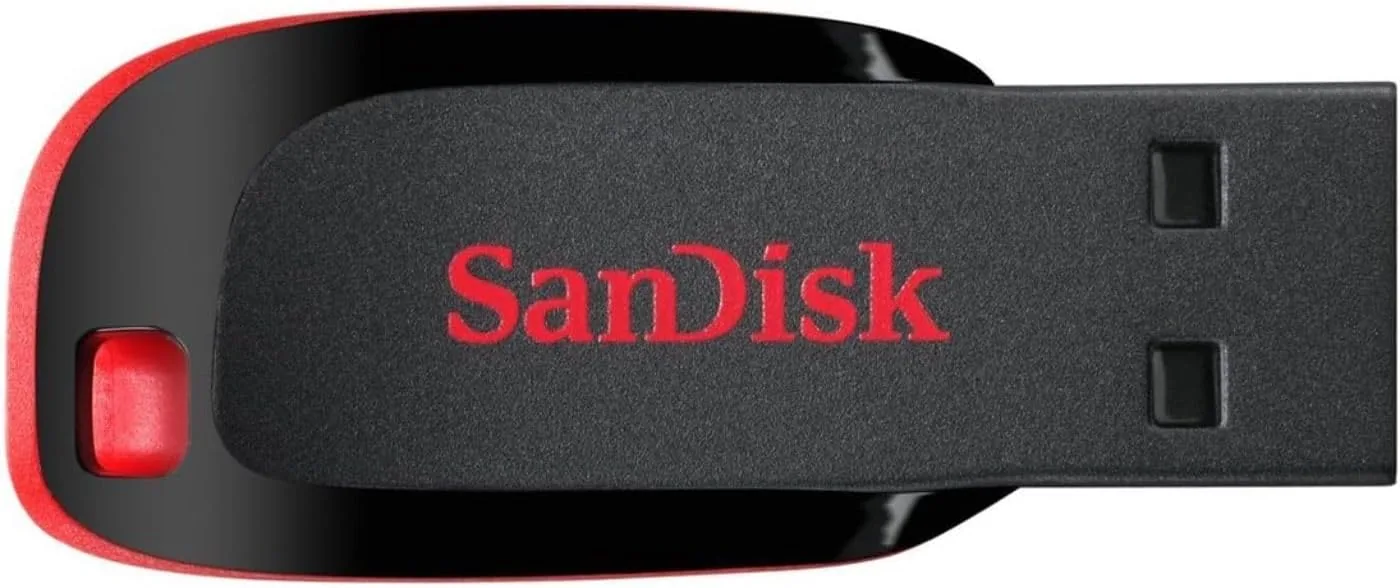
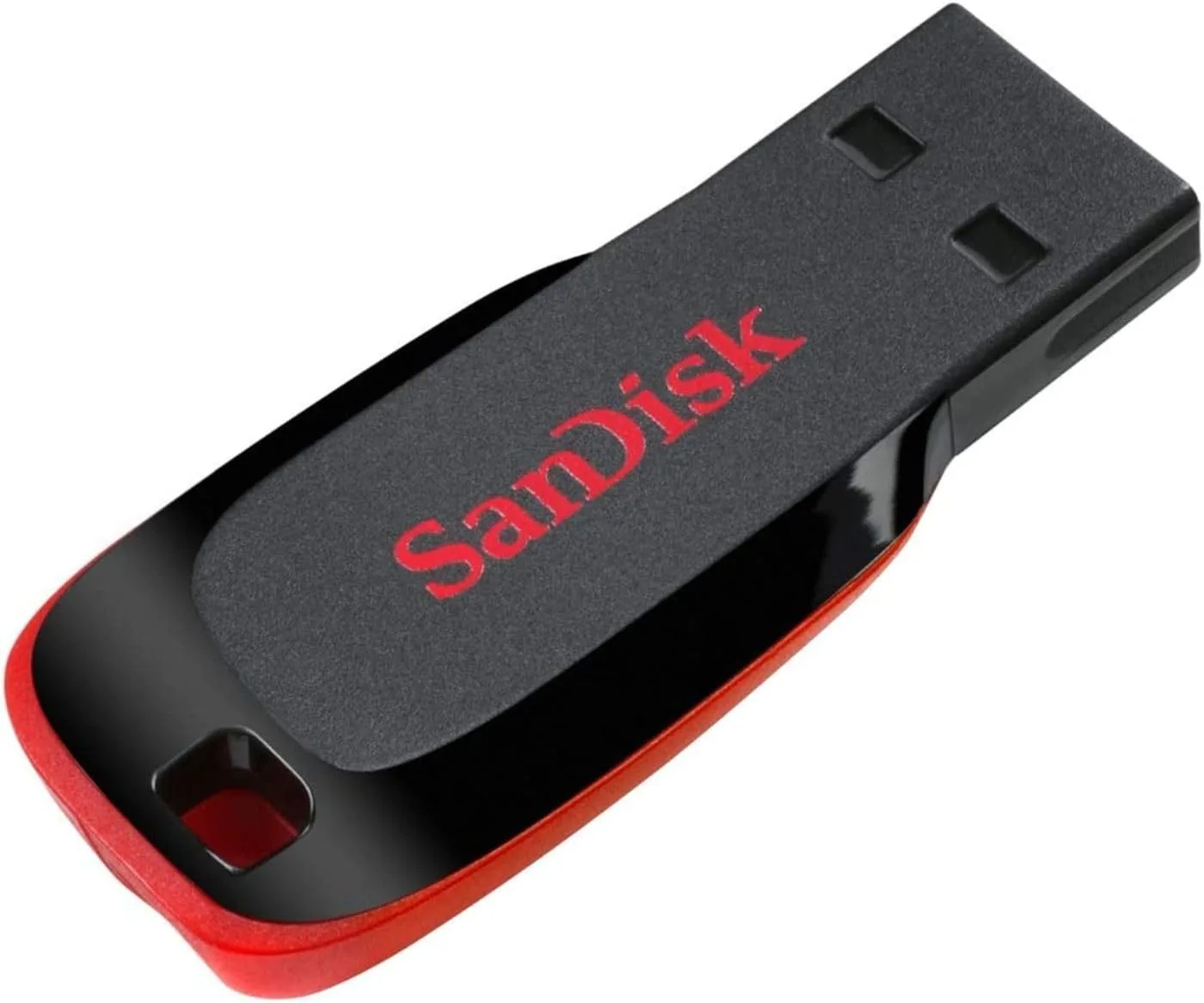
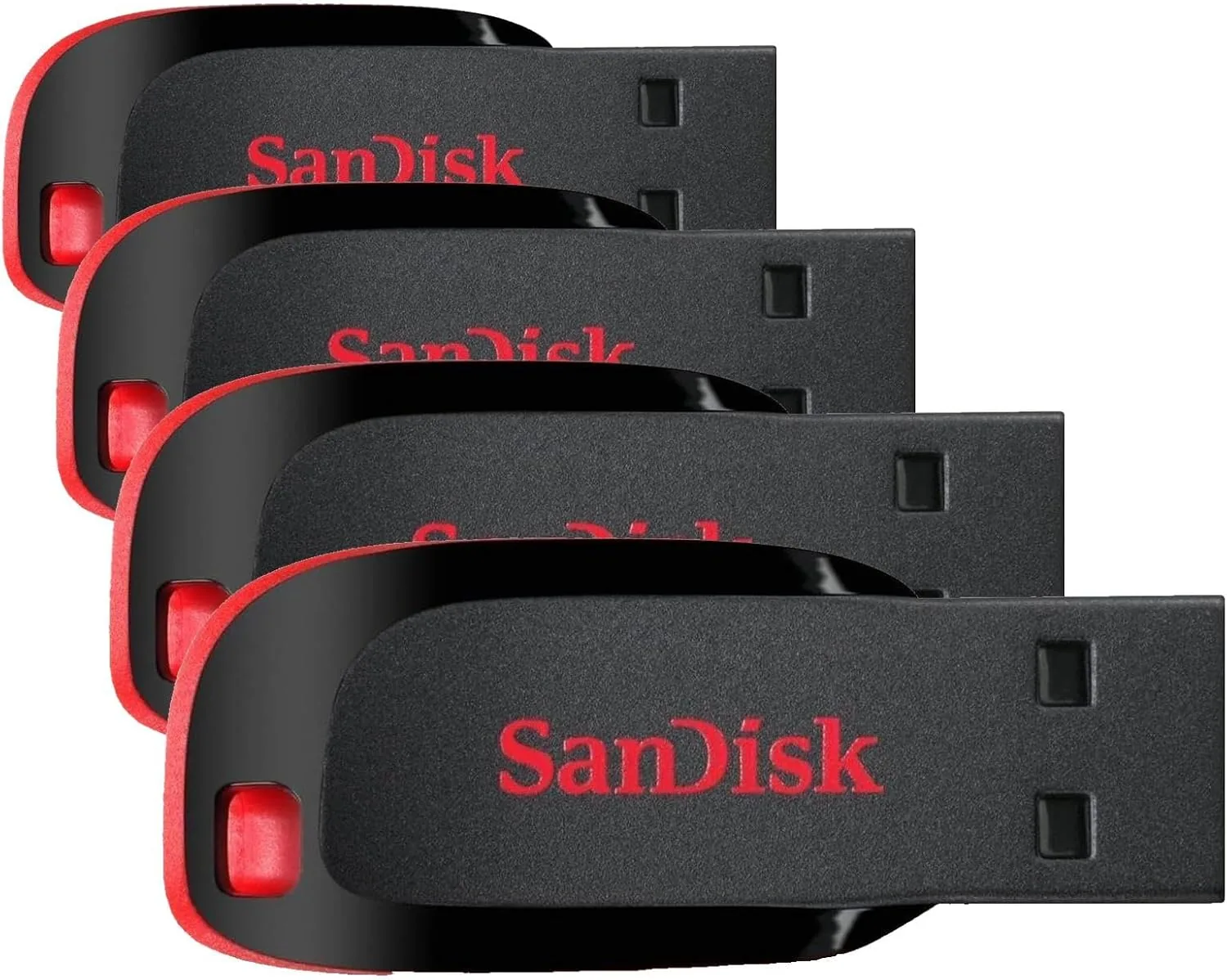
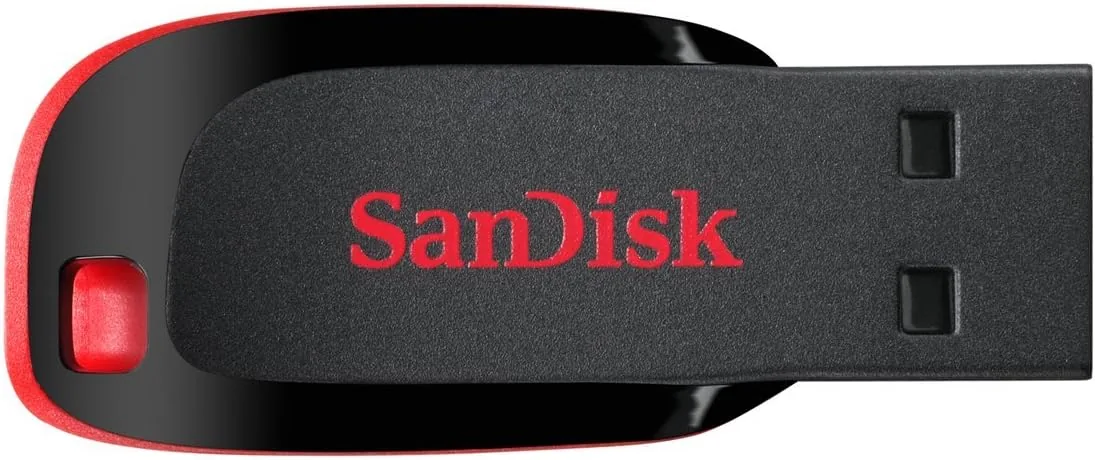
The Cruzer Blade is a small, flat strip of red and black plastic with a USB connector that slides out from one end. The body is slim enough to sit nearly flush in a laptop port, which is a real convenience because it reduces the chance of the drive snapping off if the laptop gets bumped. There is a tiny status light near the connector that blinks during transfers, and the whole thing is light enough to forget it is clipped to a lanyard.
The build is entirely plastic, and it does not pretend to be anything else. The plastic is hard and glossy on the body with a matte strip on the slider, and it feels durable enough for desk life, though this is not a ruggedized drive rated for drops and dust. The sliding mechanism is the key design choice. Instead of a separate cap that can vanish into a couch cushion, the connector retracts into the body and locks in place. The locking action is firm, with a definite click at both the open and closed positions, and it stayed positive throughout a month of daily use.
Key Features
The headline feature is the locking sliding connector, which protects the USB tip when the drive is not in use and removes the nagging problem of a lost cap. Since the connector tucks fully into the housing, the drive can sit loose in a bag or pocket without the exposed metal getting bent or gathering pocket lint, and the lock keeps it from sliding out on its own.
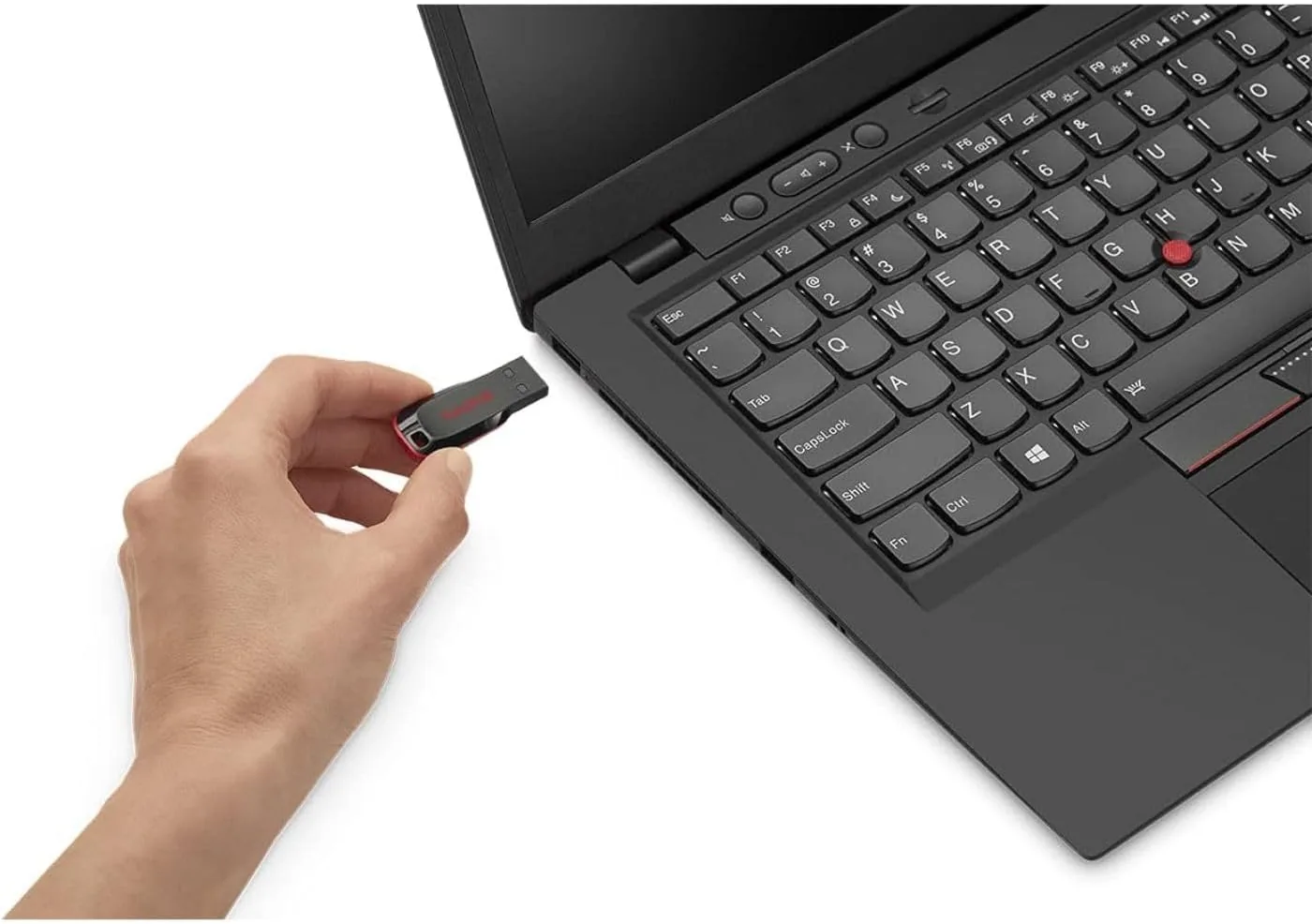
The 32GB capacity is the practical heart of the product. That is enough for thousands of documents, tens of thousands of photos in compressed formats, or a modest library of music, and it is sized for typical everyday loads rather than heavy media transfers. There is a small lanyard loop at the tail of the drive, so you can attach it to a keychain or a badge reel and keep it where you can find it.
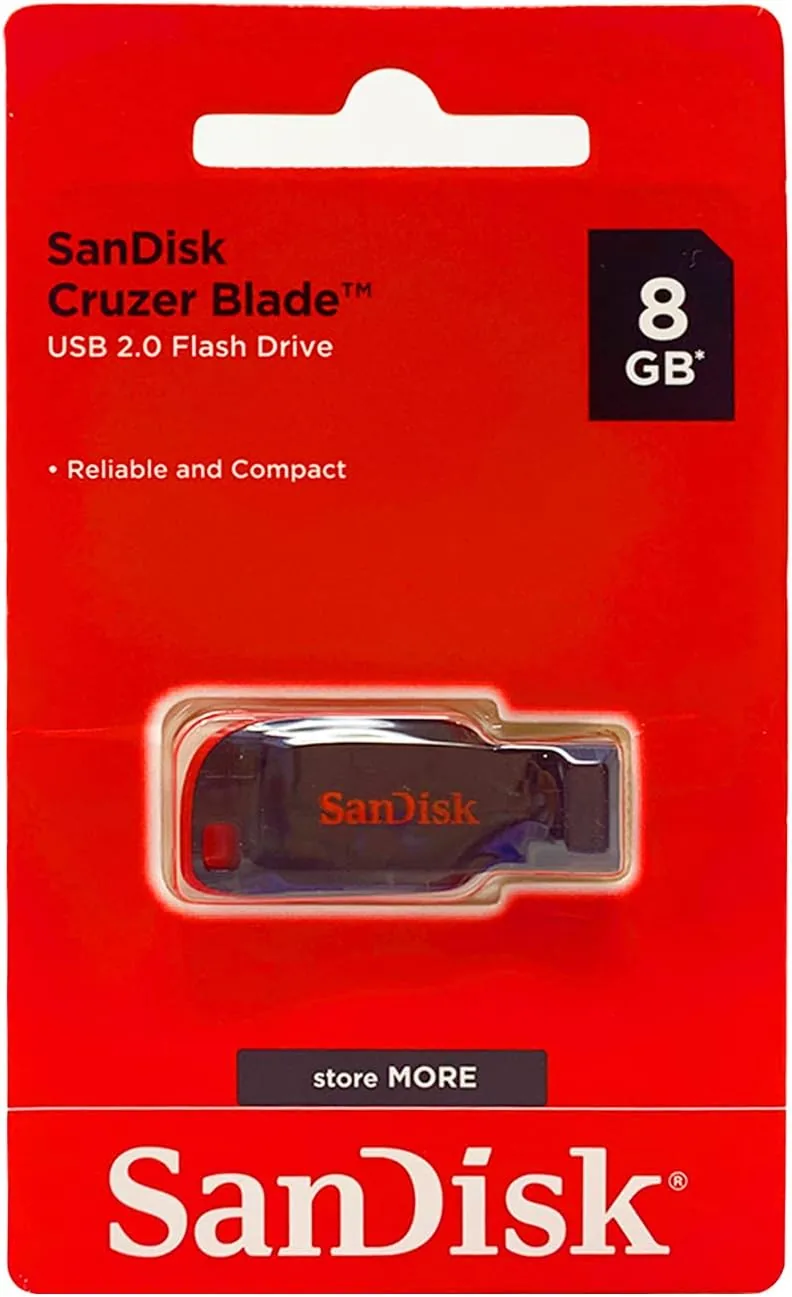
The interface is USB 2.0, which means maximum transfer rates are lower than modern USB 3.0 drives. That is the honest trade of this product, and it is also the reason the price stays low. For moving documents, spreadsheets, photos, and the occasional video, USB 2.0 is perfectly adequate, and it works in virtually any port on any computer without an adapter. For a current look at the price, the Amazon listing for the SanDisk 32GB Cruzer Blade is a useful reference.
Real-World Performance
I used the Cruzer Blade as my daily drive for a month, moving documents, downloading software, and shuttling photos between computers. For everyday files the drive was completely at ease. A folder of a few dozen documents copied in seconds, and even a full folder of high resolution photos transferred without complaint, though the pace was noticeably slower than a USB 3.0 stick for a very large batch.
I ran a timed test moving a several gigabyte folder of mixed media to gauge the practical ceiling. The write speed settled into a steady rate typical of a USB 2.0 drive, and the transfer completed cleanly with no errors. The measured pace is slower than the theoretical USB 2.0 maximum, which is normal for real flash media, and it is the reason this drive suits files rather than minutes of urgent copying. Reads were noticeably quicker than writes, which matters because most of us pull files off a drive more often than we push them on.
Reliability held up over the whole month. The drive mounted instantly in both Windows and macOS, needed no driver installation, and transferred the same files back and forth repeatedly without corruption. The sliding connector stayed tight at both positions, and the status light gave a clear blink during activity so I never pulled the drive mid write. It is a humble tool, but it did not once let me down.
The one limitation is speed, and it is worth being blunt about it. If your work involves moving large video edits or backing up enormous libraries regularly, a USB 3.0 drive will finish the job in a fraction of the time, and this is not the drive for that. For the everyday reality of documents, photos, and presentations, the Cruzer Blade is quick enough that you will rarely notice the interface cap. That honest split between price and speed is exactly what this product is meant to be.
Pros and Cons
Pros:
- Locking slider protects the connector with no separate cap to lose
- Slim body sits nearly flush in a laptop port
- 32GB is a practical size for everyday files and photos
- Plug and play on Windows and macOS with no drivers
- Status light shows activity so you never pull it mid write
- Very affordable for keeping a spare in a drawer
Cons:
- USB 2.0 limits transfer speeds for large batches
- All plastic build is not ruggedized for rough handling
- Slower writes than modern USB 3.0 drives
- Usable capacity is a little under the 32GB label
How It Compares
Flash drives split into two practical camps: those that trade speed for price and simplicity, and those that prioritize fast transfer. I compared the 32GB Cruzer Blade against a USB 3.0 Flash Drive and a higher capacity stick to show where it fits.
| Feature | Cruzer Blade USB 2.0 | USB 3.0 Flash Drive | Higher Capacity Stick |
|---|---|---|---|
| Transfer speed | Standard USB 2.0 | Fast | Depends on interface |
| Connector protection | Locking slider | Varies, often a cap | Varies |
| Price | Low | Higher | Higher |
| Best for | Everyday files | Large media moves | Big libraries |
| Portability | Compact and slim | Similar | Similar |
| Compatibility | Broad, any port | Best on USB 3.0 ports | Broad |
Against a USB 3.0 drive, the Cruzer Blade loses clearly on speed, since a newer interface moves large files several times faster. The Cruzer Blade wins on price and on the sliding cap design, which many USB 3.0 sticks replace with a removable cap that can be lost. Against a higher capacity stick, the Cruzer Blade loses on storage but wins on affordability and low commitment. If you need raw speed for big transfers, buy USB 3.0. If you need a cheap, dependable stick for daily files and you value never losing a cap, the Cruzer Blade is the sensible pick.
Who Should Buy It
Buy the SanDisk 32GB Cruzer Blade if you want an affordable everyday drive for moving documents, backing up essays, or carrying photos, and you value a small form factor and a slider that protects the connector. It is also a natural fit as a cheap spare, a gift for a student, or a casual way to hand files to someone without pulling a more valuable drive out of rotation.
Skip it if you routinely move large video files or entire backups, where a USB 3.0 drive will save you real time, or if you need more than 32GB for a big media library. For the everyday reality of most home and office use, this is a dependable, cheap drive that simply works. You can check the current price for the Cruzer Blade on Amazon when you are ready to pick one up.
How We Test
I carried the 32GB Cruzer Blade as my daily flash drive for one month, using it for documents, software transfers, and photo shuffling between Windows and macOS machines. I timed a multi gigabyte mixed media transfer to measure the practical write speed, and I ran repeated copy and delete cycles to check for corruption.
I tested the sliding mechanism across daily open and close cycles to confirm the lock stayed firm, and I left the drive loose in a pocket and a bag to check that the protected connector stayed safe. I did not perform laboratory grade speed benchmarks, and I did not stress test the drive with physical drops, since it is not rated for rugged use. For background on the difference between USB 2.0 and USB 3.0 interfaces, independent resources such as PCMag's explanation of USB standards clarify how these speeds compare. The SanDisk Cruzer Blade listing on Amazon shows the current price and capacity options.
SanDisk 32GB Cruzer Blade USB 2.0: Questions People Ask
Is the SanDisk Cruzer Blade USB 3.0 or USB 2.0?
The Cruzer Blade uses the USB 2.0 interface, which caps transfer speeds lower than a USB 3.0 drive. It suits everyday files and photos comfortably, but it is not meant for huge, urgent transfers.
How fast is the 32GB Cruzer Blade for transferring files?
Expect practical write speeds in the range of a standard USB 2.0 drive, which moves documents and photos without trouble but is noticeably slower for very large batches than a USB 3.0 stick.
Does the Cruzer Blade have a cap that can be lost?
No. The design uses a sliding connector that locks into place, so there is no separate cap to lose or misplace, and the connector is protected whenever the drive is not in use.
What is the actual usable capacity of the 32GB drive?
After formatting and the normal file system overhead, the drive presents roughly 28 to 29GB of usable space, which is standard for a 32GB device and not a defect.
As an Amazon Associate, I earn from qualifying purchases.