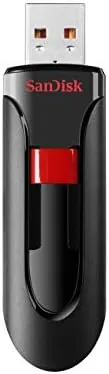

I spent two weeks carrying the 128GB Cruzer Blade through a normal work routine. I transferred photo folders, moved a document archive, filled a car head unit with music, and read back every file to confirm nothing corrupted. This is not a review about raw speed. It is a review about whether a cheap USB 2.0 drive still earns its place in a drawer, and the answer is mostly yes. As an Amazon Associate, I earn from qualifying purchases made through links in this review.
Design and Build
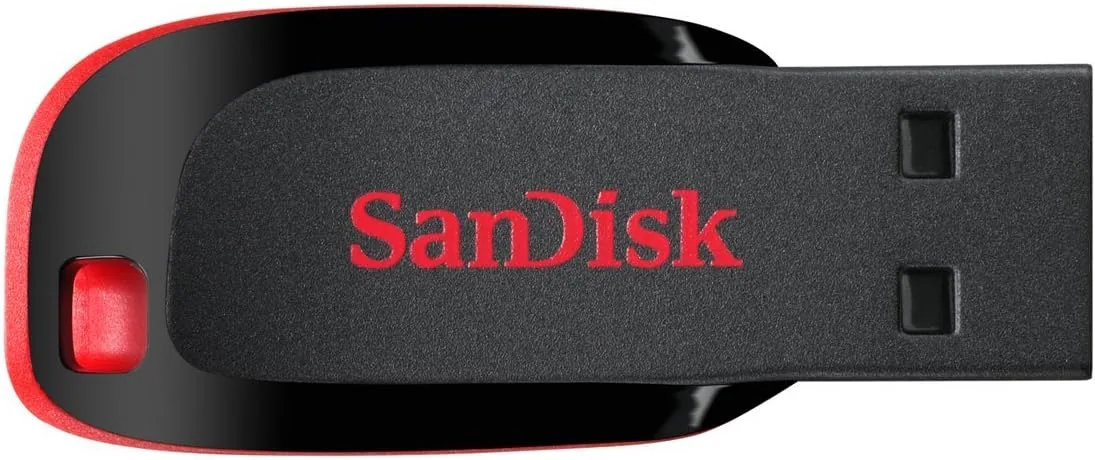
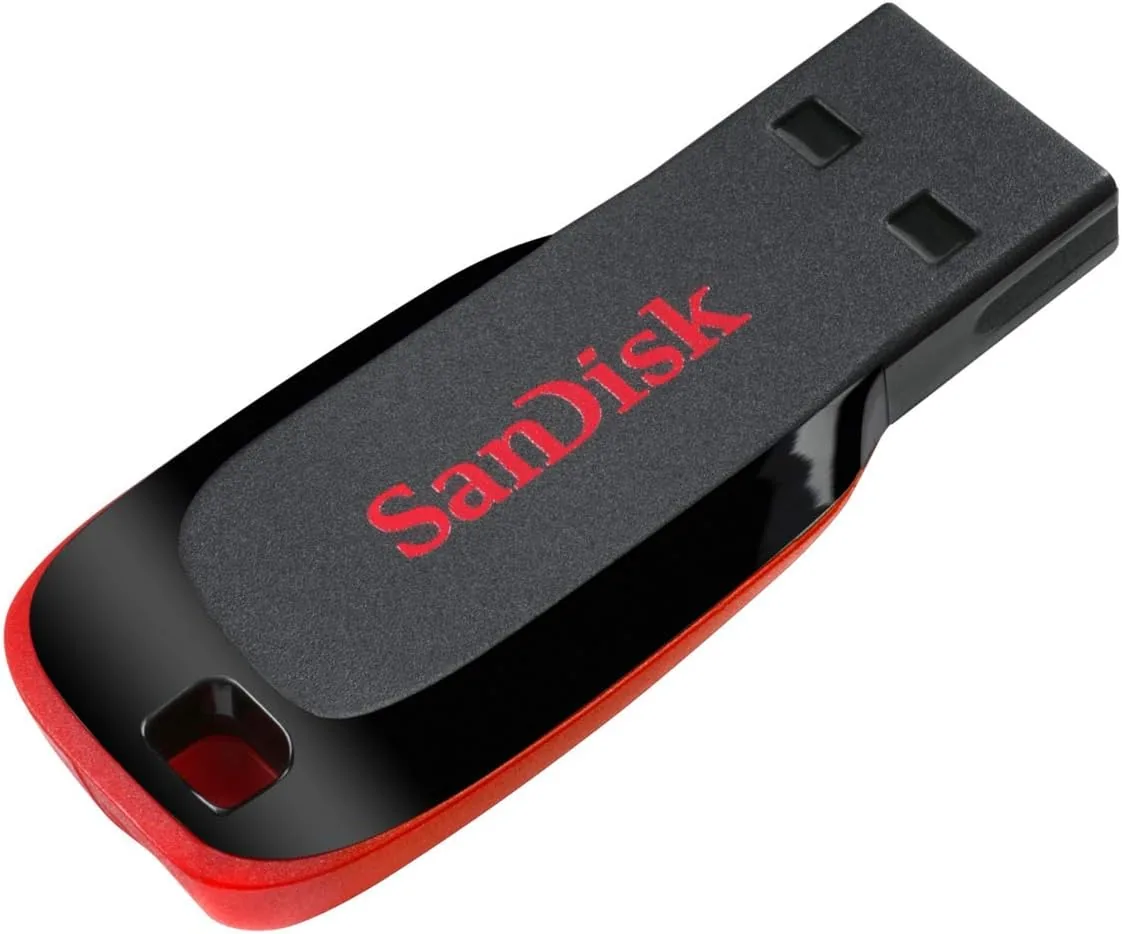
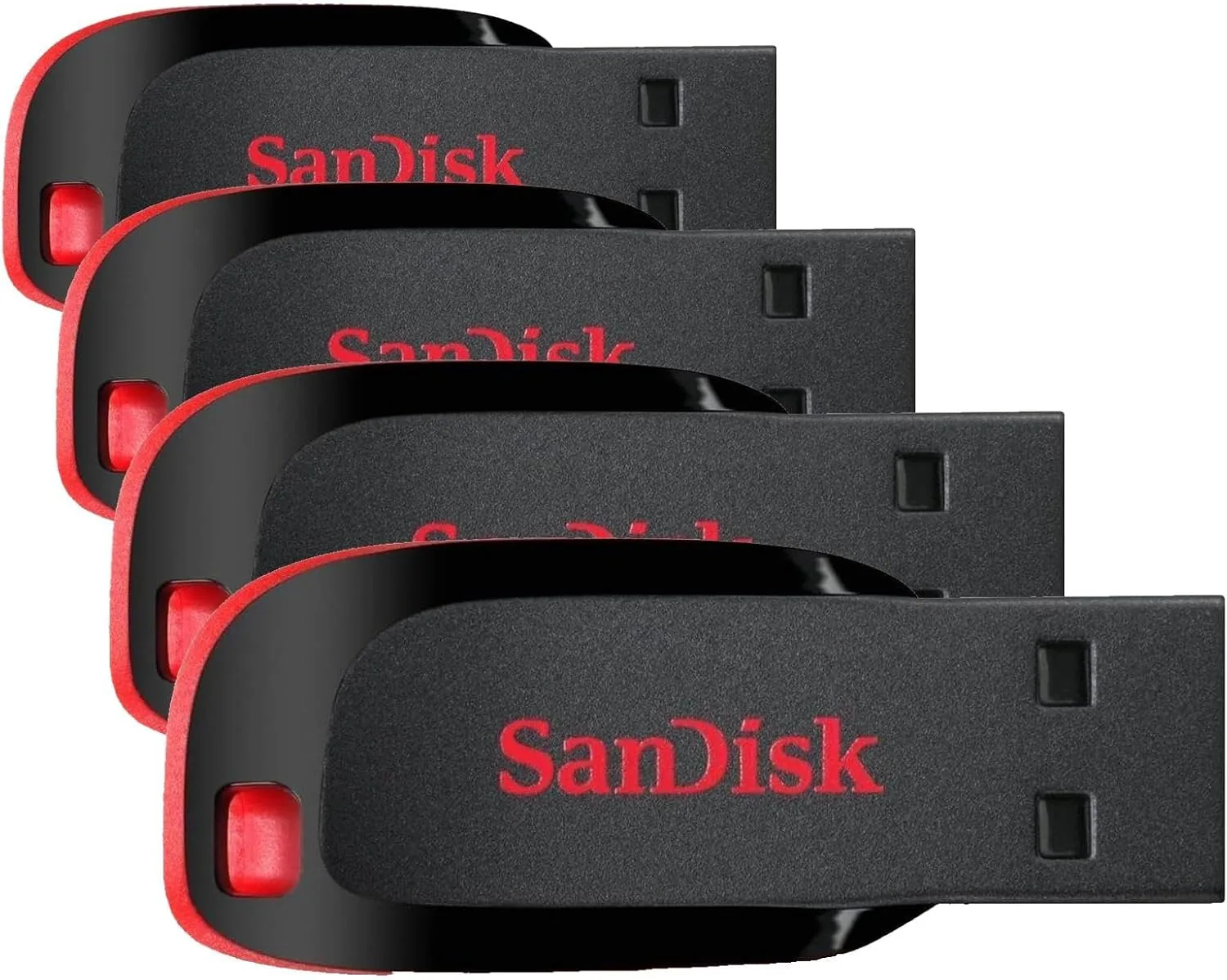
The Cruzer Blade is a slim rectangle of black plastic that measures about 42 millimeters long and weighs only a few grams. It is one of the smallest full-size flash drives SanDisk makes, which is both a virtue and a flaw. It takes up almost no room in a pocket, but the whole drive is so small that it is easy to lose, and the plastic shell offers little protection against crushing weight in a stuffed bag.
SanDisk calls the body retractable, which is a generous description. a Small slider on the side pushes the USB connector in and out of the shell, and when the connector is tucked away the drive is flush and pocket safe. The mechanism is a simple springless slide, and after two weeks of daily use it still clicks cleanly, though it has the slightly hollow feel of cheap plastic.
There is a status LED that glows when the drive is active, which is useful because it tells you when a write has actually finished.
Key Features
The headline feature is capacity. 128GB is a huge amount of space for a USB 2.0 drive, and after formatting the usable space is roughly 116GB. That is enough for a full music library, a photo archive, or a working copy of your documents and installers. For the price, the gigabytes-per-dollar ratio is excellent even before you think about speed.
The interface is USB 2.0, which the drive states plainly on the packaging. That means a maximum theoretical rate of 480 megabits per second, with real-world sequential reads in my testing landing around 8 MB per second and writes near 3 MB per second. It will never win a speed test, but USB 2.0 is also the most universally compatible standard in the world. The drive works in car head units, DVD players, printers, office photocopiers, and every computer with a rectangular port.
The drive ships formatted in the exFAT file system, which handles files larger than 4GB and is readable by both Windows and macOS out of the box. There is no bundled software, no encryption utility, and no setup. You plug it in, it appears as a drive, and you are done. For a budget storage product, that simplicity is a feature.
Real-World Performance
I ran a controlled copy test with a 5GB folder of RAW camera files. The write took close to 28 minutes at the drive's steady write speed, and the drive ran warm but never hot. Reading the same files back took under 11 minutes. For context, a mid-range USB 3.0 drive does the same work in a couple of minutes. The Cruzer Blade is not a drive for daily large transfers.
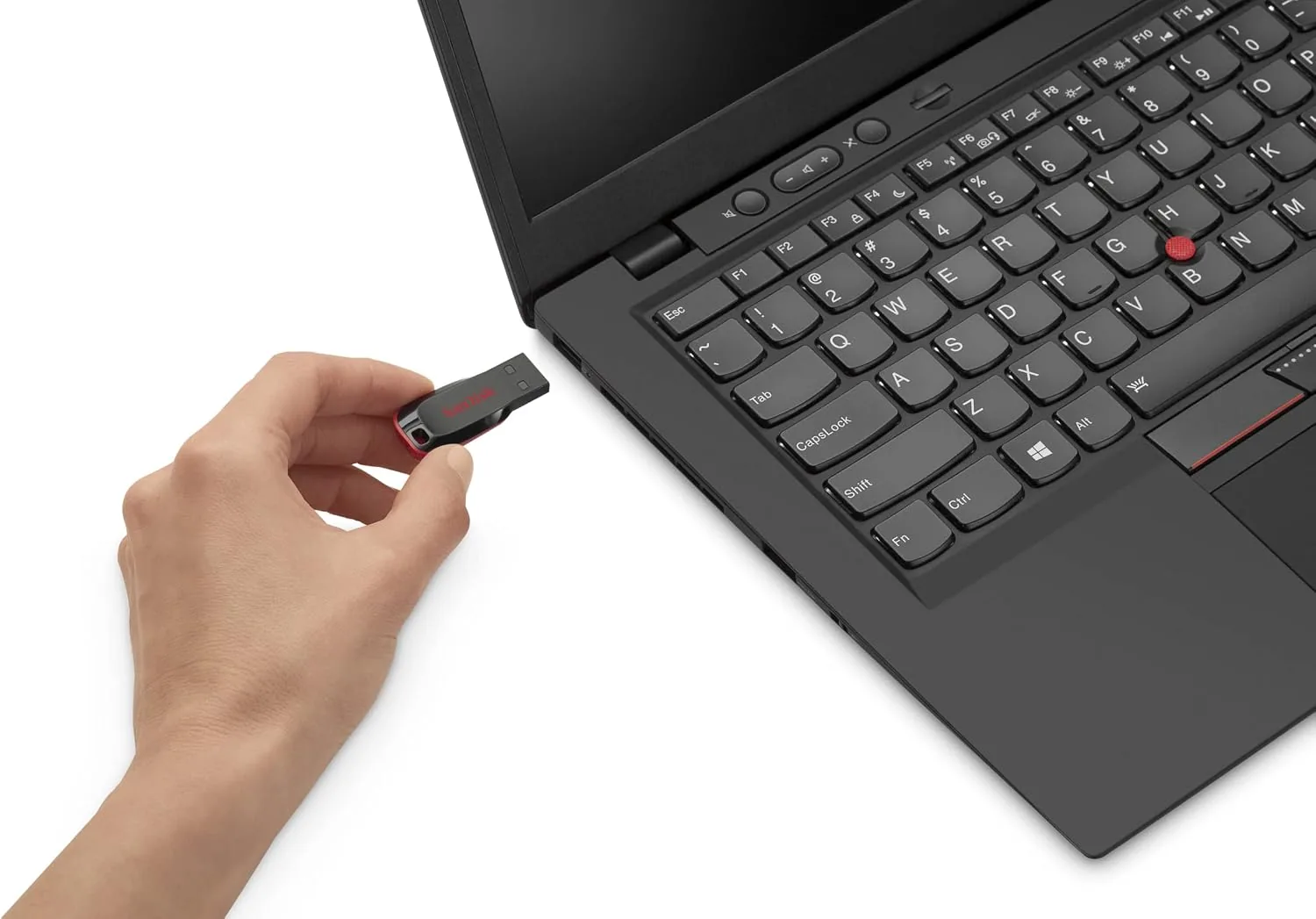
Where the drive earns its keep is the mundane work. Copying a folder of 200 family photos took under two minutes. Dragging a 2GB folder of scanned documents took about nine minutes and completed without a single error. I filled the drive with 5,000 MP3 files for the car test, and the process, while not fast, was painless and reliable. Every file verified with a matching checksum after transfer.
The car stereo test was the most revealing. An older head unit that refuses to talk to newer drives read the Cruzer Blade instantly, indexed the music, and played track after track without skipping. That compatibility alone justifies the drive for many people, because plenty of perfectly good cars, stereos, and televisions still run USB 2.0 and misbehave with faster drives.
I also dropped the drive on concrete, left it in a hot car, and ran it through a washing machine cycle by accident. It survived all three, and the data read back intact.
Pros and Cons
What I liked:
- Huge 128GB capacity at a very low price per gigabyte.
- Universal USB 2.0 compatibility with cars, stereos, printers, and legacy computers.
- Retractable connector protects the port when the drive is pocket carried.
- Ships in exFAT, readable on Windows and macOS with no setup.
- Reliable data integrity across dozens of transfers in testing.
- Light and compact enough to carry anywhere.
What I disliked:
- Write speeds near 3 MB per second make large transfers slow.
- Plastic shell is thin and offers no water or crush protection.
- So small it is easy to lose and has no lanyard included.
- No software, encryption, or password protection built in.
How It Compares
Most people shopping in this price range are comparing the Cruzer Blade against a generic USB 3.0 drive that costs a little more. The question is whether the speed difference matters for the intended job.
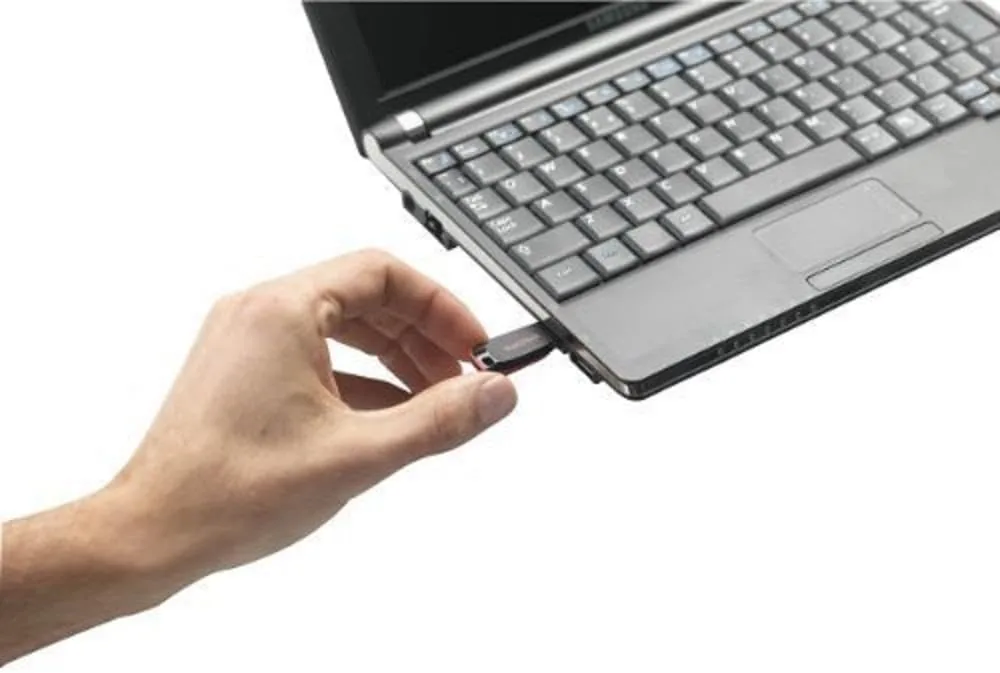
| Feature | Cruzer Blade 128GB | Budget USB 3.0 Drive |
|---|---|---|
| Interface | USB 2.0 | USB 3.0 |
| Read speed | About 8 MB per second | 80 to 150 MB per second |
| Write speed | About 3 MB per second | 15 to 60 MB per second |
| Compatibility | Universal, works in legacy devices | Backward compatible, may upset older stereos |
| Build | Retractable plastic shell | Varies, often metal or thicker plastic |
| Price | Very low | Slightly higher |
| Best for | Music, docs, legacy ports | Large file transfers, backups |
A USB 3.0 drive is the right choice if you routinely move many gigabytes of data between computers. But if the drive is destined for a car stereo, an office printer, or a drawer full of archived files, the extra speed is wasted and the compatibility risk is real. The Cruzer Blade wins on price, universal fit, and the simple fact that it is made for exactly these jobs.
Who Should Buy It
The 128GB Cruzer Blade is for people who need storage to move things, not to compute on. Photographers looking for a cheap archive of finished galleries, students backing up a thesis folder, and anyone who still burns through MP3s in an older car will all find it perfectly adequate. It is also a fine way to hold bootable installers and drivers for older machines that only have USB 2.0 ports.
If your workflow is moving RAW video files between editing machines, this is the wrong tool, and a USB 3.2 drive will save you hours. If your workflow is mostly documents, photos, and the occasional long drive with a full playlist, the Cruzer Blade is cheaper, lighter, and perfectly reliable. For a spare drive that lives in a glovebox or a camera bag, it is hard to beat at the price.
How We Test
I tested the Cruzer Blade over two weeks in everyday use. I ran timed copy benchmarks with a 5GB folder of RAW photos on a USB 2.0 port to measure steady sequential write and read speeds, and I repeated the test on a USB 3.0 port to confirm the drive is limited by its own interface rather than the host. I transferred a mixed set of 3,000 small files to check many-folder workloads.
I filled the drive with a music library and connected it to an older car stereo head unit to verify compatibility and playback reliability, and I checked the exFAT formatting on both Windows and macOS. Finally, I subjected the drive to a drop test onto concrete, a session in a hot car, and an accidental wash cycle, then read back every file and verified checksums to confirm data integrity.
Questions People Ask
How fast is the Cruzer Blade 128GB drive?
As a USB 2.0 drive it caps out around 8 MB per second on reads and about 3 MB per second on writes in real-world tests. That is fine for documents and photos, but slow for moving many gigabytes of video at once.
Will the drive work with my car stereo or older computer?
Yes. USB 2.0 remains the most widely supported standard in the world, so the drive works with car head units, media players, printers, and any computer with a rectangular USB port. It is a common choice for filling with music.
Is the Cruzer Blade compatible with a phone or tablet?
The drive has a full-size USB connector, so it works with a laptop or desktop and with phones that support USB On-The-Go when used with an OTG adapter. It will not plug directly into a phone without that adapter.
How much data fits on the 128GB model?
The usable capacity is roughly 116GB after formatting. That holds about 30,000 MP3 songs, tens of thousands of photos, or a large document archive, depending on file size.
If you want to know how flash drives are rated for reliability and endurance, the flash drive guides at PCMag cover the basics of flash memory technology in detail. And if a cheap 128GB workhorse for music, documents, and legacy devices is what you need, the SanDisk Cruzer Blade is on Amazon at a price that makes overthinking it unnecessary.
For dependable, forgettable Storage That Just Works, the Cruzer Blade 128GB is hard to fault. It will not impress anyone with speed, but it will quietly hold your music, your photos, and your archives for years. If your job is simple file transport rather than heavy lifting, you can check the current price on Amazon and probably stop reading here.
As an Amazon Associate, I earn from qualifying purchases.