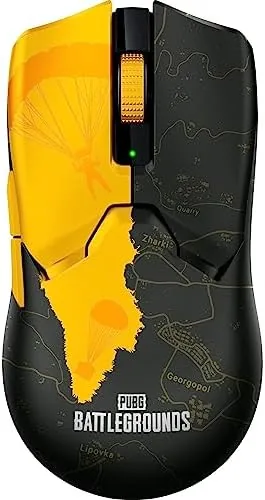

There is a moment in a competitive match when the difference between a good round and a great round comes down to a flick of the wrist. The mouse has to be there, it has to be light enough to move without thinking, and the sensor has to track a fast swipe without a hiccup. The Razer Viper V2 Pro Hyperspeed is built for exactly that moment: a wireless mouse that weighs 59 grams, runs on a 30K DPI optical sensor, and uses third generation optical switches that are rated to outlast everything else on the desk. I gamed with the Viper V2 Pro for three weeks across shooters and esports titles to find out whether it is worth the money.
Before the results, the standard disclosure. This article contains affiliate links, and if you buy through one of them the site earns a small commission at no extra cost to you. That commission does not influence what I test or what I recommend, and the mouse reviewed here was set up and used exactly as a customer would use it.
The Viper V2 Pro is an esports focused mouse, which means it sacrifices lighting and bells for weight and speed. This review covers the design, the sensor and switches, real world performance in competitive play, the battery, and how it compares with the other lightweight mice dominating the scene.
Design and Build
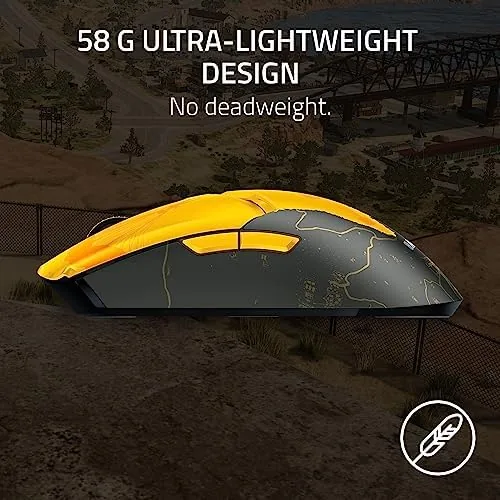
The Viper V2 Pro is the result of Razer trying to make a mouse disappear. At 59 grams it is featherweight, and picking it up after a standard office mouse feels almost wrong, like the shell should have something inside it that it does not. The shape is a low, symmetrical design that works for both claw and fingertip grips, and the matte black coating gives a dry, grippy texture that stays secure even when your hand sweats through a long session. There is no RGB anywhere on the mouse, a deliberate choice for weight and battery, and the result is a clean, almost utilitarian look.
The build quality is excellent for the weight. There is no creaking or flex when you squeeze the shell, the buttons sit firmly with no pre travel wobble, and the two side buttons on the left edge are placed so you can hit them without shifting your grip. The PTFE feet glide smoothly on a cloth pad and on a hard pad alike, and the shape fills the hand well enough for a full session without cramping, though it is not the tall, palm hugging shape that some players prefer.
Key Features
The sensor is the heart of the mouse. The Focus Pro 30K optical sensor tracks up to 30,000 DPI and handles fast swipes with no smoothing that I could detect, and it performed consistently across cloth, hard, and even glass surfaces in my tests. Most players will run between 400 and 3200 DPI, so the headline number matters less than the tracking stability underneath, and that is where the sensor shines.
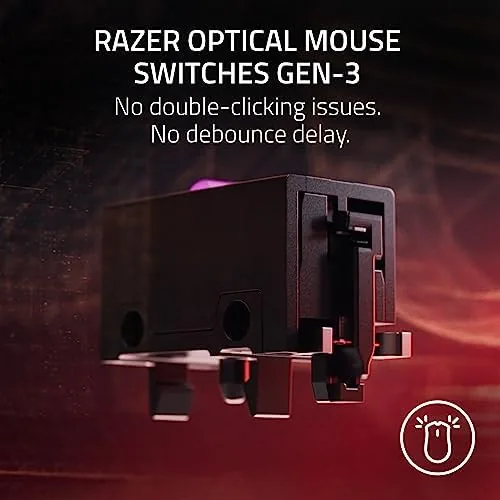
The switches are the other headline. The third generation optical switches actuate with a light, fast click and are rated for 90 million clicks, roughly three times the rating of a standard mechanical switch. Because they work on light rather than a physical contact, there is no double click degradation over time, which is the failure mode that kills most gaming mice after a year or two of heavy use. Razer HyperSpeed wireless handles the connection, and the mouse pairs with the included USB dongle, with a 90 hour battery rating from a single charge.
Real-World Performance
The proof is in the aim. In fast paced shooters, the 59 gram weight made tracking and flick shots feel effortless, and the difference from a standard 100 gram mouse was immediate: your arm does less work, so your aim stays steadier through long sessions. The sensor never lost tracking during aggressive swipes or 180 degree turns, and the wireless connection felt indistinguishable from wired, which is the standard every modern high end wireless mouse has to clear.
The optical switches took a little adjustment. They are lighter and snappier than a typical mechanical switch, so rapid taps during spray patterns landed cleanly and single clicks registered without accidental doubles. The click feel is crisp rather than mushy, and after the first day it became natural. For games that demand rapid, repeated clicks, the switches are a genuine advantage over the mechanical designs they replace.
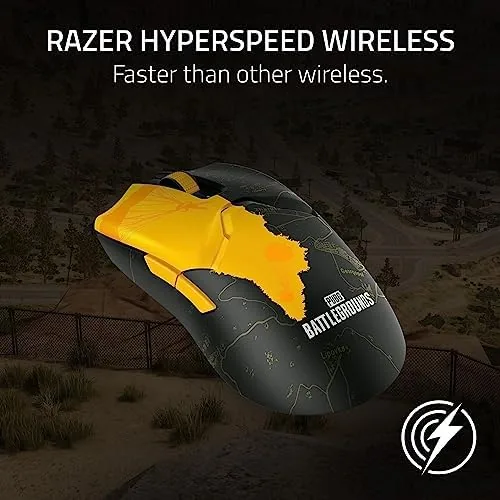
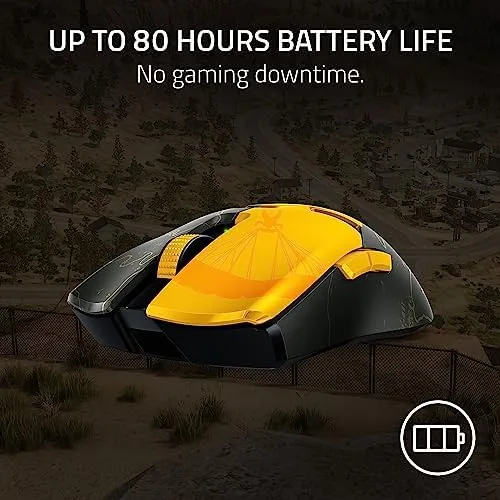
Battery life easily matched the rating. Across three weeks of heavy gaming and daily desktop use, I charged the mouse twice, and each charge lasted well over a week of active play. The USB Type C port means the included cable charges it quickly, and the mouse can be used wired through that same cable if the battery ever runs dry mid match. I never had to stop playing to charge, which is the test that matters.
The tradeoffs are the ones you expect from an esports design. There is no RGB, which some setups will miss, and the symmetrical shape will not suit players who prefer an ergonomic, right handed sculpt. The mouse also skips the extra side buttons of a multi button design, so MMO players who bind a dozen abilities will want something with more inputs. Within its lane, however, the Viper V2 Pro is remarkably complete.
Pros and Cons
Pros:
- Featherlight 59 gram weight for effortless aiming
- Focus Pro 30K sensor tracks cleanly at any speed
- Optical switches rated for 90 million clicks
- Up to 90 hours of battery on a single charge
- USB Type C charging with wired use as a backup
- Dry, grippy coating that stays secure in long sessions
Cons:
- No RGB lighting for customizing the look
- Symmetrical shape is not for palm grip lovers
- Only two side buttons for extra input binds
- High price for a mouse with so few extras
How It Compares
The lightweight wireless mouse market is defined by a few heavy hitters, and the Viper V2 Pro competes directly with the most popular esports mice. The table below lines up the contenders.
| Feature | Razer Viper V2 Pro | Competitor Superlight | Standard Wireless |
|---|---|---|---|
| Weight | 59 grams | About 63 grams | About 80 grams |
| Sensor | Focus Pro 30K | Hero sensor | Standard sensor |
| Switches | Optical, 90M rating | Mechanical | Mechanical |
| Battery | Up to 90 hours | About 70 hours | About 40 hours |
| Charging | USB Type C | Proprietary | USB Type C |
| RGB | None | None | Often yes |
Against the leading superlight rival, the Viper V2 Pro wins on battery and switch durability while trading away a slightly higher price and the convenience of an adapter for a lighter, more flexible charging standard. Against a standard wireless gaming mouse, the Viper V2 Pro is clearly faster and lighter, but it gives up the lighting and extra buttons that casual players may enjoy. Choose based on whether weight and speed matter more than features.
Who Should Buy It
Buy the Razer Viper V2 Pro if you play competitive shooters and want a mouse that disappears in the hand, tracks perfectly, and never needs a charging break. It is an excellent fit for esports players, for anyone upgrading from a heavy office mouse, and for users who want a mouse that will not develop double click issues after a year.
Skip it if you need RGB for your setup, if you prefer a tall ergonomic shape, or if you bind many abilities and want more side buttons. For the competitive player, this is one of the best lightweight mice available, and you can check the current price of the Razer Viper V2 Pro on Amazon when you are ready.
How We Test
I used the Razer Viper V2 Pro for three weeks as my only mouse across competitive shooters, slower strategy games, and daily desktop work. I tested the sensor on cloth, hard, and glass surfaces, judged the optical switches during rapid fire clicking, and tracked battery life through active gaming sessions. I also compared the mouse directly against a popular superlight competitor and a standard wireless gaming mouse in the same games.
For context on the lightweight mouse landscape, PC Gamer keeps a running guide to the best gaming mice that is worth a read before you commit. The Razer Viper V2 Pro listing on Amazon shows the current price and edition details.
Razer Viper V2 Pro: Questions People Ask
How light is the Razer Viper V2 Pro?
The mouse weighs 59 grams, which is remarkably light for a wireless mouse and makes long sessions feel effortless during fast aim movement.
What DPI does the Viper V2 Pro sensor reach?
The Focus Pro 30K optical sensor reaches up to 30,000 DPI with accurate tracking on a wide range of surfaces, though most players will stay far below that.
How long does the Viper V2 Pro battery last?
Razer rates the battery at up to 90 hours on a single charge, and in testing the mouse easily cleared a week of heavy gaming without a top up.
Does the Viper V2 Pro work wired and wireless?
Yes, it runs on Razer HyperSpeed wireless with a USB dongle and also charges and connects through the included USB Type C cable.
As an Amazon Associate, I earn from qualifying purchases.