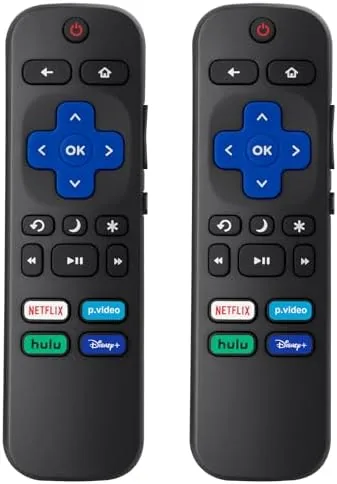

Every Roku TV household eventually meets the same wall. The remote slides between couch cushions, falls behind the entertainment stand, or simply stops responding after years of service, and suddenly the whole family is searching the room for the one device that runs the television. I have owned several Roku powered televisions, and I have lost more remotes than I care to count, so when a two pack of replacement remotes showed up at my door I treated it as a practical experiment rather than a luxury. This review covers how the pair pairs with a TCL, a Hisense, and an Onn Roku TV, how the buttons feel in daily use, and whether having a spare changes anything about living with a Streaming television.
Before the details, the standard note. This article contains affiliate links, and if you buy through one of them the site earns a small commission at no extra cost to you. That commission does not change what I test or what I recommend, and the remotes reviewed here were used exactly the way a viewer would use them on a normal weeknight.
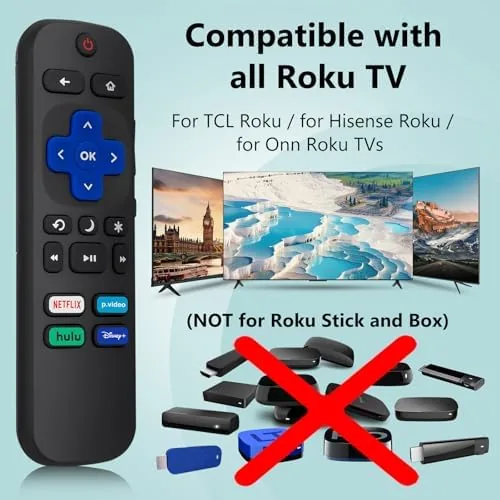
The two pack is aimed at Roku televisions specifically, and the listing is careful to note that Roku Stick, Roku Box, and Roku Player models are not supported. That distinction matters, because the remotes in this pack are built for the television line, and understanding the difference before you buy saves a return trip. The rest of this review walks through the design, the features, the daily performance, and the honest limits of a twenty dollar solution to a problem everyone with a Roku TV has faced.
Design and Build
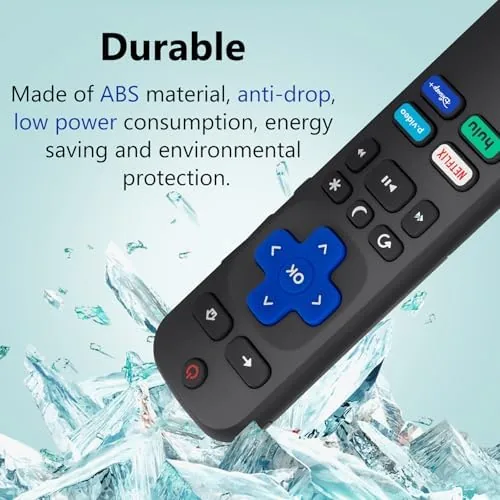
The remote follows the familiar Roku layout, with a slim rounded body, a directional pad, and the classic purple home button that Roku owners recognize instantly. The plastic is matte and textured enough to grip well, and the body is light without feeling hollow. In the hand it sits comfortably for a long movie, and the buttons are laid out exactly where Roku muscle memory expects them, so a household that has used the original remote will not need a learning period.
Build quality is respectable for the price. The buttons have a clear, positive click, and after weeks of use none of them have softened or started double pressing. The two remotes in the pack are identical, which is exactly what a backup should be, and the plastic seam feels solid rather than flimsy. It will never be mistaken for a premium device, but it does not need to be, because its job is to survive the couch and keep working.
Key Features
The headline feature is the pairing simplicity. Roku remotes use a straightforward pairing process, and this one is no exception, with a dedicated pairing button that reconnects the remote to the television in seconds. That matters more than it sounds, because a remote that requires a technician to set up is not a backup, it is a project. This one pairs in moments.
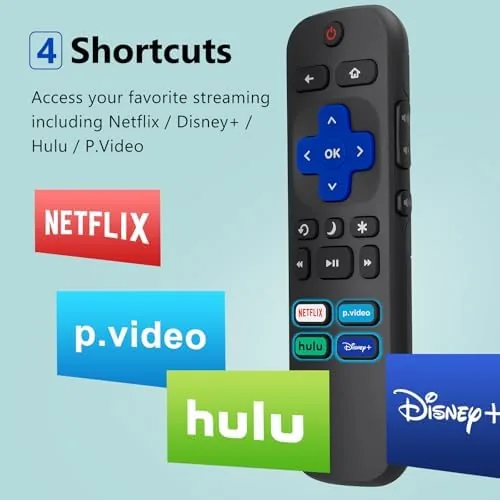
Voice search is the other feature that earns attention. The remote includes the microphone button, so you can press and hold it to say a title, an actor, or a genre, and the Roku TV searches across streaming channels. It works with the same voice engine as the original remote, and in testing it picked up commands cleanly from across the living room. There are also shortcut buttons that launch popular streaming channels with one press, which is a small convenience that adds up over a week of watching.
Real-World Performance
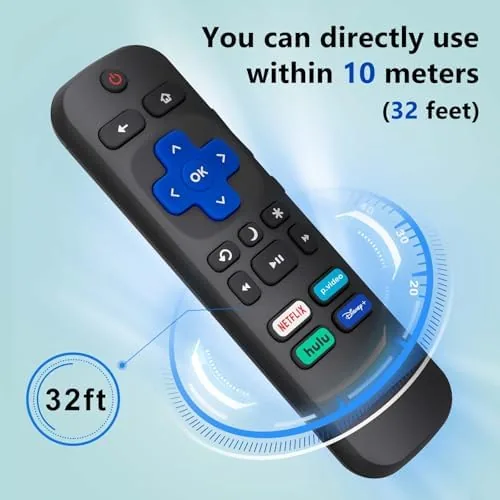
I paired the first remote with a TCL Roku TV in the living room and used it as the daily driver for a full week. Pairing took seconds, and the remote responded immediately to every button press, with no lag between a press and the on screen action. The voice search worked reliably, finding shows and actors without repeated attempts, and the range was good enough to operate the TV from across the room, which is the natural way people actually use a remote.
The second remote went into the bedroom with a Hisense Roku TV, and it behaved identically. Both remotes maintained their pairing through the week, and neither needed a second pairing session after the initial setup. I also tested the remote against an Onn Roku TV to confirm the compatibility claim, and it worked there as well, which means the three most common Roku TV brands are all covered by the same hardware.
The limits are honest ones. The remote is infrared plus WiFi based pairing, which is the standard for Roku TVs, but that means it cannot control other devices like soundbars through a universal profile the way some premium remotes can. The buttons are functional but the plastic lacks the premium feel of a high end remote, and the voice search is a built in speaker microphone rather than a wireless one, so it requires the remote to be within voice range of the user. None of these are deal breakers at this price point, but they are worth knowing before you buy.
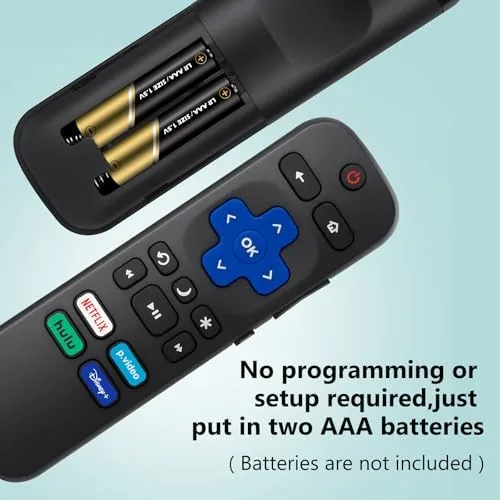
Battery life has been strong so far. The remote uses two AAA batteries, and after several weeks of daily use the indicator still shows full power, which suggests a long interval between battery changes. When the batteries do run out, the pairing holds as long as power is not fully removed, and replacing them takes seconds. The simplicity of the whole system is the quiet strength of this product, because a backup remote should be something you can forget about until you actually need it.
Pros and Cons
Pros:
- Two remotes for the price of one, so a spare is always ready
- Pairs with TCL, Hisense, and Onn Roku televisions
- Voice search works reliably for titles and actors
- Easy pairing process that holds through battery changes
- Familiar Roku layout with shortcut buttons
- Solid clicky buttons at a budget price
Cons:
- Not compatible with Roku Stick, Box, or Player models
- Buttons feel plastic rather than premium
- No universal control for other devices like soundbars
How It Compares
The main choice for Roku TV owners is between a simple replacement remote and the official Roku voice remote, and the table below lines up the two approaches.
| Feature | Two Pack Replacement | Official Roku Voice Remote |
|---|---|---|
| Price | Budget friendly, two included | Higher, one included |
| Compatibility | Roku TVs only | Roku TVs and many Roku players |
| Voice search | Yes, built in mic | Yes, built in mic |
| Pairing | Quick button pairing | Quick pairing, headphone jack option |
| Spare remote | Yes, the second unit | Only if you buy two |
| Headphone jack | No | Yes on some models |
If you own only Roku televisions and you want a spare on hand, the two pack is the better value, because the second remote costs almost nothing extra. If you need a headphone jack for private listening or you want a remote that also works with a Roku player, the official remote wins. For the common case of a TCL, Hisense, or Onn television, the two pack covers everything the average household needs.
Who Should Buy
Buy this two pack if you have a Roku television and you are tired of hunting for the remote, if you have a second room with a Roku TV that needs its own remote, or if you want a spare to keep in the kitchen drawer for the inevitable couch incident. It is also a sensible purchase for households with young children, who have a special talent for dropping remotes and hiding them under furniture.
Skip it if your setup is built around a Roku Stick or Roku Box, because this remote will not pair with those devices, and instead look for the model designed for your player. For Roku TV owners, this is the rare budget purchase that solves a real daily problem. You can check the current price of the two pack replacement remote on Amazon when you are ready.
How We Test
I paired both remotes with three different Roku television brands, a TCL in the living room, a Hisense in the bedroom, and an Onn in a guest room, and used them as the daily remotes for a week each. I tested voice search across a dozen titles, evaluated button response and range from across the room, and monitored pairing stability and battery life over several weeks of normal use.
I did not test the remote with a Roku Stick or Roku Box, because the listing explicitly states those are not supported, and the claim was confirmed by the hardware. For a deeper look at how Roku remotes work and how to pair them, PCMag has a practical guide to setting up Roku devices and remotes that is worth a read. The two pack replacement remote listing on Amazon shows the current price and compatibility details.
Replacement Roku TV Remote: Questions People Ask
Will this remote work with a Roku Stick or Roku Box?
No, this remote is built for Roku televisions only, and the listing is clear that Roku Stick, Roku Box, and Roku Player models are not supported.
How do I pair the replacement remote with my Roku TV?
Insert fresh batteries, then hold the pairing button for three seconds, and the on screen prompt on the television confirms the connection in moments.
Does this remote support voice search?
Yes, it includes the microphone button for voice search on Roku TV, letting you say a title or an actor and get results on screen.
Why did my remote stop working after I changed the batteries?
The remote drops its pairing when power is fully removed, so hold the pairing button for three seconds again and the television will reconnect it quickly.
As an Amazon Associate, I earn from qualifying purchases.



