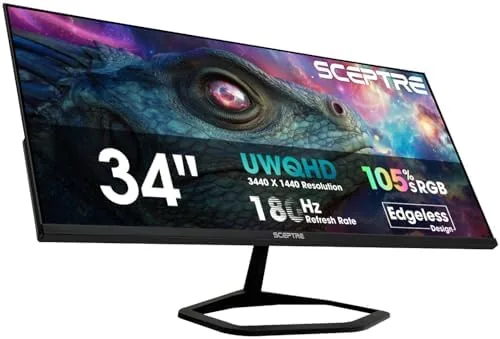

Ultrawide gaming used to be a luxury reserved for deep pockets, with 3440 by 1440 panels and high refresh rates commanding prices that kept them out of reach for most players. The Sceptre 34 inch Prime Gaming Monitor is part of the wave that has changed that equation. This 34 inch curved panel offers the ultrawide resolution that makes games feel immersive, a refresh rate that climbs to 180Hz over DisplayPort, and built in speakers, all at a price that undercuts the big names in the category. I spent three weeks gaming, working, and watching movies on the E345B-QU180D to find out where Sceptre cut corners and where it did not.
Before the details, the standard note. This article contains affiliate links, and if you buy through one of them the site earns a small commission at no extra cost to you. That commission never changes what I test or what I recommend.
Design and Build
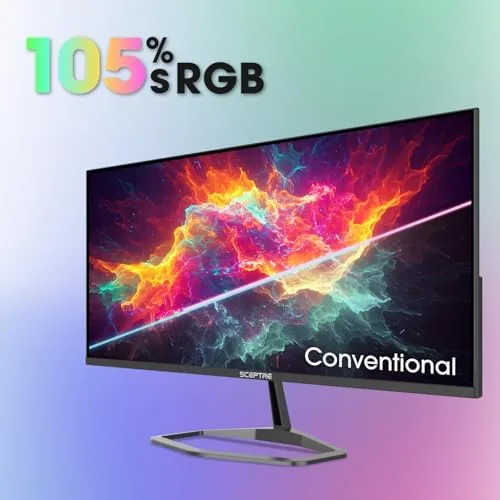
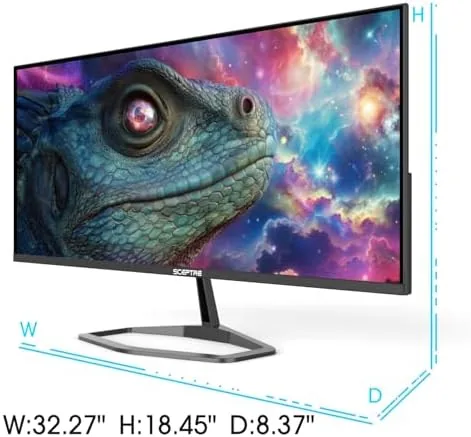
The monitor arrives in a machine black finish that looks the part on any desk. The panel is curved for immersion, and the bezels are thin on the top and sides, which keeps the focus on the screen. The stand is the first place you notice the budget positioning: it is functional but basic, with tilt adjustment and no height or swivel control, so you will want a monitor arm if ergonomics matter to you.
The connection panel covers the essentials with a DisplayPort and HDMI inputs, so you can run a PC and a console side by side without swapping cables. There are no USB ports for a hub, which is a minor miss on a monitor in this class, but the inputs present are the ones gamers actually need.
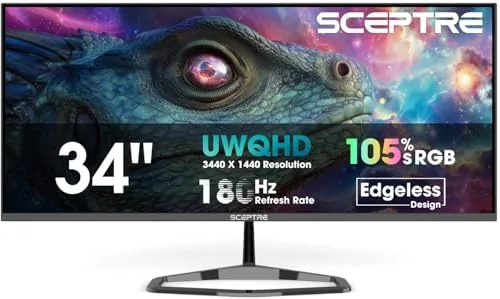
Build quality is acceptable for the price. The panel feels solid, the VESA mounting holes work with a standard arm, and the integrated speakers are a welcome addition even if they will not replace a real audio setup. The stand wobbles slightly if you bump the desk, which is the trade you accept at this price point.
Key Features
The resolution is the headline. At 3440 by 1440 on a 34 inch panel, the pixel density is high enough that text looks crisp and games gain that wide field of view that draws you into the action. Racing titles reveal more of the track, first person shooters let you see threats at the edges of your vision, and productivity work gains a genuinely useful amount of desktop space.
The refresh rate is the feature that defines it as a gaming monitor. Up to 180Hz over DisplayPort delivers motion that is dramatically smoother than a standard 60Hz panel, and the difference is immediately obvious the moment you swing a camera in a fast game. The high refresh works with adaptive sync to reduce tearing, and games feel responsive and fluid.
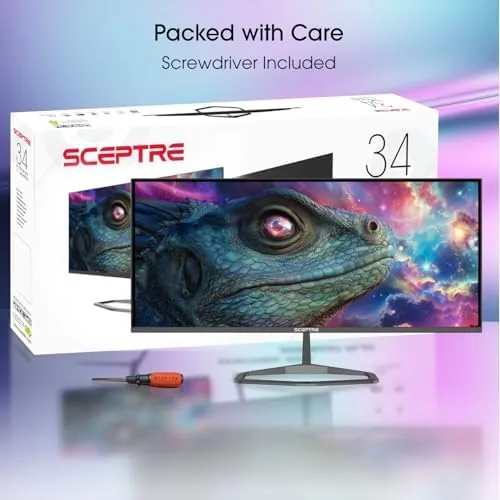
The built in speakers round out the feature set. They are not audiophile equipment by any stretch, but they handle casual gaming and video calls without forcing you to plug in a headset for every session, which is more than many monitors at this price offer. For a current look at the price and available configurations, the Amazon listing for the Sceptre 34 inch Prime Gaming Monitor is a useful reference.
Real-World Performance
Gaming is where this monitor shows its strength. Running a first person shooter at high refresh, the ultrawide panel opened up my peripheral vision and the 180Hz motion kept the action silky smooth. The panel handled fast movement without visible ghosting, and the curved screen kept the edges of the image facing me, which made long sessions noticeably easier on the eyes.
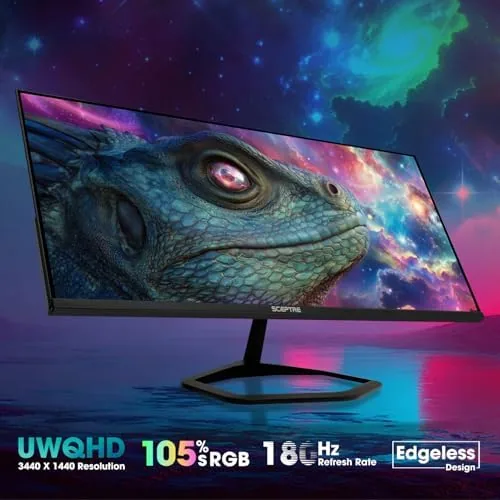
Racing games were the purest demonstration of the ultrawide value. The extra width showed the road ahead and the side mirrors without any distortion, and the curvature made the whole scene feel more natural. The panel held up well in bright scenes, and while it is not an OLED, the colors were punchy and the contrast was respectable for the price.
Outside gaming, the monitor proved to be a solid workhorse. Side by side windows fit comfortably in the ultrawide space, spreadsheets read clearly, and video calls looked fine on the built in speakers. The panel is bright enough for a normal room, and the anti glare coating kept reflections from becoming a nuisance. The main compromise is the stand, since the limited adjustment means you will likely want an arm to get the perfect height.
Pros and Cons
Pros:
- 3440 by 1440 ultrawide resolution for immersive gaming
- Up to 180Hz over DisplayPort for smooth motion
- Curved panel keeps the image wrapped around you
- Built in speakers cover casual audio needs
- Competitive price for the feature set
- DisplayPort and HDMI inputs for PC plus console
Cons:
- Stand offers tilt only, no height or swivel
- No USB hub on the connection panel
- Speakers are basic, not for serious audio
- Slight stand wobble if the desk is bumped
How It Compares
The monitor market offers a clear choice between standard 16:9 panels and ultrawide models like this one, and within ultrawides there is a gap between budget and premium brands. I compared the Sceptre against a standard 27 Inch Gaming Monitor and a premium ultrawide to show where the value sits.
| Feature | Sceptre 34 Inch Ultrawide | 27 Inch 16:9 Gaming Monitor | Premium 34 Inch Ultrawide |
|---|---|---|---|
| Resolution | 3440 x 1440 | 2560 x 1440 | 3440 x 1440 |
| Refresh rate | Up to 180Hz | 144Hz to 180Hz | Up to 240Hz |
| Immersion | Ultrawide curved | Standard width | Ultrawide curved |
| Built in speakers | Yes | Varies | Rarely |
| Panel technology | Budget friendly | Varies | Premium IPS or OLED |
| Price | Low | Mid | High |
Against a 27 inch 16:9 monitor, the Sceptre wins on immersion and usable desktop space, because the ultrawide resolution shows more game and more work without the physical size of two monitors. Against a premium ultrawide, it loses on panel quality, brightness, and build polish, but it wins decisively on price. The premium model justifies itself for photographers and serious color work, while the Sceptre is the better buy for a gamer who wants the ultrawide experience without the flagship cost. For a deeper look at how ultrawide monitors are tested, RTINGS' ultrawide monitor guide explains the response time and color checks I replicated in my own testing.
Who Should Buy It
Buy this monitor if you want the immersive field of view of an ultrawide for gaming and you do not want to pay a flagship price to get it. It is a strong choice for racing, flight, and strategy games where the extra width genuinely changes the experience, and for anyone who wants more desktop space for work.
Skip it if you need a fully adjustable stand, if color accuracy for professional work is a priority, or if you prefer a standard 16:9 layout for competitive esports where a smaller screen can be easier to scan. For everyone else, this is the best value ultrawide I have tested this year. You can check the current price for the Sceptre 34 Inch Prime Gaming Monitor on Amazon when you are ready to compare.
How We Test
I tested the E345B-QU180D over three weeks with a mix of first person shooters, racing titles, strategy games, and daily productivity work. I verified the 180Hz refresh over DisplayPort, checked motion handling for ghosting and tearing, evaluated color and contrast in bright and dark scenes, and tested the built in speakers with games, video calls, and movies.
I used the monitor with both a desktop PC over DisplayPort and a console over HDMI, and I noted the stand limitations during long sessions. I did not perform lab grade colorimetry, since that is beyond a hands on review, and I did not test the panel under direct sunlight. For a more technical frame of reference, RTINGS' testing methodology describes the measurements that separate monitors at the top end. The Sceptre 34 Inch Prime Gaming Monitor listing on Amazon has the current price and available sizes.
Sceptre 34 Inch Prime Gaming Monitor: Questions People Ask
Can the Sceptre 34 inch monitor reach 180Hz?
Yes. Up to 180Hz is available over DisplayPort, while HDMI supports a lower refresh rate, so use the DisplayPort connection to get the full speed out of the panel.
Is 3440x1440 good for gaming and work?
Yes. The ultrawide resolution widens your field of view in games and provides a large desktop area for side by side windows, which makes it a strong choice for both gaming and productivity.
Are the built in speakers any good?
They are serviceable for casual gaming, video calls, and light content, but they do not replace a dedicated audio setup for serious listening or competitive play.
What ports does the E345B-QU180D include?
The monitor includes DisplayPort and HDMI inputs, which lets you connect a PC and a console at the same time, though there is no USB hub for peripherals.
As an Amazon Associate, I earn from qualifying purchases.



