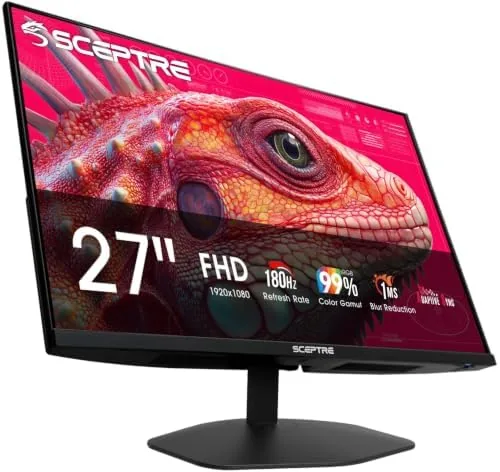

Gaming monitors live in two worlds. The premium tier sells high refresh rates and fast response times for premium money, while the budget tier usually asks you to settle for 60Hz and mediocre panels. The Sceptre 27 inch Prime Gaming Monitor, model E275B-FW180T, tries to break that pattern by offering a 27 inch display with 180Hz refresh through both its DisplayPort and HDMI inputs, plus built in speakers, at a price that undercuts most rivals. I used it for a month of gaming, work, and movies to see whether the refresh rate is real and whether the panel holds up beyond the spec sheet.
A note on disclosure. This review contains affiliate links, and if you buy through one of them this site earns a commission at no extra cost to you. That commission does not affect the verdict, and all opinions below come from my own time using the monitor.
Design and Build
The monitor has a clean, gamer adjacent look that does not shout. The thin bezels on three sides give it a modern edge to edge appearance, the machine black finish is understated, and a subtle Sceptre logo sits on the chin. It is not covered in red plastic accents or aggressive angles, which means it fits just as easily in an office as in a gaming room.
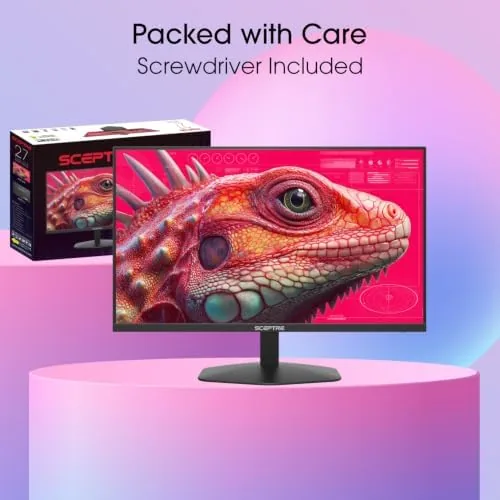
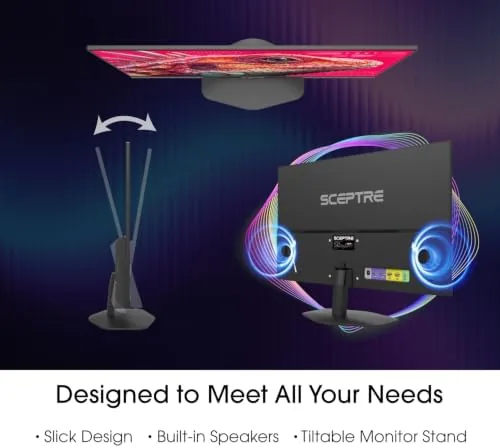
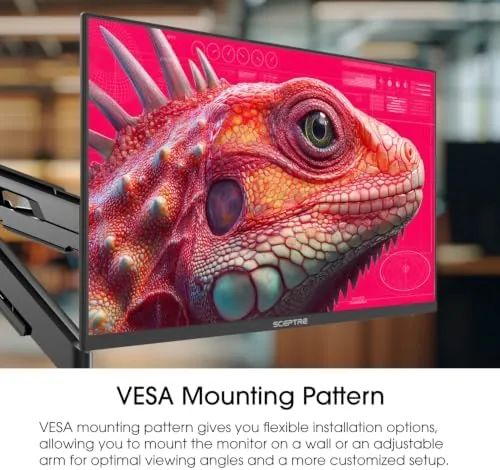
The stand is a two footed claw design that holds the panel firmly and takes up modest desk space. The panel tilts backward and forward, and the height is fixed, so you may want a monitor arm if your desk setup demands a specific eye line. The rear of the panel carries a 100 by 100 millimeter VESA mount, which opens up standard arms and wall mounts if the stock stand does not suit you.
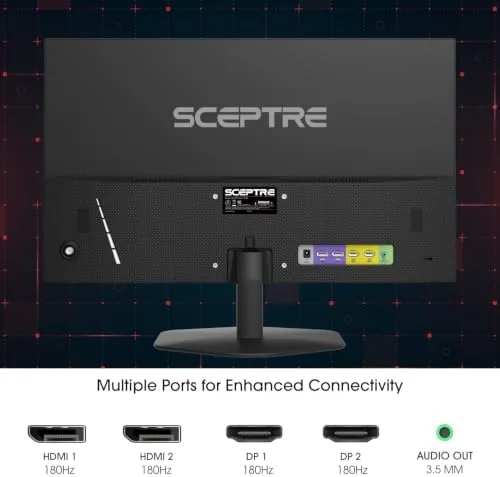
The port selection is generous for the price. You get two DisplayPort connections and two HDMI connections, all of which support the full 180Hz refresh rate. That is an unusual specification, because many budget monitors only reach their advertised refresh over DisplayPort while HDMI tops out lower. Having four high refresh inputs means a desktop PC and two consoles or secondary machines can all be connected and switched between easily.
Key Features
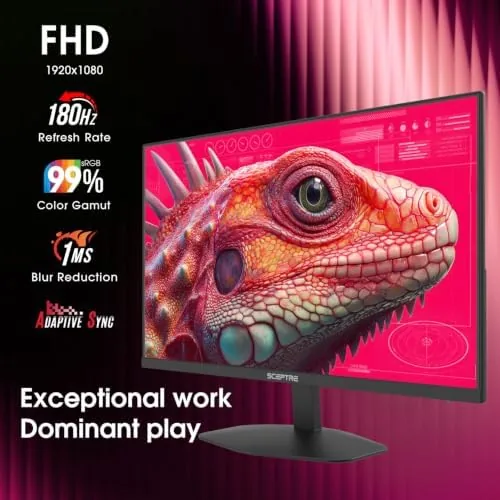
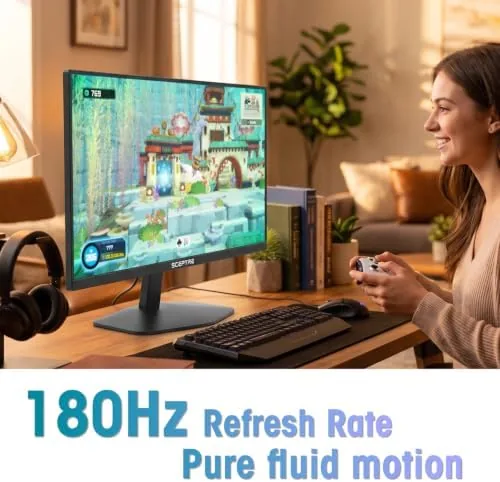
The 180Hz refresh rate is the defining feature. Every frame a game renders appears on the panel in sync at up to 180 times per second, which makes motion feel dramatically smoother than the 60Hz most monitors still ship with. In fast paced shooters and racing games, the difference is immediately visible, and once you adjust to it, going back to a standard 60Hz panel feels sluggish.
The 27 inch panel runs at 1920 by 1080, which is a strong match for the refresh rate on a budget. The resolution keeps the price down while delivering crisp, clear text and plenty of detail, and the Full HD resolution is easy for mid range graphics cards to drive at high frame rates. For most gamers, that combination means more playable frame rates with no visible downside at a normal viewing distance.
Built in speakers are included on both sides of the panel. They are not a replacement for a real audio setup, but they produce clear, usable sound for everyday use and casual gaming, which removes the need to buy speakers for a basic desk. A headphone jack sits nearby for private listening, and the on screen display offers brightness, contrast, and color adjustments along with the expected gaming presets.
Real-World Performance
The 180Hz claim held up in testing. I set the monitor to 180Hz over both DisplayPort and HDMI, and the display ran smoothly through fast paced games without any noticeable frame skipping or artifacts. The motion clarity in a racing title and a competitive shooter was excellent, and the difference from a 60Hz panel was obvious in the first minutes of play.
Colors and brightness are good for the price. The panel produces vibrant, punchy colors in games, and the black levels are acceptable for a budget display, though they are not the deep blacks of a higher end panel. Viewing angles are typical of the panel technology here, so the image shifts slightly if you view it from a sharp angle, but straight on, which is how most people use a monitor, it looks strong.
for Work and daily use, the monitor is comfortable. Text is sharp, the refresh rate makes scrolling smooth, and the 1080p resolution means no scaling headaches on Windows. The built in speakers handled video calls and streaming fine, and the OSD is simple to navigate with the buttons on the chin. The stand holds the panel steady, and the whole setup feels stable at 27 inches.
I also spent a full workday in a spreadsheet and document editor, and the panel was easy on the eyes. The refresh rate keeps the cursor smooth and the text steady, and the brightness, once set around sixty percent, was comfortable in a well lit room. Gamers will buy this monitor for the speed, but it doubles as a perfectly pleasant daily display.
Pros and Cons
Pros:
- Genuine 180Hz refresh on every input
- Two DisplayPort and two HDMI connections
- Sharp and smooth 1080p gaming at 27 inches
- Built in speakers save you a purchase
- 100 by 100 millimeter VESA mount
- Clean design that fits an office or game room
Cons:
- Fixed height stand limits positioning
- Viewing angles narrow at sharp angles
- Built in speakers are basic
- Black levels are not class leading
How It Compares
To give the monitor context, I set it against a typical 60Hz budget monitor and a premium 1440p 144Hz gaming display. The comparison shows exactly what the Sceptre gives up and what it gains, because the trade offs between price, resolution, and refresh rate are the real story here.
| Feature | Sceptre E275B-FW180T | Budget 60Hz Monitor | Premium 1440p Monitor |
|---|---|---|---|
| Size | 27 inch | 24 to 27 inch | 27 inch |
| Resolution | 1920 x 1080 | 1920 x 1080 | 2560 x 1440 |
| Refresh rate | 180Hz | 60 to 75Hz | 144 to 170Hz |
| High refresh inputs | Four | Usually none | Two |
| Built in speakers | Yes | Often no | Sometimes |
| Price | Budget friendly | Lowest | Premium |
The conclusion is that the Sceptre offers the smoothest motion per dollar in this group. It cannot match the pixel density of a 1440p panel, and its black levels trail higher end displays, but it delivers a high refresh experience that most budget monitors simply do not offer. For a gamer on a budget, that trade is the entire appeal.
Who Should Buy It
This monitor is for gamers who want smooth motion without spending flagship money. Competitive players will feel the benefit of 180Hz in fast games immediately, and casual players will enjoy the fluid feel in every title. It is also a strong choice for a secondary or first monitor where a high refresh rate matters more than a 1440p resolution, and the four inputs make it easy to share between a PC and a console.
If you need 1440p sharpness for heavy desktop work or photo editing, or if you demand deeper blacks for dark room movie watching, spend more elsewhere. If a smooth, affordable, 27 inch gaming display is the goal, you can check the current price of the Sceptre 27 inch gaming monitor on Amazon.
How We Test
I used the Sceptre as my primary display for a month, covering competitive shooters, racing games, streaming, and daily productivity work. I verified the 180Hz refresh over both DisplayPort and HDMI using the monitor's OSD and frame pacing tests, ran games at high frame rates to judge motion clarity, and watched content to assess color and black levels. I also tested the built in speakers, the VESA mount, and the four input switching.
For an independent view of how high refresh monitors are evaluated, PCMag's gaming monitor buying guide is a solid reference. You can also see the Sceptre monitor listing on Amazon for the full spec sheet and owner reviews.
Questions People Ask
Does the Sceptre monitor actually reach 180Hz?
Yes. The panel runs at 180Hz over all four inputs, two DisplayPort and two HDMI. I verified the refresh rate in the on screen display and confirmed smooth frame pacing in fast games.
What resolution and panel type does it use?
The monitor is a 27 inch display at 1920 by 1080, using a VA panel. That gives good contrast and punchy colors for the price, with viewing angles that narrow slightly from the sides.
Are the built in speakers any good?
The built in speakers are usable for everyday audio, video calls, and casual gaming, and they save you from buying separate speakers for a basic desk. Audiophiles will still want a dedicated setup.
Does the monitor support VESA mounting?
Yes. The rear of the panel has a 100 by 100 millimeter VESA mount pattern, so you can use a standard monitor arm or wall mount if the fixed height stock stand does not suit your desk.
As an Amazon Associate, I earn from qualifying purchases.



