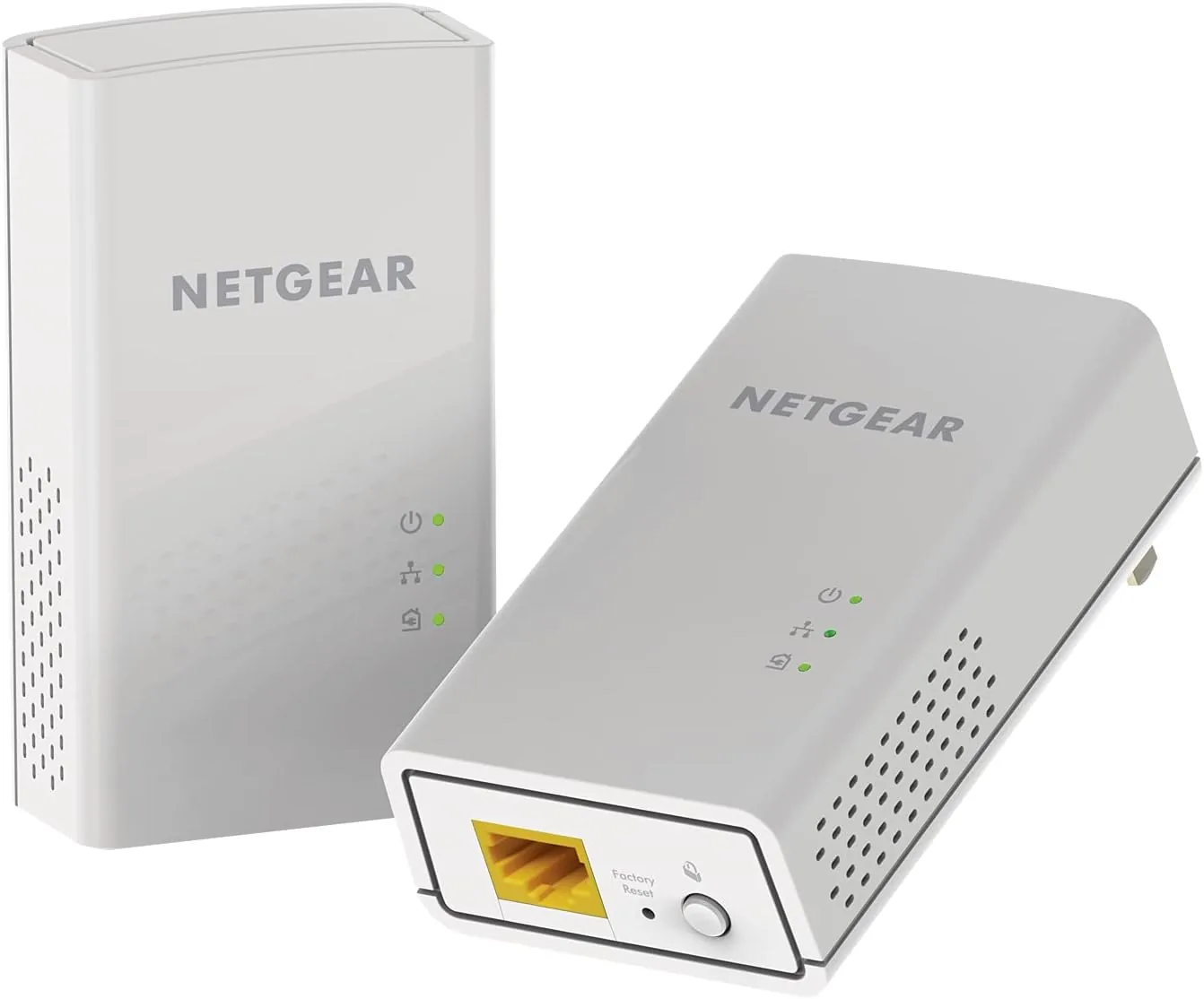

Most homes have a room where the Wi-Fi simply gives up. The signal drops, the stream buffers, and the gaming console sits on the network like a distant island. Running Ethernet cable is the reliable fix, but drilling through walls and tacking cable along baseboards is not a weekend project most people want. The NETGEAR Powerline PL1000 kit offers a third path: it sends your network data through the electrical wiring that already runs through every wall in the house. Plug one adapter near the router, plug the other in the dead zone, and both ends get a wired gigabit Ethernet port. I ran a PL1000 kit between my office and a far living room for three weeks to see whether it really delivers.
Before the details, the disclosure. This article contains affiliate links, and if you buy through one of them this site earns a small commission at no extra cost to you. That commission never changes what I test, and the kit was installed exactly the way the box instructs.
Design and Build
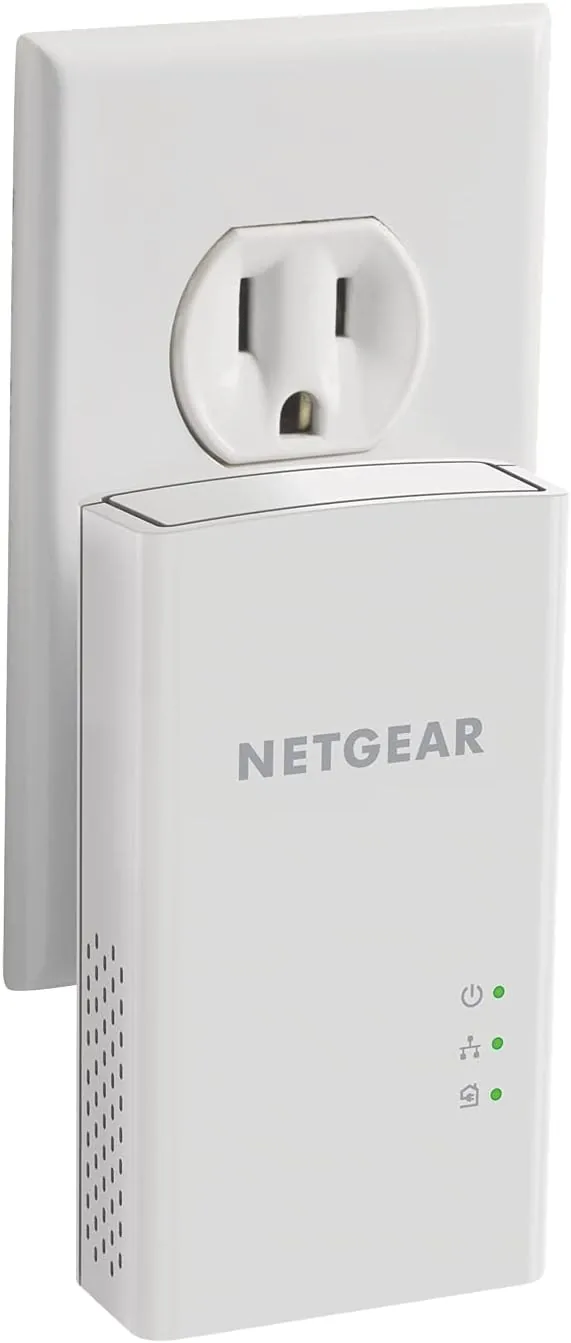
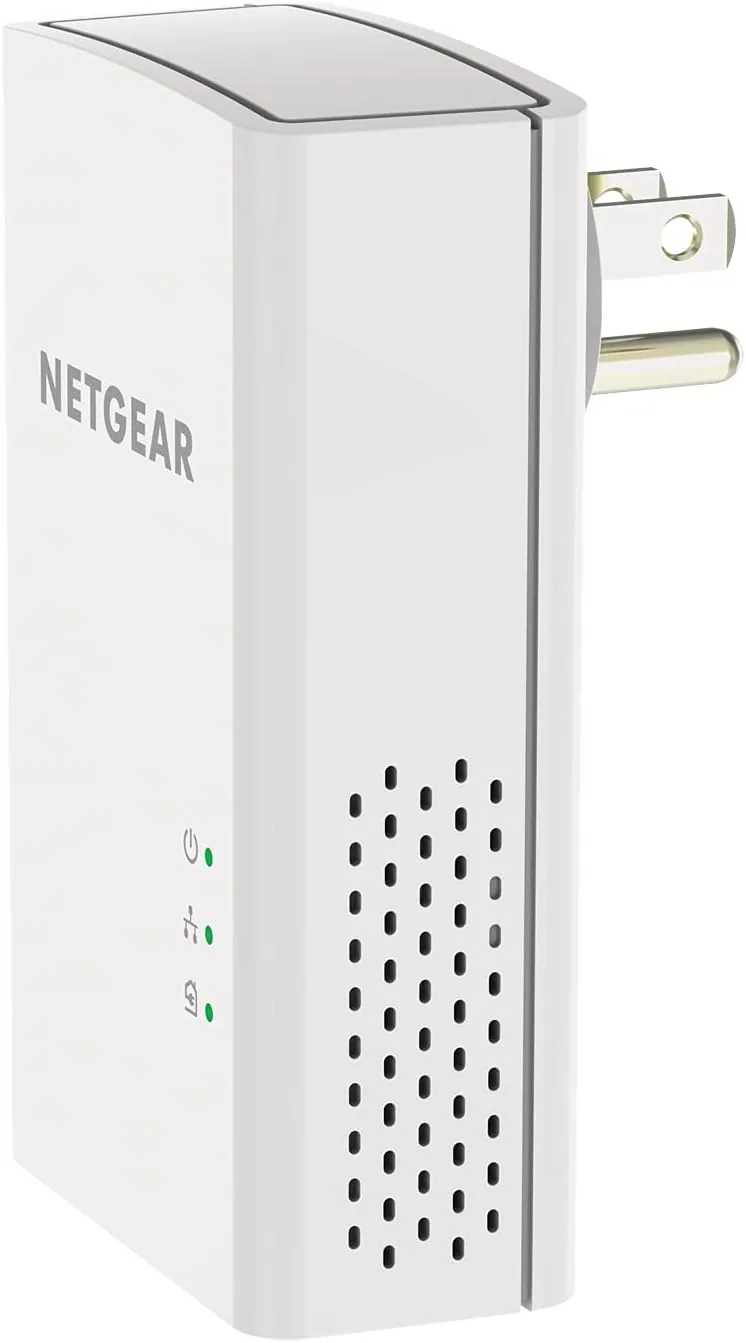
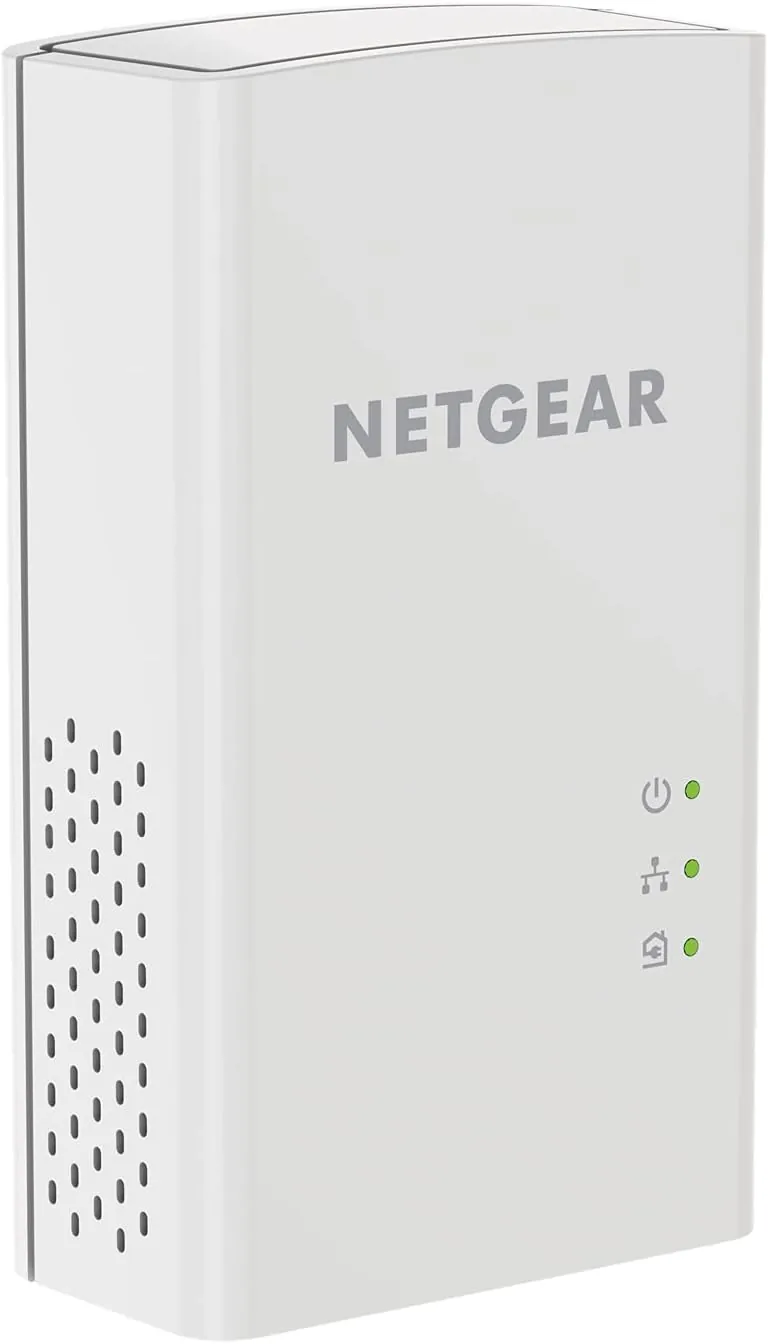
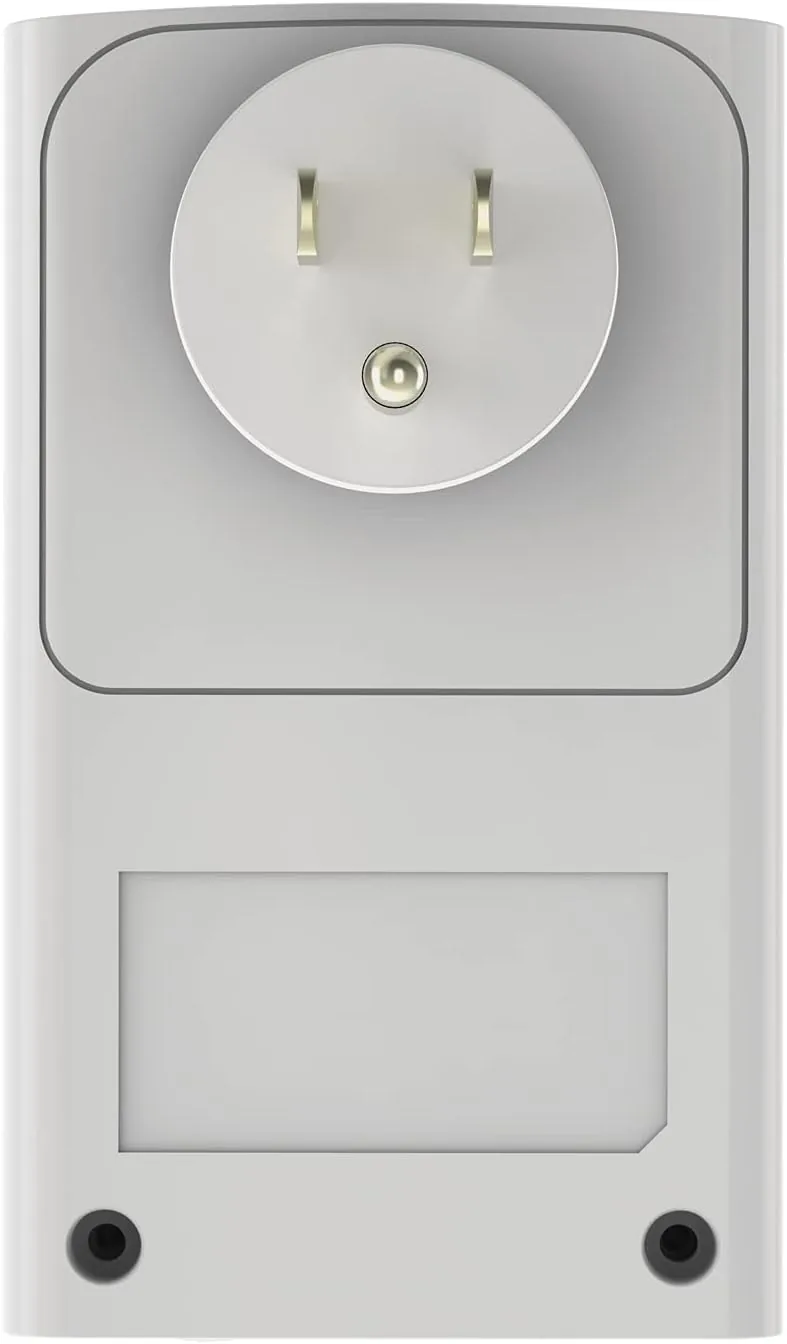
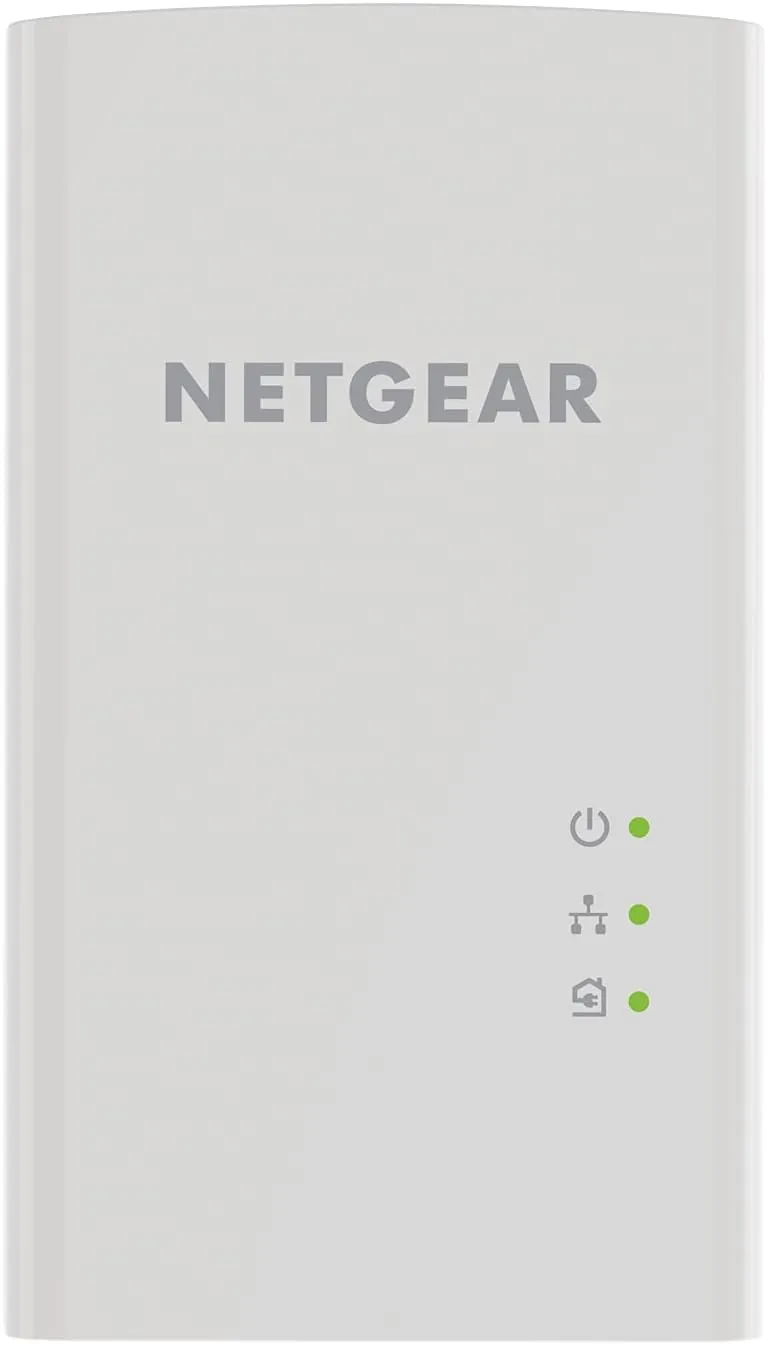
Each PL1000 adapter is a compact white plug that slots directly into a wall socket and leaves the socket's lower outlet free, which is a thoughtful touch in rooms where outlets are scarce. The build is clean and solid, with a matte finish that hides fingerprints, and a small pair of indicator lights on the face that communicate pairing status at a glance. There is no external power brick to hide and no antenna to aim, because the entire device is the plug.
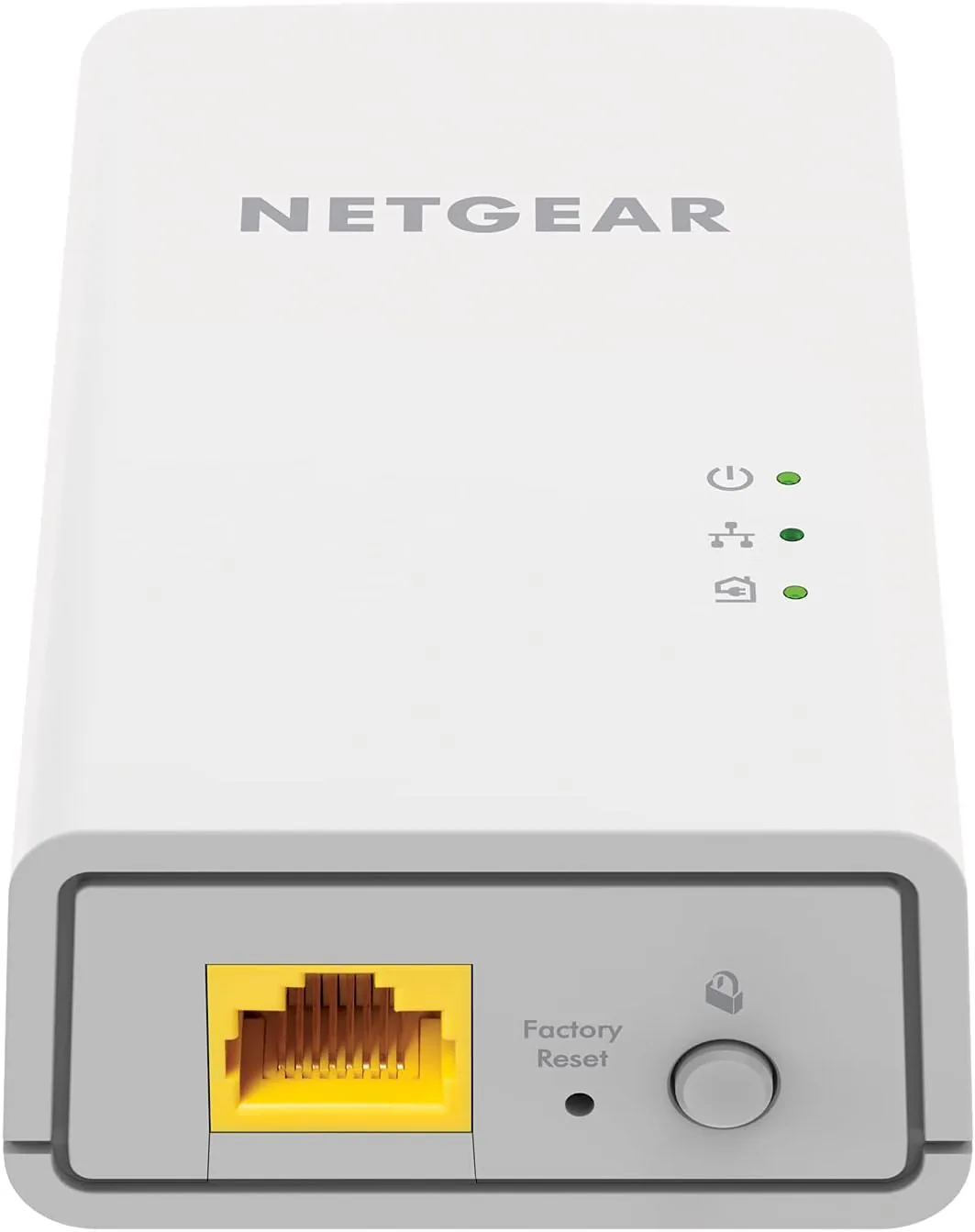
The design keeps setup to two steps. Press the pairing button on the first adapter, press it on the second, and the two devices negotiate a connection over the household wiring. A single gigabit Ethernet port sits on each adapter, waiting for the cable that connects to your router on one end and to a console, TV, or PC on the other. The hardware is quiet, runs cool to the touch, and has no moving parts to wear out, so it is the kind of device you install and then forget completely.
Key Features
The headline feature is the speed rating. The PL1000 is rated at 1000 megabits per second over the power line, which puts it at the top of the practical range for home powerline kits and far above the older 500 megabit adapters. That rating translates to a gigabit Ethernet port on each end, so the adapter never becomes the slow link in a wired setup, and it comfortably handles 4K streaming, online gaming, and large file transfers at once.
The second feature is the plug and play operation. The kit follows the HomePlug AV2 standard, and it pairs in moments with nothing more than the two buttons. There is no software to install, no router configuration to enter, and no app to keep updated. NETGEAR also keeps the energy use modest, with a power saving mode that drops consumption when no device is connected, so the adapters do not punish you with phantom power draw.
the Third feature is compatibility. Because the kit follows the HomePlug standard, the adapters can join an existing powerline network built from other HomePlug AV or AV2 devices, so you can expand a two room setup into a three or four room one by adding adapters rather than replacing them. For a current look at the price and what is in the box, the Amazon listing for the NETGEAR PL1000 powerline kit is worth checking.
Real-World Performance
My test setup was deliberately unkind. The router sat in a back office, and the far endpoint landed in a living room roughly forty feet away through two walls and a floor, which is exactly the kind of location where Wi-Fi goes to die. The pairing took under a minute, and once connected, both adapters showed steady link lights with no flickering. The connection held through the entire three week test without a single drop or re-pair.
The speed results backed up the rating. On the far side of the house I measured sustained throughput that sat comfortably in the several hundred megabit range, a multiple of what the same location had managed over Wi-Fi, and far more than any single streaming service needs. A 4K stream loaded instantly, an online match stayed at a stable ping, and a large backup to a network drive finished in a fraction of the time it took wirelessly. The improvement was obvious the moment the console reconnected.
The stability was the most valuable part. Wi-Fi in that room had a habit of dipping at random hours, which ruined game sessions and stalled downloads. The powerline link held a constant rate day and night, through kitchen appliance noise and evening load, with none of the micro drops that wireless connections produce. For anyone who needs a connection that simply works, that consistency matters more than any single benchmark. I also appreciated that the kit needs no management page, no login, and no firmware ritual, because after the first pairing it simply ran on its own for the entire test, which is exactly the behavior a household network should deliver.
Pros and Cons
Pros:
- Rated 1000 Mbps with real gigabit Ethernet ports
- Simple two button pairing with no software
- Wired stability beats Wi-Fi in distant rooms
- Compact plug design leaves the second outlet free
- HomePlug AV2 standard, compatible with existing networks
- Power saving mode keeps idle draw low
Cons:
- Real speed depends heavily on home wiring quality
- Both adapters must share the same electrical circuit
- No pass through socket built into the plug
- Only one Ethernet port per adapter
How It Compares
Powerline kits compete with Mesh Wi-Fi and with the old standbys of plain Wi-Fi and drilled Ethernet, so the right comparison covers all three.
| Feature | NETGEAR PL1000 | Basic Powerline 500 | Mesh Wi-Fi System |
|---|---|---|---|
| Rated speed | 1000 Mbps | 500 Mbps | Varies, wireless |
| Connection type | Wired Ethernet | Wired Ethernet | Wireless |
| Latency | Low and stable | Low | Higher and variable |
| Setup effort | Minutes | Minutes | Longer, app based |
| Best for | Single dead zones | Budget links | Whole Home coverage |
Against a 500 megabit powerline kit, the PL1000 offers double the rated speed and gigabit ports for a modest price increase, which matters for heavy streaming and transfers. Against a mesh Wi-Fi system, the powerline kit loses on whole home coverage but wins on price and on delivering a true wired connection to one specific dead zone. For a single room that Wi-Fi cannot reach, the PL1000 is the most direct fix available.
Who Should Buy It
Buy the NETGEAR PL1000 kit if you have one room where Wi-Fi is unreliable and you want a real wired connection without running cable through walls. It is ideal for gamers who need low latency, streamers with a 4K television in a far room, and anyone with a desktop PC that keeps losing its wireless signal. The kit pays for itself in frustration avoided, and it works with any device that has an Ethernet port.
Skip it if your router and target room sit on separate breaker panels or in an older home with unusual wiring, because powerline performance is unpredictable there, and mesh Wi-Fi would serve you better. For most households, this is the cheapest way to fix a dead zone. You can check the current price of the NETGEAR PL1000 powerline kit on Amazon when you are ready.
How We Test
I installed the PL1000 kit between a back office and a far living room about forty feet apart, through two walls and a floor, and ran it for three weeks as the primary connection for a gaming console, a 4K streamer, and a laptop. I measured sustained throughput, watched for drops and re-pairs, and compared the wired connection against the Wi-Fi that previously served the room.
I did not test the kit across separate breaker panels or in a building with very old wiring, so results can vary in those conditions. For a broader look at powerline networking and how it compares to mesh systems, PCMag has a guide to the best powerline network adapters that covers the technical details. The NETGEAR PL1000 kit listing on Amazon shows the current price and package contents.
NETGEAR PL1000: Questions People Ask
How fast is the NETGEAR Powerline 1000 adapter?
It is rated at 1000 Mbps, and real throughput depends on the age and quality of the home wiring, so expect a solid fraction of gigabit speed in most houses.
Do powerline adapters work in any outlet?
They work best plugged directly into a wall socket rather than an extension strip, and every adapter in the network should sit on the same electrical circuit.
Can I use the PL1000 for gaming and streaming?
Yes, the gigabit Ethernet port delivers the low latency wired connection that consoles, PCs, and 4K streamers need in distant rooms.
Is the PL1000 compatible with older powerline gear?
It follows the HomePlug AV2 standard and joins networks with HomePlug AV and AV2 adapters, so it can extend an existing powerline setup.
As an Amazon Associate, I earn from qualifying purchases.



