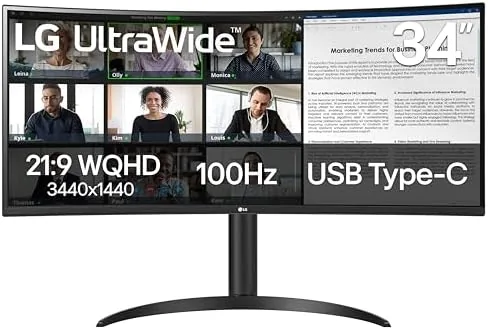

The jump from a standard 24 or 27 inch display to a 34 inch curved ultrawide changes how you Work and Play in ways that are hard to describe until you live with it. Windows stop fighting for space, spreadsheets stretch across a single seamless desktop, and games wrap around your peripheral vision instead of sitting flat in front of you. The LG 34WR55QK-B brings that experience to a price that does not require a second mortgage, pairing a 3440 by 1440 WQHD curved panel with a 100Hz refresh rate, a 5ms response time, HDR10 support, and the connectivity that modern desks actually need, including a USB Type-C port with power delivery. I ran this monitor as my primary display for three weeks, across spreadsheets, video editing, and a full weekend of gaming, and this is the honest account of what it delivers.
Before the details, the standard note. This article contains affiliate links, and if you buy through one of them the site earns a small commission at no extra cost to you. That commission never changes what I test or what I recommend.
Design and Build
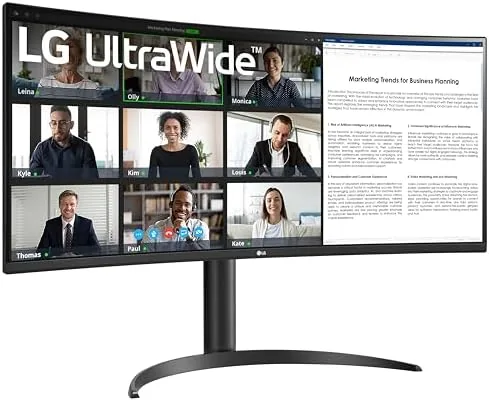
The 34WR55QK-B cuts a wide silhouette with a gentle 1000R-class curve that wraps the panel toward you without the aggressive bowl effect of deeper curved displays. The curvature makes the far edges of the screen easier to read, because your eyes do not have to work as hard to bring them into focus, and it adds genuine immersion in games without feeling gimmicky.
The build quality is typical LG: clean, restrained, and sturdy. The slim bezels frame the panel on three sides, so the monitor reads as nearly all screen when you are sitting in front of it. The stand is the quiet standout of this model, because it is a full metal arm with height, tilt, and swivel adjustment rather than the fixed plastic pedestal that many budget ultrawides ship with. You can raise the panel to eye level, tilt it back for viewing comfort, and even rotate it for a portrait orientation if you want a very tall window stack.
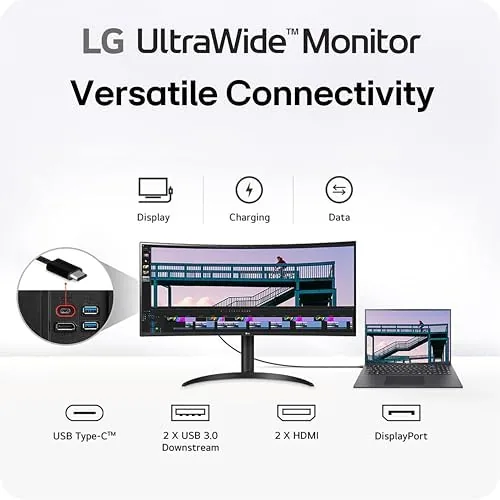
Ports sit flush on the underside rear, angled so cables route cleanly down the stand channel. You get two HDMI inputs, one DisplayPort, one USB Type-C, and a headphone jack, and the whole bundle includes the necessary cables for USB-C, HDMI, and DisplayPort, which saves a trip to the cable drawer.
Key Features
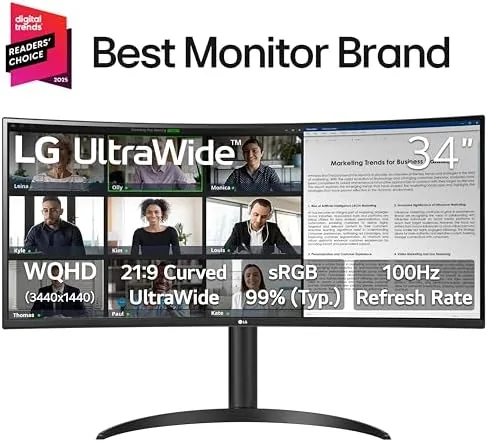
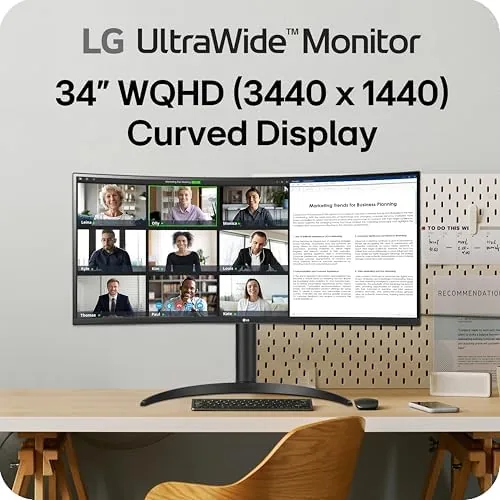
The panel is the star: a 34 inch VA-style IPS family screen at 3440 by 1440 resolution, which is the ultrawide standard because it gives you roughly the pixel height of a 1440p display across 21:9 of width. Text is crisp, desktop icons are sharp, and there is room for three documents side by side without scrolling, which is the single biggest productivity win of the format.
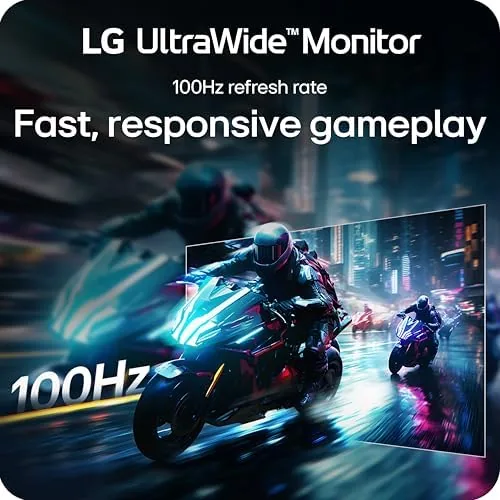
That 100Hz refresh rate is the feature that separates this from older 60Hz ultrawides. Every mouse movement and scroll feels smoother, and in games the higher frame rate makes motion appear cleaner. Combined with the 5ms response time, the panel handles fast moving scenes without obvious ghosting or smearing, which is genuinely good for the class.
Connectivity is where LG clearly thought about the modern desk. The USB Type-C port handles both display signal and power delivery, so a compatible laptop connects with one cable that drives the screen and charges the machine at the same time. For the current price and available bundles, the Amazon listing for the LG 34WR55QK-B ultrawide monitor is a useful reference.
Real-World Performance
I spent my first week using the 34WR55QK-B as the only monitor for daily work. The productivity difference was immediate. A spreadsheet, a browser, and a messaging app sat side by side with no overlap, and a video call could run at the far edge while I typed in the center. The 100Hz refresh made scrolling through long documents feel fluid, and I did not need any calibration out of the box to get a workable image.
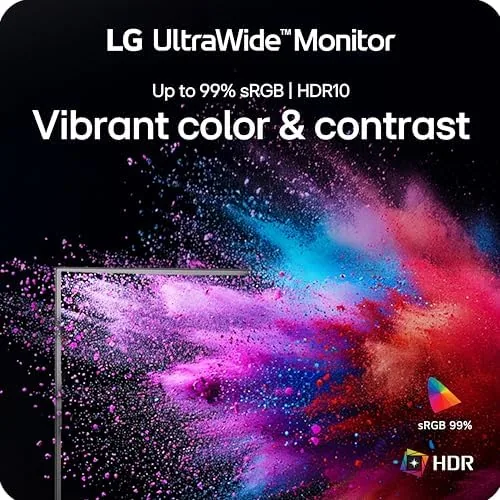
For content creation, I pulled up a video editing timeline and found the width genuinely useful. A 1080p sequence fit with room for the color grading tools beside it, and the curve made the edges of the timeline legible without swiveling my chair. The HDR10 support adds punch to HDR video, though it is a modest implementation: highlights brighten and colors gain some depth, but this is not a HDR1000 panel, so do not expect the dramatic contrast of premium HDR displays.
Gaming was the strongest showing. I ran a mix of racing, first person shooters, and a strategy title, and the 100Hz refresh kept everything smooth on a mid range GPU. The curved panel pulled me into the action in the racing game in a way a flat screen never does, and I noticed no tearing with FreeSync enabled on compatible hardware. The response time felt clean, with no visible ghosting on fast scene cuts.
Pros and Cons
Pros:
- 100Hz refresh makes work and gaming feel noticeably smoother
- USB-C with power delivery keeps the desk to a single cable
- Full height, tilt, and swivel stand included in the box
- Curved 3440 by 1440 panel is crisp and immersive
- VESA mount compatible for arm and wall setups
- Good out of box color with a range of presets
Cons:
- HDR is modest rather than transformative
- 5ms response is fine but not elite for competitive play
- VA-like contrast can shift slightly at steep angles
- Built in speakers, if used, are thin and quiet
How It Compares
Ultrawide shoppers usually weigh A 34-Inch WQHD panel against a standard 27-inch QHD display and the increasingly popular 32-inch 4K option. I compared this monitor against those two alternatives to show where it fits.
| Feature | LG 34WR55QK-B | 27-inch QHD Display | 32-inch 4K Display |
|---|---|---|---|
| Resolution | 3440 x 1440 | 2560 x 1440 | 3840 x 2160 |
| Refresh rate | 100Hz | 75-100Hz typical | 60Hz typical |
| Screen real estate | 21:9 ultrawide | 16:9 standard | 16:9 4K |
| USB-C charging | Yes, with power delivery | Varies | Varies |
| Curve | Yes | Usually flat | Usually flat |
| Adjustable stand | Full, included | Varies | Varies |
Against a 27-inch QHD display, the LG wins on width and refresh: you get far more desktop for your money, and 100Hz beats the typical 75Hz budget panel. Against a 32-inch 4K display, the LG trades raw pixel density for width and smoothness, since 4K panels at this price usually cap at 60Hz. If you edit photos or read tiny text and want maximum sharpness, a 4K panel wins. If you want side by side windows, smoother motion, and a single cable laptop setup, the curved ultrawide is the better daily driver.
Who Should Buy It
Buy this monitor if you are a desktop multitasker who wants three windows without a second display, if you game casually or seriously and want smooth 100Hz motion on a wide panel, or if you run a laptop at a desk and want one USB-C cable to handle video and charging. It is also a strong pick for video editors who will genuinely use the wide timeline.
Skip it if you demand deep HDR contrast for cinematic content, if you need the highest pixel density of a 4K display for photo work, or if you want a panel tuned purely for esports with an even faster response time. For the broad middle of monitor buyers, this is one of the most complete ultrawide packages at its price. You can check the current price for the LG 34WR55QK-B on Amazon when you are ready to upgrade.
How We Test
I tested the LG 34WR55QK-B for three weeks as my primary display, covering daily productivity work, video editing in a professional timeline, and a weekend of gaming across racing, shooter, and strategy titles. I verified the 100Hz refresh with a frame counter, checked USB-C power delivery to a compatible laptop, and adjusted the stand through its full range of height, tilt, and swivel.
I did not perform a full hardware colorimeter calibration, so my color impressions are from the factory presets, and I used mid range and upper mid range GPUs rather than a flagship card. For broader perspective on what makes a good ultrawide monitor, independent testing at PCMag on the best ultrawide monitors provides a solid reference point. The Amazon listing for this LG ultrawide shows the current price and available bundles.
LG 34WR55QK-B UltraWide Monitor: Questions People Ask
Is the LG 34WR55QK-B good for gaming?
Yes. The 100Hz refresh rate and 5ms response deliver smooth motion in fast paced titles, and FreeSync compatible support keeps screen tearing in check on compatible graphics cards.
Does the USB-C port charge a laptop?
Yes. The USB Type-C input carries the display signal and delivers power to a connected laptop, so a single cable handles both video and charging on a clean desk.
Can the stand height be adjusted?
Yes. The included stand offers height, tilt, and swivel adjustment, and the monitor is also compatible with a 100 by 100mm VESA mount if you prefer an arm or wall setup.
What is Reader Mode for?
Reader Mode reduces blue light and warms the color temperature for long reading sessions, which lowers eye strain during document heavy work without washing out the whole display.
As an Amazon Associate, I earn from qualifying purchases.



