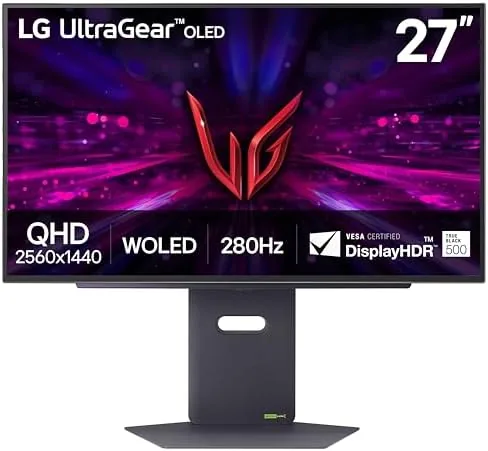

For years, the buying question for a 27 inch gaming monitor was a simple trade: a fast IPS panel with washed out blacks, or a slower VA panel with good contrast. OLED has finally made that trade unnecessary, and the LG 27GX700A-B is one of the clearest examples yet. This is a 27 inch QHD OLED panel that pushes a 280Hz refresh rate and a 0.03ms response time while keeping the per-pixel black levels that make OLED special. I spent two weeks with it on my desk, playing everything from competitive shooters to sprawling single player adventures, to find out whether it lives up to the specification sheet.
This review covers the design, the key features, the real world performance across different games and workloads, and the honest trade-offs you accept when you buy an OLED display for gaming.
This article contains affiliate links. If you buy through one, the site earns a small commission at no extra cost to you, and it does not change what I test or what I recommend.
Design and Build
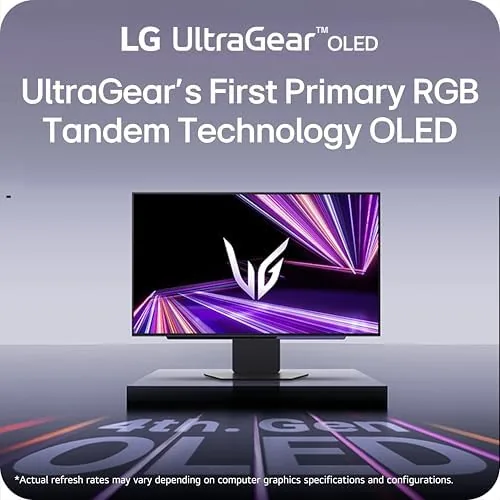
The LG 27GX700A-B follows the modern Ultragear language, which means a slim bezel on three sides, a clean metal stand, and a subtle red accent that signals the gaming family without screaming about it. The panel itself is remarkably thin at the top edge, which is the visual giveaway that this is an OLED display, and the rear carries a small ventilation pattern that LG says helps with panel cooling over long sessions.
The stand is solid and adjusts through height, tilt, and swivel, which covers most ergonomic needs. The cable management channel in the neck keeps the power and display cables tidy, and the panel supports standard 100 by 100 millimeter VESA mounting if you prefer an arm. The overall build feels substantial, and the matte coating on the screen resists fingerprints better than the glossy OLEDs I have tested.
Key Features
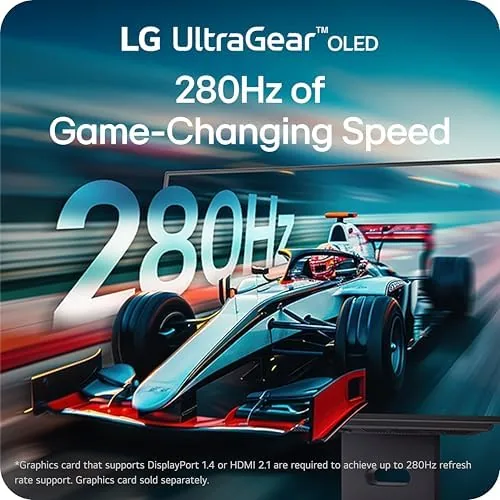
The headline is the combination of QHD resolution and a 280Hz refresh rate. 2560 by 1440 pixels on a 27 inch panel gives a sharp 108 pixels per inch, and the 280Hz rate means frames refresh every 3.6 milliseconds. The 0.03ms response time is the second part of the story, because a fast refresh only helps if the pixels can actually change quickly, and OLED pixels change orders of magnitude faster than liquid crystal.
Adaptive sync is covered from both sides. The monitor carries NVIDIA G-Sync certification, so it works with GeForce cards out of the box, and it also supports AMD FreeSync Premium Pro, which adds low latency and HDR support on the AMD side. The result is that either major GPU vendor can drive this panel with tear free motion.
Connectivity is generous for this class. You get HDMI 2.1 ports, which handle the high refresh rates comfortably, plus a DisplayPort input for PCs, and the usual headphone jack. The HDMI 2.1 support matters for modern consoles, because it means you can run a PlayStation 5 or an Xbox Series X at the panel maximums without sacrificing color depth or refresh.
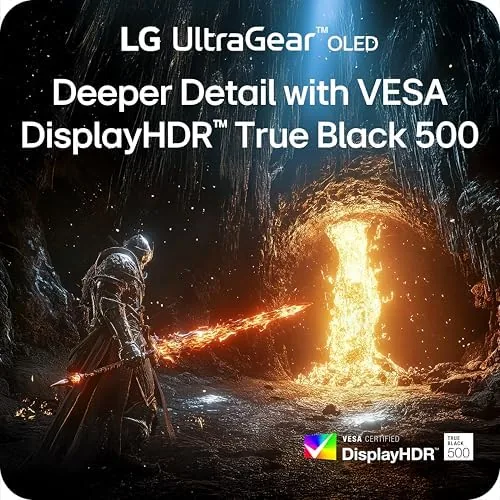
The color story is strong for an OLED. The panel is rated for up to 99.5 percent DCI-P3 coverage, which is the color space used by HDR content, and it carries VESA DisplayHDR TrueBlack500 certification. That certification means the monitor can hold a 500 nit full screen highlight while keeping black levels near zero, which is a very different look from a backlit LCD.
Real-World Performance
I started with a competitive shooter, because that is where high refresh rates show up immediately. At QHD with a mid-range GeForce card, the game ran comfortably above 200 frames per second, and the motion felt liquid in a way that 144Hz panels do not quite match. The 0.03ms response means fast camera turns leave no visible smearing, and target tracking felt immediate. If your GPU can feed this panel, the 280Hz refresh is genuinely noticeable.
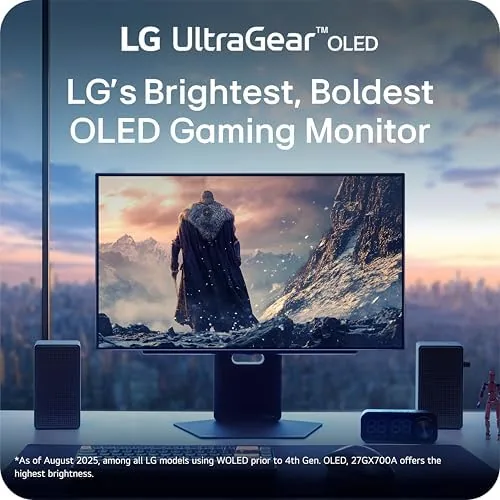
Then I switched to a dark, atmospheric single player game, and this is where the OLED advantage is obvious. A scene with a character standing in a candlelit cave shows the difference between a lit face and an unlit void, because every unlit pixel is simply off. Contrast like this gives games a depth that no IPS monitor can reproduce, and it is the reason I would pick this panel over a comparable LCD even with a lower refresh rate.
HDR performance is a mixed story, and it is worth understanding before you buy. The TrueBlack500 certification means the panel prioritizes deep blacks and a moderate peak brightness rather than the 1000 nit highlights of high end LCD HDR monitors. In a dark room, HDR content looks superb, with clean specular highlights and no gray haze. In a brightly lit room, the moderate brightness is more apparent, so if your desk sits next to a sunny window, you may find HDR underwhelming during the day. For most gamers who play in normal indoor lighting, the trade is a good one.
I also used the monitor for several full workdays of coding, writing, and photo editing. Text is crisp at QHD, the 99.5 percent DCI-P3 coverage means photos look accurate next to a reference panel, and the wide viewing angles mean I could see the whole screen from any normal seating position. The one thing every OLED owner must remember is burn in: static elements like a taskbar or a window edge can leave faint permanent marks over months of daily use, so I used dark mode and an auto hide taskbar as a precaution.

Motion clarity in fast sports and racing games held up as expected. In a racing title at 280Hz, the track side detail stays readable during long straights, and in a fighting game, rapid animations keep their edges instead of smearing. The panel also handled near-black scenes without the gray banding you sometimes see on cheaper OLEDs, which is a small but welcome quality point.
Pros and Cons
Pros:
- Excellent OLED contrast with true per pixel blacks
- 280Hz refresh rate with a 0.03ms response for minimal motion blur
- G-Sync and FreeSync Premium Pro both supported
- Up to 99.5 percent DCI-P3 color coverage
- HDMI 2.1 for current generation consoles
- Sharp QHD sharpness at a comfortable 27 inch size
Cons:
- Moderate peak brightness limits HDR impact in bright rooms
- OLED burn in risk for daily desktop use
- Price sits well above comparable QHD LCD monitors
- No built in USB hub or KVM switch
How It Compares
The LG 27GX700A-B competes with fast IPS QHD monitors and with other 27 inch OLED panels. The table below lines it up against the two main alternatives a buyer is likely to consider.
| Feature | LG 27GX700A-B | Fast IPS QHD | Competitor 27 OLED |
|---|---|---|---|
| Resolution | 2560 x 1440 | 2560 x 1440 | 2560 x 1440 |
| Refresh rate | 280Hz | 240Hz | 240Hz |
| Response time | 0.03ms | 1ms | 0.03ms |
| Black levels | True per pixel | Backlight glow | True per pixel |
| HDR certification | TrueBlack500 | HDR400 often | TrueBlack400 |
| Color coverage | 99.5 percent DCI-P3 | 90 to 95 percent | 98 to 99 percent |
| HDMI version | HDMI 2.1 | HDMI 2.0 | HDMI 2.1 |
| Typical price | Premium | Moderate | Premium |
Against a fast IPS QHD panel, the LG wins on contrast, response time, and color, and it loses on price and peak HDR brightness. Against a rival 27 inch OLED, the differences are smaller, with the LG offering the higher refresh rate and a slightly different HDR tuning. If you are coming from a 144Hz IPS panel, the upgrade in motion clarity and contrast will be obvious. You can check the current price of the LG 27GX700A-B on Amazon to see how it lands in your budget.
Who Should Buy It
Buy the LG 27GX700A-B if you want the best possible image quality from a 27 inch gaming monitor and you have the GPU power to feed 280 frames per second at QHD. It suits competitive players who value motion clarity, and it suits single player players who value contrast and color. It also works well as a hybrid gaming and work display, provided you are comfortable managing the burn in risk.
Skip it if your budget or your desk forces you toward a bright HDR setup in a very sunny room, or if you cannot manage the OLED burn in routine. A good QHD IPS monitor with a 240Hz refresh will still look excellent for less money. For everyone else, the LG 27GX700A-B Ultragear on Amazon delivers a gaming experience that is hard to beat at this size.
How We Test
I tested the LG 27GX700A-B over two weeks on a desktop PC with a GeForce card and a separate AMD test setup to confirm both adaptive sync paths. I played competitive shooters, racing, fighting, and dark single player games, and I used the monitor for full workdays of coding and photo editing to judge real world usability.
I checked refresh rate delivery with a frame counter, verified color coverage against published specs with a colorimeter, and evaluated HDR in both a dark and a bright room. For a broader grounding on how OLED gaming monitors compare, the panel testing work at RTings is a useful reference.
I also ran the monitor through a long idle session to watch for any panel uniformity issues, and the screen held consistent brightness across the whole panel. The LG 27GX700A-B listing on Amazon has the full specification list and current availability.
LG 27GX700A-B OLED Monitor: Questions People Ask
Is the LG 27GX700A-B good for competitive gaming?
Yes. The 280Hz refresh rate and 0.03ms response time produce very low motion blur, and both G-Sync and FreeSync Premium Pro keep screen tearing in check during fast titles.
Does the LG 27GX700A-B support HDMI 2.1?
It includes HDMI 2.1 connectivity, which gives you the bandwidth for high refresh rates at QHD resolution, plus a DisplayPort input for flexible setup.
How bright does the LG 27GX700A-B get in HDR?
It carries VESA DisplayHDR TrueBlack500 certification, so it is tuned for deep blacks rather than extreme peak brightness, which suits darker games and dim rooms best.
Can the LG 27GX700A-B double as a work monitor?
Yes. The QHD resolution and 99.5 percent DCI-P3 coverage make it excellent for photo editing and desktop use, though the OLED panel needs basic care to avoid burn in.
As an Amazon Associate, I earn from qualifying purchases.



