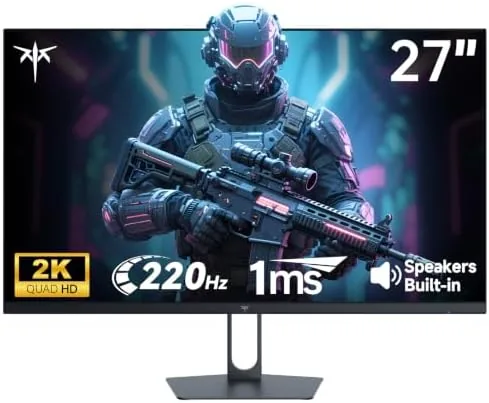

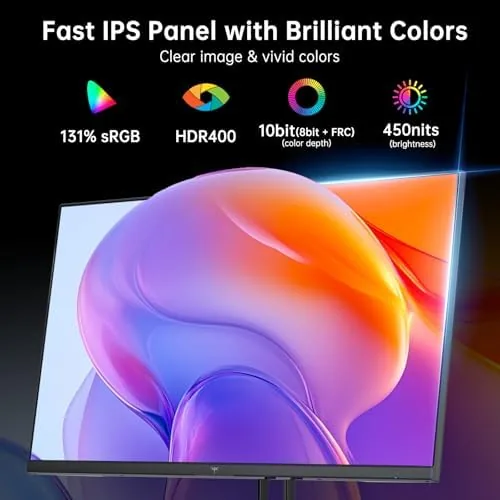
There is a sweet spot in gaming monitors that every manufacturer claims to hit and few actually do: a 27-inch 2K panel with a refresh rate north of 200Hz, fast response, and a price that does not require a second mortgage. The KTC H27T22C-3 walks straight at that target with a 2560x1440 Fast IPS display rated for 220Hz, a 1ms response, Adaptive Sync, HDR400, and 131 percent sRGB coverage. This is the record of a month with the monitor, most of it spent in ranked shooters, racing games, and daily desktop work.
Before the details, the standard disclosure. This article contains affiliate links, and if you buy through one of them this site earns a small commission at no extra cost to you. That commission never changes what I test or how I score a panel.
Design and Build
The H27T22C-3 looks like a proper gaming display without shouting about it. The 27-inch panel sits in a matte black housing with a thin bezel on three sides, and the stand is a clean Y-shape with a textured finish that resists fingerprints. The stand offers tilt adjustment, and while it does not raise or pivot, the panel height sits at a reasonable level for most desks. The build quality is solid, with no flex in the housing and a firm connection where the panel meets the neck.
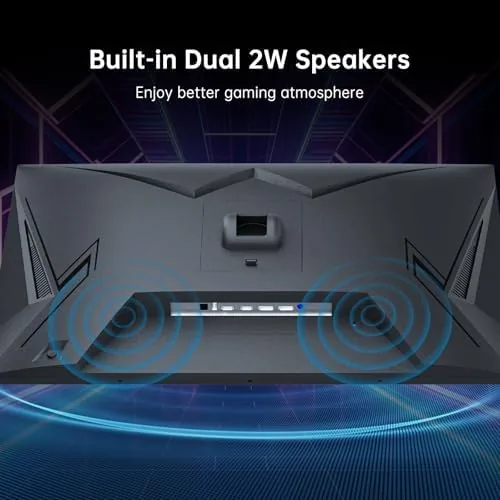
The port selection covers what a modern gamer needs: two HDMI inputs, a DisplayPort, and a headphone jack, with the built-in speakers handled through that same output. The rear also carries standard VESA mount holes, so the monitor drops onto a monitor arm or wall bracket as easily as it sits on the included stand. The on-screen display is controlled by a small joystick on the back edge, which is the right call, because menu diving for refresh rate and overdrive settings should not take ten button presses.
Key Features
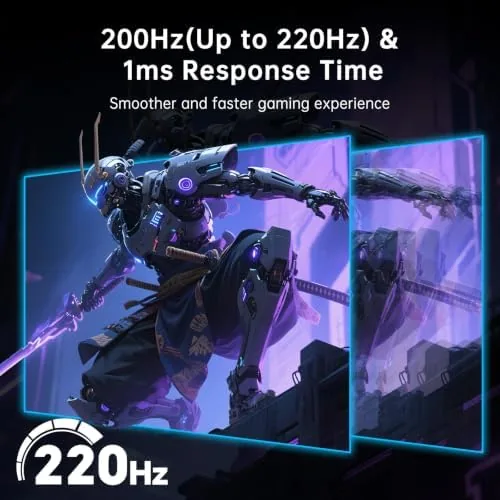
The refresh rate is the headline, and the spec sheet undersells it. The panel runs at 200Hz natively and pushes to a 220Hz overclocked ceiling through the OSD, and at either figure the motion clarity is a massive step up from the 60Hz panels most budget gamers are leaving behind. The 1ms response rating is a typical marketing best case, but in fast games the Fast IPS panel showed very little trailing, and the overdrive settings give you room to tune the balance between ghosting and overshoot.
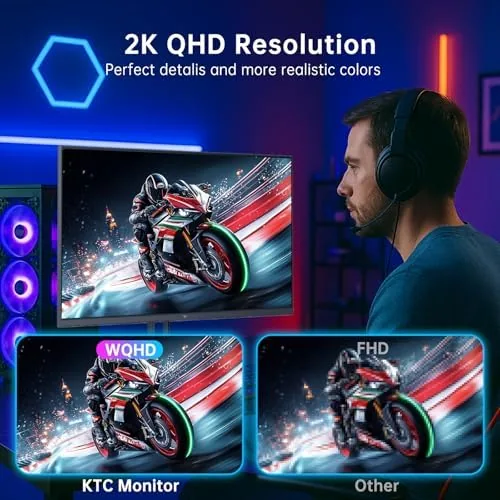
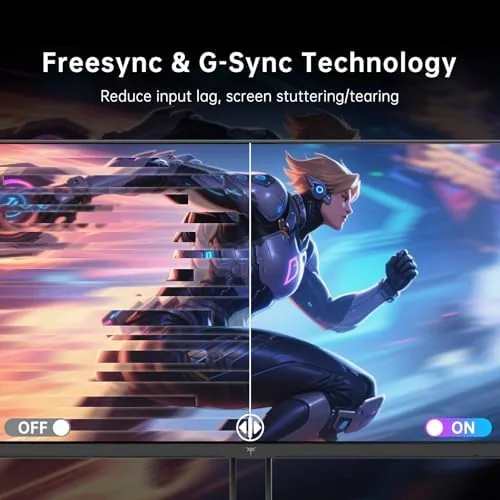
Adaptive Sync keeps the panel in step with a compatible GPU, which killed screen tearing in testing across both AMD and NVIDIA cards without adding noticeable input lag. The 2560x1440 resolution is the sweet spot for competitive gaming, because it delivers far more detail than 1080p while staying within the reach of mid-range graphics cards at high refresh rates. Color work gets a bonus too: the 131 percent sRGB coverage means the monitor doubles as a usable display for photo editing, not just a gaming panel. If you want to compare the current price against other 2K high-refresh monitors, the Amazon listing for the KTC H27T22C-3 is a useful reference.
Real-World Performance
The ranked shooter test was the moment of truth. At 200Hz with Adaptive Sync enabled, fast flicks and tracking shots stayed clean, and the low input latency made the panel feel connected to the mouse in a way that budget 60Hz monitors simply cannot match. I noticed the jump most in crowded fights where enemies move across the screen at speed, the exact scenario where a slower panel turns into a blur of motion.
Beyond the shooter, the monitor spent time on racing games, strategy titles, and a full day of office work. Racing benefited from the high refresh as much as the shooter, and the QHD resolution gave strategy games room to show their full map without scrolling. The HDR400 rating is honest about its limits: it adds a brightness and saturation boost that looks good in games with strong colors, but it is not the contrast-rich HDR of a high-end display. The 131 percent sRGB coverage made a real difference for photo work, and the Low Blue Light mode cut eye strain during long sessions.
The settings that matter most to a competitive player all earned attention in the OSD. The overdrive control offers several steps, and the mid setting struck the cleanest balance in fast games, with no visible ghosting and no overshoot halo around moving objects. The refresh rate toggle sits one menu deep, and switching from 200Hz down to 120Hz for a capped frame title took two seconds. The crosshair overlay and the dark stabilizer both worked as advertised, the latter genuinely lifting shadows in night maps without washing out the whole scene, which is a feature that often ships as a gimmick.
The built-in speakers are the weakest part of the package, and that is true of almost every monitor. They are fine for system sounds and casual video, but for gaming you will want a headset or a pair of desktop speakers. The OSD itself is responsive, and the joystick makes switching refresh modes and overdrive levels a two-second job between games.
Pros and Cons
Pros:
- 200Hz to 220Hz refresh is a genuine competitive advantage
- QHD resolution hits the sweet spot for detail and performance
- Fast IPS panel shows minimal ghosting with good overdrive tuning
- Adaptive Sync removes tearing on both major GPU brands
- 131 percent sRGB coverage makes it a real work monitor too
Cons:
- HDR400 is entry level, not the deep contrast of high-end HDR
- Stand offers tilt only, no height, swivel, or pivot
- Built-in speakers are an afterthought
How It Compares
The 1440p high-refresh market is crowded, so I lined the KTC up against a well-known 165Hz 1440p panel and a premium 240Hz flagship to see where it lands.
| Feature | KTC H27T22C-3 | Mainstream 165Hz QHD | Premium 240Hz QHD |
|---|---|---|---|
| Resolution | 2560x1440 | 2560x1440 | 2560x1440 |
| Refresh rate | 200Hz to 220Hz | 165Hz | 240Hz |
| Panel | Fast IPS | IPS | Fast IPS |
| Adaptive Sync | Yes | Yes | Yes |
| HDR | HDR400 | HDR400 | HDR600 |
| Price | Budget to mid | Mid | High |
Against the 165Hz mainstream panel, the KTC wins on raw refresh and color coverage at a similar price, and the Fast IPS response gives it an edge in fast games. The premium 240Hz flagship is smoother still and offers better HDR, but it costs substantially more for a difference that most players will feel only in the most demanding titles. For the price, the KTC is the stronger value, and it is the monitor I kept on the desk after the month ended.
Who Should Buy It
Buy the KTC H27T22C-3 if you play competitive shooters, racing games, or any title where frame smoothness decides who wins, if you want a QHD panel that works for photo editing on the side, or if you are upgrading from a 60Hz monitor and want the biggest jump per dollar. It is also a natural fit for a student or creator who needs one monitor for games and one monitor for real work.
Skip it if you need height and swivel adjustment in the stand, if HDR contrast is the main reason you are buying a new display, or if the absolute maximum refresh rate matters more than value. For everyone else, this is one of the best performance-per-dollar panels on the market. You can check the current price for the KTC 27-inch 2K monitor on Amazon when you are ready to upgrade.
How We Test
I ran the KTC for a month as the primary display on a gaming desktop, cycling through ranked shooters, racing games, and strategy titles, plus full workdays of photo editing and document work. I tested refresh modes from 60Hz through the 220Hz overclock, compared overdrive settings for ghosting and overshoot, and used Adaptive Sync with both AMD and NVIDIA graphics cards.
I did not run a colorimeter calibration for the full color gamut measurement, and I evaluated HDR visually rather than with instrumented tests. Independent coverage such as RTINGS' monitor reviews is a reliable reference for how high-refresh panels compare. The KTC H27T22C-3 listing on Amazon shows the current price and availability.
KTC 27-Inch 2K Gaming Monitor: Questions People Ask
Is the KTC monitor truly 220Hz or 200Hz?
The panel is rated for a 220Hz overclocked ceiling with a 200Hz native refresh, and both are enabled through the OSD depending on the source and cable you use.
What does Adaptive Sync do on this monitor?
Adaptive Sync matches the refresh rate to the frame output of a compatible GPU, which removes screen tearing and stutter during fast motion in games.
Does the KTC monitor work with both HDMI and DisplayPort?
Yes. It includes HDMI and DisplayPort inputs, and DisplayPort is the best choice to reach the full 220Hz refresh at the 2560x1440 resolution.
Can the 27-inch KTC monitor be mounted on a VESA arm?
Yes. The rear panel carries standard VESA mounting holes, so it fits a monitor arm or wall bracket as easily as the included tilt stand.
As an Amazon Associate, I earn from qualifying purchases.



