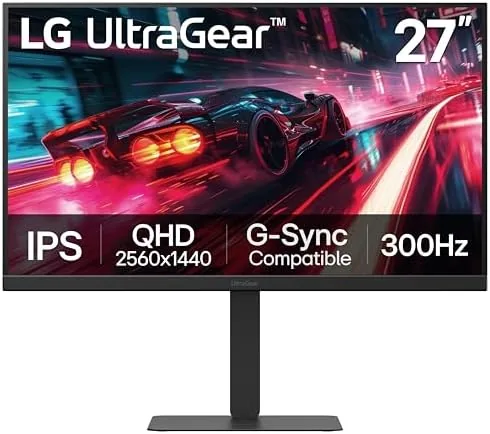

Competitive gaming is a battle of milliseconds, and the monitor is where those milliseconds live or die. The LG 27G640A-B Ultragear brings a 27 inch QHD IPS panel with a 300Hz refresh rate, a 1ms response time, and support for both NVIDIA G-Sync and AMD FreeSync Premium. That is the spec sheet of a serious esports display, and it comes wrapped in a stand that tilts, swivels, raises, and pivots. I spent two weeks playing fast paced shooters, racing games, and single player titles on this panel, and this review covers how the 300Hz experience feels, whether the IPS color holds up, and who should spend the money.
Before the details, the standard disclosure. This article contains affiliate links, and if you buy through one of them the site earns a small commission at no extra cost to you. That commission does not change what I recommend, and the monitor reviewed here was used exactly as a gamer would use it.
The Ultragear line is the dedicated gaming series from LG, and the 27G640A-B sits near the top of its fast IPS family. The rest of this review covers the panel, the refresh rate, the motion handling, and whether the extra features justify the price.
Design and Build
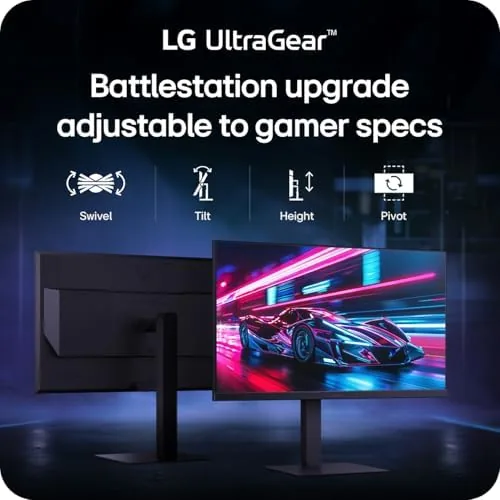
The monitor wears the Ultragear look with confidence: a black body, a thin bezel, and a subtle red accent on the stand that hints at gaming without screaming about it. The panel sits on a stand that is a step above most rivals, offering full tilt, height, swivel, and pivot adjustment. You can raise it to match your eye line, angle it for comfort, swing it for shared viewing, and spin it into portrait for reading or code.
Build quality is excellent. The stand is rigid with no wobble, the panel feels solid, and the cable routing is clean. A VESA mount is available if you prefer a monitor arm, and the overall construction suggests a monitor built for years of daily gaming.
Key Features
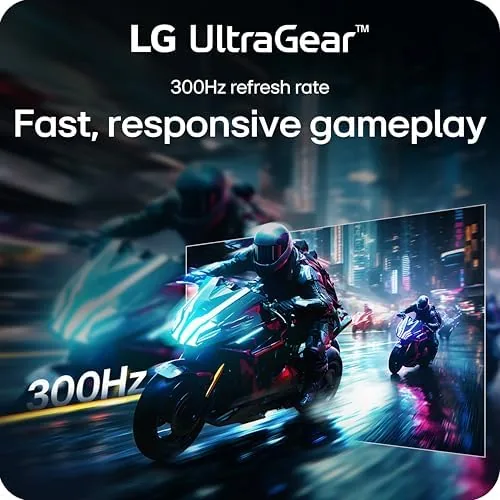
The headline is the 300Hz refresh rate. A 300Hz panel draws a new frame three hundred times per second, which makes motion exceptionally smooth and reduces input lag to near zero. For competitive shooters where every frame is a chance to spot an enemy first, that smoothness is a genuine advantage.
The 1ms response time is the other competitive spec. The fast IPS panel keeps motion crisp Without the smearing that plagues slower displays, so fast camera swings and quick strafes stay clear. Combined with the 300Hz refresh, the panel delivers about as smooth an image as current monitor technology offers.
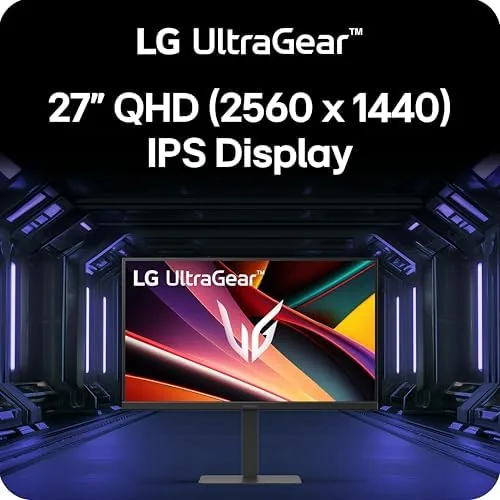
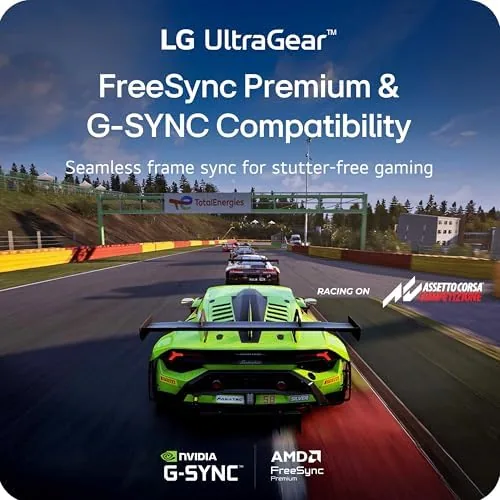
Variable refresh rate support covers both GPU camps. NVIDIA G-Sync and AMD FreeSync Premium both work with the panel, eliminating screen tearing and stutter when your frame rate dips below the maximum. The QHD resolution at 2560 by 1440 hits the sweet spot for gaming, sharp enough for detail and light enough for high frame rates.
Real-World Performance
The 300Hz experience is hard to describe and easy to feel. In fast shooters, the panel turns quick flicks and fast strafes into fluid motion, and the lack of visible tearing keeps the image clean even when frame rates fluctuate. Coming from a 144Hz panel, the jump is noticeable, and coming from 60Hz, it is transformative.
Motion clarity is excellent. The 1ms IPS panel keeps fast action crisp, and during intense gunfights and high speed racing I never saw the smearing or ghosting that cheaper panels show. The responsive feel translates directly to better tracking, and after two weeks I stopped noticing the hardware and just played better.
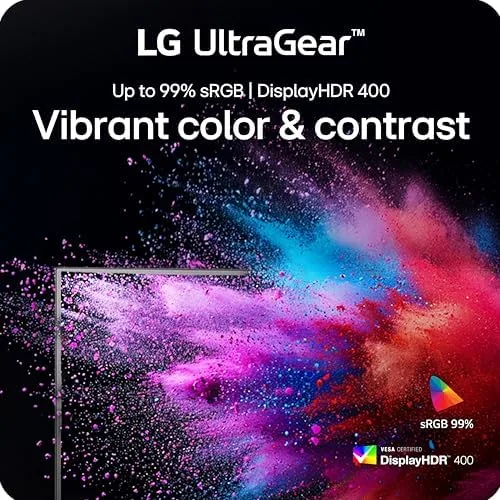
IPS color quality is a pleasant surprise for a gaming panel. Colors are vivid and accurate out of the box, viewing angles are wide, and the DisplayHDR 400 certification adds a brightness and contrast bump for HDR content. It is not a high brightness HDR showcase, but for gaming the color looks rich and consistent.
The connectivity handled modern setups without complaint. HDMI 2.1 connected cleanly to a console, DisplayPort drove the full 300Hz from a gaming PC, and the USB Type-C port made hooking up a laptop effortless. The stand adjustment range also proved valuable, letting me set the panel height for comfortable long sessions.
I spent one afternoon switching the monitor between three machines, and the input handling was seamless. The on screen menu is quick to navigate with a joystick, the picture presets are sensible, and the panel remembers its settings per input, which removes the fiddling that usually comes with a multi device desk. Those small touches separate a well designed gaming monitor from one that simply has a fast panel bolted onto a basic chassis.
I also used the monitor for a few hours of work between gaming sessions, and the QHD resolution handled documents and spreadsheets comfortably. The 27 inch size hits a sweet spot for a desk, and the sharp 2560 by 1440 panel keeps text crisp without needing heavy scaling. A monitor this capable usually sacrifices work usability for speed, but the IPS color and adjustable stand keep it practical beyond game time.
Daytime play in a bright room was never a problem. The panel gets bright enough to cut through glare from a nearby window, and the anti reflective coating keeps reflections from washing out dark scenes. That matters for players who keep the blinds open during the day, because a gaming monitor that only looks good in a dark room is not a monitor you can use whenever you have the time.
The honest limits are the HDR brightness and the price. DisplayHDR 400 is entry level HDR, so the effect is subtle compared with high brightness HDR panels. The monitor also costs more than a standard 144Hz display, and players on a budget may not need the full 300Hz headroom.
Pros and Cons
Pros:
- Silky 300Hz refresh for competitive play
- Fast 1ms IPS panel with crisp motion
- G-Sync and FreeSync Premium support
- Vivid, accurate IPS color
- Fully adjustable stand with pivot
- HDMI 2.1, DisplayPort, and USB C inputs
Cons:
- DisplayHDR 400 brightness is modest
- Premium price over standard gaming panels
- 300Hz needs a powerful GPU to fully exploit
- No built in speakers
How It Compares
The 27G640A-B competes with other high refresh QHD monitors and with the popular 240Hz tier. The table below lines up the main options.
| Feature | LG 27G640A-B | 240Hz QHD Monitor | 144Hz QHD Monitor |
|---|---|---|---|
| Refresh rate | 300Hz | 240Hz | 144Hz |
| Resolution | 2560 x 1440 | 2560 x 1440 | 2560 x 1440 |
| Response time | 1ms | 1ms | 1ms |
| HDR | DisplayHDR 400 | Varies | Often none |
| Stand | Full adjustment | Varies | Varies |
| Price | Premium | Mid range | Budget friendly |
If you compete seriously and your GPU can push high frame rates, the 300Hz panel is the clear choice. If you play casually, the price difference buys games instead, and a 144Hz monitor remains excellent value.
Who Should Buy It
Buy the LG 27G640A-B if you play competitive shooters, racing games, or any title where smoothness matters, and your graphics card can deliver frame rates above 240fps. It is also a strong pick for anyone who wants a single monitor that does both gaming and daily work, because the IPS color and adjustable stand cover both jobs.
Skip it if you play slower single player games, where the 300Hz headroom goes unused, or if your GPU cannot reach high frame rates. For competitive players with the hardware to match, this is one of the best QHD gaming monitors available. You can check the current price of the LG 27G640A-B on Amazon when you are ready.
How We Test
I used the LG 27G640A-B as my primary gaming display for two weeks, playing fast paced shooters, racing games, and single player titles across a gaming PC and a modern console. I tested the 300Hz refresh at full output, checked G-Sync with an NVIDIA GPU, and used the USB C input to connect a laptop for office work.
I did not run an objective input lag measurement, and my HDR impressions come from real content rather than calibration instruments. For a detailed technical review of the panel, RTINGS has a full lab tested analysis of the LG 27G640A-B. The LG 27G640A-B listing on Amazon shows the current price and availability.
Questions People Ask
What is the refresh rate of the LG 27G640A-B?
The 27 inch QHD IPS panel runs at a native 300Hz refresh rate, which makes motion exceptionally smooth and reduces input lag in fast paced competitive games.
Does the 27G640A-B support both G-Sync and FreeSync?
Yes, the monitor supports NVIDIA G-Sync and AMD FreeSync Premium, so it works with the variable refresh rate of both major GPU brands without screen tearing.
What ports does the Ultragear monitor include?
The monitor includes HDMI 2.1, DisplayPort, and USB Type-C inputs, so it connects cleanly to modern consoles, gaming PCs, and laptops alike.
Is the stand fully adjustable?
Yes, the stand offers tilt, height, swivel, and pivot adjustment, letting you position the panel precisely and rotate it into portrait when you need extra vertical space.
As an Amazon Associate, I earn from qualifying purchases.



