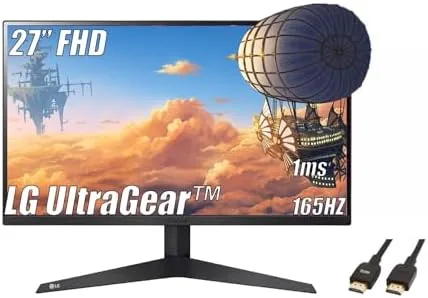

Not every gamer needs a 4K OLED to have a great time. The LG 27-inch UltraGear makes the case that a well tuned 1080p panel with a high refresh rate is still the most sensible gaming buy for most people. It pairs a 1920 by 1080 IPS display with a 165Hz refresh rate, a 1ms response time, AMD FreeSync Premium, and LG Black Stabilizer, all wrapped in a three side virtually borderless design, and it ships with an HDMI cable in the box. I gamed on it for three weeks to find out where this kind of monitor still wins.
Before the details, the standard note. This article contains affiliate links, and if you buy through one of them the site earns a small commission at no extra cost to you. That does not change what I test or what I recommend, and the monitor was used exactly as a gamer would use it.
Design and Build
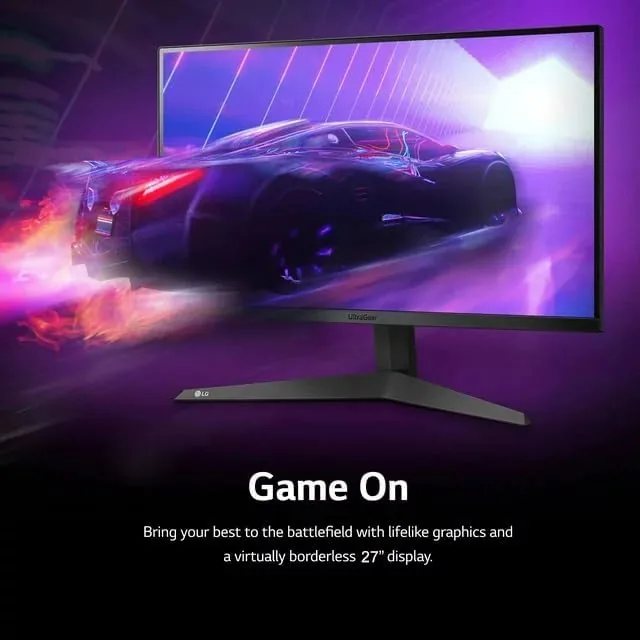
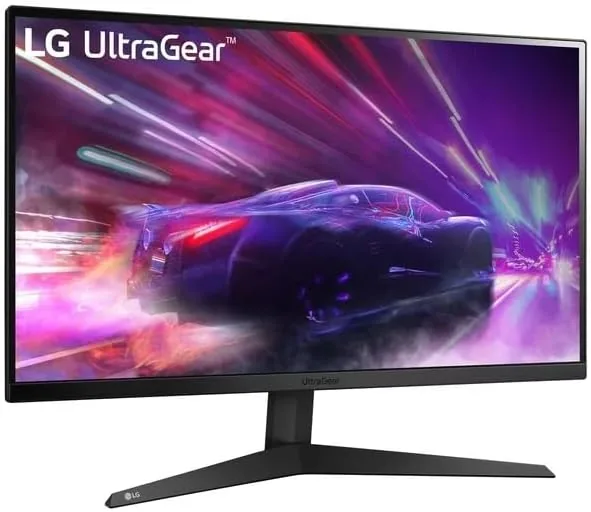
The UltraGear line has a clean, aggressive look, and this 27 inch model carries it well. The front is nearly all screen thanks to the three side virtually borderless design, with only a thin chin holding the LG logo, and the red accents on the stand give it a sporting character without going over the top.
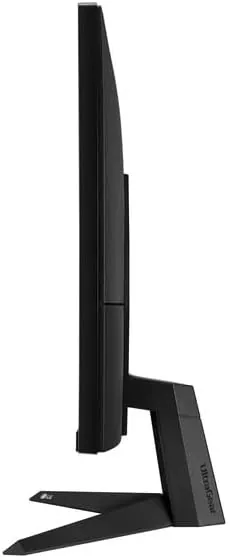
The stand is a simple but sturdy base that offers tilt adjustment, and the panel feels solid with no flex in the frame. If you prefer a cleaner setup, the display is VESA mount compatible, so you can move it to an arm or wall bracket in minutes. The build quality is exactly what you expect from LG at this price, which is to say it is reassuring.
The port selection covers the basics well, with an HDMI input, a DisplayPort, and a headphone out, and the included HDMI cable means the monitor is ready to connect the moment it leaves the box.
Key Features
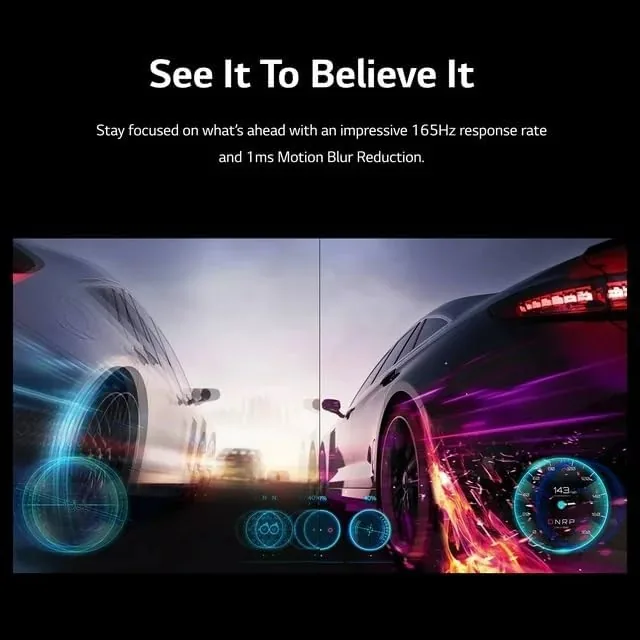
The headline feature is the 165Hz refresh rate. On a 1080p panel, that speed is easier to drive than at higher resolutions, which is exactly the point. A mid range graphics card can push 165 frames per second in most popular games at 1080p, so the monitor and the hardware can actually work together at full speed.
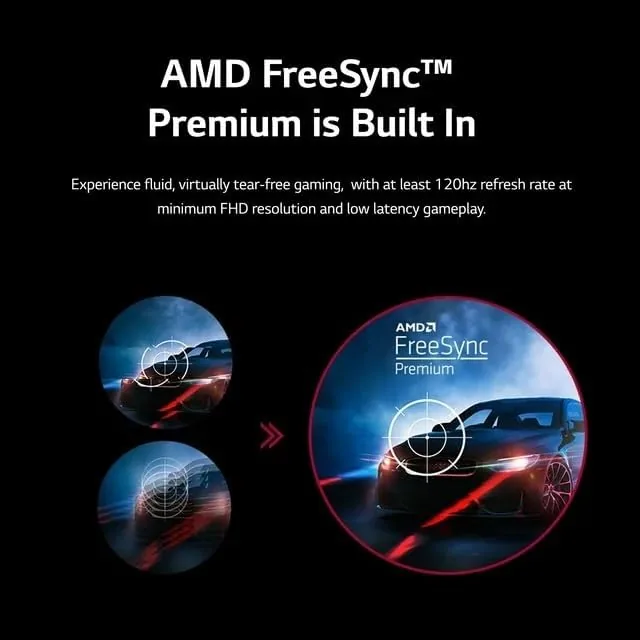
The 1ms response time keeps motion clean, and AMD FreeSync Premium eliminates screen tearing and stutter when paired with a compatible AMD card, with G-Sync compatible support also working in practice. Together, these features make fast movement look smooth instead of blurry, which is what competitive players are paying for.
LG Black Stabilizer is the feature that gets talked about less but matters in real matches. It brightens dark areas of the image on the fly, so an enemy hiding in a shadow is visible before they shoot you, without washing out the rest of the picture. For games with dark corners and camping spots, it is genuinely useful.
The 27 inch screen at 1080p gives a comfortable, immersive view without the pixel density concerns of larger FHD panels, and the IPS panel delivers wide viewing angles and accurate color for everything outside gaming.
Real-World Performance
In competitive shooters, the UltraGear felt fast from the first match. At 165 frames per second, tracking a moving target was smooth and precise, and the 1ms response meant I could not see any ghosting behind fast motion. With FreeSync enabled, there was no tearing even during frantic firefights, and the game stayed visually calm.
Black Stabilizer proved its worth in a dark map full of shadowed doorways. With the feature at a moderate setting, I could spot players tucked into corners that would have been invisible on a standard panel, and it did so without making the whole image look washed out. It is the kind of feature that feels like a cheat until you remember it is just good engineering.
Outside gaming, the monitor is a perfectly pleasant everyday screen. The IPS panel keeps colors accurate from any angle, text is crisp at 1080p, and the screen is bright enough for a room with windows. Streaming video looks clean, and the wide viewing angles mean two people can watch from an angle without the image shifting. The on screen menu gives fine control over the response time setting, the refresh rate display, and the gaming presets, so matching the image to a specific game takes only seconds. I also found the panel comfortable for long sessions, and the low blue light setting kept my eyes fresh through an evening of play.
The only real limitation is resolution. At 27 inches, 1080p is not as sharp as a QHD panel for text and fine detail, so if you split your time equally between gaming and productivity, you may notice the softness. For pure gaming, though, the speed matters more than the pixel count, and this panel makes the right trade.
I also connected a current generation console through the included HDMI cable, and the monitor handled it perfectly. Console games that support higher frame rates ran smoothly, the low input lag kept the controls feeling direct, and the FreeSync support smoothed out any frame rate dips before I could notice them. That makes the UltraGear a versatile pick for anyone who switches between a PC and a console at the same desk, since both benefit from the same fast panel without any reconfiguration beyond changing the input source.
Pros and Cons
Pros:
- 165Hz refresh is easy to drive at 1080p
- 1ms response keeps motion clean
- FreeSync Premium with G-Sync compatible support
- Black Stabilizer reveals enemies in shadows
- Three side virtually borderless design
- HDMI cable included in the box
Cons:
- 1080p at 27 inches is softer than QHD for text
- Stand offers tilt only, no height adjustment
- Single HDMI input limits multi-device setups
How It Compares
The UltraGear competes with other high refresh 1080p monitors and entry level QHD panels. The table below compares it with a 24 inch 144Hz monitor and a 1440p 165Hz panel.
| Feature | LG UltraGear 27 | 24-inch 144Hz | QHD 165Hz |
|---|---|---|---|
| Resolution | 1920x1080 | 1920x1080 | 2560x1440 |
| Refresh rate | 165Hz | 144Hz | 165Hz |
| Response time | 1ms | 1ms | 1ms |
| FreeSync | Premium | Yes | Premium Pro |
| Black Stabilizer | Yes | No | Varies |
| GPU demand | Low | Low | Higher |
Against a 24 inch 144Hz monitor, the UltraGear adds the larger screen, a faster refresh, and Black Stabilizer for a small premium. Against a QHD 165Hz panel, it trades pixel density for much lower GPU demand, which is the smarter pick if your graphics card is mid range. For a gamer on a sensible budget, this is the balanced choice.
Who Should Buy It
Buy the LG 27-inch UltraGear if you game on a mid range or budget graphics card and want the fastest, smoothest experience your hardware can deliver. Competitive players who care about reaction time, and anyone who wants a large screen without spending on a 1440p capable GPU, will get real value here. The included cable makes it an easy first Gaming Monitor too.
Skip it if you need sharp text for long productivity sessions, because 1080p at 27 inches is not the crispest option, or if you already own a card that can drive high frame rates at 1440p. For the majority of gamers, though, this is a fast, well priced panel that does exactly what it promises. You can check the current LG UltraGear price on Amazon.
How We Test
I used the LG 27-inch UltraGear for three weeks as my primary gaming display, covering competitive shooters, racing games, and casual titles, plus daily streaming and web work. I confirmed the 165Hz refresh over DisplayPort and verified FreeSync was active with a compatible AMD card, then compared motion clarity side by side with a 144Hz panel.
I tested Black Stabilizer across several dark maps, assessed the response time with motion test patterns, and evaluated color and viewing angles using standard test images. Reviews from outlets such as RTINGS monitor testing and guidance help frame where this panel sits in the wider market. The verdict here is based on that full three weeks.
The LG 27-inch UltraGear listing on Amazon shows the current price and availability.
Questions People Ask
What refresh rate does the LG 27-inch UltraGear support?
It supports up to 165Hz, which is ideal for fast-paced games when paired with a compatible graphics card and a cable that can carry the signal.
Does this monitor support FreeSync Premium?
Yes, it includes AMD FreeSync Premium, which reduces screen tearing and stutter during gaming, and it works with G-Sync compatible mode as well.
What does Black Stabilizer do?
Black Stabilizer brightens dark areas of the image so you can spot enemies hiding in shadows without washing out the rest of the scene.
Is a cable included in the box?
Yes, the package includes an HDMI cable, so the monitor is ready to connect to your system out of the box.
As an Amazon Associate, I earn from qualifying purchases.



