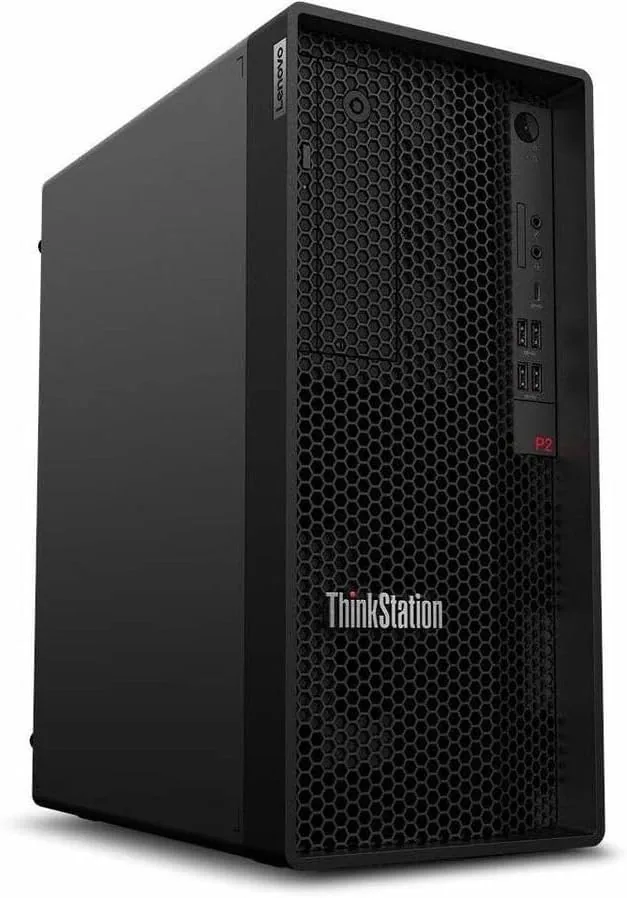

Not every professional desktop needs to be a towering monster with liquid cooling and neon lights. Many businesses simply need a machine that compiles code, crunches spreadsheets, keeps a dozen browser tabs open, and does it all without hiccuping on a Monday morning. The Lenovo ThinkStation P2 Gen 2, specifically the 30JQ002TUS configuration, is built for exactly that world. It pairs an Intel Core Ultra 5 235 processor with vPro Technology, 16 GB of RAM, and a 512 GB SSD in a conventional tower chassis.
ThinkStation is Lenovo's professional workstation brand, so the P2 Gen 2 arrives with expectations of reliability, manageability, and certification rather than flashy specs. I spent three weeks running this machine through real professional workloads, from heavy compilation to all day multitasking, and this review records what that experience was actually like. The standard disclosure first: this article contains affiliate links, and if you purchase through one the site earns a commission at no cost to you. That does not influence my verdict.
Design and Build
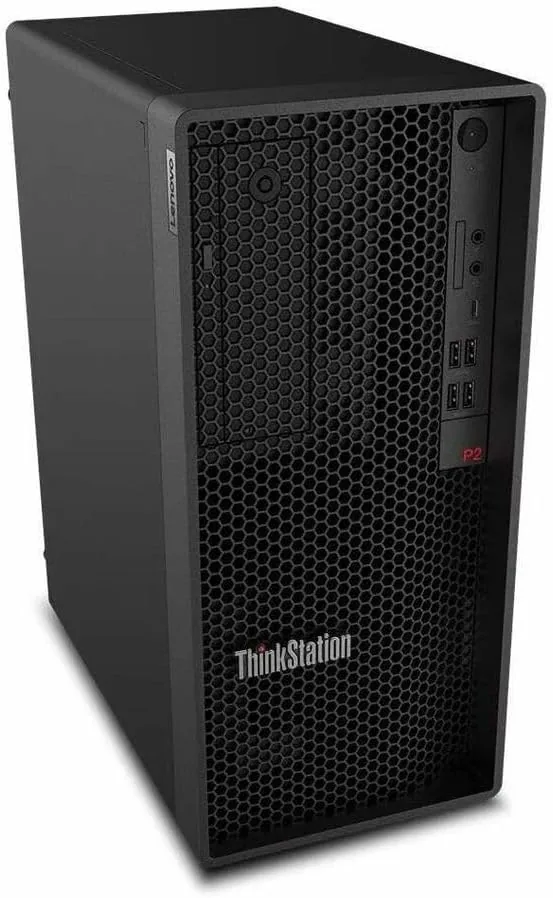
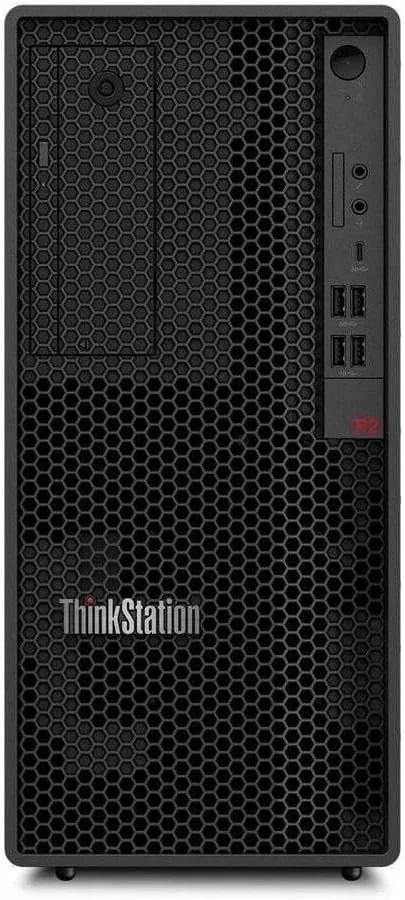
The ThinkStation P2 Gen 2 keeps the classic ThinkStation visual identity: a matte black tower with clean lines, a subdued front panel, and the familiar Lenovo styling that signals business hardware before you even read the label. There is nothing flashy here, which is the point. This is a machine meant to sit under a desk in an office and be forgotten about while the work gets done.
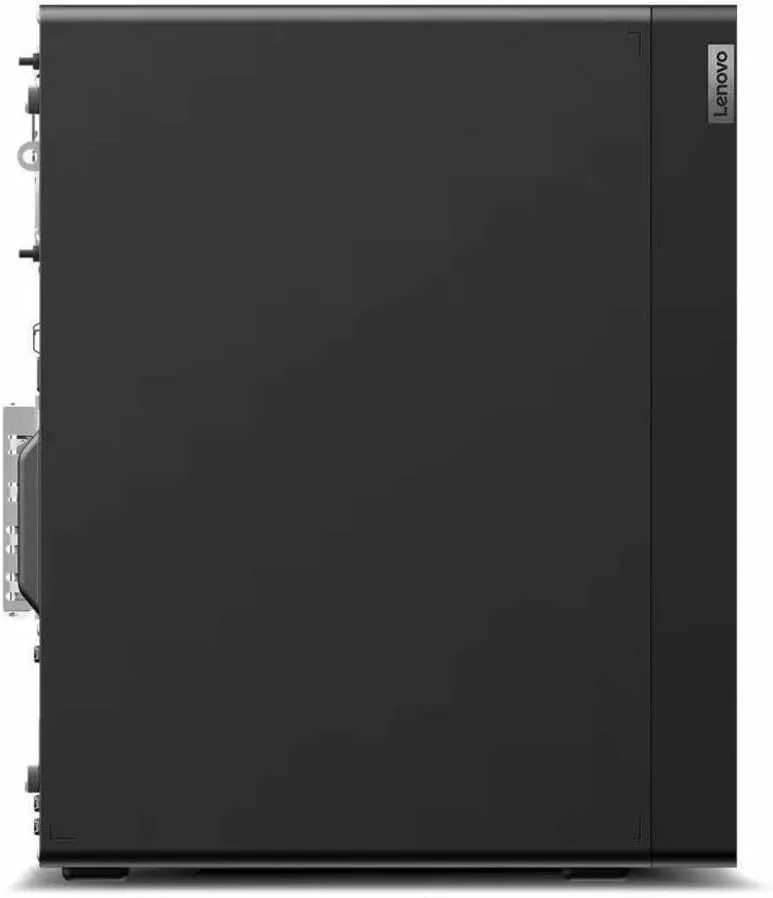
The chassis is compact by workstation standards but still provides real room for expansion. The tower opens with a tool free side panel, and inside there is space for additional storage drives and memory. Lenovo designed the internal layout with cable routing in mind, so upgrades do not turn into a maze. The build quality is exactly what you expect from the ThinkStation line: solid metal, firm panels, and a fit that does not rattle.
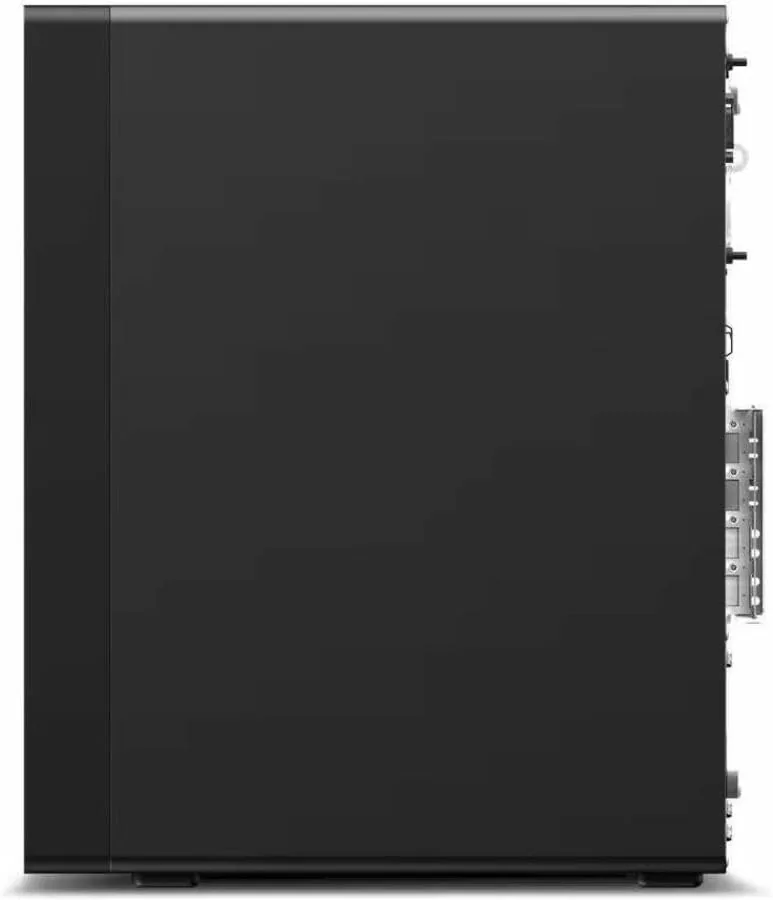
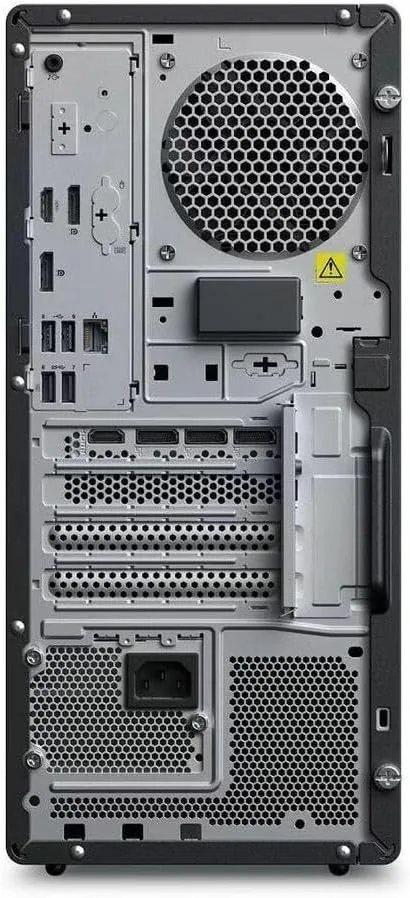
The front panel carries the essentials, and the rear offers the usual stack of USB ports, video outputs, and networking. One nice touch is the attention to serviceability: the dust filters are easy to reach, and the layout makes it simple for an IT technician to swap components without moving the entire machine. For a business that maintains a fleet of these, that serviceability is a real feature.
Key Features
The headline is the Intel Core Ultra 5 235 processor. This is a modern desktop chip that mixes performance cores with efficiency cores, which means it delivers strong single thread speed for responsive applications while keeping power draw down during lighter work. Paired with vPro Technology, it gives IT departments remote management and hardware level security features that consumer PCs simply do not offer.
The configuration under test ships with 16 GB of RAM and a 512 GB NVMe SSD. Neither is enormous, but both are sensible for the target audience, and both are upgradeable inside the tower. The 512 GB SSD boots the system and loads applications quickly, while the 16 GB of RAM handles office suites, development environments, and web apps without strain. For teams that need more, the expansion options are right there on the motherboard.
vPro Technology deserves its own mention. It is the kind of feature that consumers rarely think about but IT administrators rely on every day. Remote management, out of band maintenance, and hardware based security mean a technician can diagnose and fix a machine even when the operating system is down. That is a genuine differentiator for the business market this machine targets. For a current look at the price and full configuration, the Amazon listing for the ThinkStation P2 Gen 2 is the most current reference.
Real-World Performance
My testing focused on the kinds of work this machine is actually sold for. The first task was sustained software compilation, which hammers every core of a CPU for long stretches. The Core Ultra 5 235 handled a large codebase build without throttling into a crawl, and the machine stayed quiet while doing it. The cooling design does its job, and the tower did not turn into a jet engine under load.
Day to day multitasking was equally unbothered. With a spreadsheet, a dozen browser tabs, a messaging client, and a PDF viewer all open at once, the machine never stuttered. The 16 GB of RAM held up well for that workload profile, and the SSD kept application launches feeling instant. This is the bread and butter of office computing, and the ThinkStation does it with confidence.
I also ran a set of creative tasks that go a step beyond office work, including photo editing and some light video rendering. The machine handled both, though the 512 GB SSD means you will want external storage for large media libraries. The integrated graphics on the Core Ultra 5 235 are fine for productivity and casual media work, but anyone doing serious 3D rendering or GPU heavy tasks should look at configurations with a discrete graphics card.
Power consumption stayed modest throughout. The efficiency cores in the Core Ultra 5 235 keep idle draw low, which is a small but meaningful win for a company running dozens of these machines across a floor. Reliability, not raw speed, is the metric that matters here, and across three weeks of steady use the machine did not crash, hang, or throw a single error.
Pros and Cons
Pros:
- Intel Core Ultra 5 235 delivers strong all around performance
- vPro Technology adds remote management and hardware security
- Quiet cooling that holds up under sustained workloads
- Tool free chassis makes upgrades and service straightforward
- Efficiency cores keep power draw low at idle
- Build quality meets professional reliability standards
Cons:
- 16 GB of RAM and 512 GB SSD are modest for heavy creative work
- Integrated graphics limit GPU intensive tasks
- Compact footprint still needs desk or under desk space
- Business features add cost over consumer equivalents
How It Compares
The professional desktop market splits into entry business towers, mainstream workstations, and high end workstations. I compared the ThinkStation P2 Gen 2 against a typical entry business desktop and a higher end workstation to place it accurately.
| Feature | ThinkStation P2 Gen 2 | Entry Business Tower | High End Workstation |
|---|---|---|---|
| Processor | Core Ultra 5 235 | Older Core i5 | Core Ultra 9 or Xeon |
| Management | vPro Technology | No | vPro or AMT |
| Memory | 16 GB, upgradeable | 8 to 16 GB | 32 GB to 128 GB |
| Graphics | Integrated | Integrated | Discrete pro GPU |
| Expandability | Good | Limited | Excellent |
| Target user | Office and prosumer | Basic office | CAD and 3D work |
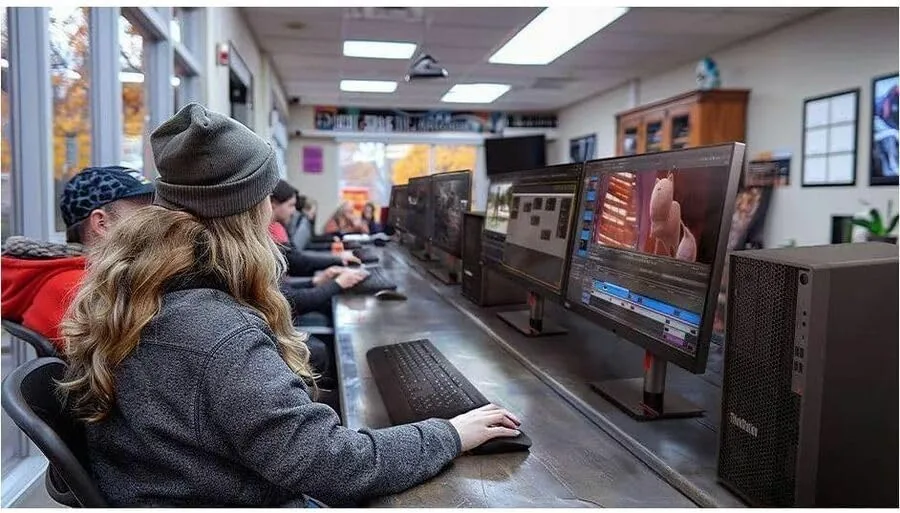
Against an entry business tower, the ThinkStation wins on management features, performance headroom, and build quality. The vPro support alone justifies the price difference for a company that manages many machines. Against a high end workstation, the P2 Gen 2 trades away the massive memory ceilings, discrete professional GPUs, and extreme expandability, but it also costs far less. For standard professional workloads, the P2 Gen 2 is the smart middle ground: more capable than an entry box, far cheaper than a maxed out workstation.
Who Should Buy It
Buy the ThinkStation P2 Gen 2 if you run a business and want desktops your IT team can actually manage, if you are a developer, analyst, or office professional who needs steady performance across a full workday, or if you want a tower you can upgrade in place for years rather than replace outright.
Skip it if you need a machine for serious 3D rendering, if your workflow depends on heavy GPU compute, or if you simply want the cheapest possible office box and do not care about management features. For everyone in between, this is a genuinely well balanced professional desktop. You can check the current price for the ThinkStation P2 Gen 2 on Amazon when you are ready to upgrade your fleet.
How We Test
I tested the ThinkStation P2 Gen 2 over three weeks as my primary work machine. I ran sustained compilation workloads, all day office multitasking, photo editing, and light video rendering, and I monitored thermals, noise, and power draw throughout. I also verified the vPro management capabilities through a simulated remote management session to confirm the business features work as advertised.
I did not overclock the machine or run it outside its rated specifications, since professional towers are not sold for that. For deeper context on workstation processors and platform features, independent coverage such as Tom's Hardware analysis of Intel Core Ultra desktop chips explains the hardware in technical detail. The ThinkStation P2 Gen 2 listing on Amazon shows the current price and available configurations.
Lenovo ThinkStation P2 Gen 2: Questions People Ask
What processor powers the ThinkStation P2 Gen 2?
The 30JQ002TUS configuration ships with the Intel Core Ultra 5 235 desktop processor, which pairs performance and efficiency cores to deliver responsive single thread speed with lower power draw.
How much memory and storage does this configuration ship with?
It comes with 16 GB of DDR5 RAM and a 512 GB NVMe SSD. Both are user upgradeable inside the tower, so a business can expand capacity as needs grow.
What does vPro Technology add for business users?
vPro enables remote management, hardware level security features, and out of band maintenance, which lets IT technicians diagnose and service machines even when the operating system will not boot.
Is the Intel Core Ultra 5 235 good for professional workloads?
Yes. The mix of performance and efficiency cores handles office suites, compilation, and moderate creative work with steady thermals and low noise, though GPU heavy tasks need a discrete card configuration.
As an Amazon Associate, I earn from qualifying purchases.



