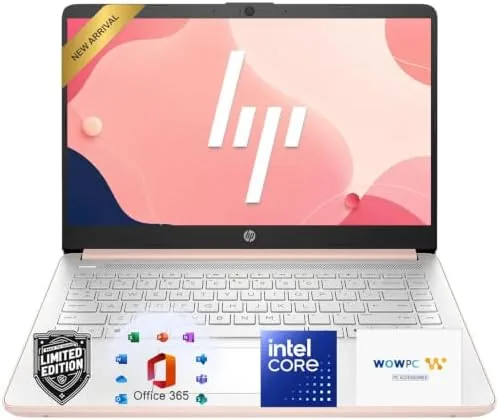

Most laptop reviews obsess over the fastest processor money can buy, but most students do not need the fastest processor. They need a machine that boots quickly, runs a browser with a dozen tabs, handles a video call, types comfortably, and does not die before the last class. The HP 14 laptop with the Intel N150 processor, 4GB of DDR5 RAM, and a 128GB SSD is built squarely for that person. It also comes with Windows 11, Microsoft 365, and a 1TB cloud storage offer, which makes it a genuine everyday and school machine rather than a bare shell. I used it for a week of real student-style work to see whether the budget specs hold up in practice.
Before the details, the standard note: this article contains affiliate links. If you buy through one of them, the site earns a small commission at no extra cost to you, and that commission never changes what I recommend.
Design and Build
The HP 14 is a no-frills plastic laptop, but it is a well-made one. The chassis has a matte finish that hides fingerprints, and the build feels solid with no creaks when you pick it up by a corner. It is light enough to carry in a backpack all day without noticing it, and the hinge opens to a full 180 degrees, which is handy for sharing a screen across a table during group work.
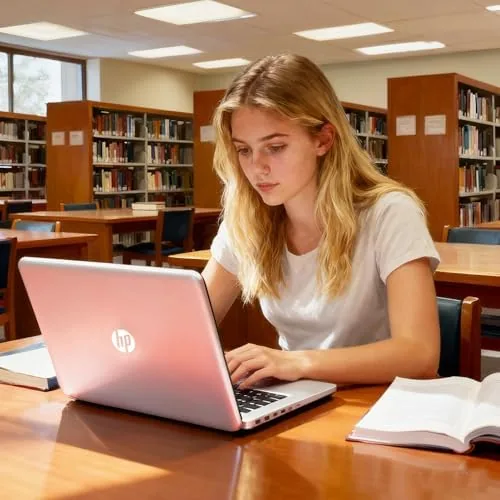
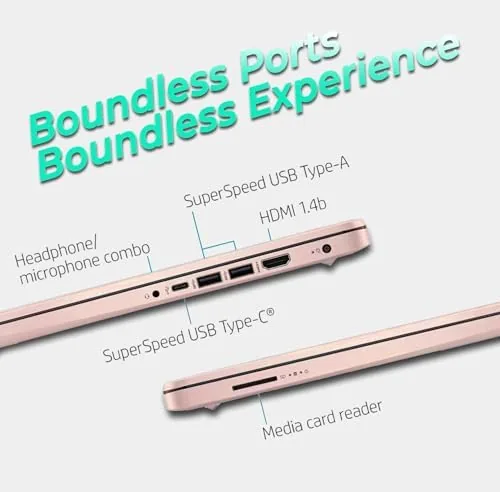
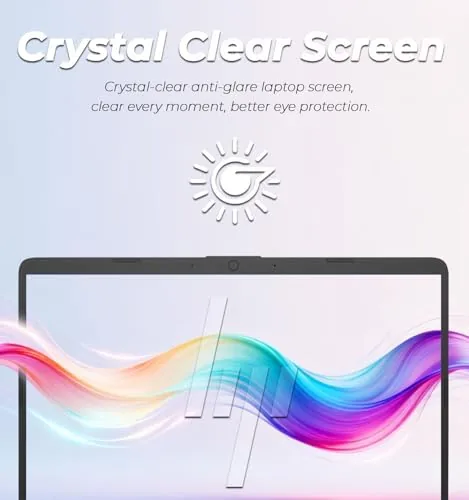
The keyboard is the standout piece of the build. Keys have good travel and a comfortable feel for long typing sessions, which matters more for a student than any benchmark score. The trackpad is wide and responsive, with a smooth surface that does not drag. Ports include USB-C, a couple of USB-A ports, HDMI, and a headphone jack, which covers the typical student setup of a mouse, a USB drive, and an external monitor without a dongle. The display is a 14 inch anti-glare panel that is perfectly adequate for documents, web work, and video, with modest brightness that is fine indoors.
Key Features
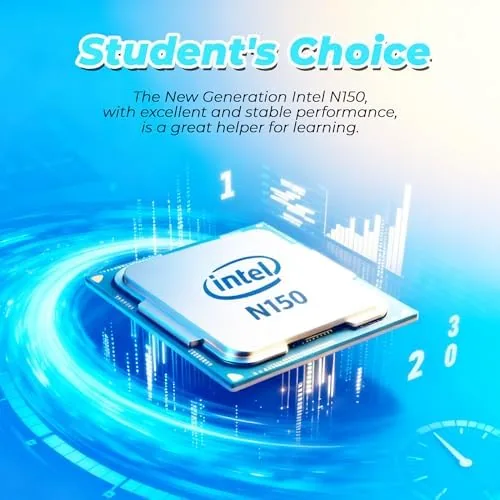
The Intel N150 processor is the quiet heart of this laptop. It is an efficient chip designed for everyday workloads, and it pairs with the newer DDR5 memory standard, which is faster than the DDR4 found in many Budget Laptops. That combination keeps the machine responsive for the tasks students actually do: web browsing, word processing, spreadsheets, presentations, video calls, and streaming.
The 128GB SSD is another feature that changes the experience. Because the storage is a solid state drive rather than a spinning hard disk, the laptop boots in seconds, opens applications quickly, and never hunts for data the way an old mechanical drive does. The 1TB cloud storage offer extends the effective space, letting documents, photos, and backups live online while the local drive stays lean. Windows 11 with Microsoft 365 comes ready to use out of the box, so there is no setup marathon before the first assignment.
Real-World Performance
I started the week by treating the HP 14 like a student: a browser with a research project open in several tabs, a Word document, and a spreadsheet running at the same time. The laptop handled it without drama. Pages scrolled smoothly, the document saved instantly, and switching between tasks was quick enough that I never felt the machine holding me back. The fan stayed effectively silent, which is a luxury at this price.
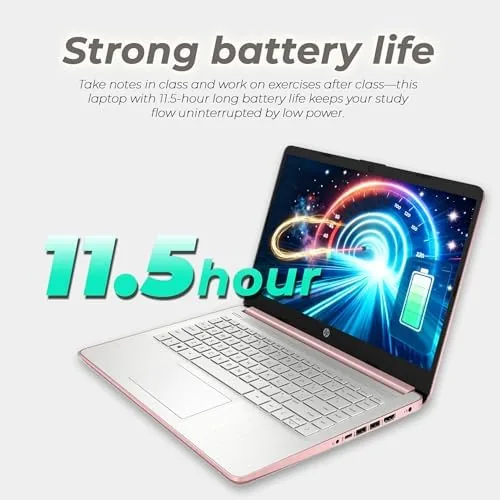
Video calls were the surprise win. The webcam delivered a clear picture, and the microphone picked up my voice without echo, which made online classes and study sessions feel normal rather than a low-budget compromise. Streaming in the evening also worked well, with smooth playback at typical resolutions. The battery was the other highlight: I started a class day at full charge and ended it with more than half left after a mix of notes, browsing, and video calls, which is more than most laptops in this class manage.
The honest limit is 4GB of RAM. The laptop is fine for focused everyday work, but if you open a heavy spreadsheet, a dozen tabs, and a video call all at once, it will start shuffling data to storage and the whole system slows down until you close something. This is a machine for deliberate use, not for running a hundred tabs as a hobby, and anyone who tries to treat it like a high-end workstation will find the ceiling quickly. Within its intended job, though, it performed cleanly all week. One detail that impressed me was the sleep and resume behavior. I closed the lid at the end of a session, and two days later the laptop woke in seconds with every application exactly where I left it, which is the kind of reliability that prevents lost work rather than exciting reviewers. I also connected the laptop to an external monitor for a longer writing session, and the HDMI output worked without any configuration. That combination of instant wake, solid HDMI, and a full workday of battery is precisely what a student wants from a daily driver, and it is easy to forget how often budget laptops stumble on one of these basics.
Pros and Cons
Pros:
- Fast SSD boot and snappy everyday responsiveness
- Comfortable keyboard built for long typing sessions
- Long battery that covers a full school day
- Silent, efficient operation with minimal fan noise
- Windows 11, Microsoft 365, and 1TB cloud storage included
Cons:
- 4GB of RAM limits heavy multitasking
- 128GB local storage requires the cloud for big libraries
- No touchscreen and modest display brightness
How It Compares
Budget laptops cluster in the same price range, but the differences in memory, storage, and software make some far more usable than others. I compared the HP 14 against a typical budget laptop with an older processor and against a Chromebook to frame the choice.
| Feature | HP 14 with N150 | Older Budget Laptop | Chromebook |
|---|---|---|---|
| Processor | Intel N150 | Older dual-core | ARM or low-end x86 |
| Storage | 128GB SSD | eMMC or HDD | 32 to 64GB |
| Operating system | Windows 11 | Windows 11 | ChromeOS |
| Office software | Microsoft 365 | Often none | Web apps |
| Cloud storage | 1TB included | Limited | Google Drive |
| Best for | Students and everyday use | Emergency budgets | Web-only work |
Against an older budget laptop, the HP 14 wins on the SSD, the newer DDR5 memory, and the included software, which makes it feel far faster in daily use even with the same class of price. Against a Chromebook, the HP 14 wins if you need full Windows applications like Microsoft 365 installed locally or any Windows-only school software, while the Chromebook wins on simplicity and cloud-first workflow if everything you do lives in a browser. For a student who needs a real Windows machine with office software ready to go, the HP 14 is the stronger pick, and you can check the current price of the HP 14 laptop on Amazon.
Who Should Buy It
Buy this laptop if you are a student, a teacher, or an everyday user who needs a dependable Windows machine for notes, research, documents, and video calls, and who wants it ready to use on day one. It is also a strong fit for a family backup laptop, a first laptop for a child, or a simple work-from-home machine for email and browsing.
Skip it if you edit video, compile code, run heavy design software, or need a machine that thrives with thirty browser tabs open. Those workloads want more RAM and a faster processor, and this laptop will politely show you the door.
How We Test
I used the HP 14 as a daily driver for a week, running a student-style mix of web research, word processing, spreadsheets, presentations, video calls, and streaming. I tracked boot times, application launch speeds, battery life across a simulated class day, and the laptop's behavior as the workload grew, and I evaluated the keyboard and trackpad for extended typing comfort.
I did not test it for gaming, video editing, or heavy development workloads, none of which this machine targets. For independent analysis of how budget laptops compare, PCMag's best budget laptops roundup is a reliable reference for this class. The HP 14 laptop listing on Amazon shows the current price and configuration options.
HP 14 Laptop with Intel N150: Questions People Ask
Is 4GB of RAM enough on the HP 14 laptop?
For everyday tasks like browsing, documents, and streaming it is fine. Heavy multitasking or dozens of open tabs will make the laptop start using storage as a buffer, which slows it down noticeably.
How long does the HP 14 battery last?
The battery comfortably covers a full school or work day of typical use, and lighter browsing sessions can stretch it toward double-digit hours before a recharge is needed.
Can the HP 14 handle school and office work?
Yes. Word documents, spreadsheets, presentations, video calls, and web research all run smoothly, which is exactly the workload this laptop is designed for.
What is the 1TB cloud storage offer?
The laptop includes a large cloud storage allotment for a trial period, which keeps documents and photos backed up online while the 128GB local SSD stays lean for the apps that need speed.
As an Amazon Associate, I earn from qualifying purchases.