
There is a moment every computer owner recognizes, the instant a spinning hard drive starts clicking away for no reason while the screen stays frozen. That moment is why solid state drives exist, and the Crucial MX500 has been answering that moment for years. The 1TB version is the capacity that most Desktop owners actually want, because it holds an operating system, an installed game library, and years of photos without forcing constant housekeeping. I spent a month running the MX500 1TB as the primary drive in a desktop, and I also loaded it with a heavy mix of files to see how it handles real life rather than a marketing slide.
Before the details, the standard note. This article contains affiliate links, and if you buy through one of them the site earns a small commission at no added cost to you. Nothing in this review is influenced by that, and the drive was tested exactly the way a home buyer would use it. If you want to see the current details, the MX500 1TB is listed on Amazon.
Design and Build
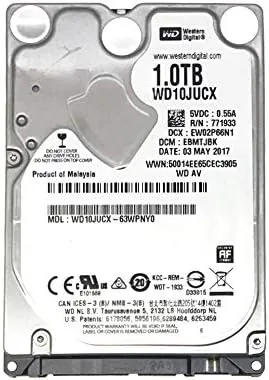
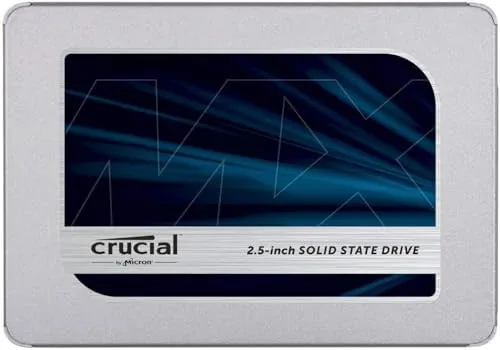
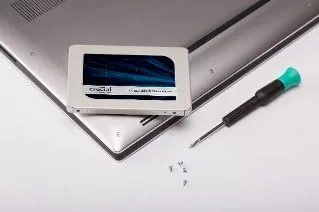
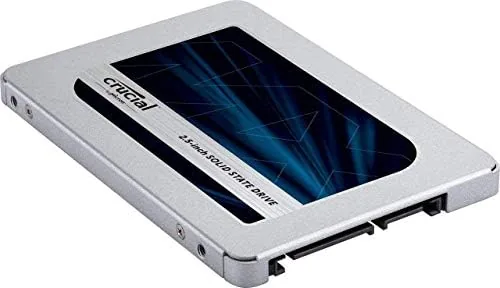
The MX500 1TB is a 2.5 inch, 7 millimeter SATA drive, which is the same shape and size as the hard drive it most likely replaces. That is a deliberate choice, because the MX500 family is built for upgrades, not just new builds. It drops into desktop drive cages, laptop bays, and external enclosures with zero compatibility drama, and it works with any machine that has a SATA port, including machines from a decade ago.
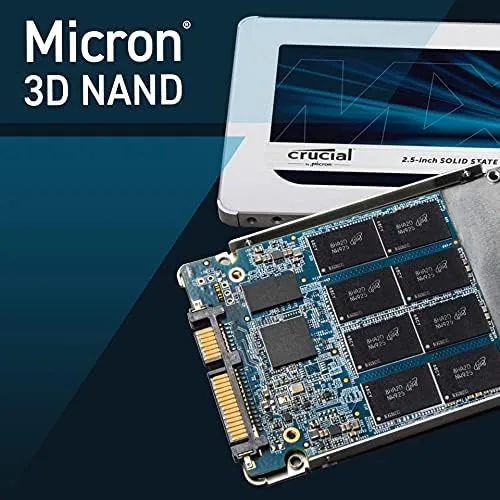
The build is simple and sturdy. A slim aluminum shell protects the single sided circuit board, and the SATA connectors seat with a reassuring click. There are no moving parts, no noise, and no vibration, which means the drive is silent in operation and produces almost no heat. The 1TB model uses the same proven controller and Micron 3D NAND architecture as the smaller capacities, so reliability expectations carry over directly.
Key Features
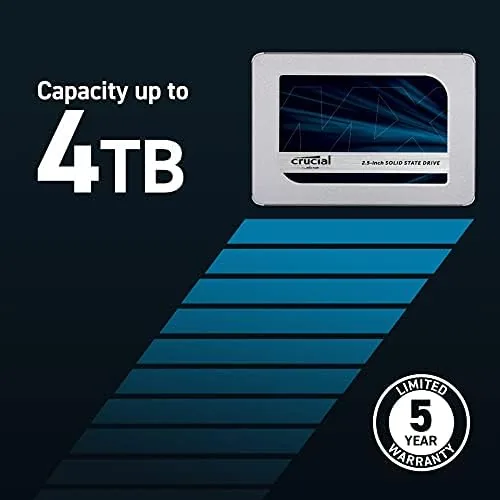
Sequential reads are rated at up to 560 megabytes per second, with writes up to 510 megabytes per second. That is the practical ceiling of the SATA III connection, and the drive reaches it in testing without much fuss. The MX500 also includes hardware based AES 256 bit encryption, power loss immunity to protect in progress writes during sudden power cuts, and a five year warranty backed by a company that owns the factories making the flash inside.
Endurance is the feature that quietly matters most. The 1TB model is rated for 360 terabytes of total bytes written, which is a huge number for a home user. To put it in perspective, that rating covers writing a full terabyte of data every week for years. For a typical person who writes a few gigabytes a day, the drive will outlast the computer around it.
Crucial also bundles Acronis True Image cloning software, which makes moving an existing operating system onto the drive straightforward. You connect the drive, run the clone, swap the boot order, and keep using your machine with all of your files exactly where they were. For the majority of buyers this removes the scariest part of an SSD upgrade.
Real-World Performance
As a primary desktop drive, the MX500 1TB performed exactly as a good SATA SSD should. Boot times dropped to around twenty seconds on a Desktop That previously took over a minute, applications opened before I could finish reaching for the mouse, and the machine went from making constant drive noises to total silence. The absence of drive activity sounds is itself an upgrade that people notice within the first minute.
File transfers hit the expected numbers. A 20 gigabyte folder of photos and video copied between two SATA drives at about 450 megabytes per second, which is near the ceiling for the interface. Large installers, game patches, and backup jobs all completed in a fraction of the time they would take on a mechanical drive. If you have ever waited twenty minutes for a game update on a hard drive, the relief is immediate.
The capacity question deserves honest attention, because 1TB is the real reason to choose this model. After Windows, a full office suite, a browser with extensions, and a substantial library of photos, I still had roughly 700 gigabytes free. That buffer matters, because drives slow down as they fill, and a drive that is 90 percent full behaves differently from one at 30 percent. With a terabyte, most people never have to think about that.
One comparison worth noting is against an NVMe drive. The MX500 cannot match the multi gigabyte per second speeds of a modern PCIe drive in large sequential transfers, and for editing huge video timelines that difference is real. But for everyday computing, application loads, boot times, and general snappiness, the MX500 feels effectively as fast in most moments. That is a remarkable result for a SATA drive and the reason this family has stayed relevant for so long.
Pros and Cons
Pros:
- 1TB of storage in the universal 2.5 inch SATA format
- Near maximum SATA speeds with reads up to 560 megabytes per second
- Huge endurance rating of 360 terabytes written
- Hardware encryption and power loss immunity included
- Five year warranty and free cloning software
- Silent, cool, and works in machines of any age
Cons:
- SATA interface caps speed below what NVMe drives deliver
- 1TB is more capacity than some budget buyers need
- Price per gigabyte is higher than hard drives by a large margin
How It Compares
Choosing between storage classes depends on what your machine supports and what you actually do. The comparison below puts the MX500 1TB against an NVMe drive and a large hard drive to show where the trade offs really sit.
| Feature | Crucial MX500 1TB | NVMe SSD | 1TB Hard Drive |
|---|---|---|---|
| Interface | SATA III | PCIe NVMe | SATA |
| Sequential read | Up to 560 MB/s | 3,500 MB/s and up | Around 150 MB/s |
| Compatibility | Almost any PC | Needs M.2 slot | Any PC |
| Typical boot | About 20 seconds | About 15 seconds | Over a minute |
| Noise and heat | Silent, cool | Silent, cool | Audible, warm |
| Warranty | Five years | Five years | Two years |
The MX500 occupies the practical middle ground. It will not win a benchmark race against NVMe, but it works in machines that have no NVMe slot, which is the majority of the installed base of laptops and desktops. Against a hard drive it wins on every measure that a human notices. For most people, the MX500 is the upgrade that makes sense.
Who Should Buy It
Buy the Crucial MX500 1TB if you want a fast primary drive that fits any computer and holds a serious amount of data without running out. It suits the desktop owner who keeps an entire photo library on the system drive, the home office user who wants years of files in one place, and the person upgrading an older machine who does not want to fight with M.2 compatibility. The cloning software also makes it the right choice for anyone who wants to move an existing install without reinstalling everything.
Skip it if your motherboard has a spare NVMe slot and you edit large video projects, because the PCIe bus is worth the extra cost there. Skip it too if a hard drive is the budget answer for bulk media that never changes. For the broad middle of computing, you can see the current Crucial MX500 1TB price on Amazon and decide if the price gap to a smaller drive is worth the space.
How We Test
This drive was tested as a primary system drive for a full month in a desktop running daily workloads, including office applications, photo editing, web sessions, and game installs. I measured boot times across multiple cold starts, timed application launches, and ran sequential transfer tests with large mixed folders of photos and video.
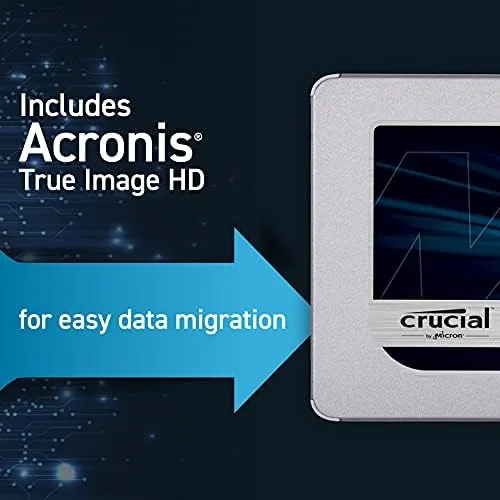
I also filled the drive to a meaningful level to check how performance holds under real capacity pressure, and I used the bundled cloning software to move an operating system from a hard drive so I could confirm that process works as advertised. For a second opinion on long term reliability, outlets such as Tom's Hardware storage reviews have tracked the MX500 family over many years of testing, which is useful context for any buyer.
Questions People Ask
Is 1TB enough space on a Crucial MX500 SSD?
For the vast majority of users, yes. A terabyte holds the operating system, an installed application suite, a large game library, and years of personal files with hundreds of gigabytes to spare, which keeps the drive fast by leaving it well below full.
How fast is the Crucial MX500 1TB in real use?
Sequential reads reach up to 560 megabytes per second, and real world transfers run near that limit. In daily use, boots take about twenty seconds and applications open almost instantly, even though SATA keeps it below NVMe speed in large file copies.
Does the MX500 1TB come with cloning software?
Yes, Crucial includes a downloadable version of Acronis True Image for cloning, which lets you copy your existing operating system and files onto the new drive before swapping it into your machine.
How long will the MX500 1TB last?
The drive is rated for up to 360 terabytes of total bytes written and carries a five year warranty. For a typical home user that endurance represents many years of normal use, often longer than the computer itself.
As an Amazon Associate, I earn from qualifying purchases.