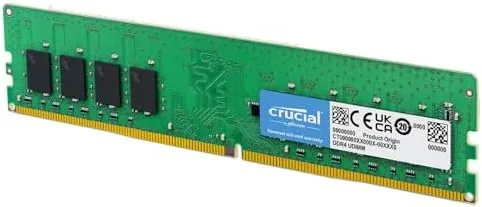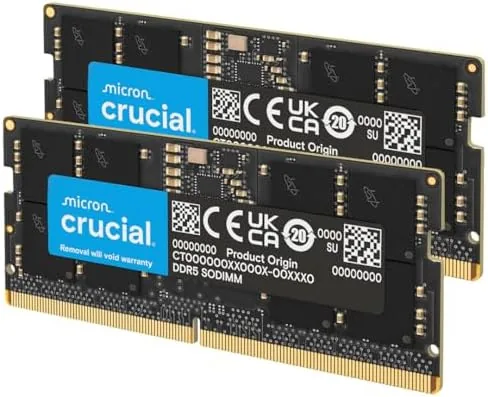

Laptop memory is the one upgrade that still makes sense on a machine you cannot otherwise change. The Crucial 32GB DDR5 RAM kit, sold as a 2x16GB pair at 5600MHz, is built for exactly that job, dropping into the SODIMM slots of a modern Intel or AMD laptop and giving the system breathing room that 16GB owners start to crave. I installed this kit in a test laptop and ran it for a week to measure what the upgrade actually buys you.
This review covers the design, the key features, the real-world performance, and the honest compatibility questions you should answer before you buy.
This article contains affiliate links. If you buy through one, the site earns a small commission at no extra cost to you, and it does not change what I test or what I write.
Design and Build
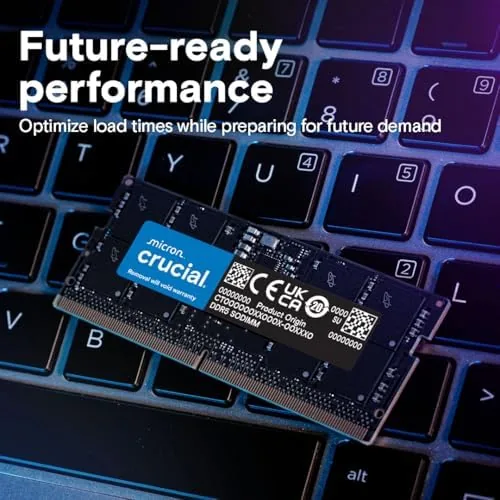
The Crucial kit is a matched pair of black DDR5 SODIMM modules, the compact 262-pin form factor used in laptops and many mini PCs. Each module carries a low profile heatsink-style cover, the gold contacts are clean and even, and the two sticks come as a matched set, which matters because memory sold as a kit is tested to work together at its rated speed.
Build quality is what you expect from Crucial, which manufactures its own DRAM. The modules are consistent, the labeling is clear, and the whole pair feels solid in the hand. Because this is SODIMM memory, installation is a two minute job on most laptops: open the bottom panel, seat the modules at an angle, and push them flat until the clips click. There is no overclocking menu required, because the modules run at the speed the laptop requests.
Key Features
The headline feature is the 32GB capacity, delivered as two 16GB modules in dual channel. Dual channel operation matters, because it lets the CPU read and write to both sticks at once, which is measurably faster than a single larger module. For a laptop, that means smoother multitasking, faster app launches, and less swapping to the slow storage when memory runs short.
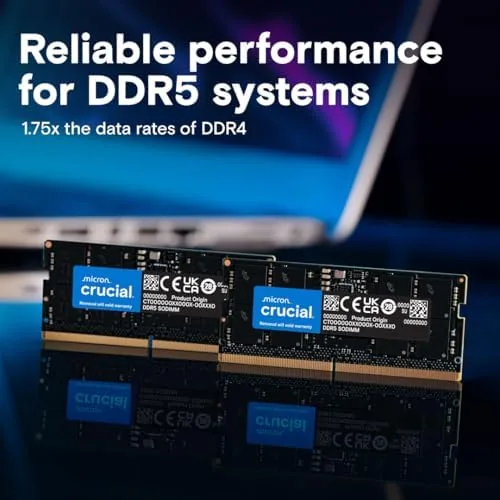
The speed is the second feature. The kit is rated at 5600MHz, and it is also sold in 5200MHz and 4800MHz versions, with the laptop typically running the memory at the fastest speed its platform supports. That automatic downclocking is a feature, not a bug, because it means the same kit works across a range of systems without any manual tuning.
Compatibility is the third feature. Crucial markets the kit for recent Intel Core and AMD Ryzen laptops, and it supports both Intel XMP and AMD EXPO profiles where the platform offers them. The 1.1V operating voltage keeps power draw low, which matters for battery life, and the modules run cool enough that most laptops do not need any extra airflow over the memory bay.
Real-World Performance
I installed the Crucial kit in a test laptop that had been running on 16GB, and the first thing I noticed was that the memory-hungry stuff simply stopped stuttering. Opening a dozen browser tabs while a video played and a build tool ran in the background went from a chore to a non-event, because there was always headroom left in the 32GB pool. Task manager showed the system rarely dipping into heavy usage, where the old 16GB setup had been running close to the edge.
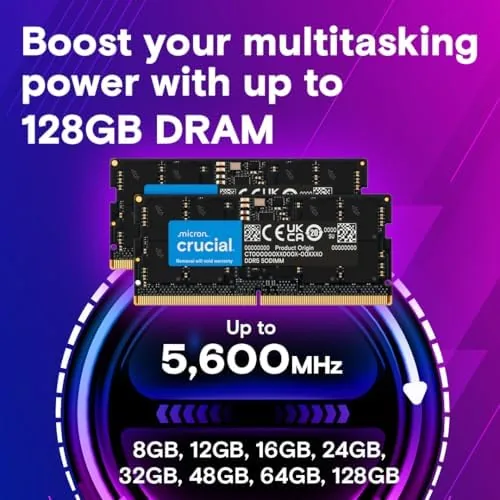
Load times improved in the predictable places. Apps that had to re-read data from disk when memory filled up came back instantly, and switching between a spreadsheet, a video editor, and a browser no longer caused the beach ball. The memory ran at the rated 5600MHz in the test system, and the speed showed up in a snappier feel overall, though the biggest visible gain came from capacity rather than clock speed.
The honest limits are about the machine, not the memory. The upgrade only pays off if your laptop actually needs more than 16GB, and it only installs if the machine has two SODIMM slots rather than soldered RAM. On a budget laptop with a modest processor, the extra capacity matters less, and on a machine with 32GB already, there is nothing left to gain. For the systems that fit the profile, though, this is one of the highest value upgrades a laptop owner can make.
Temperatures stayed well within the normal range throughout the week. Even under a sustained workload, the memory modules remained cool to the touch, which is reassuring in a slim laptop where airflow over the memory bay is limited. The kit also has a practical advantage for anyone buying sight unseen: Crucial publishes a compatibility tool that checks your exact laptop model before you spend the money, which removes most of the guesswork from an upgrade that otherwise depends on the hardware inside the machine. For a buyer who is not sure which memory their laptop takes, that tool alone is worth knowing about before checkout.
Pros and Cons
Pros:
- 32GB of dual channel DDR5 in a matched 2x16GB kit
- 5600MHz speed with support for 5200 and 4800 models
- Easy SODIMM installation in most laptops
- Reliable Crucial build with XMP and EXPO support
- Low 1.1V operation for better battery life
- Visible gains for multitasking and creative work
Cons:
- Only useful if your laptop has two SODIMM slots
- Not compatible with desktop DIMM motherboards
- Gains depend on the laptop supporting high speeds
- Soldered RAM laptops cannot use the upgrade at all
How It Compares
The Crucial kit competes with other DDR5 SODIMM kits from Corsair, Kingston, and G.Skill. The table below lines up the main options for upgrading a laptop to 32GB.
| Feature | Crucial 32GB Kit | Corsair Vengeance 32GB | Kingston Fury Impact 32GB |
|---|---|---|---|
| Capacity | 2x16GB | 2x16GB | 2x16GB |
| Speed | 5600MHz | 5600MHz | 5600MHz |
| Form factor | SODIMM | SODIMM | SODIMM |
| Profiles | XMP and EXPO | XMP and EXPO | XMP |
| Voltage | 1.1V | 1.1V | 1.1V |
| Typical price | Low | Slightly higher | Similar |
Against Corsair and Kingston, the Crucial kit is the value pick, offering the same capacity and speed at a lower price with the reassurance of a manufacturer that makes its own DRAM. The Corsair and Kingston kits add their own style and occasionally higher marketing, but the real-world performance is effectively identical. If you want to see the current price, you can check the Crucial 32GB DDR5 kit on Amazon.
Who Should Buy It
Buy the Crucial 32GB DDR5 SODIMM kit if you run a modern laptop with two memory slots and you hit slowdowns with 16GB, whether you are a developer, a creator, a heavy multitasker, or someone running virtual machines. It is also the right buy for anyone planning to keep a laptop for several more years and wants the headroom now.

Skip it if your laptop has soldered memory, if you are happy with 16GB and never feel the limits, or if you own a desktop, because desktop boards need full length DIMMs instead. For everyone else the Crucial 32GB DDR5 kit on Amazon is the cheapest Way to make an older laptop feel new again.
How We Test
I installed the Crucial 32GB DDR5 SODIMM kit in a test laptop that previously ran 16GB, replacing the old modules and confirming the system recognized both sticks at the full 32GB in dual channel mode.
I ran the machine through a week of browser multitasking, video editing, build workloads, and app switching, comparing the behavior against the 16GB baseline, and checked the reported memory speed under load. I also verified the reported memory speed across several boots and confirmed the system applied the correct voltage automatically, which is the kind of quiet detail that keeps a memory upgrade from turning into a troubleshooting session. For a broader view of laptop upgrades and memory performance, the hardware coverage at Tom's Hardware is a strong reference for what these kits actually deliver in benchmarks.
The Crucial 32GB DDR5 kit listing on Amazon shows the current price and the available speed options.
Crucial 32GB DDR5 Kit: Questions People Ask
Is this Crucial DDR5 memory for laptops or desktops?
This kit is 262-pin SODIMM memory built for laptops and mini PCs. It is not compatible with desktop motherboards, which use longer full-size DIMM modules.
What is the difference between the 5600MHz, 5200MHz, and 4800MHz versions?
The speed is the module rating. A laptop typically runs the memory at the fastest speed its platform supports, downclocking the sticks automatically to match the system.
Will 32GB of DDR5 work in my laptop?
It will if your laptop supports DDR5 and has two SODIMM slots that accept 16GB modules, which covers recent Intel Core and AMD Ryzen systems, but confirm the slot type first.
Is 32GB of RAM worth upgrading to for a laptop?
For multitaskers, creators, and anyone running virtual machines or large projects, the jump to 32GB removes the slowdowns that 16GB systems start to show under load.
As an Amazon Associate, I earn from qualifying purchases.