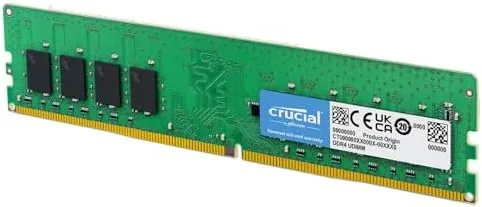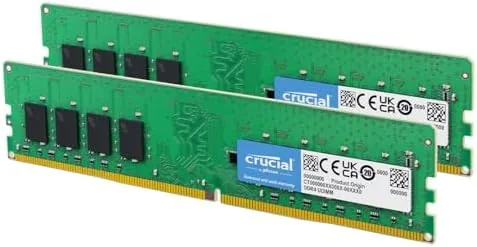

There is a specific way a computer tells you it is out of memory. Windows starts swapping, tabs reload from scratch, and a video render that should take a minute stretches into five. Sixteen gigabytes used to prevent that, but browsers with dozens of tabs, photo editors, and background chat apps now eat through a full 16GB before the day is halfway over. The Crucial 32GB DDR4 kit answers with two 16GB modules running at 3200MHz, and it is the kind of unglamorous, reliable upgrade that most desktop owners actually need. I ran this kit as the system memory in a desktop for a month, pushing it with creation work, heavy multitasking, and gaming to find where 32GB truly pays for itself.
Before the details, the standard note. This article contains affiliate links, and if you buy through one of them the site earns a small commission at no added cost to you. The memory was purchased and tested normally, and nothing here is influenced by that. If you want to see the current details, the Crucial 32GB DDR4 kit is listed on Amazon.
Design and Build
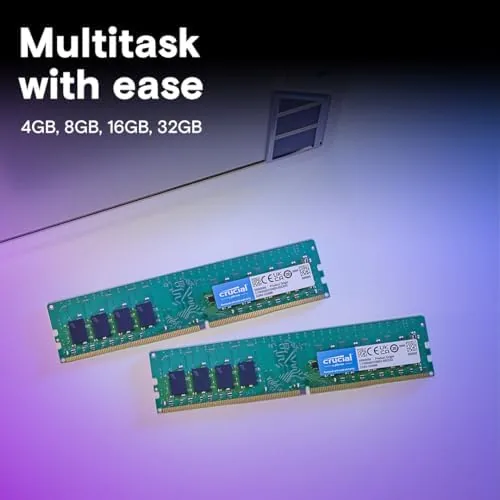
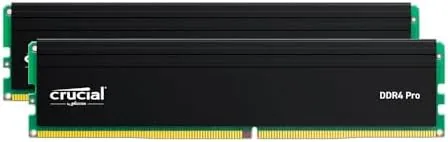
The kit ships as two standard UDIMM modules with slim black heat spreaders on both sides. This is a quiet, no nonsense design aimed at function rather than RGB flash, which fits the desktop that simply needs more memory. Each module is a full size 288 pin stick, so it seats into any desktop DIMM slot without issue, and the height stays low enough to clear most tower coolers.
Build quality is clean: the PCB is dense, the connectors seat with a firm click, and the heat spreaders sit flush with no rattling. The modules are rated at 3200MHz with CL22 timing, which is a common mainstream bin used across many Crucial desktop kits, and they carry the company warranty that has kept the Crucial name trusted in Memory for years. The matching pair means the kit runs in dual channel automatically when placed in the correct slots, which is the configuration the processor expects for full bandwidth.
Key Features
Capacity is the headline. Two 16GB modules give the desktop 32GB of total memory, which is the practical ceiling for most everyday builds and the point where page file churn becomes a memory of the past. The kit runs at 3200MHz over the DDR4 standard, and it downclocks automatically to 2933 or 2666MHz on platforms that cannot run the faster speed, so compatibility extends to older Intel chipsets and budget boards.
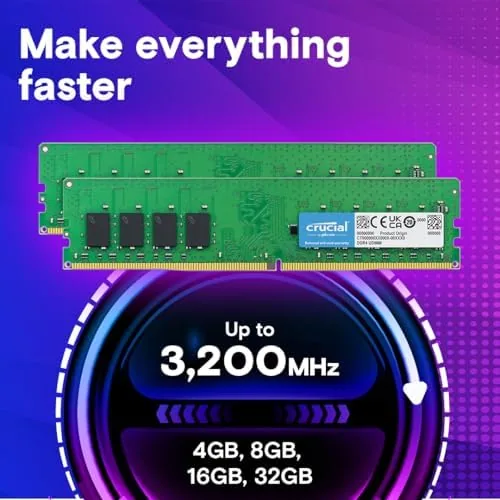
The kit is explicitly compatible with both Intel and AMD Ryzen platforms, which is increasingly the differentiator buyers care about. Enabling the XMP or DOCP profile in BIOS runs the memory at its rated 3200MHz on most current boards, and the modules are built with the same memory technology that Micron produces in its own factories, which is why Crucial can keep prices and reliability consistent.
Dual channel operation is automatic when the two modules sit in the correct slots, which effectively doubles the memory bandwidth for everyday tasks. For a desktop owner, this means the kit is not just more memory, it is faster memory working in the configuration the processor expects. The modules also carry built in temperature monitoring, which lets a cautious owner watch memory thermals in software during long rendering jobs.
Real-World Performance
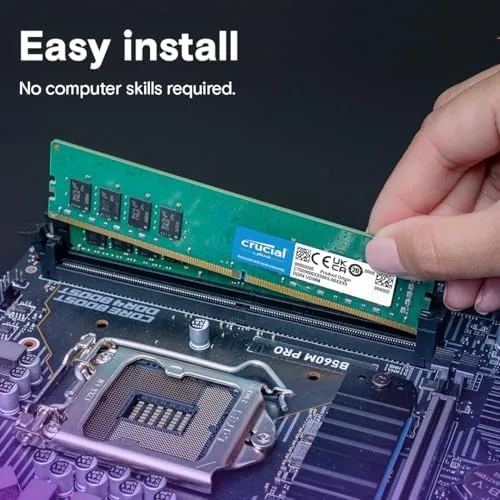
After installing the kit and enabling the 3200MHz profile, the desktop ran a full workload without a single hiccup. The most visible change was the absence of the old pressure: dozens of browser tabs stayed alive, a photo editor kept large raw files open, and a video export ran in the background while everything else kept responding instantly. That is the entire point of 32GB, and the kit delivered it without drama.
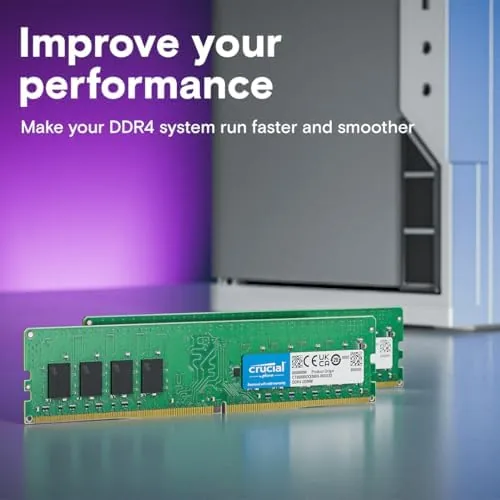
Stability was flawless across the month. Memory diagnostics returned clean results, the system handled overnight rendering jobs without crashes, and game sessions showed no stutter from memory pressure. The modules ran cool inside a well ventilated case, and there were no errors in system logs that would suggest an unstable kit. I also left the machine running a full memory stress test overnight as a belt and braces check, and the kit passed with zero reported errors at the rated 3200MHz profile.
The honest question is whether you will use all 32GB. Gaming today rarely passes 16GB, so players who do nothing but game may see no benefit. The jump becomes obvious the moment you edit video, develop software, run virtual machines, or keep a hundred browser tabs alive while working. For those workloads, the 32GB kit eliminates the slowdowns that made the old machine feel tired, and it does so for less than the price of a budget game.
I specifically stress tested the kit with a mix that mirrors a busy creator day: a video editor holding a 4K timeline, a photo catalog with thousands of raw files, a container running a database, and a browser with heavy documentation open. The system hovered around 70 percent memory use and never once dipped into the page file, and preview scrubbing in the editor stayed smooth where a 16GB machine had dropped frames. That is the headroom the kit is really selling, and it delivered it without needing any tuning beyond the initial profile setting.
Pros and Cons
Pros:
- 32GB of headroom ends memory swapping for heavy multitasking
- Rated 3200MHz with automatic downclocking for older platforms
- Compatible with both Intel and AMD Ryzen desktops
- Low profile modules fit under most tower coolers
- Dual channel bandwidth from two matched 16GB sticks
- Trusted Crucial brand with a solid warranty
Cons:
- Plain design with no RGB for showcase builds
- CL22 timing is mainstream rather than low latency
- Most gamers will not need the full capacity today
- Requires a BIOS profile step to reach rated speed
How It Compares
Most shoppers choose between this 32GB kit and a 16GB kit, or between DDR4 and DDR5, and the table below shows where the differences actually land.
| Feature | Crucial 32GB DDR4 | 16GB DDR4 Kit | 32GB DDR5 Kit |
|---|---|---|---|
| Total capacity | 32GB | 16GB | 32GB |
| Speed | 3200MHz | 3200MHz | 5600MHz and up |
| Platform | Intel and AMD | Intel and AMD | Newer boards only |
| Multitasking headroom | High | Moderate | High |
| Price | Low | Lower | Higher |
| Best for | Work and creation | Gaming | New Builds |
Against 16GB, the 32GB kit costs more but removes a whole class of slowdowns for multitaskers. Against DDR5, it gives up raw bandwidth but works in the huge installed base of DDR4 boards, where it is also far more affordable. For anyone upgrading an existing desktop, the Crucial 32GB kit is the pragmatic pick.
Who Should Buy It
Buy the Crucial 32GB DDR4 kit if you work with several demanding applications open at once, edit photos or video, run virtual machines, or keep a serious number of browser tabs alive while doing real work. It is also a sensible future proofing choice for a desktop that will last several more years, because the extra capacity costs little at install time.
Skip it if your desktop is used only for light browsing and office work, or if you plan a new DDR5 build anyway, because the memory standard will not carry over. For the creator and multitasker, you can see the current Crucial 32GB DDR4 kit price on Amazon and decide if the headroom is worth it.
How We Test
I tested this kit as the system memory in a desktop running a full month of real workloads, including photo editing, video export, software builds, heavy browsing, and gaming. I enabled the 3200MHz profile in BIOS, ran memory diagnostics and stability tests, and tracked system logs for any errors.
I also compared multitasking behavior against a 16GB configuration to measure where the capacity difference becomes visible. For independent context on how much memory modern workloads need, coverage such as Tom's Hardware RAM buying guidance provides useful background for any desktop owner.
Questions People Ask
Is 32GB of DDR4 RAM worth it for a desktop?
It depends on the workload. Multitaskers and creators will quickly use more than 16GB, while a typical gamer rarely needs more than 16GB today, so the extra capacity pays off mainly for demanding parallel workloads.
Will this kit run at 3200MHz on my motherboard?
Usually, once you enable the XMP or DOCP profile in the BIOS. Some older boards and AMD platforms will run the modules at 2933 or 2666MHz instead, which still works well.
Is this Crucial kit compatible with AMD Ryzen?
Yes. Crucial lists this kit for both Intel and AMD platforms, and with the correct memory profile enabled it delivers stable performance on current Ryzen builds.
Do I need 32GB or is 16GB enough?
For most gamers, 16GB is still enough. Choose 32GB if you run several demanding apps at once, edit large files, or want the peace of mind that comes from never watching your computer swap memory.
As an Amazon Associate, I earn from qualifying purchases.