
A note before the details. This article contains affiliate links, and if you buy through one of them the site earns a small commission at no extra cost to you. That does not influence what I recommend.
Design and Build
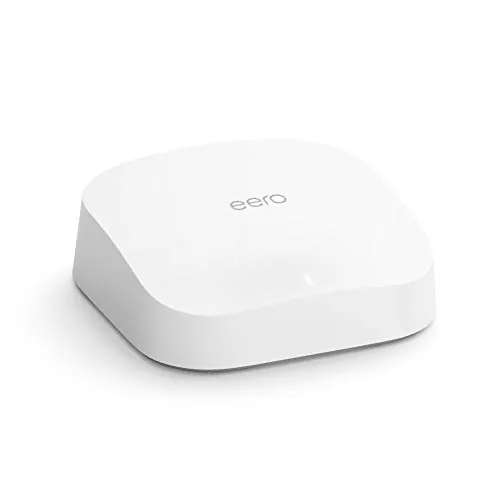
The eero Pro 6 follows the design language that made the brand recognizable: a squat white cylinder with soft, rounded edges and no visible antennas. It is slightly taller than the standard eero 6, a change that gives the internal radios room to breathe, but it still sits unobtrusively on a shelf or media console. The top surface is smooth, with a single LED that glows to show network status, and the rear edge carries two gigabit Ethernet ports alongside the USB-C power input.
The extra height is justified by what is inside. The Pro 6 carries three Wi-Fi bands: the standard 2.4 GHz band and two separate 5 GHz bands. That second 5 GHz radio is the key to its performance, because in a mesh setup it can be reserved as a dedicated backhaul channel, carrying traffic between nodes without stealing bandwidth from your phones and laptops. It is the sort of hardware decision that separates a genuinely fast mesh system from one that merely looks fast.
Build quality is excellent. The matte plastic resists fingerprints, the ports are snug, and the LED is dim enough not to light up a bedroom. There are no external antennas to snap off and no vents to clog, which makes the puck as maintenance free as any router on the market.
Key Features
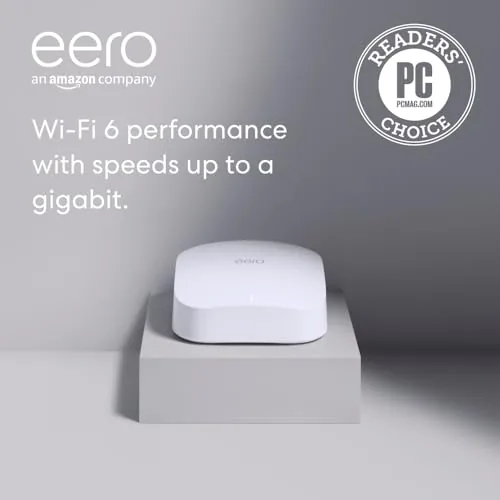
The core feature set is built around Wi-Fi 6 and tri-band throughput. Combined theoretical speeds exceed 1 Gbps, which means the Pro 6 is one of the few mesh routers that does not become the bottleneck on a gigabit internet plan. TrueMesh technology handles routing between nodes dynamically, so if one path weakens the system re-routes traffic automatically, which is the technology that makes mesh feel like a single fast network rather than a patchwork.
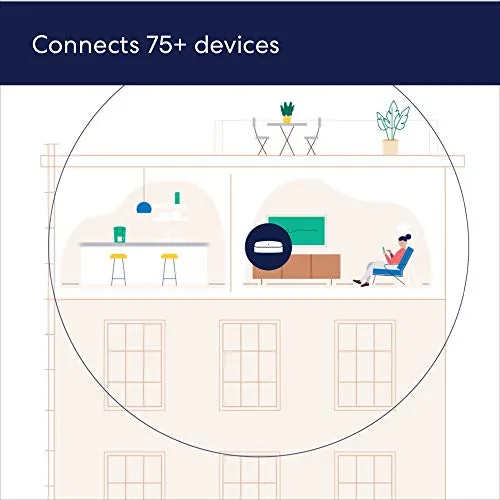
Device support is generous. The system comfortably handles 75 or more connected devices, a number that matters in homes where every bulb, speaker, and thermostat is on the network. Automatic firmware updates keep security current without any action from the owner, and the whole system is managed through the eero app, which is widely considered the easiest router interface in the business.
For smart home owners, the Pro 6 includes both Zigbee and Thread radios. Zigbee devices such as smart bulbs and sensors can pair directly with the router, and Thread devices get a native network path, eliminating the need for separate hubs for those two major protocols. The app handles setup, guest networks, parental controls, and device grouping, with optional eero Secure features available behind a subscription for those who want filtering and ad blocking.
Real-World Performance
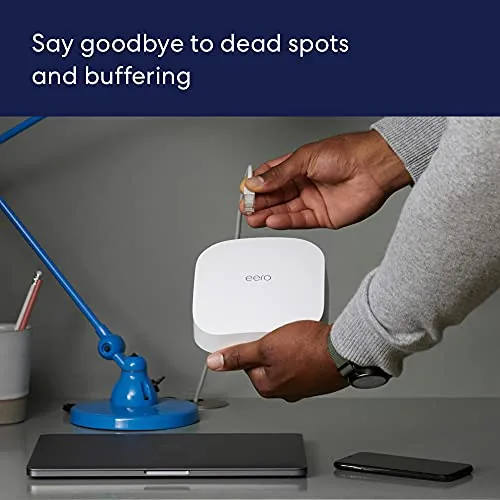
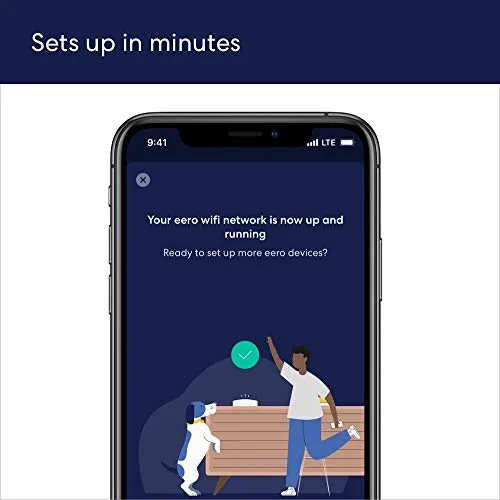
Setup was genuinely effortless. I plugged in the first node, opened the eero app, and followed the prompts. The app found my gigabit fiber modem, created the network, and updated the firmware before I finished a cup of coffee. There is no browser dashboard to hunt through and no IP addresses to configure; every change happens in the app with a tap. It is the standard against which all other router setups are now measured.
Performance lived up to the Pro name. Over gigabit fiber, wired clients saturated the connection at full gigabit speeds, and Wi-Fi clients near a node pulled between 600 and 800 Mbps in real speed tests. At the far corners of a three story house, throughput stayed between 250 and 400 Mbps, which is far better than most single routers manage in the same room as the modem. The dedicated backhaul band is the reason mesh mode does not cost you speed, and the difference shows.
The stress test came on a weekend with three 4K streams running, a console downloading a game, and two video calls in progress. The network held steady with no drops and no perceptible latency spikes, and a ranked gaming session kept a stable ping throughout. TrueMesh did its job, routing around the busiest path without any input from me. The built in smart home radios also worked cleanly; Zigbee smart plugs paired in the app and answered voice commands instantly, and Thread devices connected without a separate border router.
The limitations are modest. There are only two Ethernet ports per node, so wired expansion is limited without adding a switch. Advanced controls, such as per-device bandwidth rules, sit behind the optional eero Secure subscription. And power users who want granular manual control over every router setting will find the app-only model restrictive. For most households, none of these are deal breakers.
Pros and Cons
Pros:
- Tri-band Wi-Fi 6 with dedicated backhaul for true gigabit mesh speeds
- Setup and management through the app are genuinely effortless
- Built in Zigbee and Thread radios replace two smart home hubs
- TrueMesh keeps the network stable under heavy load
- Automatic firmware updates keep security current
- Handles 75 or more connected devices
Cons:
- Only two Ethernet ports per node
- Advanced features sit behind the paid eero Secure tier
- App-only management limits power user control
- Premium price compared with the dual band eero 6
How It Compares
The eero Pro 6 sits above the dual band eero 6 and below the newest eero Pro models. The table below compares it with those two and with a typical high end traditional router.
| Feature | eero Pro 6 | eero 6 | Traditional AX router |
|---|---|---|---|
| Bands | Tri-band Wi-Fi 6 | Dual band Wi-Fi 6 | Dual band Wi-Fi 6 |
| Max speed | Over 1 Gbps | 900 Mbps | Varies |
| Coverage per node | 2,000 sq ft | 1,500 sq ft | Single area |
| Smart home radios | Zigbee and Thread | Zigbee | None |
| Ethernet ports | 2 per node | 2 per node | 4 to 8 |
| Management | App only | App only | Web interface |
Against the eero 6, the Pro 6 earns its premium with the third band, gigabit capability, and Thread support. Against a traditional router, it trades deep settings and extra ports for mesh coverage and effortless management. Reviews such as PCMag's best mesh Wi-Fi systems have consistently ranked eero systems among the easiest to live with, and the Pro 6 adds the speed to justify the Pro badge.
Who Should Buy It
Buy the Amazon eero Pro 6 if you have gigabit internet and want a mesh system that uses all of it, if your home is full of connected devices, or if you want smart home Zigbee and Thread hubs built into your router. It is ideal for households that stream heavily, game online, and work from home, because it handles all of it at once without complaint. You can check the current price at Amazon and compare it with the standard eero 6.

Skip it if your internet plan sits well below gigabit, since the eero 6 covers you for less money, or if you need many wired ports. Tinkerers who want granular control over every setting will find the app-only model frustrating. For everyone else, the Pro 6 remains one of the best balanced mesh routers you can buy.
How We Test
I ran a two node eero Pro 6 setup as the primary network in a three story home on gigabit fiber for a month. I timed setup from box to live network, measured wired and wireless throughput from every floor and room, and logged latency during online gaming. I ran a stress session with three 4K streams, a large game download, and two video calls simultaneously, and I verified Zigbee and Thread device onboarding through the app.
I also checked coverage against the 2,000 square foot claim, tested the guest network and parental controls, and left the system running unattended for a full week to catch any late appearing stability problems. A forced firmware update landed without dropping clients, and the verdict is grounded in that month of daily use.
Questions People Ask
How many devices can connect to the eero Pro 6?
The tri-band eero Pro 6 comfortably handles 75 or more connected devices. Wi-Fi 6 keeps throughput high even when the network is crowded, so a home full of phones, laptops, and smart gadgets does not slow things down.
How much area does one eero Pro 6 cover?
A single node covers up to 2,000 square feet. Adding more nodes scales coverage across larger homes through TrueMesh, which routes traffic automatically and re-routes if a path weakens.
Does the eero Pro 6 work with gigabit internet?
Yes. It is tri-band with combined speeds above 1 Gbps, so it gets the most out of gigabit fiber and cable plans, including wired backhaul between nodes when you connect them with Ethernet.
Does the eero Pro 6 support smart home devices?
Yes. It includes built in Zigbee and Thread radios, so compatible smart lights, locks, and sensors connect directly to the router without a separate smart home hub, and they work with Alexa out of the box.
The Amazon eero Pro 6 has aged remarkably well. The tri-band design still delivers gigabit class mesh speeds, the app remains the easiest router interface around, and the built in smart home radios keep it relevant as homes fill with connected gadgets. It is not the cheapest option and it is not for power users, but for the vast majority of homes it is the mesh router that just works. You can see the latest price and bundle options at Amazon.
As an Amazon Associate, I earn from qualifying purchases.