 A Living Room showing a 4K nature scene" width="1200" height="800" loading="lazy" style="height:auto">
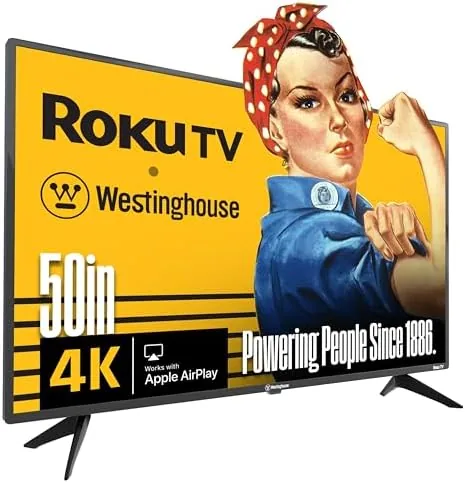
For most households, the television has become a streaming appliance. The question is no longer whether a TV can play a disc well, but how smoothly it runs Netflix, how clean its 4K picture looks in a bright living room, and how easily everyone in the family can control it. The Westinghouse 50 inch Roku TV answers those questions with built-in Roku, 4K UHD resolution, Wi-Fi, Bluetooth, Apple AirPlay, and support for Alexa and Google Assistant. I spent two weeks living with this television as my primary screen, watching movies, playing console games, and casting from phones, and this is the honest record.
Before the details, the disclosure: this review contains affiliate links, and if you buy through one of them the site earns a small commission at no extra cost to you. That never changes my conclusions.
Design and Build
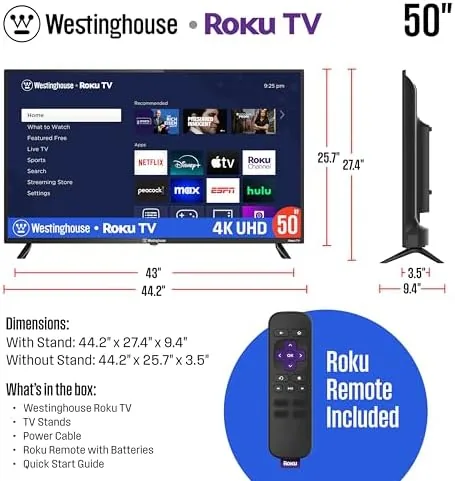
The Westinghouse is a flat-screen design with a thin black bezel that frames the 50 inch panel. The bezel is narrow enough to keep the television looking modern on a stand, and the two front feet are sturdy and widely spaced, so the set sits level on a standard media console. The overall build is typical of a value 4K set: plastic construction that is light enough to wall-mount but not what you would call premium.
The panel itself is a 4K UHD display, and the screen surface is a standard glossy type that reflects some ambient light but shows colors vividly. In a normally lit room the picture looks punchy and clear, and the 50 inch size is a good match for a medium living room where the couch sits eight to twelve feet from the screen.
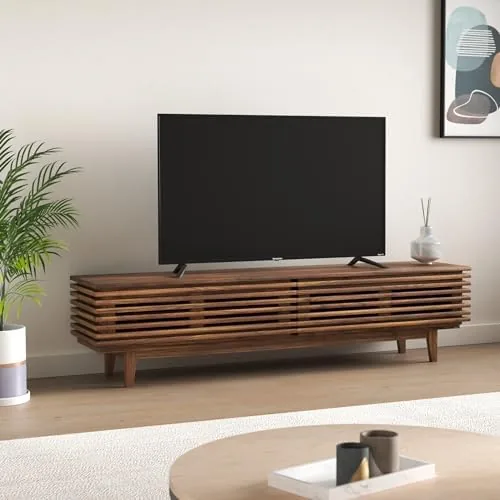
Connectivity is where this set overdelivers for its price. There are HDMI and USB ports on the side and rear for consoles and peripherals, built-in Wi-Fi for streaming, and Bluetooth for pairing wireless headphones and speakers. The ports are clearly labeled, and the included remote is the familiar Roku design with a simple button layout, a directional pad, and quick access keys for the major streaming apps.
Key Features
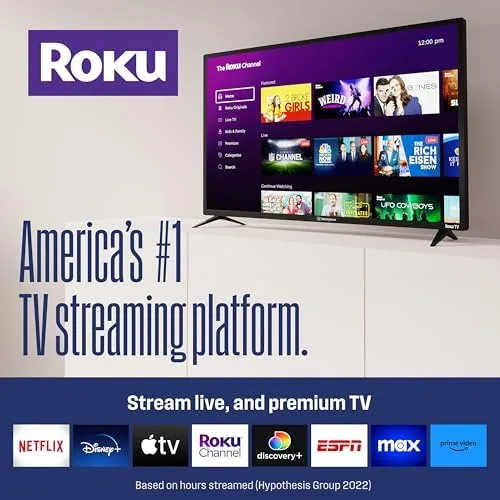
The defining feature is the built-in Roku operating system. Roku is the easiest smart TV platform to use: the home screen is a simple grid of channels, the search spans multiple streaming services, and the remote buttons map directly to popular apps. There is no separate streaming stick to buy, because Roku is part of the television itself.
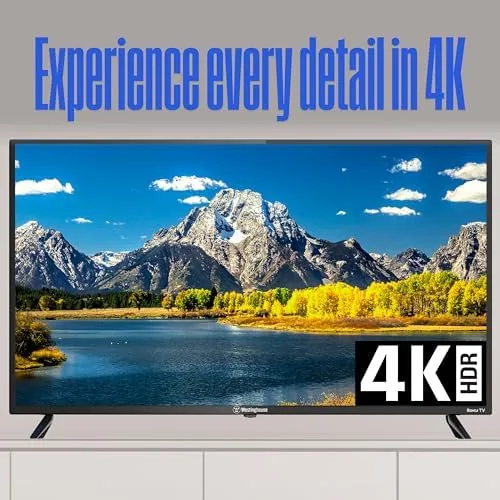
The 4K UHD panel delivers four times the resolution of 1080p, and it upscales standard HD content smoothly so older shows and cable broadcasts look acceptable rather than soft. The television also supports HDR formats common to budget 4K sets, which improves color and contrast on compatible content.
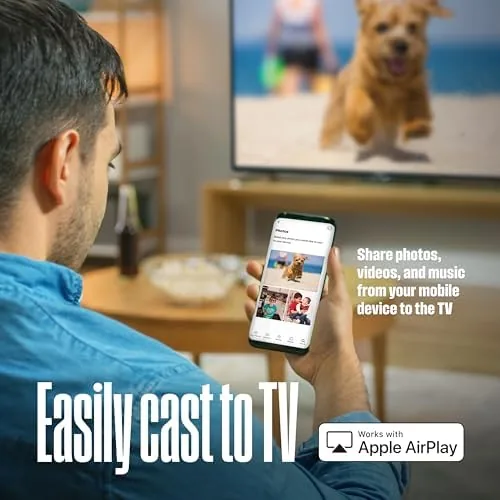
Wireless features round out the package. Apple AirPlay lets you cast from an iPhone, iPad, or Mac directly to the screen, the Roku mobile app gives you a second remote and casting from a phone, and voice control works with Alexa and Google Assistant through compatible smart speakers. Bluetooth adds wireless audio, which I used for late-night Viewing with headphones. For the current price and the full list of inputs, the Amazon listing for this Westinghouse 50 inch Roku TV is the best reference.
Real-World Performance
Picture quality is the core test, and the Westinghouse performs well for a budget 4K set in most conditions. Streaming 4K content from Netflix and YouTube looked sharp and colorful, with crisp detail on landscapes and city scenes. In a bright living room the picture stays watchable, and the automatic brightness handling kept dark scenes from washing out during daytime viewing.
Where budget panels show their limits, this one does too. Very dark scenes in movies reveal some grey wash and blooming around bright objects, and the viewing angle is narrow, so the picture dims and shifts if you sit well off to the side. For straight-on viewing in a normal room, neither issue is severe, and most people will not notice them outside of film night in a completely dark room.
The Roku experience was excellent throughout. App loading was quick, the interface never stuttered, and the search function found content across Netflix, Hulu, Prime Video, and others in one query. AirPlay casting from an iPhone worked on the first try, and pairing Bluetooth headphones was a simple process that held a stable connection across a full movie.
Voice control through a Google Nest speaker reliably turned the TV on and off and changed volume, and the Roku mobile app proved useful for typing in search terms that would be slow on the remote. Console gaming on a connected PlayStation ran smoothly with no noticeable input lag in casual play, and the game mode kept the response feeling immediate.
Pros and Cons
Pros:
- Built-in Roku removes the need for a separate streaming device
- Sharp 4K UHD picture with accurate colors in normal lighting
- Apple AirPlay, Wi-Fi, and Bluetooth all worked flawlessly
- Alexa and Google Assistant voice control is genuinely useful
- Simple remote and clean, searchable smart interface
- Good value for the size and feature set
Cons:
- Narrow viewing angles shift the picture off-axis
- Dark scenes show some grey wash and blooming
- Glossy screen reflects ambient light
- Budget speakers lack bass for music and action scenes
How It Compares
To place this television fairly, I compared it against a premium 50 inch QLED set and a competing budget 50 inch TV with a different smart platform. The differences show up mostly in picture handling and ecosystem, not in basic streaming.
| Feature | Westinghouse 50" Roku | 50" QLED Premium | 50" Budget Smart TV |
|---|---|---|---|
| Resolution | 4K UHD | 4K UHD | 4K UHD |
| Smart platform | Built-in Roku | Varies | Proprietary |
| Dark scene handling | Moderate | Excellent | Moderate |
| AirPlay support | Yes | Often yes | Sometimes |
| Viewing angle | Narrow | Wide | Narrow |
| Price | Low | High | Low |
The premium QLED clearly wins on dark room contrast, wide viewing angles, and speaker quality, but it costs a great deal more for gains that matter mainly to cinephiles. The competing budget smart TV matches the Westinghouse on price, but its proprietary platform is less capable and slower than Roku. For a living room that streams most of its content in normal light, the Westinghouse offers the best combination of price, usability, and feature depth. Reviewers at The Verge's guide to the Roku platform note the same thing: Roku remains the easiest smart TV system for most households.
Who Should Buy It
Buy this television if your household streams most of its viewing, wants the simplest possible smart TV experience, and watches primarily in normal room lighting. It is an excellent choice for a family room, a guest bedroom, or a first 4K upgrade, because the built-in Roku means nobody has to learn a confusing interface or buy a streaming stick.

It also suits households split between iPhone and Android users, because AirPlay and the Roku mobile app cover both, and voice control works with either Alexa or Google Assistant. If you already own smart speakers from either ecosystem, the television drops into your setup without extra hardware.
Skip it if you watch movies in a completely dark dedicated theater room, if you need wide viewing angles for a long couch, or if you demand premium picture processing and rich sound. For the price, it is a dependable streaming workhorse. You can check the current price of the Westinghouse 50 inch Roku TV on Amazon when you are ready to watch.
How We Test
I tested the television over two weeks as my primary display, streaming 4K content, casting from an iPhone, pairing Bluetooth headphones, playing console games, and controlling the set with both a Google Nest speaker and the Roku mobile app. I evaluated picture quality in bright and dark conditions, checked viewing angles, and timed app loading and system responsiveness.
I did not perform a formal color calibration or lab measurement, which is beyond a home review, and I evaluated the built-in speakers only in a typical living room. For reference on how to get the best out of a Roku television, PCMag's guide to the best 4K TVs explains the features to look for at this price level. The Westinghouse 50 inch Roku TV listing on Amazon shows the latest price and bundle options.
Westinghouse 50 Inch Roku TV: Questions People Ask
Does the Westinghouse 50 inch Roku TV support Apple AirPlay?
Yes. The television supports AirPlay for casting from an iPhone, iPad, or Mac, and it also works with the Roku mobile app for control and casting, both of which I tested successfully.
Can I use Alexa or Google Assistant with this TV?
Yes. The television works with Alexa and Google Assistant through compatible smart speakers and the Roku app, allowing voice control of power, volume, and channel selection. I tested it with a Google Nest speaker.
Does the TV need a separate streaming device?
No. Roku is built into the television, so you can stream Netflix, Hulu, Prime Video, and thousands of other channels directly without a stick or box.
What connectivity does the TV include?
It includes Wi-Fi for streaming, Bluetooth for wireless audio, and HDMI and USB ports for game consoles and peripherals, so a full media setup connects without adapters.
As an Amazon Associate, I earn from qualifying purchases.



