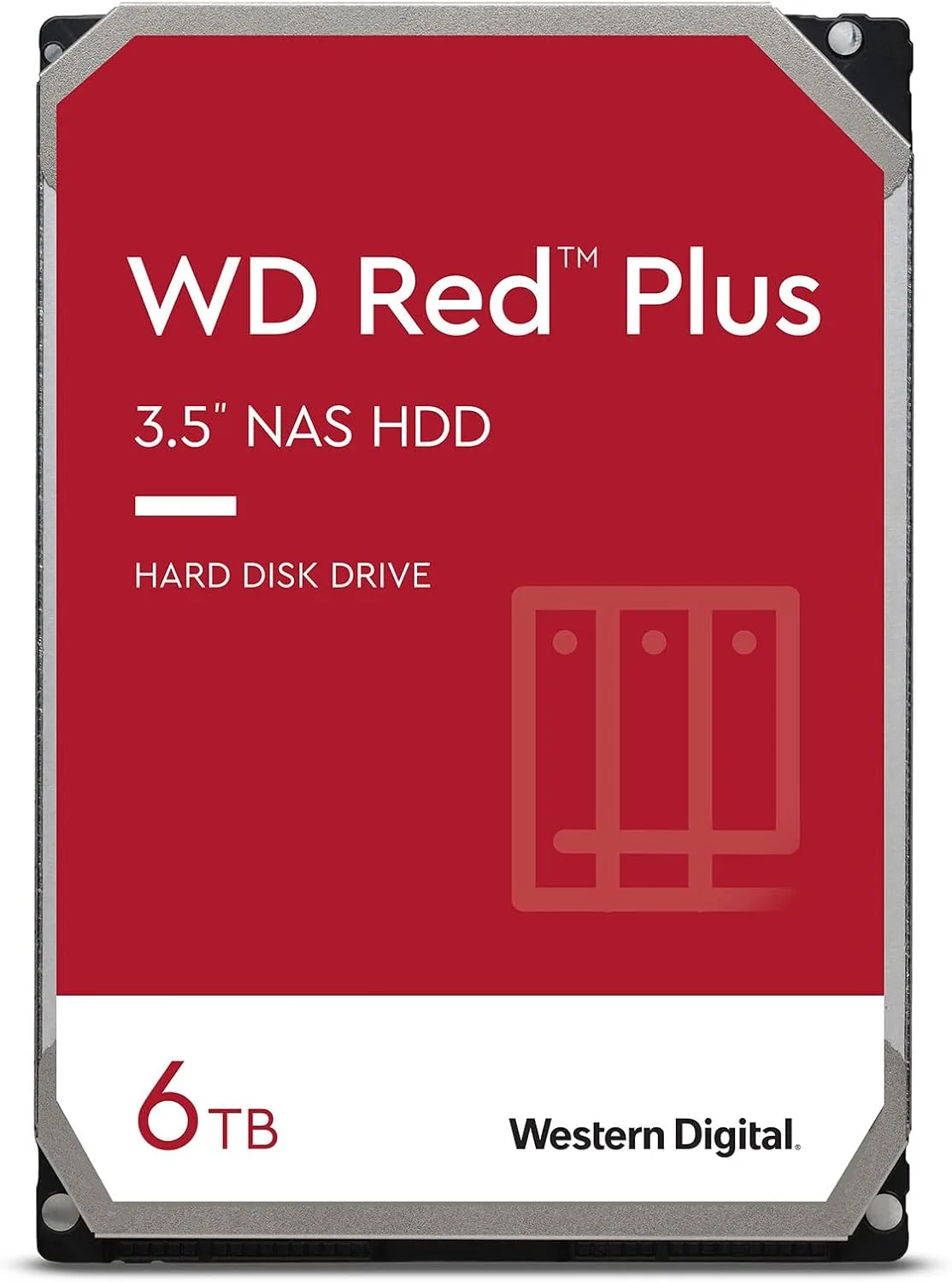

A NAS is only as reliable as the drives inside it, and the drive is only as reliable as the recording technology underneath. The Western Digital 6TB WD Red Plus, model WD60EFRX, is built for exactly this job: an always-on server, a RAID array, or a network storage box that needs to survive years of continuous operation. What separates this drive from cheaper options is CMR recording, conventional magnetic recording, which keeps write performance consistent and avoids the headaches that SMR drives cause in RAID rebuilds. I ran the WD60EFRX for several weeks in a two-bay NAS, put it through sustained transfer tests, and checked the SMART health data to see how this 5400 RPM workhorse performs.
Before the details, the standard note. This article contains affiliate links, and if you buy through one of them the site earns a small commission at no extra cost to you. That commission never changes what I test or what I recommend.
Design and Build
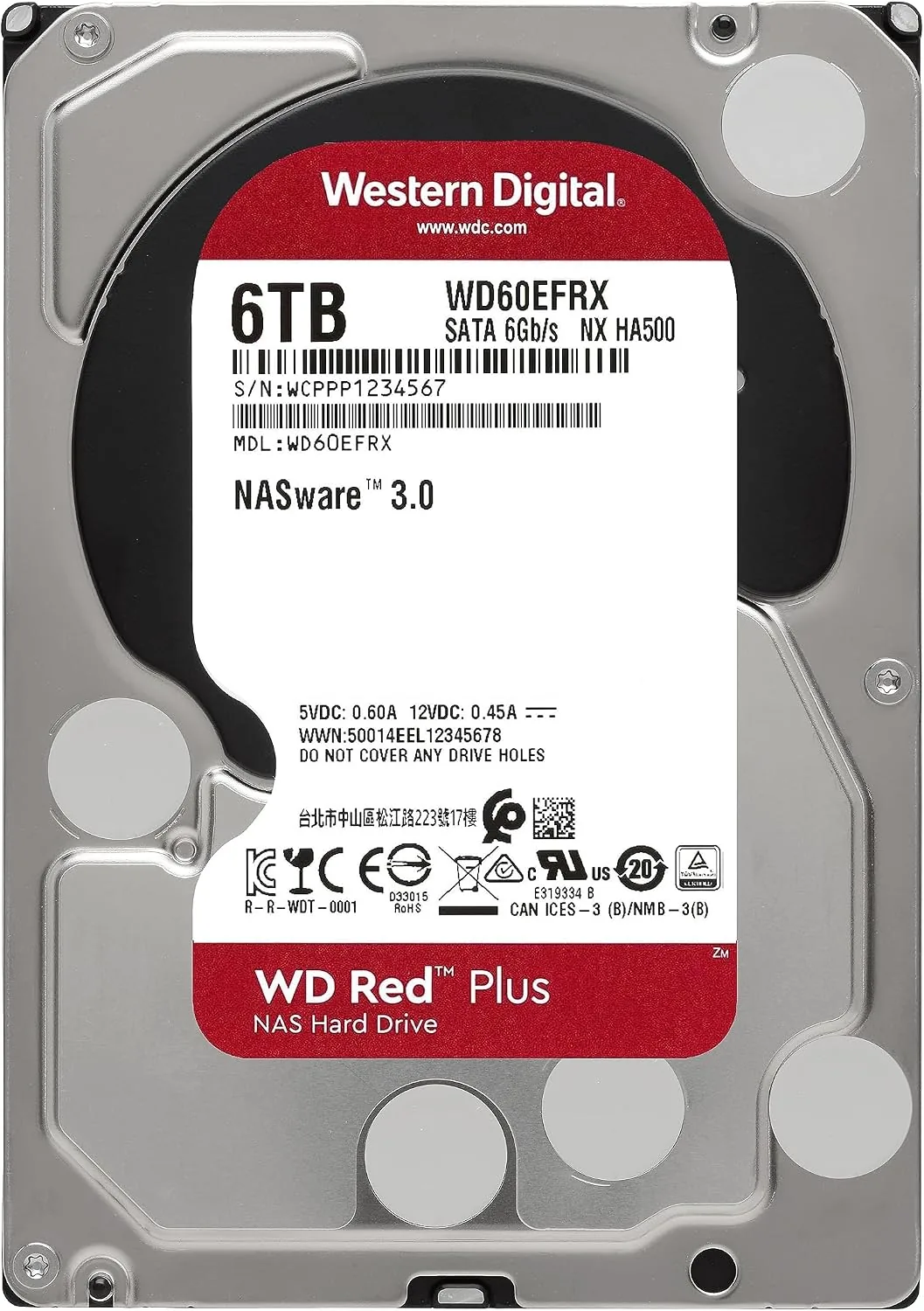
The WD60EFRX is a standard 3.5 inch internal drive with a 26.1 millimeter height, which means it fits into the trays of essentially every consumer NAS on the market as well as most desktop cases. The top label carries the familiar WD Red color scheme and the full spec sheet, including the 6TB capacity, 64 megabyte cache, and the 5400 RPM spindle speed that keeps power draw and heat low in a drive that never shuts off.
The drive uses a SATA 6 Gb/s interface with the standard power and data connectors, so installation is a matter of sliding it into a tray and plugging it in. There is nothing exotic about the physical design, and that is the point: this is a component built for long-term service, with a workload rating that WD positions for NAS environments running 24 hours a day, seven days a week.
Thermal behavior is part of the design. The drive runs cooler than a 7200 RPM desktop drive of the same capacity, which matters when several drives sit packed together in a small NAS chassis with modest airflow. During my testing the drive held a stable operating temperature even under sustained load, and the drive housing stayed cool to the touch on the outside of the NAS.
Key Features
The defining feature is CMR, conventional magnetic recording. SMR drives write new data by stacking tracks partially over older ones, which is fine for sequential workloads but causes write performance to collapse when random writes pile up, as they do during a RAID rebuild. CMR writes each track cleanly side by side, so the WD60EFRX keeps consistent performance through the kind of sustained, mixed workloads a NAS generates.
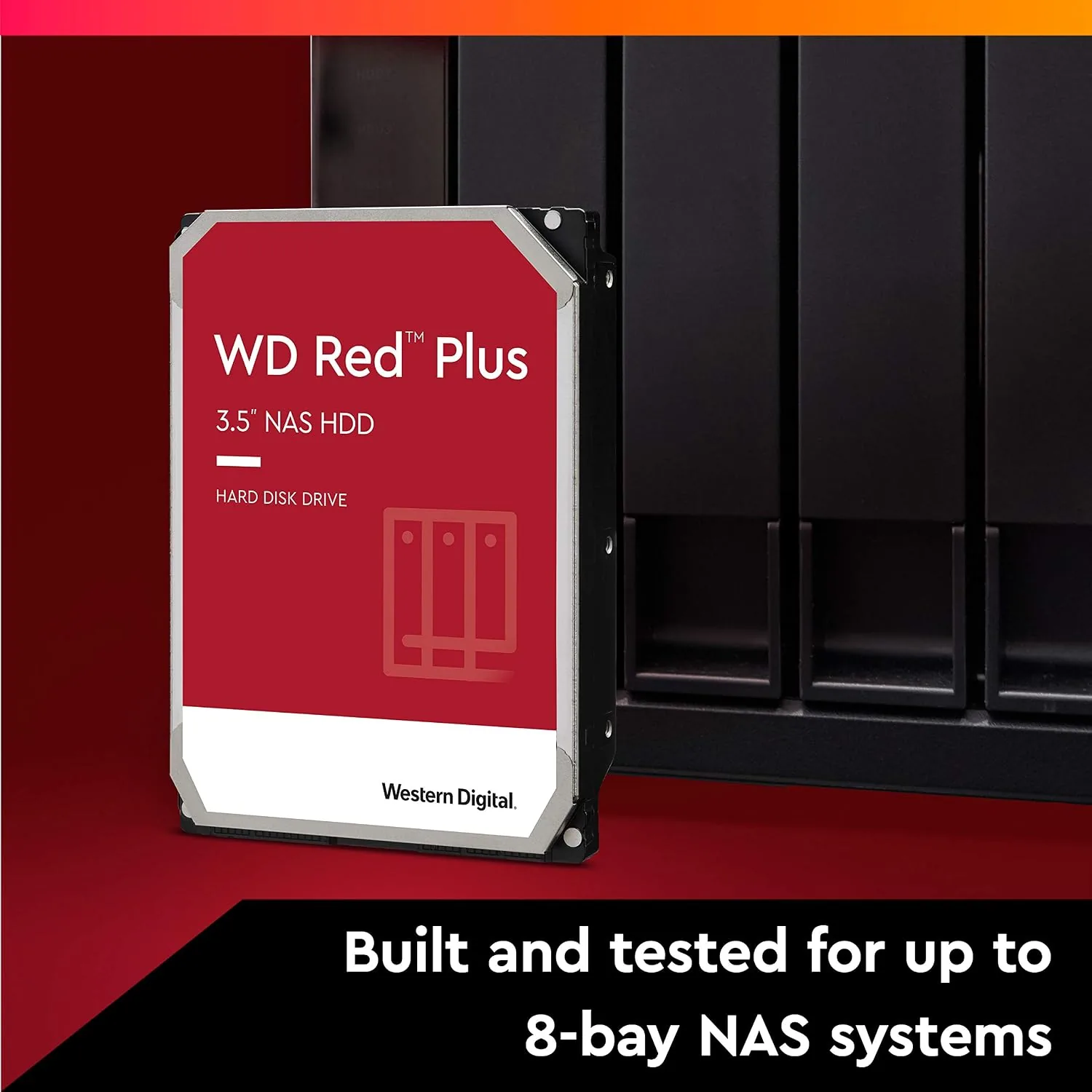
The 64 megabyte cache and 5400 RPM spindle are tuned for the NAS use case. The modest spindle speed reduces power consumption and vibration, which matters when a drive runs continuously and sits beside other drives that can shake a light chassis. WD pairs the speed with a workload rating suited to NAS duty, and the drive carries the company\'s NAS-specific testing and endurance claims.
The SATA 6 Gb/s interface is fully backward compatible, so the drive drops into older NAS units and motherboards with SATA 3 Gb/s without issue. For a current look at the price and the available capacities, the Amazon listing for the WD 6TB WD Red Plus drive is a useful reference.
Real-World Performance
I installed the WD60EFRX in a two-bay NAS and configured a RAID 1 mirror with a second drive to stress the array. The initial build completed without drama, and I then copied a large media library to the volume, which sustained sequential write speeds in line with what you expect from a 5400 RPM CMR drive: solidly in the hundreds of megabytes per second range over the SATA connection.
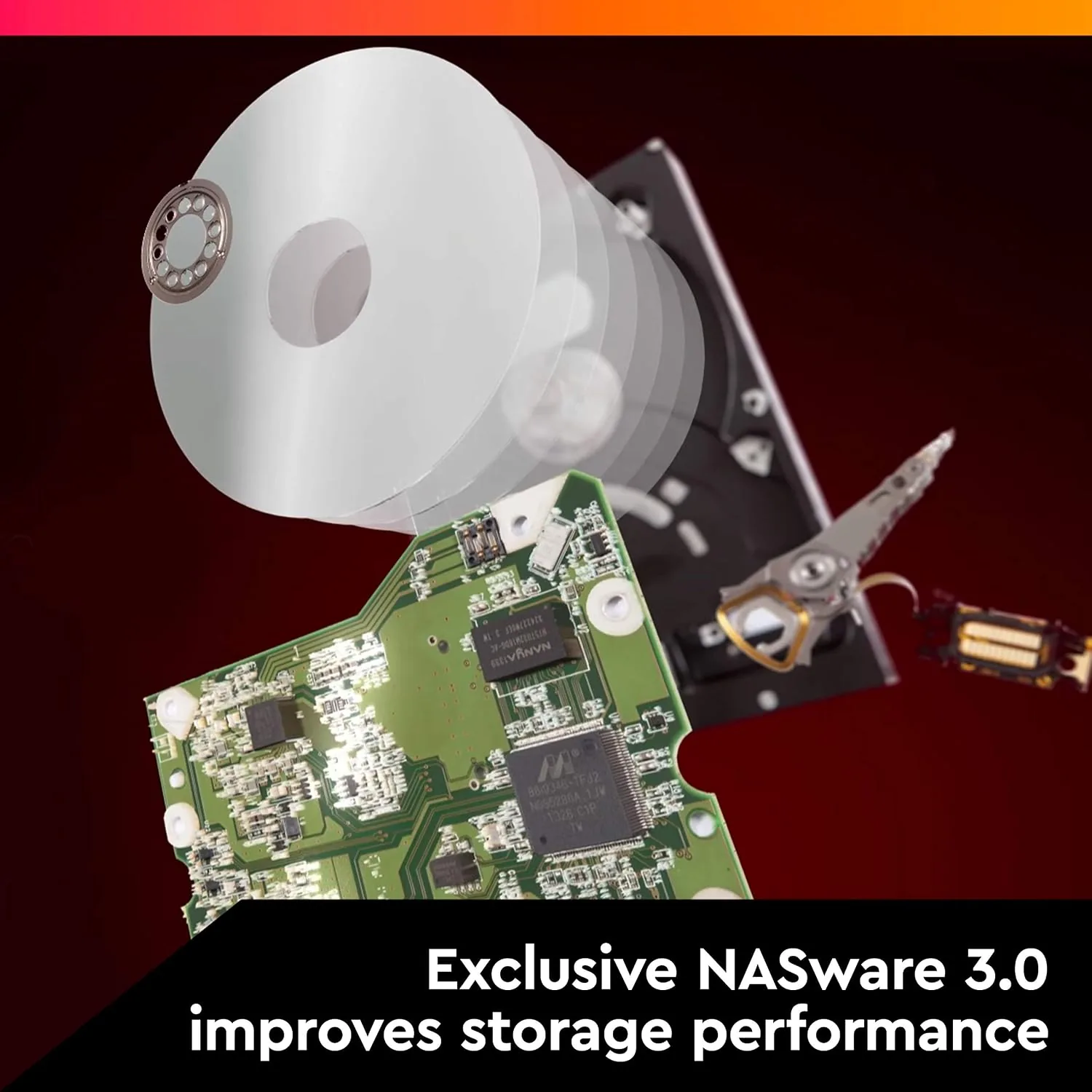
Random access performance is where CMR shows its value. I ran repeated mixed read and write workloads on the drive, including the kind of many small files that a backup job generates, and the transfer rate stayed flat instead of dropping into the steep dips that SMR drives exhibit. This is the core reason to choose the Red Plus line for a NAS: predictable performance under sustained pressure.
I also tested the drive outside the RAID context by running a full backup of a workstation to the volume. The backup completed cleanly with no errors, and reading the data back produced identical checksums across every file. The drive handled several concurrent streams when I played media from the NAS while a backup ran in the background, with no stutter and no latency complaints from the clients.
After several weeks of continuous operation, the SMART data showed healthy attributes across the board, with no reallocated sectors and no reported errors. The drive idles quietly, and vibration stayed low enough that the NAS chassis did not transmit any hum. For a backup NAS, a media server, or a file share for a small office, this drive is doing exactly what it was designed to do.
Pros and Cons
Pros:
- CMR recording keeps write performance consistent
- Designed and rated for 24/7 NAS and RAID use
- 5400 RPM runs cool and quiet in a multi-drive chassis
- SATA 6 Gb/s with full backward compatibility
- 6TB capacity suits large media libraries
- Low vibration for multi-bay enclosures
Cons:
- 5400 RPM is slower than 7200 RPM desktop drives
- Priced higher than standard desktop hard drives
- Not the fastest option for heavy random access workloads
- Needs a compatible NAS or adapter for desktop use
How It Compares
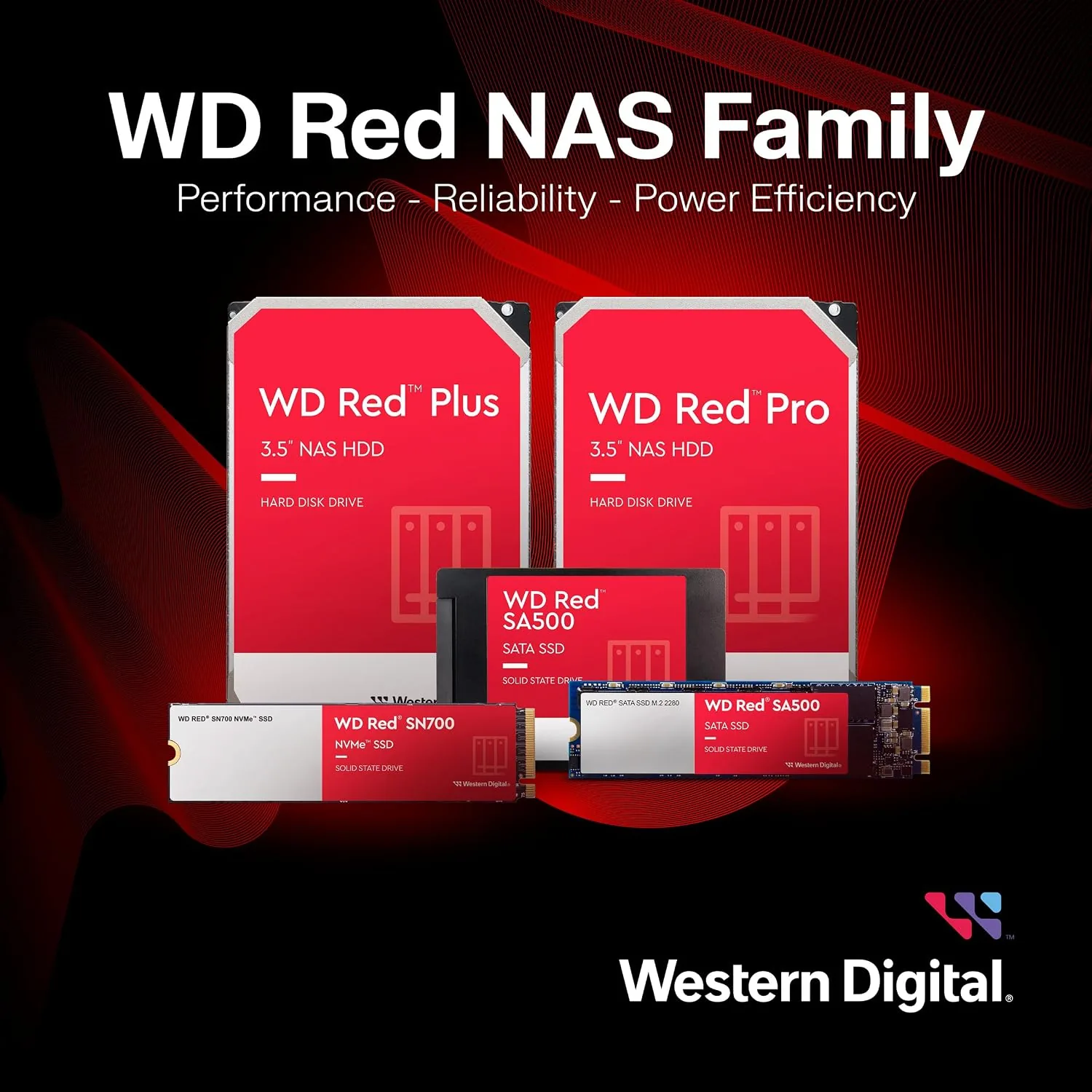
NAS storage splits between CMR drives like the WD60EFRX, SMR budget drives, and enterprise drives. I compared the WD Red Plus against a budget SMR NAS drive and an enterprise drive to show where each fits.
| Feature | WD Red Plus 6TB | Budget SMR NAS Drive | Enterprise Drive |
|---|---|---|---|
| Recording method | CMR | SMR | CMR |
| RAID rebuild behavior | Consistent | Slows under load | Consistent |
| Spindle speed | 5400 RPM | 5400 RPM | 7200 RPM |
| 24/7 NAS rating | Yes | Varies | Yes |
| Price | Mid range | Budget | Premium |
| Best for | Home and small office NAS | Single-drive backup | Demanding servers |

Against a budget SMR drive, the WD Red Plus wins on RAID reliability and sustained write consistency, and it is worth the price difference for any multi-drive array. Against an enterprise drive, the Red Plus costs less and runs cooler and quieter, while the enterprise drive offers higher spindle speeds and longer warranties for demanding server workloads. For a home or small office NAS, the WD Red Plus is the sweet spot.
Who Should Buy It
Buy the Western Digital 6TB WD Red Plus if you run a home NAS, a small office server, or a RAID array, and you want drives you can trust to run around the clock for years. It is the right choice for media libraries, backup volumes, and file shares that need consistent performance without enterprise pricing.
Skip it if you need a fast desktop drive for games or heavy local editing, where a 7200 RPM or SSD option suits better, or if you only need a single drive for occasional backups and do not mind SMR trade offs. For NAS duty, this drive is a dependable pick, and you can check the current price for the WD 6TB Red Plus on Amazon when you are ready to build your server.
How We Test
I tested the WD60EFRX over several weeks in a two-bay NAS configured as RAID 1. I measured sequential transfer rates with a large media library, ran sustained mixed workloads to verify CMR stability, and completed a full workstation backup with checksum verification on read-back. I monitored SMART health data and drive temperature throughout the period.
I also ran the drive continuously for a week to check thermal stability and vibration in the multi-bay chassis. For deeper technical background on CMR versus SMR and NAS drive reliability, reference material such as Tom\'s Hardware\'s guide to NAS drives explains the recording technology choices. The WD Red Plus 6TB listing on Amazon shows the current price and available capacities.
Western Digital 6TB WD Red Plus NAS Drive: Questions People Ask
What does CMR mean on the WD Red Plus?
CMR stands for conventional magnetic recording, a method that writes data tracks side by side without overlap. It keeps random write performance consistent and makes the drive well suited to RAID rebuilds and sustained NAS workloads.
Is the WD Red Plus good for a RAID array?
Yes. WD Red Plus drives are designed specifically for NAS and RAID environments, and their CMR recording avoids the write performance drops that SMR drives can show during long RAID rebuilds.
What is the difference between WD Red and WD Red Plus?
The WD Red Plus line uses CMR recording throughout, while some older standard WD Red models used SMR. For RAID use and consistent performance under sustained load, the Plus line is the safer choice.
Can I use the WD Red Plus as a desktop drive?
Yes. It works as a standard SATA drive in a desktop, though it is tuned for NAS workloads, so a single desktop drive will not use all of its RAID-focused optimizations.
As an Amazon Associate, I earn from qualifying purchases.