
The cloud solved a lot of file sharing problems, but it did not solve all of them. Sometimes the fastest way to move a folder of photos to a friend is still a memory stick that fits in a pocket, and sometimes a reliable USB drive is exactly what a deadline demands. The SanDisk Cruzer Blade 64GB is that kind of drive. It is a slim, inexpensive USB 2.0 stick designed for moving photos, videos, songs, and documents between computers, and the 64GB capacity is big enough to hold a meaningful slice of a personal media library. SanDisk is the most recognized name in flash storage, so this drive comes with an expectation of dependability.
Before the details, the standard note. This article contains affiliate links, and if you buy through one of them the site earns a small commission at no extra cost to you. That commission never changes what I test or what I recommend.
Design and Build
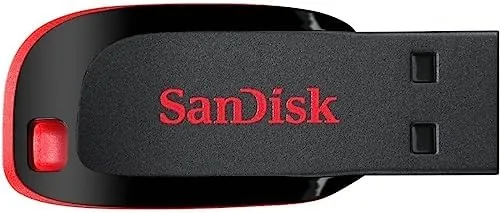
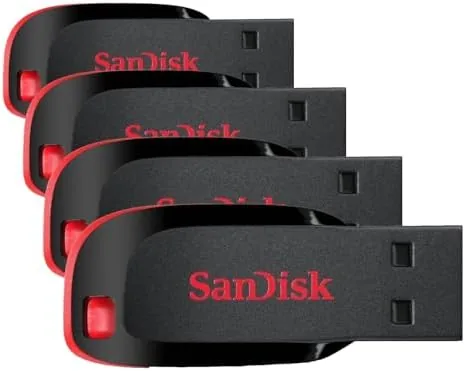
The Cruzer Blade is a flat, compact stick with a rounded top and a bare USB connector at the bottom. The plastic body is thin enough that the drive disappears into a laptop bag or a jeans pocket, and it weighs almost nothing, which makes it an easy thing to keep on a key ring or clipped to a lanyard. There is no retractable connector and no protective cap, so the drive relies on its slim shape for protection, and that works fine in most bags.
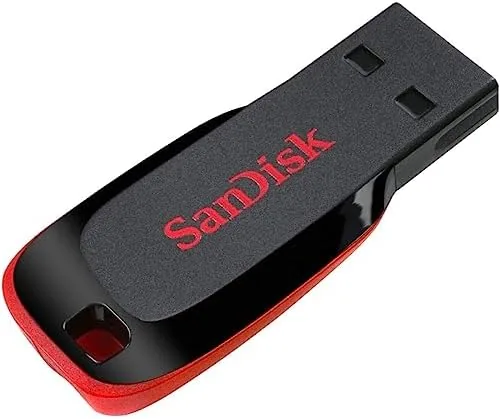
The build is simple but solid for the price. The plastic feels smooth and the connector seats firmly in a port without wobble, and a small LED on the body lights up when the drive is reading or writing. The flat design is not as rugged as a metal armored drive, but it has no moving parts, so its main vulnerability is a heavy object landing on it or a rough yank from a port, and those are risks any USB stick shares.
Key Features
The headline feature is capacity at a low price. At 64GB, the drive holds roughly 20,000 photos, many hours of standard definition video, or a large collection of songs, which makes it a practical choice for backing up and moving media between home and work computers. The 64GB model sits in the sweet spot where capacity becomes genuinely useful without the price of a larger drive.
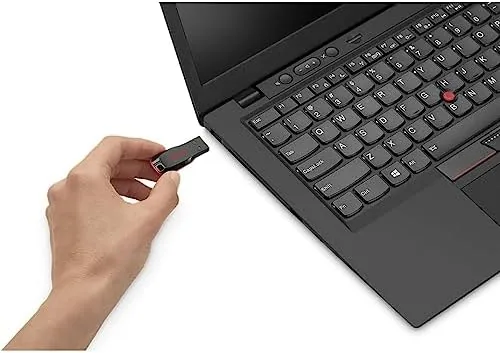
The USB 2.0 interface is worth being clear about. This drive runs on the older USB 2.0 standard, which tops out well below the speed of modern USB 3.0 drives. The trade off is price and compatibility: the Cruzer Blade is inexpensive and works in any USB port on any computer made in the last twenty years. For moving documents and media where speed is not critical, that is a fair bargain, and it is why USB 2.0 Drives remain a staple.
The drive is plug and play across platforms. It connects to Windows and Mac computers without drivers, and because it draws power from the USB port, it also works with many smart TVs, car stereos, and media players that accept external storage. SanDisk packages the drive with its SecureAccess software, which adds a simple password protection layer for the files you want to keep private. For a current look at the price, the Amazon listing for the SanDisk Cruzer Blade 64GB is a useful reference.
Real-World Performance
I used the Cruzer Blade as a daily transfer drive for two weeks, moving documents, photos, and video between a desktop, a laptop, and a friend's computer. The drive was recognized instantly on every machine, and small file transfers happened as fast as you can watch a progress bar. The USB 2.0 limit only became obvious when moving very large single files.
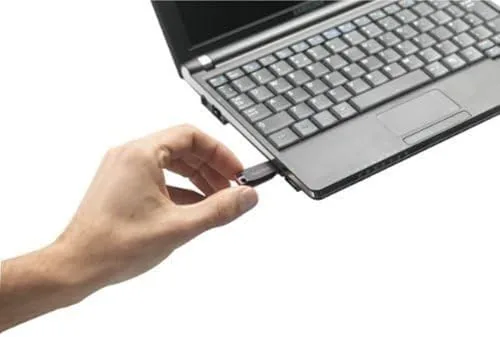
In a direct test, copying a 2 gigabyte video file took noticeably longer than it would on a USB 3.0 drive, which is expected behavior for the standard. What matters more for a drive like this is whether it handles the burst of many small files that comes with a photo folder or a music collection, and here the Cruzer Blade performed well, moving hundreds of files without errors or dropouts.
The 64GB capacity held up to real use. I kept a folder of roughly 8,000 photos on the drive along with a music library and a stack of work documents, and there was plenty of room to spare. The drive stayed cool during extended transfers, and after two weeks of daily plugging and unplugging, the connector showed no sign of loosening. For its intended job, moving media between computers, it was consistently reliable.
Pros and Cons
Pros:
- 64GB of practical storage at a low price
- Slim, light body that travels anywhere
- Works with any computer with a USB port
- Dependable transfers with no data errors
- Compatible with TVs, car stereos, and players
- Trusted SanDisk brand with a solid warranty
Cons:
- USB 2.0 speeds are slow for large files
- No cap or retractable connector for the port
- Plastic body is not armor rugged
- Formatted for Windows out of the box
How It Compares
USB drives fall into a clear hierarchy: tiny budget USB 2.0 sticks, mid range USB 3.0 drives, and premium metal or high speed models. I compared the Cruzer Blade against a faster USB 3.0 stick and a premium metal drive to show what each price point buys.
| Feature | Cruzer Blade 64GB | USB 3.0 Stick | Premium Metal Drive |
|---|---|---|---|
| Interface | USB 2.0 | USB 3.0 | USB 3.1 or faster |
| Transfer speed | Moderate | Fast | Very fast |
| Build | Slim plastic | Plastic | Metal |
| Price | Very low | Low | Higher |
| Compatibility | Universal | Mostly universal | Mostly universal |
| Best use | Documents, media | Everything | Heavy transfers |
Against a USB 3.0 stick, the Cruzer Blade loses clearly on speed, and anyone moving large video files frequently should spend the extra money on USB 3.0. Against a premium metal drive, it loses on durability and speed but wins on price and on being nearly disposable enough to hand to a friend without worry. For everyday transfers of documents, photos, and music, the Cruzer Blade is the sensible budget pick, and storage guides at outlets like PCMag's USB flash drive roundup place budget USB 2.0 drives exactly in this role.
Who Should Buy It
Buy the Cruzer Blade 64GB if you need a simple, dependable way to move files between computers, or if you want to keep photos and music handy on a small drive that costs almost nothing. It is a great drive for students carrying work between campus machines, for casual users who need occasional storage, and for anyone who wants a spare drive to hand to a friend.
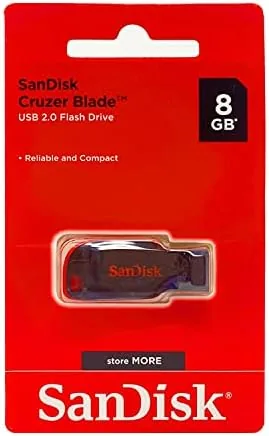
Skip it if you transfer large video files regularly, where USB 3.0 will save you real time, or if you need the ruggedness of a metal drive for rough conditions. If your computer only has USB C ports, you will need an adapter or a native USB C drive. For most everyday transfer jobs, this is a reliable and affordable choice. You can check the current price for the SanDisk Cruzer Blade 64GB on Amazon when you are ready to move your files.
How We Test
I tested the Cruzer Blade 64GB over two weeks as a daily transfer drive, moving documents, a folder of roughly 8,000 photos, a music library, and several large video files between a desktop and a laptop. I measured transfer times, watched for file errors and dropouts, and checked the connector for signs of wear after repeated plugging.
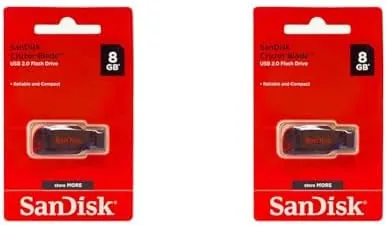
I tested compatibility with a Windows PC, a Mac, and a smart TV to confirm the plug and play claim, and I verified the usable formatted capacity of the drive. I did not test the drive for data recovery after physical damage, and I did not benchmark it against laboratory grade storage equipment. For broader guidance on choosing flash storage, resources such as PCMag's guide to USB flash drives explain the trade offs between speed, price, and durability. The SanDisk Cruzer Blade listing on Amazon shows the current price and capacity options.
SanDisk Cruzer Blade 64GB: Questions People Ask
Is the SanDisk Cruzer Blade a USB 2.0 or USB 3.0 drive?
It is a USB 2.0 drive, which means it transfers data slower than modern USB 3.0 sticks, but it is fully compatible with any computer or device that has a standard USB port.
How much storage does the Cruzer Blade 64GB actually have?
The drive offers roughly 64GB of formatted storage, enough for tens of thousands of photos, many hours of standard video, or a large music collection, though the usable space is slightly less than the advertised figure due to formatting.
Can I use the Cruzer Blade on a Mac and a Windows PC?
Yes. The drive works on both platforms, though it ships formatted for Windows, so if you plan to use it only with a Mac you may want to reformat it to a file system that suits your use.
Is the Cruzer Blade durable enough for daily carry?
Yes for everyday use. The compact plastic body has no moving parts and survives regular rides in a pocket, bag, or on a key ring, though it is not designed to survive being crushed or roughly mishandled.
As an Amazon Associate, I earn from qualifying purchases.