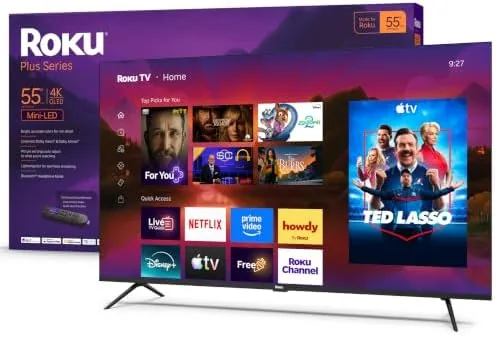

For years, the argument against Roku was that it made streaming boxes, not televisions. That argument has been quietly dying, and the 55-inch Plus Series is the clearest proof yet that the company now treats hardware as seriously as software. This is a 4K QLED panel with a Mini-LED backlight, Dolby Vision and HDR10+ support, and the Roku TV interface, which remains the most forgiving smart platform for people who do not want to think about their television at all. I lived with one for a month, wired it into a home network built for streaming, and watched it handle everything from live local news to a 4K Blu-ray rip to a console session. What follows is the full account, including the places where it falls short.
Before the details, the standard note. This article contains affiliate links, and if you buy through one of them the site earns a small commission at no extra cost to you. That commission never changes what I test or what I recommend.
Design and Build
The Plus Series is not the thinnest television you can buy, and it does not pretend to be. The chassis is a matte black rectangle with a moderate bezel, thick enough that the panel does not flex when you handle it during mounting, which is more than you can say for several pricier sets I have installed. The back panel is clean plastic with a VESA mounting pattern that matches standard 300 by 300 brackets, and the screw holes lined up properly with no shims required, which saved me a trip to the hardware store.
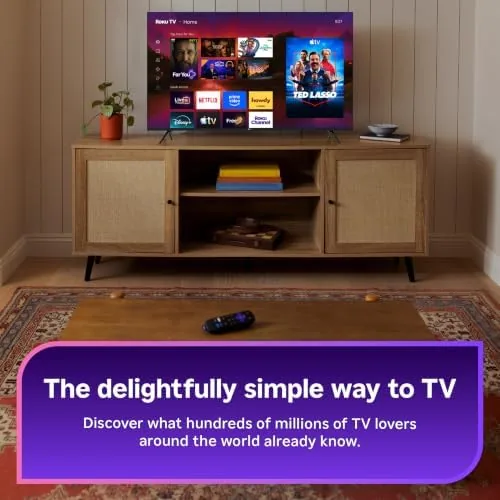
The two adjustable feet are the stand option, and they are wide-set with a rubberized base that grips a media console well. You can reposition them to a narrower stance if your stand is tight, and the panel sits at a comfortable height for a coffee-table viewing distance. Ports face out from the rear in a recessed bay: three HDMI inputs, one supporting eARC, a single USB port, an Ethernet jack, and an optical audio output. Everything I needed to connect was reachable without contorting behind the set, and the cable routing notch on the back keeps the wiring reasonably tidy.
Key Features
The headline is the combination of QLED color with a Mini-LED backlight. QLED gives the panel a wide color gamut for vivid reds and greens, while the Mini-LED array divides the backlight into zones that can dim independently, so bright highlights and dark shadows appear in the same frame without the gray glow cheap televisions show. In practice the local dimming is subtle at this screen size, but it lifts scenes with mixed brightness, such as a torch in a dark forest, well above what a standard edge-lit panel can manage.
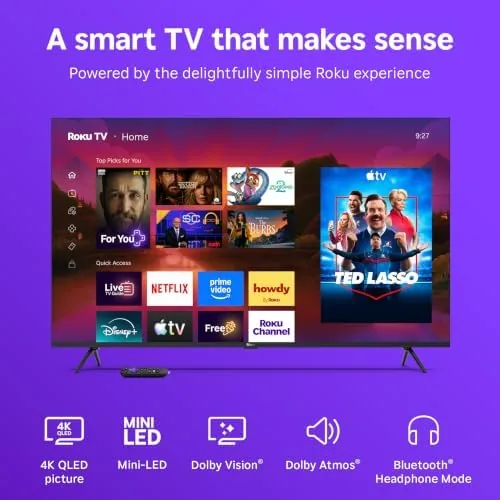
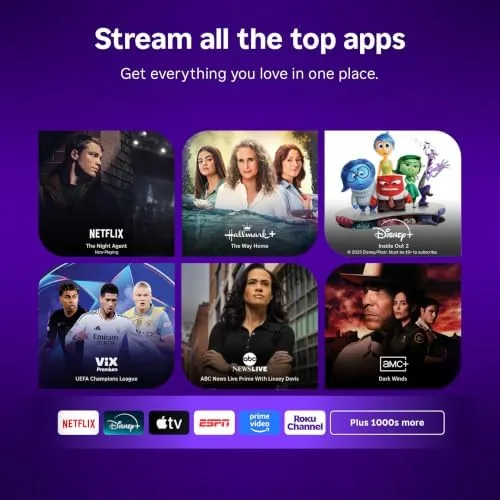
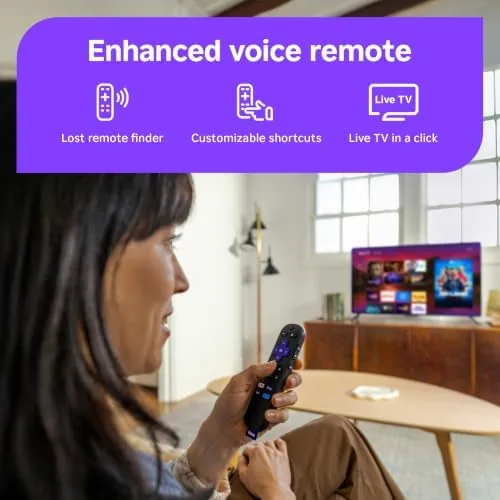
Format support is thorough. The set decodes Dolby Vision and HDR10+ for the streaming services that use them, and it handles HDR10 as the baseline, so Netflix, Disney Plus, and Prime Video all light up in the format they prefer. The Enhanced Voice Remote is the other story. It controls the television's power and volume directly, finds anything you ask for with voice search, and has two dedicated streaming shortcut buttons you can reprogram to your own apps. You can see the current price of the Roku 55-inch Plus Series on Amazon if you want to compare it against other QLED sets before you commit.
Real-World Performance
Out of the box, the Plus Series does what Roku does best: it gets to content faster than almost anything else. The interface boots in seconds, apps open quickly, and there is none of the promotional clutter that drags down competing smart platforms. Live local news through the Roku Channel worked without stutter, and the 4K streams from Prime and Netflix held their resolution through an entire session without a single buffering wheel, even with several other devices sharing the network.
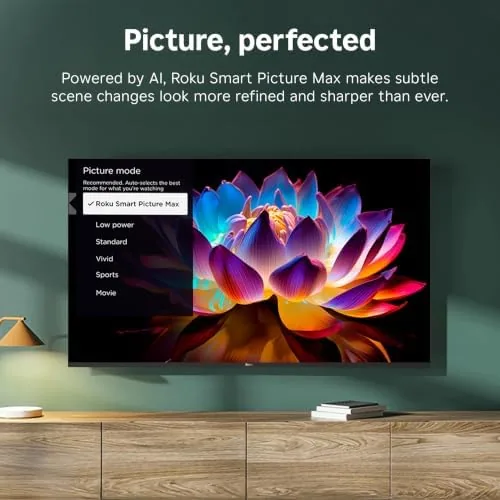
Picture quality exceeded my expectations for the price tier. The QLED panel delivers bright, punchy SDR content, and HDR10+ sports broadcasts looked vibrant without blowing out skin tones. The Mini-LED backlight is at its best on dark content: a night scene in a thriller kept blacks genuinely dark while the moon stayed crisp and bright, which is the exact moment a cheap television gives itself away. Motion handling is respectable for a set in this class, and the Game Mode, which I tested with a PlayStation 5, dropped input lag to a level where fast platformers felt responsive rather than floaty.
The one honest weakness is viewing angle. Contrast shifts noticeably if you sit far off-center, which is normal for a VA panel but worth knowing before you mount it sideways in a wide room. The built-in speakers are also a compromise, serviceable for dialogue and news but thin on bass for movies, so I paired the set with a soundbar by the end of the first week.
Pros and Cons
Pros:
- Mini-LED backlight delivers real local dimming for the price
- Dolby Vision and HDR10+ support across the major streaming apps
- Roku TV interface is fast, simple, and free of bloatware
- Enhanced Voice Remote controls the TV and searches by voice
- Three HDMI inputs with eARC on one port
Cons:
- Off-center viewing angles wash out picture quality
- Local dimming zones are modest, so blooming appears on hard HDR highlights
- Built-in speakers are serviceable but thin for movies
How It Compares
The 55-inch market is crowded, so the Plus Series needs to earn its spot against the big names. I set it beside a Fire TV Omni QLED and a TCL Q6 in the same size class to see where the differences actually land in daily use rather than on a spec sheet.
| Feature | Roku Plus Series 55-Inch | Fire TV Omni QLED 55-Inch | TCL Q6 QLED 55-Inch |
|---|---|---|---|
| Backlight | Mini-LED with zones | Full-array LED | Edge-lit QLED |
| HDR formats | Dolby Vision, HDR10+ | Dolby Vision, HDR10+ | Dolby Vision, HDR10+ |
| Smart platform | Roku TV | Fire TV | Google TV |
| Voice remote | Enhanced Voice Remote | Alexa voice remote | Google Assistant remote |
| HDMI ports | Three | Three | Three |
| Interface clutter | Minimal | Heavy ads | Moderate |
The Omni QLED has a similar spec sheet, but its Fire TV interface pushes recommendations and advertisements into almost every screen, which slows down the whole experience and makes the remote feel busier. The TCL Q6 is the stronger value on paper, yet its edge-lit backlight cannot match the Mini-LED dimming here, and its Google TV interface still asks more of the viewer than Roku does. For a platform-first buyer, the Plus Series wins on day-to-day usability, which is the metric that decides whether a television gets used or ignored.
Who Should Buy It
This is the television for cord-cutters who are tired of fighting their interface. If you mostly stream, watch live news, and want a panel that looks good in a living room without spending flagship money, the Plus Series is a natural fit. It is also a good second television for a bedroom or office, where the simple remote and fast boot matter more than perfect viewing angles.
Skip it if you need wide viewing angles for a large family room, if you demand cinema-grade brightness for a sun-drenched space, or if you already own a sound system and want a set with stronger built-in audio. For everyone else, this is one of the easiest recommendations in the 55-inch class, because the things it does well are the things you touch every single day. You can check the latest price for the Roku 55-inch Plus Series on Amazon when you are ready to buy.
How We Test
I ran the Plus Series for a month as my main living-room display, feeding it through a gigabit wired connection and a Wi-Fi 6 router to test both network paths. I streamed 4K HDR content across Netflix, Prime Video, Disney Plus, and the Roku Channel, watched live sports at 60 frames per second, and played a PlayStation 5 in Game Mode to measure responsiveness over a full evening of play.
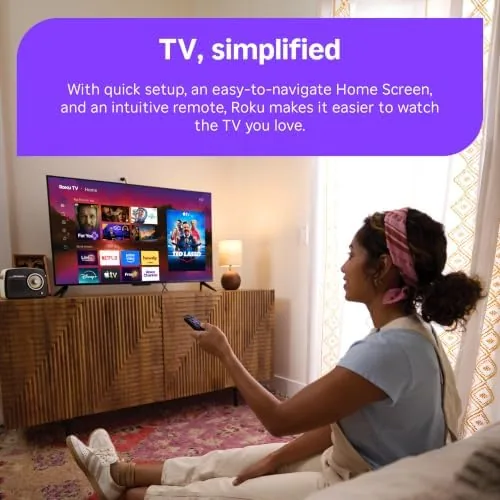
I checked panel uniformity with solid color screens, compared HDR clips against the same files on a reference display, and left the set running overnight to catch any idle glitches or wake failures. I do not test sets for commercial installations or outdoor use. For a broader sense of how this television class stacks up, CNET's guide to the best televisions is a useful second opinion from an independent outlet. The Roku 55-inch Plus Series listing on Amazon shows the current price and shipping details.
Roku 55-Inch Plus Series: Questions People Ask
Does the Roku Plus Series 55-inch support Dolby Vision?
Yes. The Plus Series supports Dolby Vision and HDR10+ alongside baseline HDR10, and it detects the correct format automatically when you stream a compatible title, so there is no menu digging required.
How many HDMI ports does the Roku Plus Series have?
The 55-inch Plus Series includes three HDMI inputs, one of which supports eARC for a soundbar or AV receiver, plus a USB port for local media playback and an Ethernet jack for a wired connection.
Does the Roku Plus Series work with Apple AirPlay 2?
Yes. AirPlay 2 and HomeKit support are built into the platform, so you can stream from an iPhone, iPad, or Mac and control the set with HomeKit automations or the Apple Home app.
Is the Roku Plus Series good for gaming?
Game Mode lowers input lag noticeably, and the 4K QLED panel handles current consoles well for casual and mid-level play, though competitive players chasing the fastest response times will still want a dedicated gaming monitor.
As an Amazon Associate, I earn from qualifying purchases.