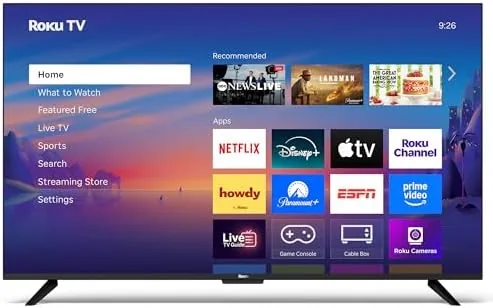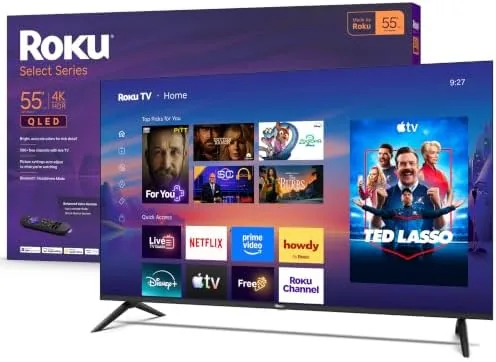

The smart television has a software problem. The hardware is often fine, and then the operating system loads with ads, lags on every click, and buries the apps you actually use behind menus you never wanted. Roku built its name on avoiding that trap, and the Select Series puts that software at the center of a 55 inch 4K QLED panel. The result is a television that treats the interface like the product, not an afterthought.
I spent a month with the Roku 55 inch Select Series in my living room. I streamed movies, watched live news, played games, and connected headphones to it more times than I expected. This review covers the picture, the platform, the voice remote, and the headphone mode that has quietly become my favorite feature.
Before the details, the standard note. This article contains affiliate links, and if you buy through one of them the site earns a Small commission at no extra cost to you. That commission does not change what I test or recommend, and the television reviewed here is a standard retail unit tested in a normal living room.
What follows covers the design, the panel, the Roku platform, and the everyday reality of a television that does the software right.
Design and Build
The Select Series is a clean, uncluttered television. The bezels are slim around a 55 inch panel, the silver stand keeps the whole unit stable without dominating the room, and the rear panel houses the connections out of sight. It is not a design statement, which is exactly the right call for a television that is meant to disappear into a living room and just work.
The connection panel covers the essentials: three HDMI inputs, a USB port for media, an Ethernet jack for a wired network, an optical audio output, and the antenna connection for over the air channels. The Wi-Fi radio handles streaming without a wired connection, and the Bluetooth radio does double duty for the headphone mode and for a wireless remote or a sound bar.
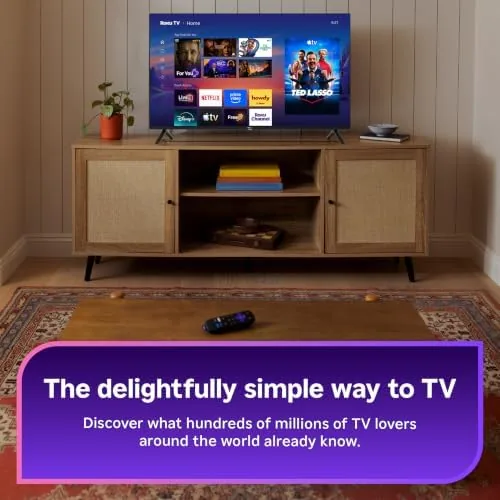
The build quality is honest for the price. The panel is rigid, the stand holds the weight without wobble, and the included voice remote is comfortable with a sensible layout of shortcut buttons for the major streaming services. Nothing about the hardware is premium, and nothing about it feels cheap either, which is the right balance for a budget QLED.
Key Features
The panel is the headline hardware. The 4K QLED display uses quantum dot technology to push brightness and color beyond a standard LED panel, and the result is a picture with punchy highlights, vivid color, and solid contrast for the price. HDR content gets the headroom it needs, and the wide viewing angles mean the picture holds up when the couch is not dead center.
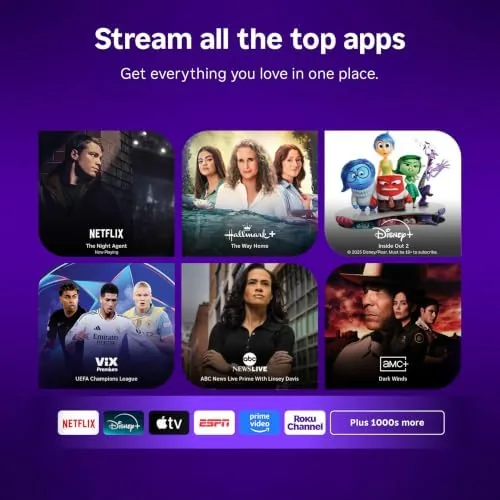
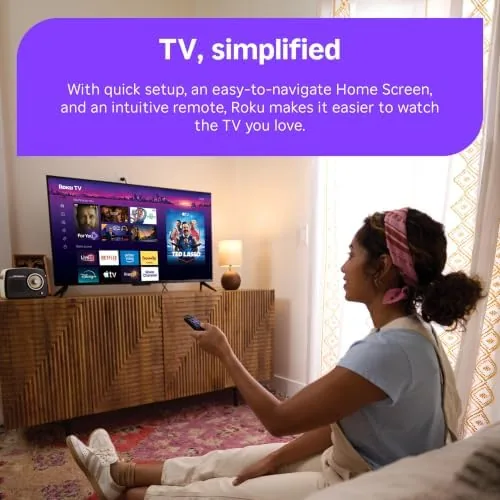
The Roku OS is the headline software. It is the cleanest smart platform on any television, with a simple grid of apps, no lag on the remote, and a home screen that learns what you watch. There are ads in the interface, but they are unobtrusive banners rather than full screen interruptions, which is a relief compared with the pushier smart TV platforms.
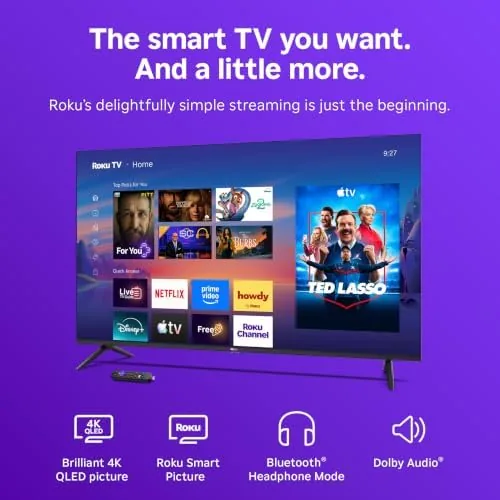
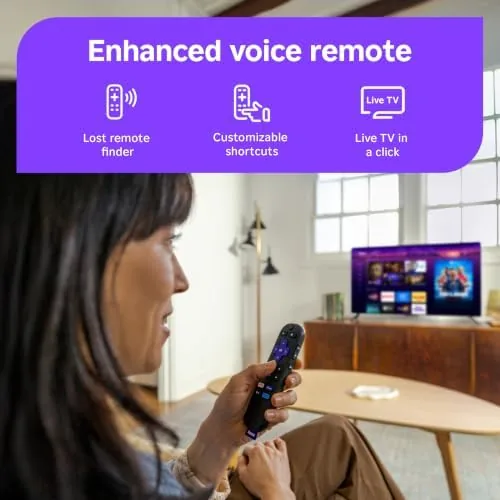
The voice remote and the Bluetooth headphone mode complete the package. The voice remote searches across every installed app by voice, so you can say a title, an actor, or a genre and the platform finds it. The headphone mode pairs any Bluetooth headphones to the television and routes the audio to them, which turns late night viewing into a private affair.
Real-World Performance
In daily use, the Select Series is a television that stays out of its own way. The Roku platform boots in seconds, apps open Without the spinning wheel, and the remote responds instantly, which is the performance standard the older smart TVs could not meet. Streaming a movie, switching to live news, and jumping into a game all happened without the interface fighting me.
The picture quality exceeded my expectations for the price point. A bright nature documentary showed off the QLED color, an HDR movie delivered the dark scene detail and the bright highlights that LCD panels often crush, and the 4K resolution kept everything sharp from across the room. Sports motion stayed smooth, and the panel did not smear during fast movement.
The headphone mode became the feature I used the most. Late at night I paired my over ear headphones, the audio switched instantly, and I watched without waking anyone in the house. The connection stayed solid with no dropouts, and the volume control on the remote controlled the headphones. It is a small feature that changes how you use a television, and the Select Series does it perfectly.
The voice remote worked reliably for search. Asking for a title pulled up results from every installed service, asking for an actor listed their available films, and the whole search ran faster than typing. It is not the voice assistant of a premium streaming device, but it does the job of finding something to watch without touching a keyboard.
The honest limits are the panel's ceiling and the speakers. The QLED is bright and colorful, but it is not an OLED, so the deepest blacks and the highest peak brightness of a flagship television are out of reach, and a dark room movie night shows the difference. The built in speakers are adequate for news and casual viewing, but a sound bar is the obvious upgrade for movies and music.
Pros and Cons
Pros:
- Clean, fast Roku platform with no lag
- Bright, colorful 4K QLED panel for the price
- Bluetooth headphone mode that works flawlessly
- Voice remote that searches across every app
- Free live channels for news and sports
- Simple, unobtrusive design and honest build
Cons:
- Not an OLED, so blacks and peak brightness have limits
- Built in speakers are adequate, not impressive
- Interface includes some banner ads
How It Compares
The Select Series competes against the other budget QLEDs and the entry level OLEDs, and the table below lines up the three.
| Feature | Roku Select Series QLED | Budget LED TV | Entry OLED TV |
|---|---|---|---|
| Panel | 55 inch 4K QLED | 55 inch 4K LED | 55 inch 4K OLED |
| Smart platform | Roku OS | Manufacturer OS | Manufacturer OS |
| Blacks | Solid for LCD | Flat gray | True black |
| Headphone mode | Bluetooth, built in | Rarely | Rarely |
| Price | Budget | Lowest | Premium |
The budget LED costs less and shows it, with flatter blacks and a slower, ad heavier interface. The entry OLED costs far more and delivers the best picture, but it gives up nothing to the Roku on software, because the Roku platform is the best smart TV software there is. For most buyers, the Select Series splits the difference With the Best value of the three.
Who Should Buy
Buy the Roku Select Series if you want a 4K television that is pleasant to use every day, not just impressive on paper. It suits families who live on streaming, cord cutters who watch free live news and sports, and anyone who has been burned by a slow, ad ridden smart TV platform and wants the interface to simply work.
Skip it if you are a home theater purist who needs the deepest blacks and the highest peak brightness, because the OLED tier is where you live, or if you already own a streaming stick you love. For a straightforward, reliable 4K QLED with the best software in the business, this is an easy recommendation. You can check the current price of the Roku 55 inch Select Series on Amazon when you are ready.

How We Test
I used the Roku Select Series as my primary television for a month. I streamed movies and shows across multiple services, watched live news and sports on the free channels, connected Bluetooth headphones for late night viewing, and played games on the panel to check motion handling and response. I also tested the voice remote with dozens of searches.
I did not use a colorimeter to measure the panel, and I judged the picture on real viewing rather than lab numbers. For a detailed technical review of Roku televisions, RTINGS has thorough reviews of Roku models and the wider TV market that are worth reading. The Roku 55 inch Select Series listing on Amazon shows the current price and the full specifications.
Roku 55 Inch Select Series: Questions People Ask
How good is the picture quality on the Roku Select Series QLED?
The 4K QLED panel delivers bright, colorful images with solid contrast and wide viewing angles, and it is a clear step up from the basic LED panels on most budget televisions.
What can the voice remote actually do?
The voice remote controls the television and searches across streaming apps by voice, so you can say a title, an actor, or a channel and the Roku platform finds it for you.
How does Bluetooth headphone mode work?
You pair any Bluetooth headphones to the television, and the audio routes to the headphones while the screen stays on, which is perfect for late night viewing without waking the house.
Does the Roku TV stream live local news and sports?
Yes, the Roku platform includes free live channels that carry local news and sports, alongside the major streaming services, and the home screen brings them all together in one grid.
As an Amazon Associate, I earn from qualifying purchases.