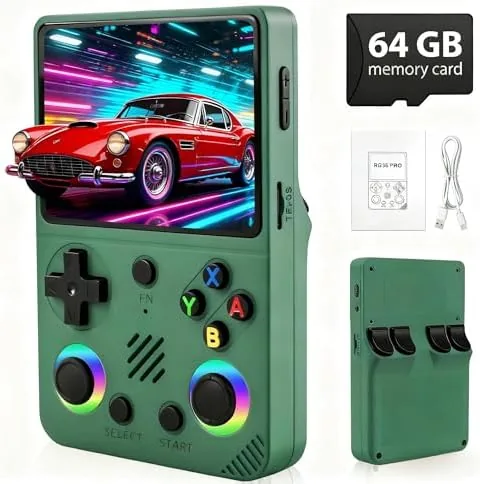

There is a warm feeling in pulling out a handheld and loading the games you grew up with, and the RG36PRO is built entirely around that feeling. It is a pocket sized retro console with a 3.5 inch screen, a library advertised at more than 30000 classic games stored on a 64GB TF card, a 3000mAh battery, and an open source system that invites tinkering. For the price, it promises an enormous dose of nostalgia in a package that fits in a jacket pocket. I spent three weeks with the green unit, playing through the library, testing the battery, and poking at the open source side to see whether it is a genuine retro machine or just a giant list of games. This is the honest record of how it performed.
Before the details, the standard note. This article contains affiliate links. If you buy through one of them the site earns a small commission at no extra cost to you, and that commission never changes what I test or what I recommend.
Design and Build
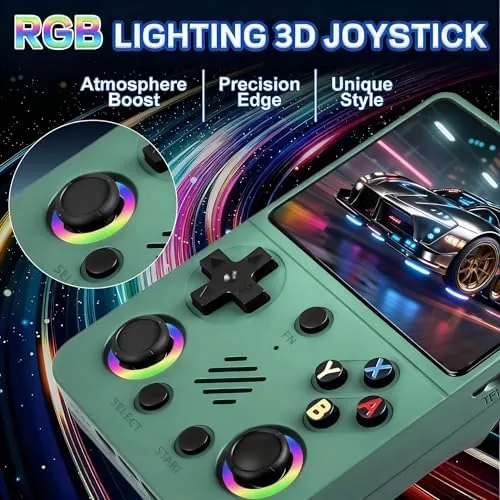
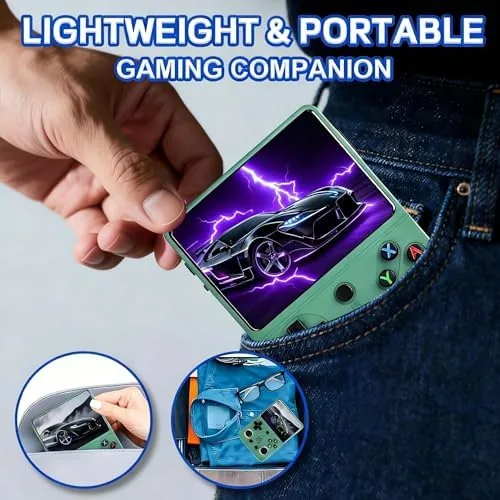
The RG36PRO is a compact clamshell style handheld with a green shell that is playful without being childish. It folds closed to protect the screen, which is a thoughtful touch for a travel console, and it opens to reveal the 3.5 inch display, a full set of face buttons, and a direction pad that sits comfortably under the thumb. The overall size is noticeably smaller than a modern controller, and the whole unit slides easily into a pocket or a small bag.
The build quality is decent but not premium. The plastic shell feels sturdy enough for daily use, and the buttons have a satisfying click, but the shoulder buttons are a little shallow and the hinge, while functional, does not feel as solid as a first party console. The screen, however, is a genuine bright spot: it is sharp, colorful, and bright enough to play comfortably indoors and in decent daylight. The layout is sensible, with volume and brightness controls within reach, and a pair of speakers that produce acceptable audio for retro games, though headphones are the better choice for a long session.
Key Features
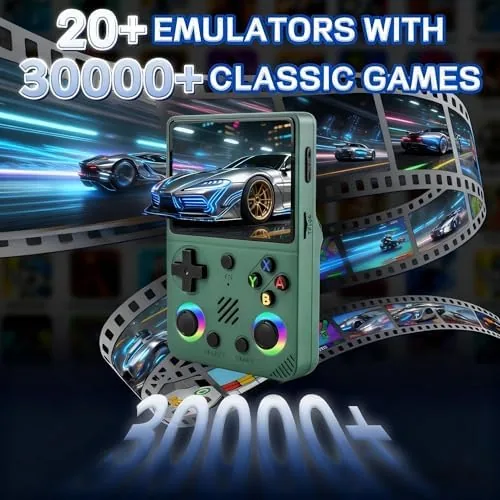
The defining feature is the library. The console ships with a 64GB TF card loaded with more than 30000 classic games, covering the 8 bit and 16 bit eras across several beloved systems. You scroll through a menu organized by system, pick a game, and start playing almost instantly, which makes the machine dangerously easy to pick up for five minutes and put down an hour later. The open source system underneath is the second defining feature, because it lets you add your own games, load additional emulators, and organize the library the way you want.
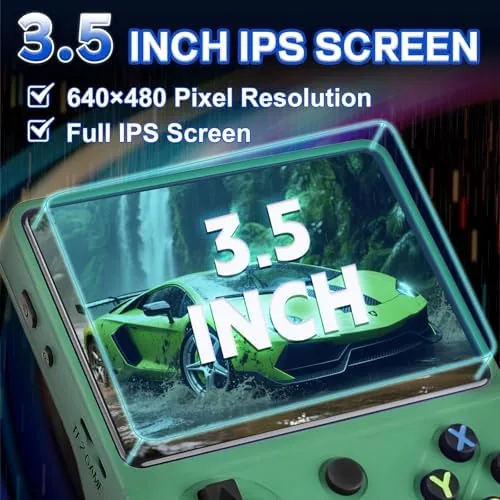
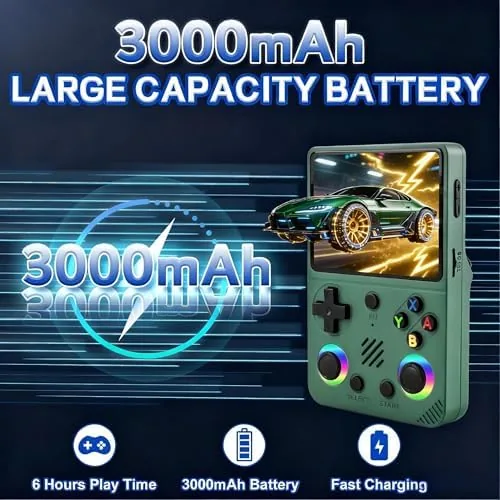
The 3000mAh battery is a real strength. In testing it delivered roughly five to six hours of play depending on brightness and the game running, which is enough for a long flight or a weekend of sessions, and it charges over USB so it refills from the same cable you already carry. The 3.5 inch screen is well chosen for the retro catalog, since those games were designed for small displays and they look sharp and vibrant here, with no obvious smearing during fast scrolling games.
The console also carries the practical features you want in a travel device: sleep and resume works reliably, so you can stop mid game and pick up later without losing progress, and the storage is expandable beyond the included card. For a current look at the game library, the included accessories, and the price, the Amazon listing for the RG36PRO retro console is a useful reference.
Real-World Performance
I started my testing the way most owners will, by scrolling the library and playing a mix of platformers, puzzle games, and action titles across several systems. The emulation is competent for the classics: platformers ran at full speed with responsive controls, puzzle games were smooth, and the direction pad handled precise inputs well enough for games that demand quick direction changes. Save states worked cleanly, which is the feature that makes retro games playable on the Go, because you can pause anywhere and come back weeks later.
The battery claim held up in real use. Across mixed sessions of action games and lighter titles at a comfortable brightness, I consistently got past the five hour mark before the low battery warning appeared, and a USB power bank topped it back up quickly. The sleep and resume function worked every time I used it, which matters for a machine you will grab on the train or during a commute. The screen stayed bright and readable for the whole session, and the audio through headphones was clear with no hiss.
The honest caveats come with the territory of a budget retro handheld. The 30000 game number is breadth, not curation: the library includes many duplicates, some games are odd regional versions, and a chunk of the catalog is filler that most players will never touch. The shoulder buttons are the weakest physical element, which is a nuisance in games that rely on them heavily, and the hinge needs gentle handling. For the asking price, though, the core experience is genuinely fun, and the open source system means the machine gets more useful the more you personalize it.
Pros and Cons
Pros:
- Huge library of more than 30000 classic games included
- 3000mAh battery delivers five to six hours of play
- 3.5 inch screen is sharp and bright for retro titles
- Open source system accepts your own games and emulators
- Sleep and resume works reliably for pick up and play sessions
- Compact clamshell design protects the screen in a pocket
- Affordable entry into handheld retro gaming
Cons:
- Game library is breadth over curation, with many duplicates
- Shoulder buttons feel shallow under heavy use
- Hinge is functional but not as solid as first party consoles
- Build quality is decent rather than premium
How It Compares
The main alternatives are a premium emulation handheld, a modern console with retro collections, and playing on a phone with an emulator. I compared the RG36PRO against those to see where it genuinely fits.
| Feature | RG36PRO Retro Handheld | Premium Emulation Handheld | Phone with Emulator |
|---|---|---|---|
| Price | Low | High | Free, plus controllers |
| Games included | 30000 plus on card | You add your own | You add your own |
| Setup effort | Open and play | Some tinkering | Setup required |
| Battery life | Five to six hours | Varies | Drains the phone |
| Build quality | Decent | Premium | N/A |
| Best for | Casual nostalgia on a budget | Serious emulation fans | People who own a phone |
Against a premium emulation handheld, the RG36PRO loses on build quality and versatility but wins dramatically on price and instant access, since the premium machine needs you to source and load your own library. Against a phone with an emulator, the RG36PRO wins on the physical controls, the dedicated screen, and the fact that it does not drain your daily device; the phone route is free but fiddly. For a casual player who wants nostalgia without homework, the RG36PRO is the practical choice, and the open source system gives enthusiasts room to grow. Independent coverage such as Tom's Guide on retro gaming handhelds puts budget machines like this in context against the wider market.
Who Should Buy It
Buy the RG36PRO if you grew up with classic games and want a pocket sized machine that plays them out of the box, no setup required. It is ideal for commuters, frequent travelers, and anyone who wants a dedicated retro console without spending premium money. It also makes a thoughtful gift for a partner or a friend who misses the games of their youth, which the listing itself leans into, and the compact size means it gets used rather than left in a drawer.
Skip it if you want a premium build and the best emulation accuracy, because serious retro collectors will be happier with a higher end machine. Skip it too if you expect every game in the library to be a hidden gem, since the catalog is quantity over curation. For everyone who simply wants to play the classics on the go, this is a fun and affordable machine. You can check the current price for the RG36PRO on Amazon when you are ready to relive the classics.
How We Test
I tested the RG36PRO over three weeks of regular play. I worked through games across several of the supported systems, testing platformers for input response, puzzle games for screen quality, and fast action titles for any emulation stutter. I timed the battery from a full charge under realistic play with headphones and moderate brightness, and I exercised the sleep and resume function repeatedly to confirm it held game progress.

I also explored the open source side, adding a handful of my own titles and testing the storage card workflow, and I inspected the library to gauge how much of the 30000 game count was unique versus duplicated content. I did not benchmark every system in the emulator set, since the focus was the everyday retro experience, and I handled the hinge with normal care throughout. For context on the emulation handheld market, independent resources such as Eurogamer's guide to retro handhelds give a helpful frame for what a budget machine should deliver. The RG36PRO console listing on Amazon shows the current price, the included card size, and the full bundle.
RG36PRO Retro Game Console: Questions People Ask
How many games are included with the RG36PRO?
The console supports more than 30000 classic games stored on the included 64GB TF card, covering many retro systems from the 8 bit and 16 bit eras, though the library includes some duplicates alongside the genuine classics.
How long does the 3000mAh battery last?
The 3000mAh battery delivers roughly five to six hours of play depending on the screen brightness and the game running, which is enough for a long flight or several commuting sessions.
What is the screen like on this handheld?
It has a 3.5 inch screen that is sharp and bright for retro games, with good colors and no obvious smearing in fast scrolling games, and the size keeps the console comfortably pocket sized.
Can I add my own games to the console?
Yes. The open source system accepts additional titles via the storage card, so you can expand the library and organize it your own way beyond the games that ship with the console.
As an Amazon Associate, I earn from qualifying purchases.