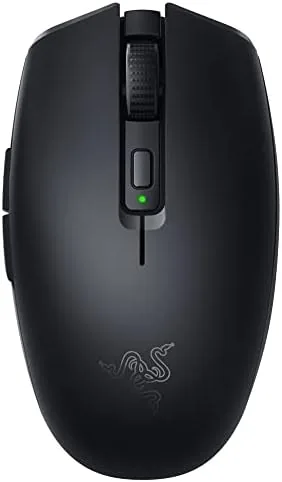

Most Wireless Gaming mice solve one problem and create another. They cut the cable, then they demand a charging cradle, a heavy battery, or a large case that refuses to fit in a laptop bag. The Razer Orochi V2 takes a different route. It is a 60 gram mouse powered by a single AA or AAA battery, rated for up to 950 hours of use, and small enough to slide into a side pocket with the receiver tucked inside. That combination makes it as interesting to someone who spends their day in spreadsheets as it is to a competitive player, which is why I tested it as both a work mouse and a Gaming Mouse for a full month.
Before the details, the standard disclosure. This article contains affiliate links, and if you buy through one of them the site earns a small commission at no extra cost to you. That commission never changes what I test or what I recommend.
Design and Build
The Orochi V2 is an egg shaped mouse, smooth at the back and gently tapered at the front, finished in a matte black plastic that stays grippy without collecting fingerprints. At 60 grams it is genuinely light; you notice it the moment you pick it up, because your hand expects the weight of a traditional gaming mouse and gets almost nothing. The build is solid for the weight class, with no creaking when I pressed the shell during quick flicks.
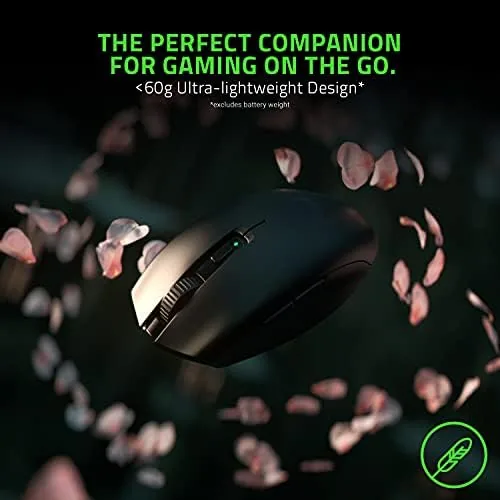
The layout is conventional and that is a compliment. Two main buttons sit on top, flanking a tactile scroll wheel and a single DPI button, with two side buttons on the left edge for a right handed grip. The battery tray is a clever piece of design. It sits inside the shell under a sliding door and accepts either a single AA or a single AAA battery, which means you can choose a heavier cell for longer runtime or a lighter one for a few grams of extra agility.
The battery compartment door slides off with a light press, and the tray inside accepts the cell in either orientation, so you never have to hunt for a diagram in a dim room before a session. The receiver slot hides behind the same door, which means the whole mouse travels as a single piece with nothing to lose, and the small storage nook also holds a spare battery for the traveler who refuses to ever be caught short.
Key Features
The 18K DPI optical sensor is the headline spec, and it pairs with the lightweight body to produce the fast, precise tracking that competitive players want. On a standard mouse pad it tracked without spinouts or smoothing artifacts, and the 2.4GHz receiver delivered a connection that felt indistinguishable from a wired mouse in fast paced titles.
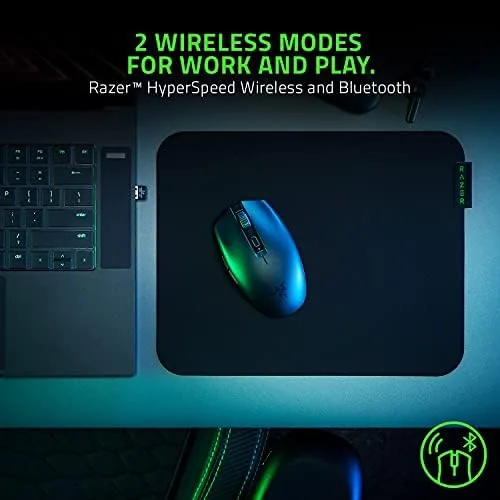
Connectivity is the second feature that sets it apart. The Orochi V2 can run over Bluetooth, which is ideal for pairing with a laptop or tablet, or over its own 2.4GHz wireless receiver with a switch on the underside to move between modes. The receiver slots into a hidden compartment inside the mouse, so nothing gets lost in a bag. If you want to compare the current price against other lightweight wireless mice, the Amazon listing for the Razer Orochi V2 is a good reference point.
Real-World Performance
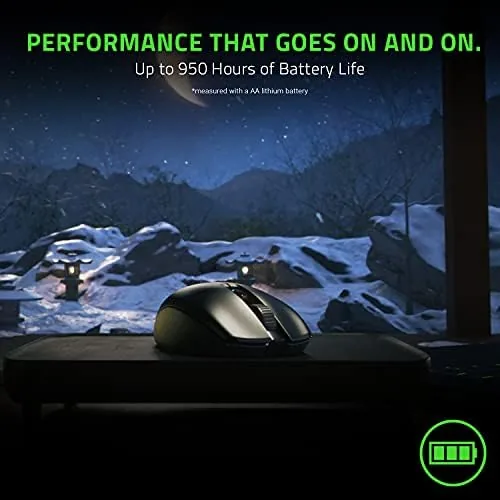
I spent the first two weeks using the Orochi V2 as a daily work mouse. The compact shape worked well for long document sessions and spreadsheet work, and the light weight made small cursor corrections feel effortless. The battery anxiety that follows most wireless mice never appeared. After two weeks of eight hour days on the 2.4GHz receiver, the AA battery still read as nearly full, which made the rated 950 hour figure feel like marketing rather than fantasy.
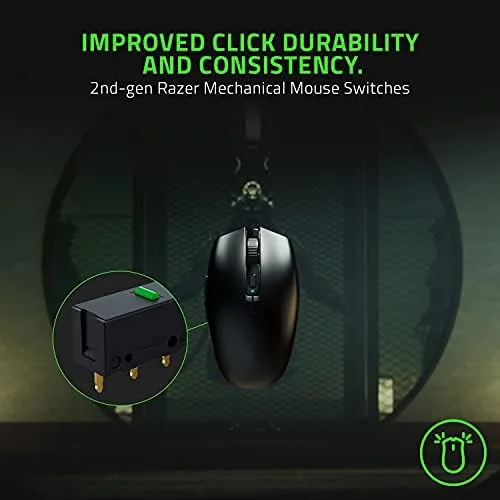
Switching to gaming, I ran the mouse through a mix of first person shooters, strategy titles, and fast paced arena games. The sensor tracked high speed swipes without losing the cursor, and the light body let me reposition the mouse quickly between flicks. The two side buttons were easy to reach without changing grip, and the main buttons had a crisp, audible click that made rapid firing feel deliberate.
For a work and game hybrid role, the Orochi V2 is a rare find. I paired it with a tablet over Bluetooth on a long journey, and it connected without a cable or a dongle, which is something most dedicated gaming mice cannot do. The single DPI button cycling through sensitivity presets also proved useful for jumping between a fine cursor in a presentation and a fast sensitivity in a shooter, all without opening any software.
The tradeoffs came from the shape. The Orochi V2 suits small and medium hands with a claw or fingertip grip, but a full palm grip on a larger hand leaves the pinky hanging off the edge. The scroll wheel also trades feel for weight; it is functional and quiet, but it lacks the notched precision of the wheels on larger Razer mice. Neither issue affects the value, because the mouse sells for far less than its battery life suggests it should.
Pros and Cons
Pros:
- 60 gram body is genuinely light for daily use
- Rated 950 hour battery on a single AA or AAA cell
- Bluetooth and 2.4GHz with a hidden receiver slot
- 18K DPI sensor tracks fast without spinouts
- Works on Windows and macOS out of the box
Cons:
- Compact shape suits small and medium hands best
- Scroll wheel feels light compared to larger Razer mice
- No RGB lighting for those who want a lit desk
How It Compares
Lightweight wireless mice now form a crowded category, so I compared the Orochi V2 against two popular rivals: the Logitech G305 Lightspeed and the Corsair Katar Pro XT. Each offers a different balance of weight, battery, and price.
| Feature | Razer Orochi V2 | Logitech G305 | Corsair Katar Pro XT |
|---|---|---|---|
| Weight | 60 grams | 99 grams | 69 grams |
| Sensor | 18K DPI | 12K HERO | 18K DPI |
| Battery | 950 hours, AA or AAA | 250 hours, AA | 110 hours, wired |
| Connectivity | Bluetooth and 2.4GHz | 2.4GHz only | Wired |
| Onboard storage | Yes | Yes | Yes |
Against the G305, the Orochi V2 wins on weight, on battery life, and on having Bluetooth as an option for connecting to tablets and phones. The G305 counters with a slightly larger shape that suits more hands and a longer track record. The Katar Pro XT is lighter on the spec sheet, but it is a wired mouse, which removes it from the conversation for anyone who values a clean desk. For the combination of portability, battery, and price, the Orochi V2 is the one I kept in my bag.
Who Should Buy It
Buy the Orochi V2 if you work on a laptop during the day and game at night, if you want a mouse you never have to charge, or if a light, small mouse suits your grip. It is an easy recommendation for students, for people who move between desks, and for anyone who has grown tired of hunting for a charging cable at the end of a session.

Skip it if you have large hands and need a full palm grip, or if RGB lighting and a heavy, premium feel matter more than weight. For everyone else this is one of the best value wireless mice around, and you can check the current price of the Orochi V2 on Amazon when you are ready to buy.
How We Test
I used the Orochi V2 for a month in three roles: a daily work mouse, a gaming mouse in competitive titles, and a travel mouse paired to a laptop over Bluetooth. I tracked battery life on the 2.4GHz receiver and separately on Bluetooth, and I measured sensor behavior during fast swipes and long aim sessions.
I also tested the receiver storage, the battery tray with both AA and AAA cells, and the onboard memory that keeps settings after the mouse moves between machines. I did not test it in a hot, humid environment for weeks at a time, nor did I use it for marathon sessions beyond about four hours. Independent testing such as the PCMag review of the Razer Orochi V2 offers a second opinion on the same sensor and battery claims.
Questions People Ask
How long does the Orochi V2 battery really last?
In real use with the 2.4GHz receiver, a single AA battery lasted close to the rated figure across daily office work, and the Bluetooth mode stretched the runtime even further. Two weeks of eight hour days barely moved the battery indicator.
Can the Orochi V2 run on AA and AAA batteries?
Yes. The battery tray accepts either a single AA or a single AAA cell, which lets you trade a little weight against a little runtime depending on the battery you insert.
Is the Orochi V2 good for small hands?
Yes. The compact egg shape and 60 gram weight suit small and medium hands with a claw or fingertip grip, while larger palms may find the body too small for a full palm hold.
Does the Orochi V2 work with a Mac?
Yes. The mouse connects over Bluetooth or with the included wireless receiver, and it works with macOS for both productivity and gaming use without extra drivers.
As an Amazon Associate, I earn from qualifying purchases.