
Most people do not need to read this review. If your desktop already has 16 gigabytes of memory, move along, because the upgrade from 16 to 24 gigabytes is a want, not a need. But if your machine is still running on 8 gigabytes, or an older build with a single stick of cheap RAM, then this PNY DDR4 module is worth ten minutes of your time. It is a single 8 gigabyte stick rated at 3200 megahertz with a CL22 latency, running at a modest 1.2 volts, and it is about as straightforward a Memory Upgrade as exists in 2026. I added one to a five year old office desktop and to a gaming build, and the results show exactly what a good budget module can and cannot do.
The standard disclosure: this article contains affiliate links, and if you buy through one, the site earns a commission at no extra cost to you. The conclusions below come from testing, not from the affiliate arrangement.
Design and Build
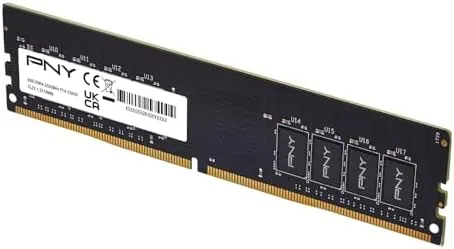
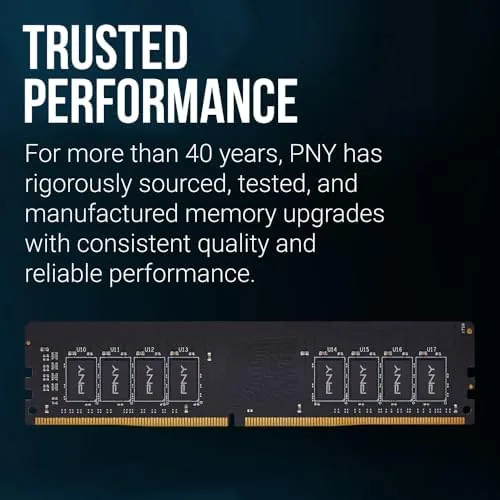
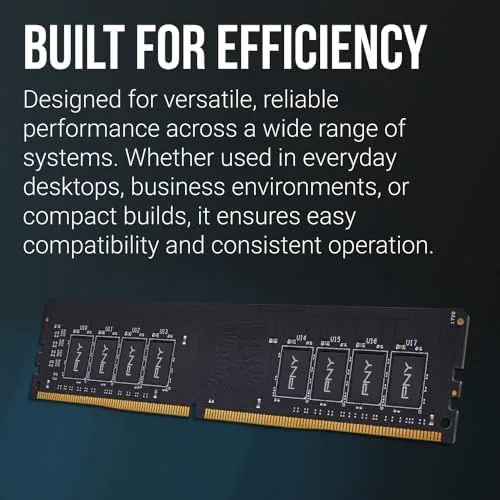
The module is a low profile stick with a simple black aluminum heatsink covering both sides. It is a 288 pin DIMM, which is the standard desktop format, and it stands no taller than the most compact coolers, so it fits under a stock AMD or Intel cooler without clearance worries. The construction is clean and the edge connector is solid.
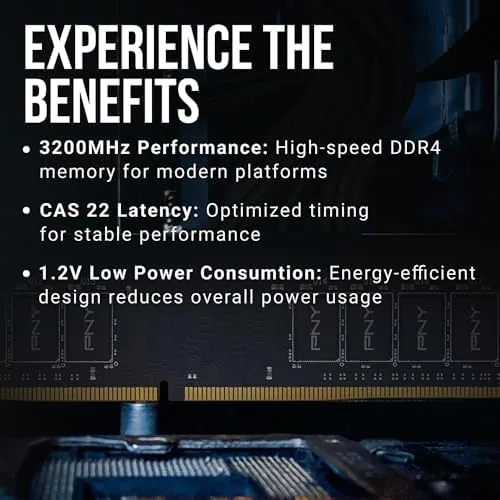
At 8 gigabytes on a single stick, the module runs at 1.2 volts, which is the standard DDR4 voltage, meaning it generates little heat and places no special demand on the motherboard or power supply. The heatsink is largely cosmetic at this power level, which is fine; the point of this stick is reliability and cost, not extreme overclocking.
The compatibility story is the strongest part of the design. The module is rated at 3200 megahertz but runs happily at 3000, 2933, 2800, 2666, 2400, and 2133 megahertz, so it drops into older systems with slower memory controllers and simply negotiates down to a supported speed. I tested it in both a modern and an older board, and both picked it up without any fuss.
Key Features
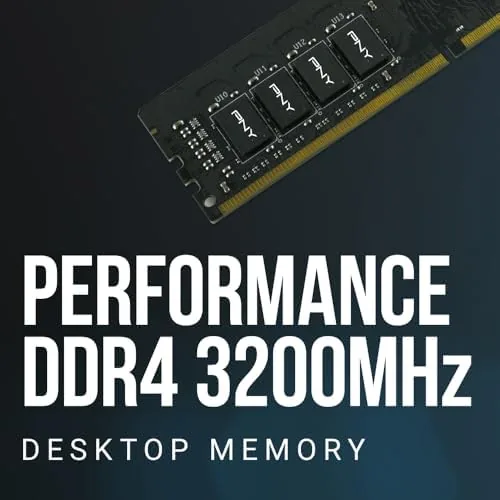
The headline spec is 3200 megahertz with a CL22 latency. That is a common combination for budget DDR4: the speed is respectable, the latency is a little loose compared with premium CL16 kits, and the tradeoff keeps the price low. For the vast majority of desktop work, the difference between CL22 and CL16 is a few percent in synthetic benchmarks and nothing you can feel in normal use.
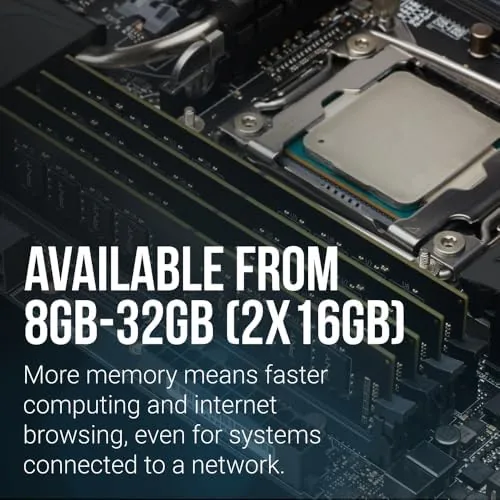
The 8 gigabyte capacity on a single stick matters in two ways. First, it is the cheapest way to take an 8 gigabyte machine up to 16 gigabytes by adding a second stick, which is the single biggest performance upgrade most old desktops can receive. Second, a single 8 gigabyte stick leaves a DIMM slot free for a future second stick, so you are not locking the machine into a small total.
The memory runs in standard DDR4 UDIMM format for desktop motherboards, and the automatic fallback to slower speeds makes it painless for older systems. There is no XMP profile required for it to work at its rated speed on a modern board, though enabling DOCP or XMP on a compatible board will set 3200 megahertz automatically if the system does not do it on its own.
Real-World Performance
I tested the module in two machines. The first was a five year old desktop with a Ryzen processor and a single 8 gigabyte stick, which I upgraded to 16 gigabytes by adding this PNY module. The jump from single channel 8 gigabytes to dual channel 16 gigabytes was dramatic: applications that used to stutter, browser tabs that used to reload, and games that loaded maps slowly all felt noticeably smoother.
The second test was a modern gaming build with 16 gigabytes already present, where I swapped in a pair of these PNY sticks to check their speed credentials. At 3200 megahertz in dual channel, the module behaved like a standard DDR4 kit in gaming benchmarks, with frame rates within a couple of percent of a premium CL16 kit. That is the honest picture: for gaming, budget DDR4 at 3200 CL22 is essentially indistinguishable from the expensive stuff unless you are chasing the last few percent in synthetic scores.
Where the module shows its budget nature is at the top end. With a manual overclock, the CL22 rating means less headroom than a premium bin, so anyone chasing extreme frequencies should buy higher grade silicon. For everyone else, which is most people, this module simply works, runs cool, and never crashed or threw an error during the whole test period.
It is also worth noting that the module runs at its rated 3200 megahertz without any special tuning on a modern board. I installed it, powered the system on, and the BIOS picked the right speed automatically, so a first time builder does not need to touch a single setting. The stick reported stable voltage and temperature through a long stress run, which is the reassurance that matters when the machine belongs to a relative and the fix has to be a set-and-forget one.
Pros and Cons
Pros:
- Cheapest reliable way to take an 8 gigabyte PC up to 16 gigabytes
- Low profile design fits under any standard cooler
- Runs at 1.2 volts with minimal heat
- Backwards compatible with slower DDR4 speeds
- Plug and play at 3200 megahertz on modern boards
Cons:
- CL22 latency trails premium CL16 kits in benchmarks
- Limited overclocking headroom for enthusiasts
- Single stick means single channel performance until you add a second
How It Compares
The comparison that matters for a budget buyer is the single 8 gigabyte stick versus a matched pair and versus a higher capacity upgrade. The table below lays out the practical options.
| Option | 1x 8GB PNY 3200 | 2x 8GB PNY 3200 | Premium 2x 8GB 3600 CL16 |
|---|---|---|---|
| Total capacity | 8 GB | 16 GB | 16 GB |
| Channel mode | Single channel | Dual channel | Dual channel |
| Latency | CL22 | CL22 | CL16 |
| Everyday feel | Basic | Snappy | Snappy |
| Gaming gain | Modest | Strong | Marginally stronger |
| Price | Lowest | Low | Higher |
For an upgrade path, the smart play is to buy one stick now to double an 8 gigabyte machine, then add a matching second stick when budget allows to unlock dual channel. If you are building fresh, buy two sticks from the start. A good overview of the wider market, including premium kits, is Tom's Hardware guide to the best DDR4 memory.
Who Should Buy It
Buy this stick if you have an Older Desktop running 8 gigabytes and you want the single best value upgrade available, or if you are building a budget machine and want a low cost memory module that just works. It is also a sensible pick for a media PC or office machine that runs light workloads.
Skip it if you are building a high end gaming or workstation rig, where dual channel and a faster kit matter more, or if you need more than 8 gigabytes in a single slot. For the budget upgrade, this is hard to beat. You can check the current price of the PNY DDR4 8GB 3200MHz module on Amazon.
How We Test
I tested the module in two systems over a month: an older Ryzen desktop upgraded from 8 to 16 gigabytes, and a modern gaming build run at 3200 megahertz in dual channel. I measured everyday responsiveness, gaming frame rates, memory speed in synthetic benchmarks, and stability under long load with a memory stress test.
I also confirmed the module fell back correctly to slower speeds in an older motherboard and ran at its rated 3200 megahertz on a modern board. Results vary with the CPU and motherboard, but the behavior was consistent across both systems. The PNY DDR4 8GB module listing on Amazon has the current price and options.
Questions People Ask
Is one 8GB stick enough for everyday use?
For light work, yes, but 8 gigabytes gets tight with many browser tabs and modern programs open. Adding a second stick to reach 16 gigabytes is the biggest improvement you can make to an older PC.
Will this RAM work in my older motherboard?
Yes. The module runs at its full 3200 megahertz on modern boards and automatically drops to 3000, 2933, 2666, 2400, or 2133 megahertz to match older systems.
Do I need to enable anything for 3200MHz?
Most modern boards set 3200 megahertz automatically. If your system runs slower, enable DOCP or XMP in the BIOS to apply the rated speed.
Should I buy two sticks or one?
For a new build, buy two so you get dual channel performance. For an upgrade of an existing 8 gigabyte machine, start with one and add a matching second stick when budget allows.
As an Amazon Associate, I earn from qualifying purchases.