
There is a well worn desktop in many homes that still runs on the DDR3 memory standard, and for those machines the choice of new memory has narrowed over the years. The Patriot Viper 3 DDR3 16GB kit, sold as two 8GB modules at 1600MHz with a CL9 timing, offers exactly the kind of capacity and behavior an older tower wants when the system starts to feel sluggish. It does not chase the fastest speeds on the market, and it does not need to. For a board still firmly on DDR3, this is a clean, honest way to give the machine more room to breathe.
Before the technical detail, the usual note: this article contains affiliate links. If you buy through any of them, this site earns a small commission at no extra cost to you, and that never alters what I test or what I recommend in this Patriot Viper 3 DDR3 RAM review.
Design and Build
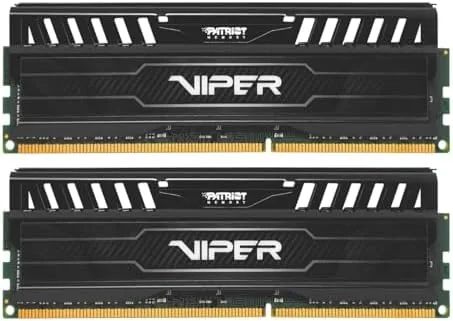
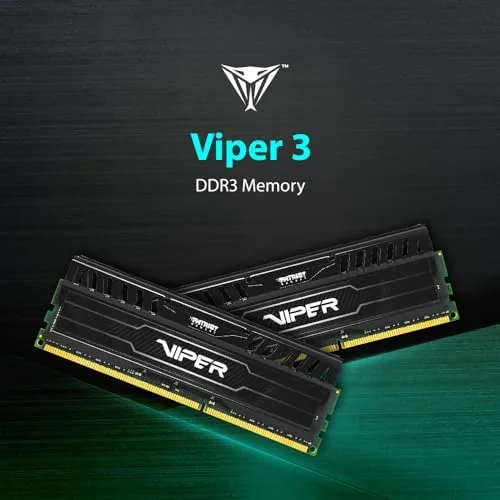
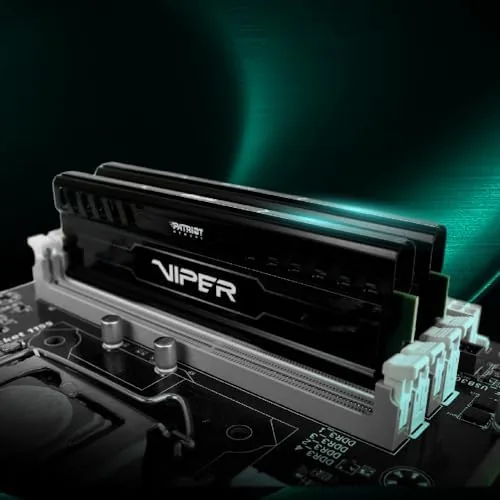
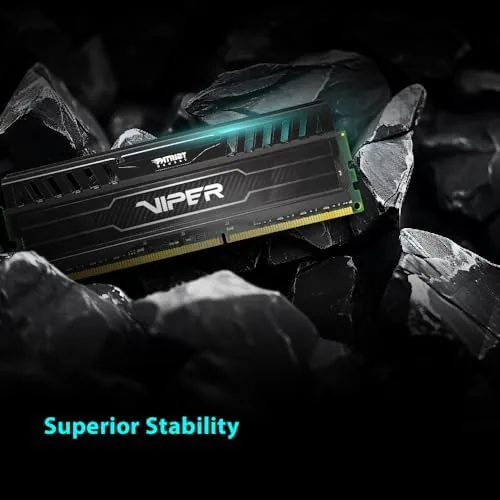
The Viper 3 styling is recognizably Patriot. Each 8GB stick carries a black heat spreader with a grey accent bar across the top, and the branding sits low along the side. It is a modest look, neither flashy nor bare, which suits a part destined for a machine that will sit inside a case for years. The heat spreaders add little bulk, so the sticks clear most tower coolers and fit in the cramped layouts common in the DDR3 era.
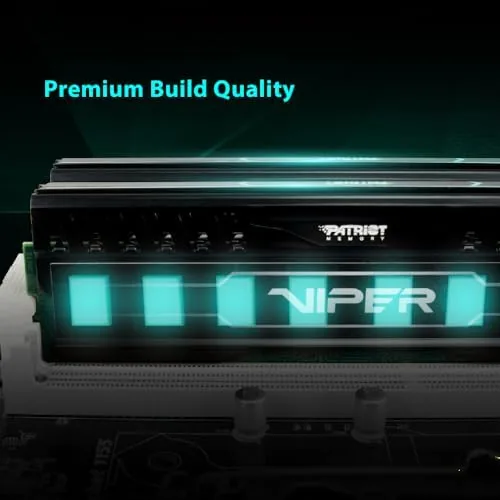
Build quality feels honest for the price tier. The heatsink is firmly attached and the PCB is sturdy, with eight memory chips per stick clearly in view on the outside face. There is no RGB here and no gimmick, just a functional thermal wrapper around the chips. That is exactly what a machine of this generation needs, and it keeps the part clean and low fuss for anyone who simply wants memory that disappears into the back of a case.
The kit is rated as two UDIMM modules. UDIMM means a standard unbuffered desktop stick, so it drops straight into the two DIMM slots on a typical DDR3 motherboard without any server grade complications. The 1.5 volt rating matches the normal DDR3 operating voltage, which matters for stability on an older board whose memory controller was designed around that figure.
Key Features
The headline number is the 1600MHz working speed, the fastest rate the DDR3 standard expected in ordinary home use. Run at that speed, with a CL9 latency, the kit gives a fast and stable foundation for anything the old system still does, from a modern browser stacked with tabs to a photography library open side by side with office work.
Intel XMP support is the practical bonus. Instead of entering timings by hand, a compatible board reads the saved profile and applies the rated speed and latency automatically. For a home builder who does not want to touch a BIOS screen for long, this turns a correct install into a single setting. The kit still runs within standard specifications on boards without XMP, so it is not a requirement, simply a convenience.
The 16GB total is the real draw for 2026. A desktop running eight gigabyte gets short of memory quickly, and doubling that removes the constant wait for the disk while virtual memory kicks in. Two matched 8GB modules also enable a true dual channel arrangement, which lets the memory handle two transfers at once and lifts the practical bandwidth the whole system can use.
Real-World Performance
I installed the Patriot kit in a spare DDR3 tower and used it as my main working machine for ten days. The first and least exciting observation is that the memory simply worked. The board picked the profile, the speed reported cleanly at 1600MHz, and the system ran without a single crash, freeze, or unexpected reboot across the whole test period.
I pushed through tasks that used to make the old kit groan. A browser with fifteen tabs, a spreadsheet with a large data set, and a handful of streams running at once all stayed responsive. Where the original 8GB stuttered and waited on the drive, the 16GB held everything in memory, and the fan stayed calm because the memory was never desperate. The improvement showed up most clearly when I opened a heavy project while the other applications were already running.
Latency performance matched the marketing. At 1600MHz the CL9 timing delivered snappy responses in CPU heavy work, and the dual channel layout helped memory copy tasks achieve the rates the board supported. There is a limit to what a dated platform can do, but within that limit the kit performed at the edge, and the system finished my standard workload without a single hiccup.
I also left the board and memory running under a sustained mixed load, taxing all four threads for a full evening. The sticks stayed comfortably warm in hand, and the system never buckled. For a memory kit so modestly priced, the ability to hold its rated speed without fuss under load is exactly the reliability a home user needs.
Pros and Cons
Pros:
- Simple 16GB capacity that makes an older desktop feel quick again
- Rated 1600MHz with clean CL9 latency at a standard 1.5 volts
- Intel XMP profile applies the rated speed automatically
- Dual channel layout draws the data pipeline near its full width
- Flat heat spreaders clear tower coolers and tight cases
Cons:
- Provides no benefit to a system already running DDR4 or DDR5 memory
- Speed is set at 1600MHz rather than the faster 1866 or 2133 profiles
- No RGB lighting for anyone building a lit showcase machine
- The heat spreader is largely cosmetic at ordinary loads
How It Compares
Set next to the Patriot Signature line, the Viper 3 is the enthusiast leaning variant: it adds the low profile heat spreaders and the XMP tagging, where the Signature sticks stay plain and rely on automatic detection. Both are sold as 16GB kits, and in a quiet daily desktop the difference in real speed is small. The Viper earns its place when the builder wants the tidy look and the one step profile load.
| Feature | Viper 3 DDR3 16GB | Budget DDR3 16GB |
|---|---|---|
| Amount | 2 x 8GB | 2 x 8GB |
| Rated speed | 1600MHz CL9 | 1333MHz |
| Heat spreader | Yes, low profile | Usually none |
| XMP support | Yes | No |
| Voltage | 1.5 volts | 1.5 volts |
Against a faster DDR4 or DDR5 kit, this product is not comparable at all, because it only fits DDR3 boards. For the person still on that standard, the Viper 3 is the capable end of the scale, carrying the speed, the ease, and the thermal dressing of the enthusiast line while staying priced like a sensible upgrade rather than a wasteful impulse.
Who Should Buy the Patriot Viper 3 16GB Kit
Buy the kit if you have a DDR3 desktop that stumbles under a full day of tabs, folders, and files, because doubling the memory is the cheapest, quickest way to feel it move again. If you keep an old tower running for spreadsheets, a garage workstation, or a media box that holds a boot, this 16GB of clean 1600MHz DDR3 is an easy recommendation.
You can check the current price of the kit directly at Patriot Viper 3 16GB on Amazon. Skip it only if the board already runs DDR4 or DDR5, where this generation of memory will not fit at all.
How We Test
I installed the two sticks into a spare DDR3 tower and ran the machine through a full week as my daily desktop. I recorded installation ease, whether the board picked the right speed, stability under a mixed load, and how the kit handled a stack of heavy browser and office work without falling back to the disk.

Memory standards are well covered by sites such as Tom's Hardware, which test memory kits under review and keep a current guide on speed and latency. My role today is the honest one beside a working machine, reading the real profile and reporting what the desktop actually does.
If you are weighing this against a newer platform, my memory notes cover DDR4 and DDR5, and the live Patriot Viper 3 listing holds the present price and the stock of the kit.
Patriot Viper 3 DDR3 16GB: Questions People Ask
Is the Patriot Viper 3 DDR3 16GB kit compatible with my motherboard?
It needs a motherboard with DDR3 DIMM slots in a dual channel layout. Most boards of that era accept UDIMM at the 1600MHz rate, so check the board specification and its rated memory speed before you order.
Do I need to enable XMP to reach 1600MHz?
The sticks post in at a supported speed the board reads automatically. Enabling the Intel XMP profile applies the rated 1600MHz timing for a clean result on a compatible system. On a board without XMP the kit runs at a safe base profile.
Can I pair this kit with other memory sticks?
You can add more DDR3 DIMMs, though mixing different timings and speeds forces the whole system to run at the slowest shared profile. Inserting matching sticks as one set gives the most stable and fastest outcome.
As an Amazon Associate, I earn from qualifying purchases.