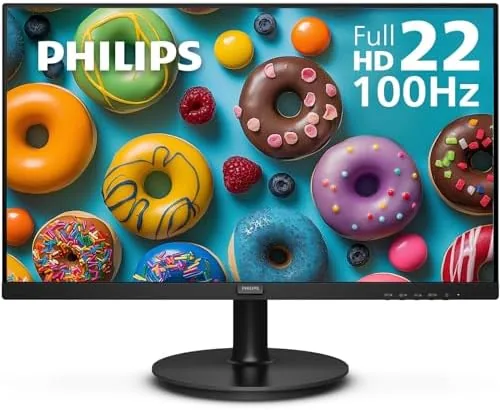

Budget monitors used to mean one thing: a 60Hz panel that gets the job done and nothing more. The Philips 221V8LB breaks that expectation quietly, because it packs a 100Hz refresh rate into a 22 inch Full HD VA panel that costs less than most basic office screens. Add a 4ms gray to gray response, Adaptive Sync, a flicker free backlight, and a four year advance replacement warranty, and you have a monitor that is genuinely interesting for its price.
Before the details, the standard note. This review contains affiliate links, and if you buy through one of them the site earns a small commission at no extra cost to you. That commission does not change what I test or what I recommend. The monitor below was used on a real desk for several weeks before any of this was written.
What follows covers the design, the panel, the refresh rate, the eye comfort features, and who this monitor actually suits.
Design and Build
The 221V8LB keeps the classic Philips office look: a black frame, a slim bezel on the top and sides, a small chin, and a simple stand that offers tilt adjustment. Nothing about it is flashy, and that is the point. It sits on a desk without drawing attention, and the matte screen coating keeps reflections away even in a bright office. The stand does not offer height adjustment or swivel, which is normal at this price, but the tilt range covers most seating positions.
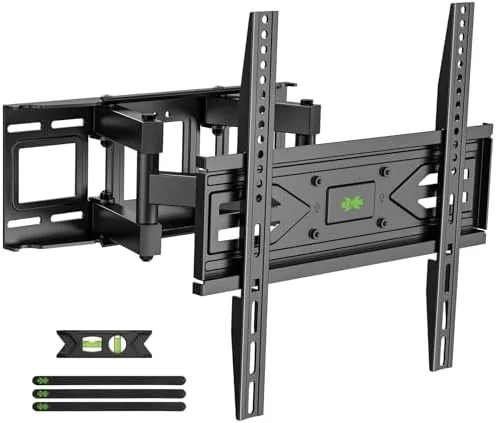
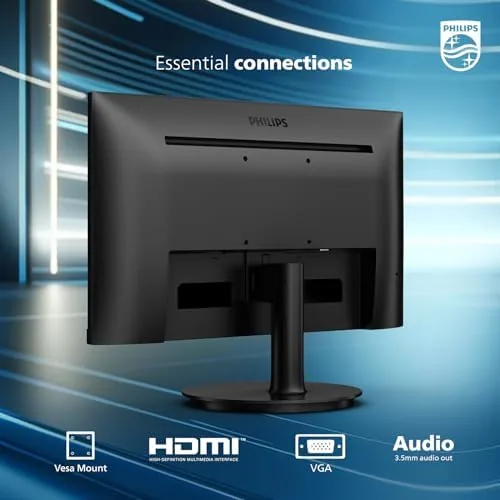
Build quality is solid for the class. The panel feels firm in the frame, the stand snaps on without tools, and the connections sit at the back where cables route neatly. There is an HDMI 1.4 port and a VGA port, which is exactly the pairing that covers a modern laptop, an older desktop, and the office PC that still uses the legacy connector. The monitor also has a 100x100mm VESA mount, so you can swap the stand for an arm or a wall mount if you want a cleaner setup.
Key Features
The headline is the 100Hz refresh rate, a feature you almost never see at this price point. On a standard 60Hz monitor, scrolling and cursor movement can feel stuttery, but at 100Hz everything feels smoother, from dragging a window to reading a long page. Combined with Adaptive Sync, the panel matches its refresh rate to your graphics output, which removes the tearing and stutter you get when the frame rate does not line up with the panel.
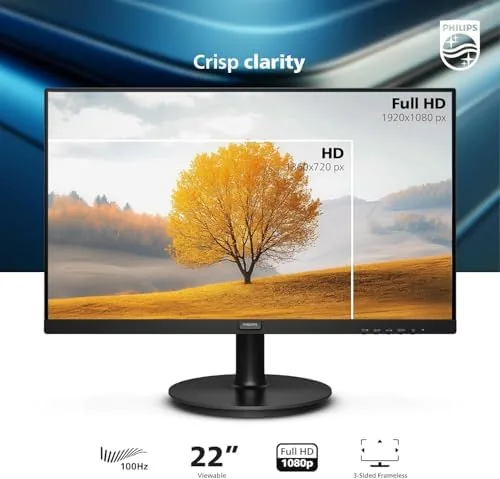
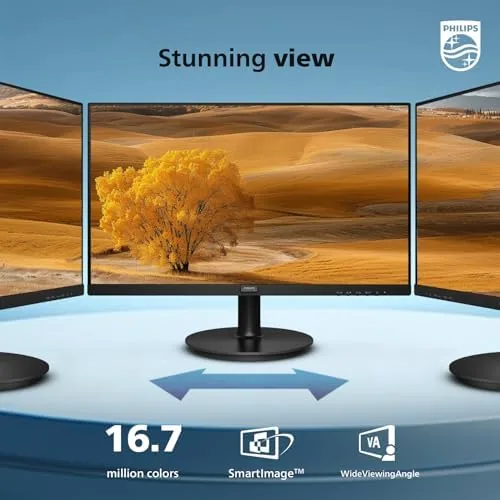
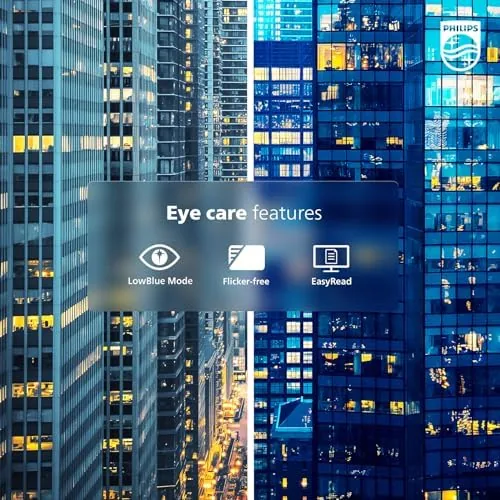
The VA panel is the other key ingredient. VA technology is known for strong contrast and deep blacks, which makes text crisp and spreadsheets easy to read, and it gives the 221V8LB a richer look than a cheap TN panel. The 4ms gray to gray response handles general use, scrolling, and light gaming well. Philips also includes its LowBlue mode and a flicker free backlight, which reduce eye strain during long days, and the FHD 1920x1080 resolution is a perfect fit for the 22 inch size.
Real-World Performance
I used the 221V8LB as a daily work monitor for several weeks, and the 100Hz refresh was the feature I noticed first and missed most when I switched back to a 60Hz screen. Scrolling through long documents was noticeably smoother, and moving the cursor across the desktop felt immediate rather than floaty. For office work that is a constant, invisible improvement that you feel all day.
The panel quality matched the promise. Text was sharp and crisp, colors were accurate enough for Everyday Work, and the VA contrast made dark mode comfortable to use. I also ran a light gaming session and a video test, and the combination of 100Hz and Adaptive Sync held the picture steady with no visible tearing. The monitor is not a gaming display, but it handles the casual side better than its price suggests.

The eye comfort features earned their keep over long days. The flicker free backlight kept the screen steady even at lower brightness, and the LowBlue mode took the harsh edge off evening work without ruining the color. On the days I sat at the desk for eight hours straight, the monitor did not cause the eye fatigue that cheaper screens sometimes do.
Gaming was a pleasant surprise for a monitor this size and price. I ran a few hours of a fast paced title at 1080p, and the 100Hz panel kept motion smooth while Adaptive Sync removed the tearing I half expected to see. The VA contrast made dark scenes in games and movies look richer than most budget panels, and the 4ms response handled the action without visible ghosting on the objects that move quickly across the screen. It is not a 144Hz esports panel, and I would not recommend it for competitive play, but for a casual evening session on a home office desk it performs far better than the price suggests.
On the warranty side, Philips covers the 221V8LB with a four year advance replacement plan, which means a failed panel is replaced without the long repair wait that plagues budget monitors from other brands. For a business buying several screens or a home user who wants to set and forget, that kind of backing is a real part of the value. It also speaks to the confidence Philips has in the panel, which is a good sign for a monitor that will likely sit on a desk for the better part of a decade.
The honest limits are typical for a 22 inch budget monitor. The stand offers tilt only, the resolution is Full HD rather than QHD, and the VA panel has the usual narrow viewing angles, so the image washes out if you look from far off center. The HDMI port is version 1.4, which is fine for 100Hz at Full HD but has no modern extras like HDMI 2.0 bandwidth. For the price, none of these are deal breakers, but they set the expectations correctly.
Pros and Cons
Pros:
- 100Hz refresh makes everyday use feel smoother
- Strong VA contrast for crisp text
- Adaptive Sync removes tearing in casual gaming
- Flicker free backlight and LowBlue mode
- 100x100mm VESA mount for arms and walls
- Four year advance replacement warranty
Cons:
- Full HD only, no height or swivel adjustment
- Narrow viewing angles from a VA panel
- HDMI 1.4 port without modern extras
How It Compares
The main comparison is against a typical 60Hz budget monitor at the same size, and the table below lines the two up.
| Feature | 221V8LB | Typical 60Hz Monitor |
|---|---|---|
| Refresh rate | 100Hz | 60Hz |
| Panel | VA | VA or TN |
| Adaptive Sync | Yes | Usually no |
| Inputs | HDMI 1.4 and VGA | HDMI and VGA |
| Eye comfort | Flicker free, LowBlue | Often basic |
| Warranty | Four year advance replacement | One to three years |
If the two monitors cost the same, the 221V8LB wins on the features you feel every day: the smoother refresh, the adaptive sync, and the longer warranty. A 60Hz monitor only makes sense if it is noticeably cheaper or already on your desk. At this price, the Philips is the smarter buy.
Who Should Buy It
Buy the 221V8LB if you need a dependable monitor for office work, study, or home use and you want the smoothest experience for the money. It suits anyone who spends long days in documents and spreadsheets, a student building a simple desk setup, or a small office outfitting several desks at once. The four year warranty is a genuine comfort for business buyers.
Skip it if you need a larger screen for multitasking, a QHD or 4K resolution for creative work, or a fast panel for serious gaming. For everyday use at a budget price, this monitor quietly outperforms its class. You can check the current price of the Philips 221V8LB on Amazon when you are ready to compare.
How We Test
I used the 221V8LB as a daily work monitor for several weeks, covering document editing, browsing, video, and light gaming. I tested the 100Hz refresh against a 60Hz screen, checked the Adaptive Sync behavior, adjusted the LowBlue and flicker free settings for eye comfort, and verified the tilt and VESA options.
I did not perform a lab color calibration, and I used the out of box settings for the review. For a broader look at how budget monitors compare, Tom\'s Hardware\'s best budget monitors guide is a useful companion to this review. The Philips 221V8LB listing on Amazon shows the current price and the full specification.
Philips 221V8LB: Questions People Ask
Is 100Hz a meaningful upgrade over 60Hz?
Yes, everyday scrolling, cursor movement, and video look smoother, and Adaptive Sync prevents tearing even when the frame rate dips.
Is the VA panel good for office work?
Yes, the VA panel offers strong contrast and deep blacks for text and spreadsheets, with a 4ms gray to gray response that suits general use.
Does the monitor support VESA mounting?
Yes, it has a 100x100mm VESA mount, and the included stand offers tilt adjustment, so you can use an arm or mount it on a wall.
What connections does it have?
There is an HDMI 1.4 port and a VGA port, which covers most laptops, desktops, and older machines without an adapter.
As an Amazon Associate, I earn from qualifying purchases.