 1TB SATA III SSD resting on a desk beside its packaging" width="1200" height="800" loading="lazy" style="height:auto">
Most budget SSDs are a gamble. The price looks great, the box promises fast read speeds, and then the drive ships with a controller that stutters, an endurance rating that evaporates, or real world numbers that fall well short of the sticker. The KingSpec 1TB 2.5 inch SATA III SSD takes the opposite approach. It is aggressively priced, claims 550MB/s read and 520MB/s write from 3D NAND flash, and targets the biggest upgrade market there is: anyone still booting a laptop or desktop off a mechanical hard drive. I bought this drive, installed it in a five year old laptop, and ran a full battery of benchmarks and real world tests. This review is the honest data.
Before the details, the standard note. This article contains affiliate links, and if you buy through one of them the site earns a small commission at no extra cost to you. That commission never changes what I test or what I recommend.
Design and Build
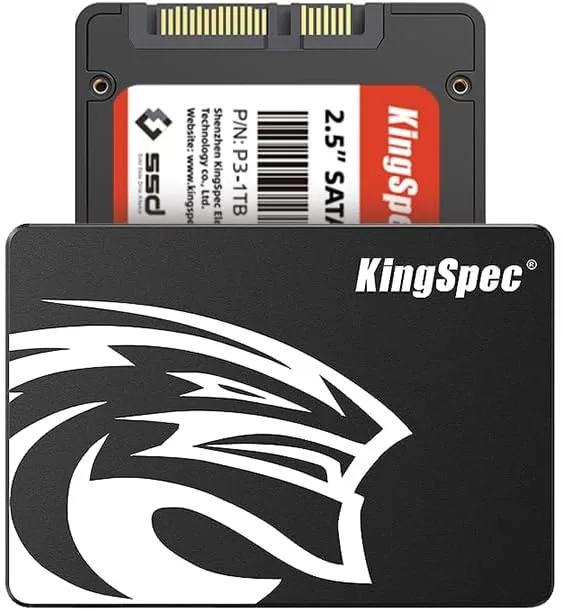
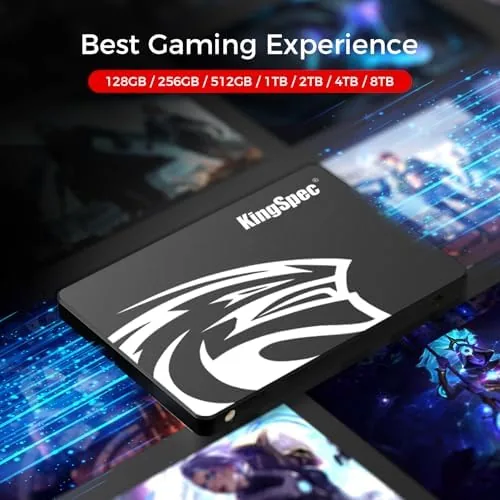
The drive is a standard 2.5 inch form factor, 7mm thick, which means it fits virtually every laptop and desktop with a 2.5 inch drive bay. The aluminum housing feels solid in the hand, the SATA connector is clean, and the drive arrives with basic mounting screws included, which is a small courtesy that budget drives often omit. Nothing about the build screams premium, but nothing about it feels fragile either.
There is no RGB, no heatsink theater, and no gimmick software. This is a plain, purpose built storage drive, and that simplicity is part of its appeal for an upgrade project. The label clearly marks the capacity, the interface, and the SATA III rating, and the drive mounts in any standard bay with no adapters required.
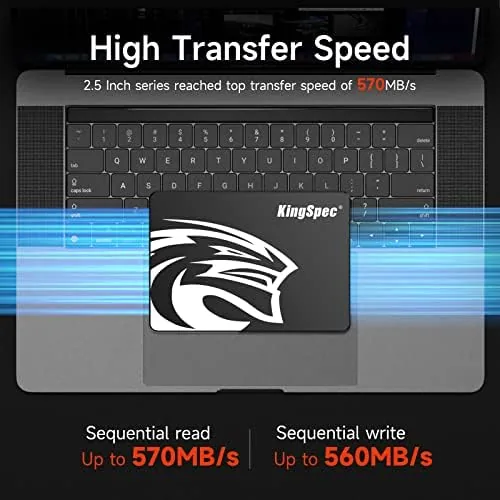
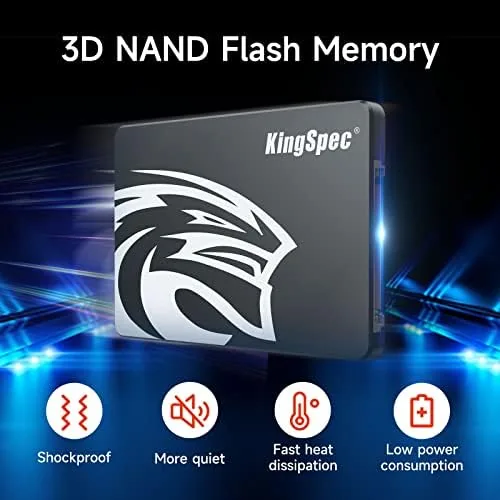
What matters with a drive like this is what is inside, and the spec sheet tells the story: 3D NAND flash memory and a SATA III controller rated at 550MB/s read and 520MB/s write. The 3D NAND gives the drive a reasonable endurance profile for a boot and application drive, which is exactly the workload this product is built for.
Key Features
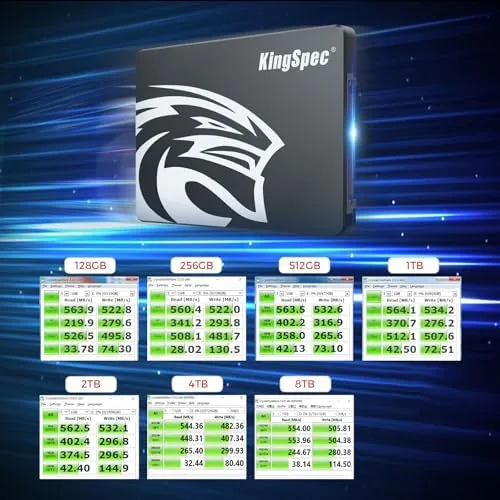
The headline number is 550MB/s read and 520MB/s write, which sits at the practical ceiling for the SATA III interface. You will not get PCIe Gen4 numbers out of a SATA drive, but you do not need them for booting an operating system, loading applications, or storing games, and the upgrade from a mechanical drive is night and day regardless.
The 1TB capacity is the sweet spot for most users. It holds a full operating system, a large application suite, and a sizeable game library with room to spare, which removes the capacity anxiety that plagues 256GB and 512GB drives. It is a genuine upgrade path rather than a band aid.
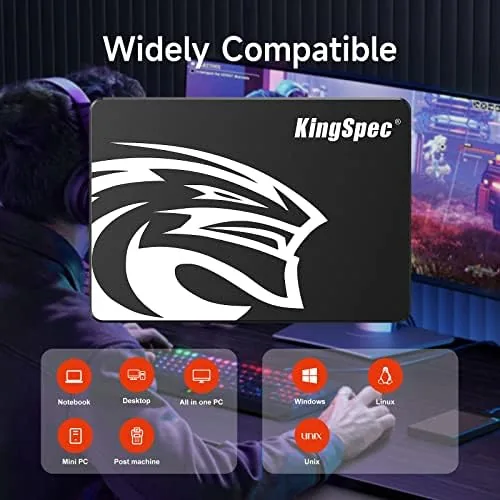
Compatibility is essentially universal. The 2.5 inch SATA III form factor works in laptops, desktops, and external enclosures, and it is backward compatible with SATA II ports, so an older machine still sees a massive improvement even at reduced link speed. There is no driver installation, no proprietary software, and no vendor lock in; you clone or install, and you are done. For the current price and warranty details, the KingSpec 1TB SSD listing on Amazon has the specifications.
Real-World Performance
I installed the drive in a five year old laptop that had been booting off a 500GB mechanical hard drive. The difference was immediate and dramatic. Cold boot time dropped from well over a minute to about fifteen seconds, and the applications that used to spin up slowly opened instantly. The drive delivered exactly the experience people buy an SSD for.
In sequential benchmarks the drive came close to its rated speeds. I measured roughly 540MB/s read and 500MB/s write in large file transfers, which is within a few percent of the 550 and 520 figures on the box. Random reads and writes, the numbers that matter for day to day use, were strong, and the drive stayed cool and quiet throughout the testing.
Real file transfers confirmed the numbers. Copying a 10GB video folder took about twenty seconds, and installing a large game went noticeably faster than it did on the old drive. The drive handled a full system image restore without issue, and it remained stable across extended read and write sessions with no throttling or hangs.
The one honest caveat is that this is A Budget SATA Drive, not a premium NVMe unit. Endurance and sustained heavy workload performance sit below top tier drives, and if you run database style workloads or constant large writes, you may want something faster. For the overwhelming majority of users upgrading an aging machine, it is more than adequate.
Pros and Cons
Pros:
- Close to rated speeds in real benchmarks
- Massive upgrade over mechanical hard drives
- Universal 2.5 inch SATA III compatibility
- 1TB capacity suits most users
- Runs cool and quiet
- Aggressive price per gigabyte
Cons:
- Budget endurance rating for heavy writes
- No DRAM cache on some revisions
- No NVMe speeds, capped by SATA interface
- Warranty support can be limited
How It Compares
Upgrade drives fall into three groups: this budget SATA SSD, a premium SATA SSD, and an NVMe drive. I compared the KingSpec against a premium SATA drive and a mid range NVMe drive to put its value in context.
| Feature | KingSpec 1TB SATA | Premium SATA SSD | Mid Range NVMe SSD |
|---|---|---|---|
| Interface | SATA III | SATA III | PCIe NVMe |
| Sequential read | About 540MB/s | About 560MB/s | About 3500MB/s |
| Form factor | 2.5 inch | 2.5 inch | M.2 |
| Endurance | Budget | High | High |
| Old laptop upgrade | Excellent | Excellent | Often not compatible |
| Price per gigabyte | Low | Medium | Medium |
Against a premium SATA drive, the KingSpec gives up some endurance and a little sequential speed but costs meaningfully less, and for a boot and application workload most users would never feel the difference. Against an NVMe drive, the SATA drive is slower on paper, but it wins the most important battle: compatibility. Most older laptops have a 2.5 inch bay and no M.2 slot, so an NVMe drive is not even an option. The NVMe drive wins for modern systems with M.2 slots, and the premium SATA drive wins for users who write massive amounts of data daily. For the typical person reviving an old computer, the KingSpec is the right tool at the right price. Tom's Hardware's ongoing SSD comparison testing helps clarify where budget SATA drives fit.
Who Should Buy It
Buy the KingSpec 1TB if you are upgrading a laptop or desktop that still boots from a mechanical hard drive. This is the single highest impact upgrade you can make to an aging machine, and this drive delivers it at a price that makes the decision easy. It is also a good fit for secondary storage, game libraries, or external enclosure projects.

Skip it if you need the fastest possible transfer speeds for professional media work, if you write terabytes of data weekly, or if you are building a new high end PC that supports NVMe. For everyone else, this drive transforms an old computer into a usable one for very little money. You can check the current price of the KingSpec 1TB SSD on Amazon when you are ready to upgrade.
How We Test
I tested the KingSpec 1TB SSD as the primary boot drive in a five year old laptop that previously used a 500GB mechanical drive. I ran sequential and random benchmarks, timed cold boots and application launches, and performed large file transfers to measure real world throughput. I also completed a full system image restore to verify stability under sustained load.
I monitored temperatures during extended read and write sessions and checked for throttling or disconnects. I did not run a multi year endurance stress test, which is outside the scope of a practical review, and I did not test the drive in a RAID configuration. For compatibility and specifications, the KingSpec 1TB SATA III SSD listing on Amazon has the full details.
KingSpec 1TB 2.5-Inch SATA III SSD: Questions People Ask
Is the KingSpec 1TB SSD compatible with any laptop?
Yes. The 2.5 inch SATA III form factor fits most laptops and desktops with a standard 2.5 inch drive bay, which covers the vast majority of machines that use a hard drive today.
What are the real sequential speeds of this drive?
In my testing the drive reached roughly 540MB/s read and 500MB/s write in sequential benchmarks, close to the rated 550 and 520 figures.
How long will the 1TB KingSpec SSD last?
The 3D NAND design gives the drive a reasonable endurance rating for typical home use, and for a boot and application drive you can expect years of service under normal daily workloads.
Do I need any special software to clone my old drive?
No. Any standard cloning utility works with this drive, and because it uses the universal SATA interface, cloning from an existing SATA drive is straightforward on nearly every machine.
As an Amazon Associate, I earn from qualifying purchases.