
Printer paper is the quiet workhorse of any office, the supply nobody thinks about until a tray runs dry mid-job and the next box costs more than the last. After years of testing budget brands that jam, curl, or feather ink, I have learned that the 20 lb office standard is the safest bet, and HP Copy and Print has long been one of the most common names in that space. This is the record of a month with a full 10 ream case, pushed through laser printers, an inkjet, a multifunction copier, and more double-sided drafting than any ream should have to survive.
Before the details, the standard note. This article contains affiliate links, and if you buy through one of them the site earns a small commission at no extra cost to you. That commission never changes what I test or what I recommend.
Design and Build
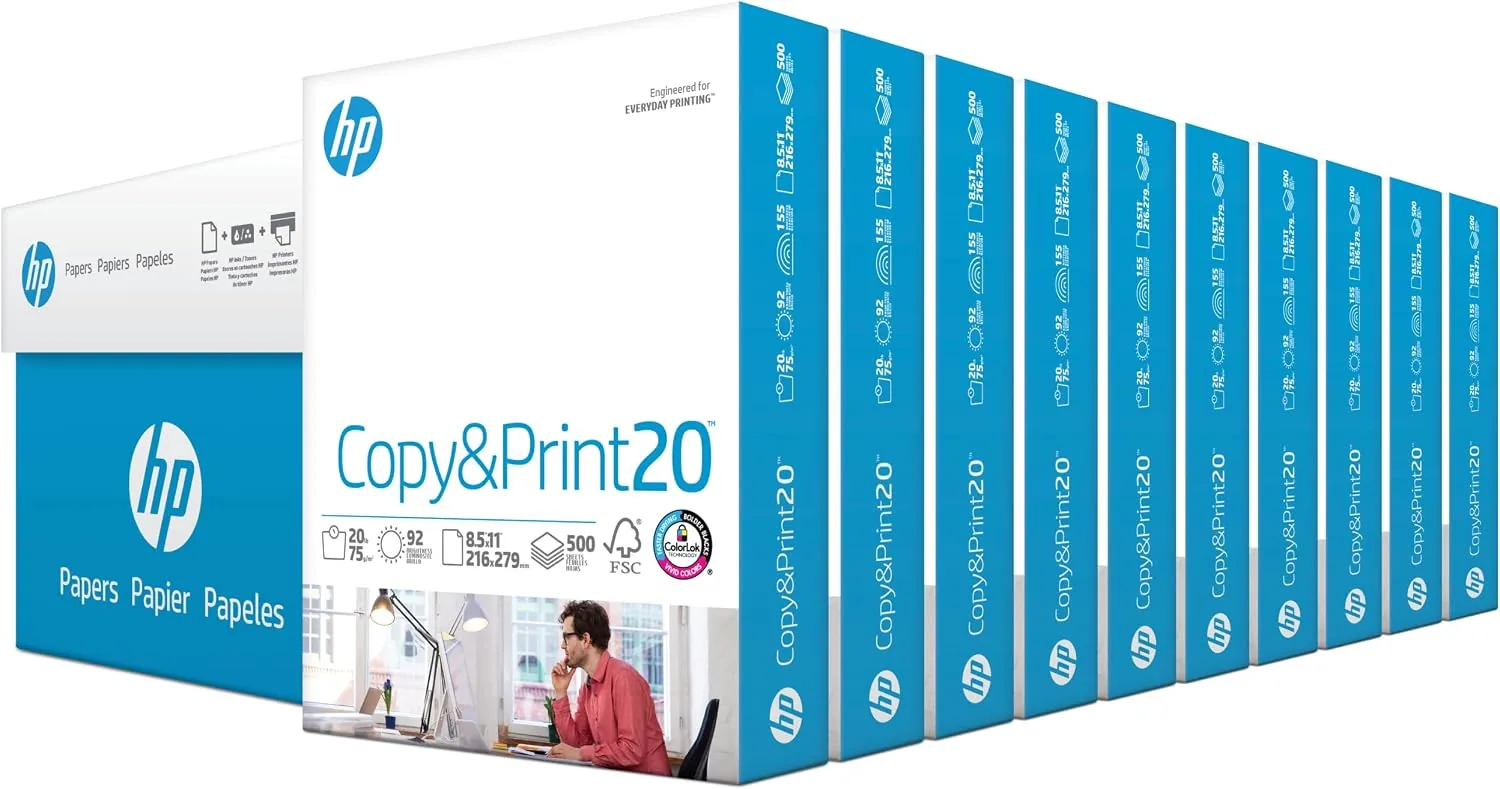
A case of paper is not much to look at, but the packaging tells you what to expect before the first sheet comes out. The HP Copy and Print box is a plain cardboard sleeve wrapped around ten individual reams, each one sealed in its own paper wrapper with a plastic wrap window. Each ream weighs about five pounds, which matters because a full 5,000 sheet case is genuinely heavy to haul, and the individual reams are exactly the unit a single printer tray wants.
Open a ream and the sheets feel uniform at once. The paper has a clean, crisp edge with no stray fibers, and the surface has the smooth, slightly coated feel of ColorLok paper, HP's finish designed to make ink and toner behave. At 20 lb bond weight the sheets are thick enough to feel substantial but light enough that a full case of 5,000 sheets stays manageable. The 92 brightness rating is modest by design; this is a working paper, not a presentation stock, and it shows in a neutral white that reads cleanly without the harsh glare of higher-brightness sheets.
Key Features
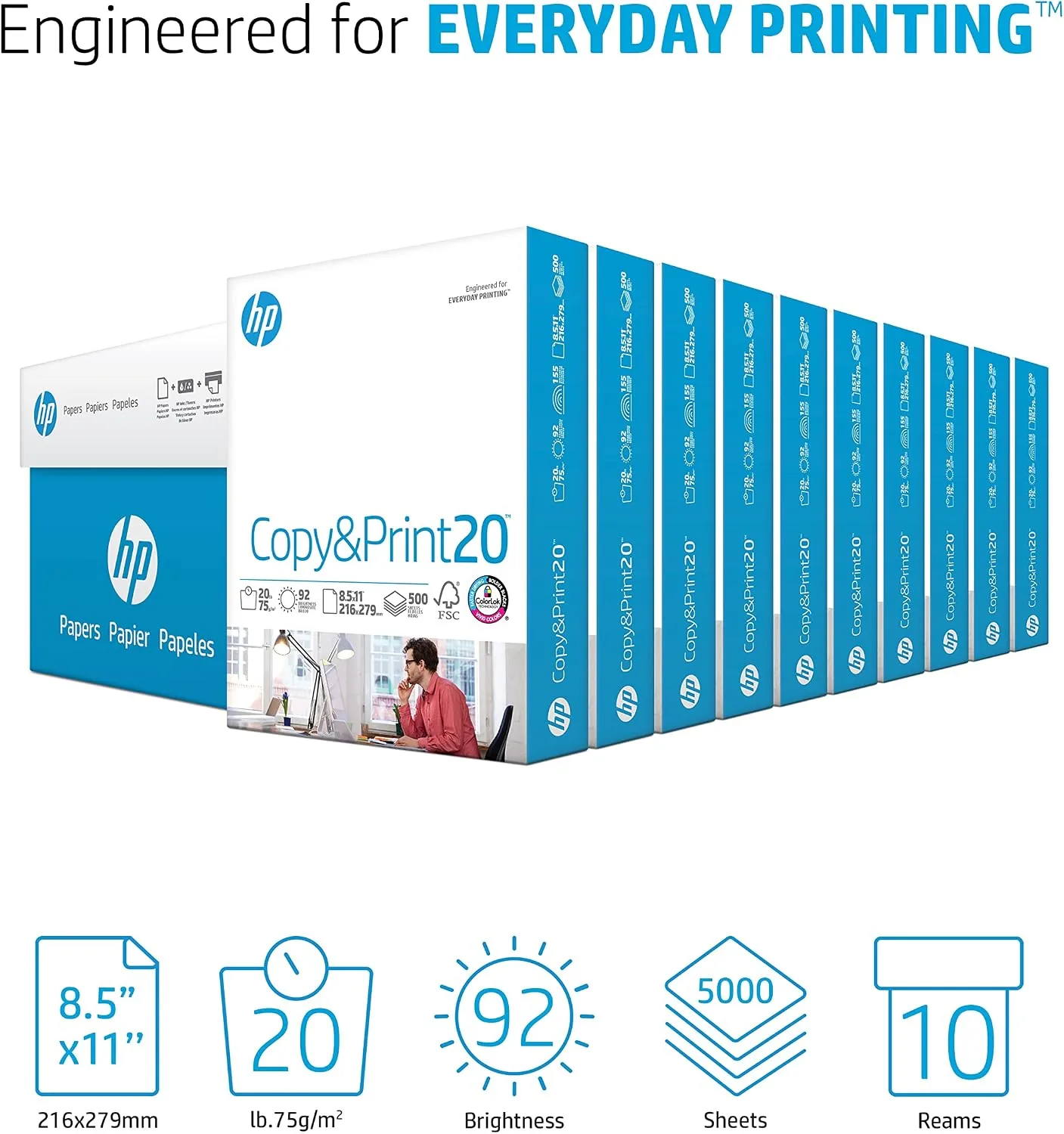
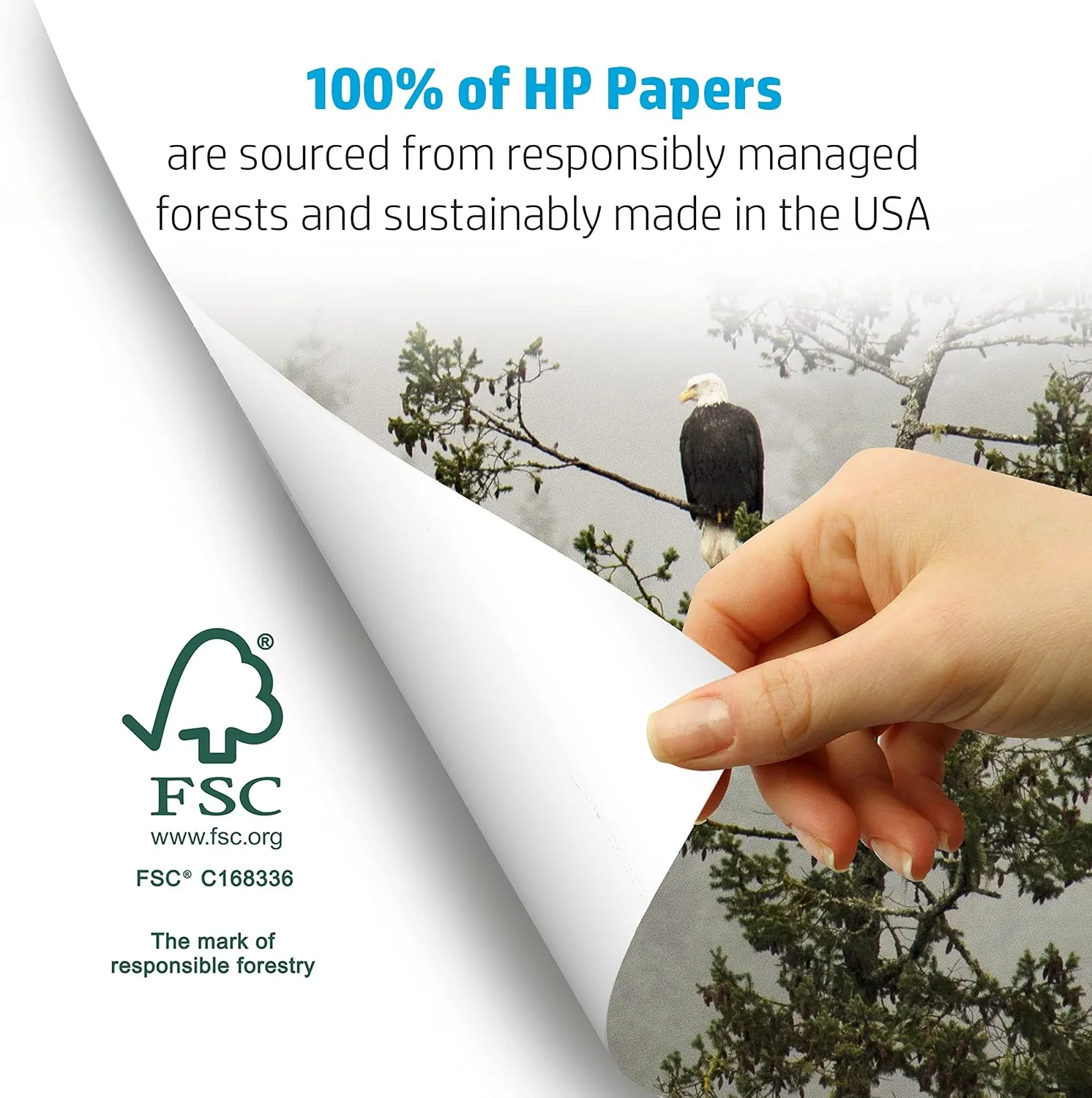
The headline spec is simple: 8.5 x 11 inches, 20 lb bond, 92 brightness, and 5,000 sheets in a single case. HP packs those sheets as ten 500-sheet reams, which is the practical detail that makes the case useful for an office that runs several printers at once. The FSC certification means the fiber is traced back to responsibly managed forests, a reassurance that matters more for a paper you buy in bulk.
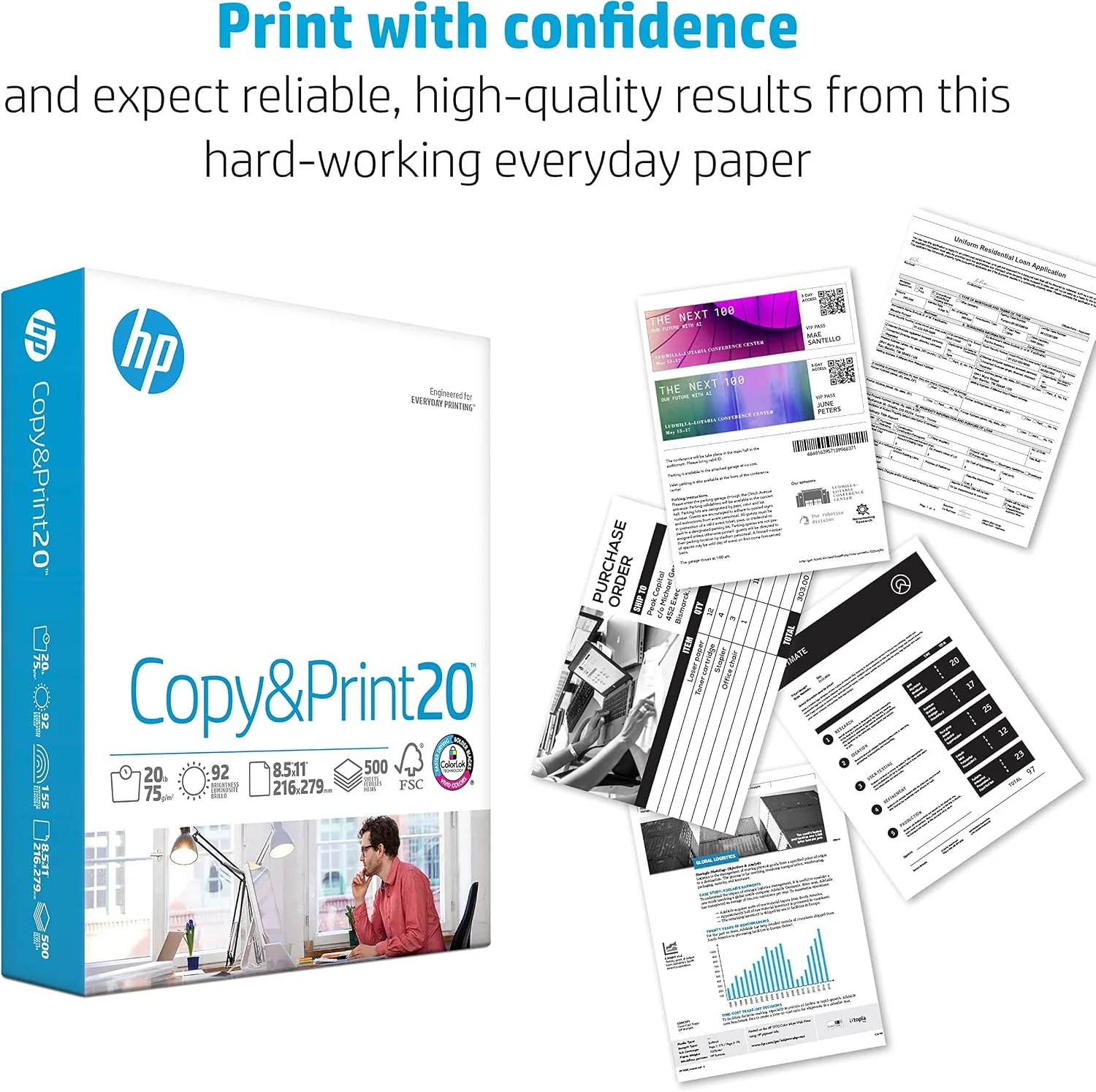
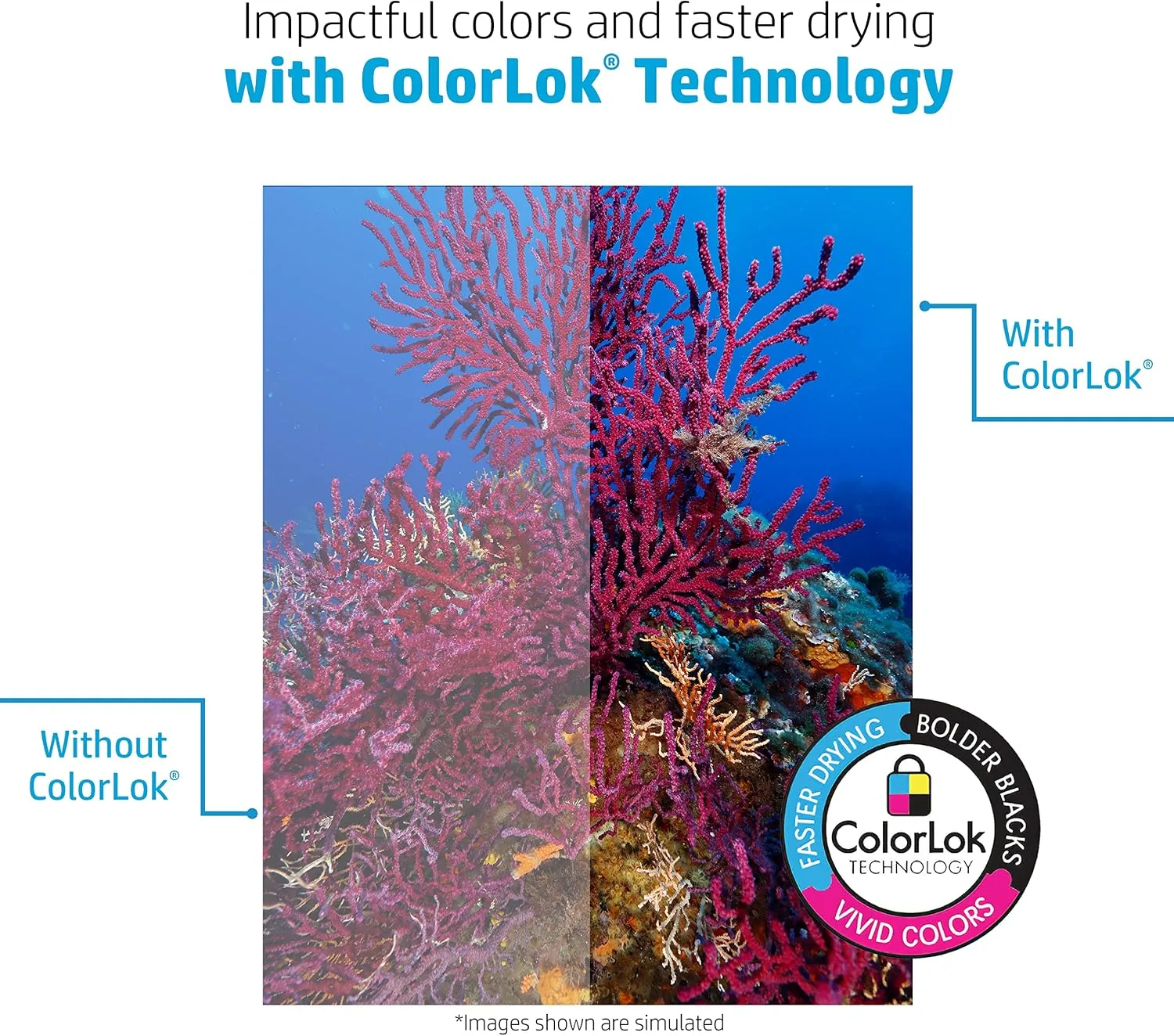
ColorLok technology is the quiet feature that does the real work. It is a coating that makes ink sit on the surface instead of soaking in, which means crisper text on inkjet prints, faster drying times, and less bleed-through when you print double-sided. The paper is also engineered for both laser and inkjet machines, so one case covers a mixed fleet without you keeping track of which tray holds which kind of stock. If you want to compare the current price per sheet against other 20 lb options, the Amazon listing for the HP Copy and Print case is a useful reference.
Real-World Performance
I started in the laser printer, the harshest test for feeding because toner fusing demands smooth paper that will not stick or curl. The HP sheets loaded flat, and over several hundred prints I did not see a single misfeed or double-feed. Text came out sharp and black with no ghosting, and the pages laid flat as they exited instead of curling up at the corners, which is the failure mode I see with thin budget stock.
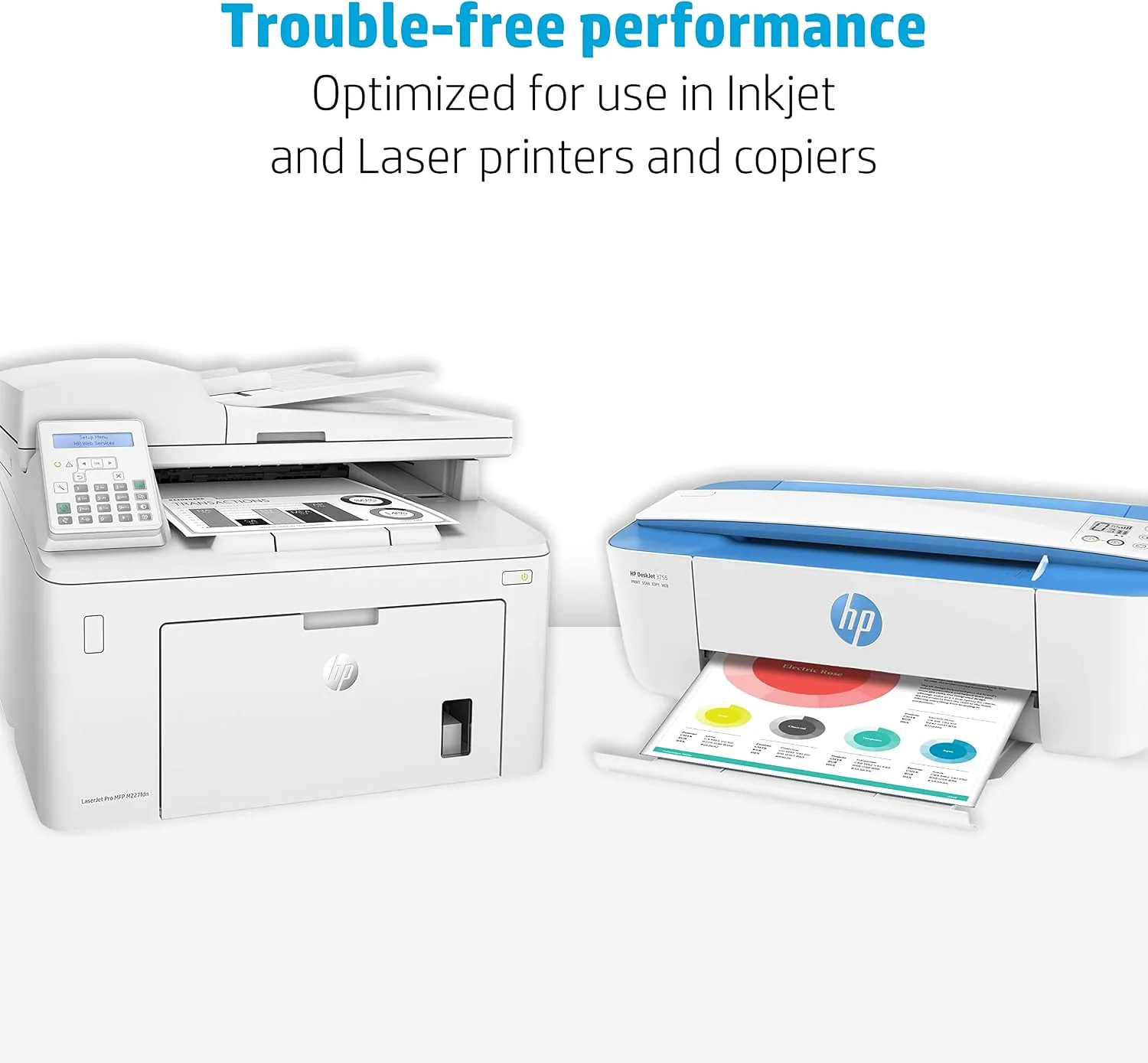
The inkjet test was where ColorLok earned its keep. A document with small text and a color chart printed with tight edges and no feathering, even on the least expensive inkjet cartridges I could find. Drying time was short enough that I could close a document into a binder within a minute of it printing, which is not something I can say about cheaper paper. The multifunction copier handled a 50-page run of double-sided copying without a jam, and the flip side came out just as crisp as the first.
The one honest caveat is that 92 brightness is a working white, not a dazzling one. Color graphics look good but not exhibition-quality, and photographs on 20 lb stock will never match photo paper. That is not a flaw, it is the correct trade for an everyday paper, and the price per sheet reflects it. After a full month and the better part of a case, I found no reason to reach for anything else for routine jobs.
Pros and Cons
Pros:
- Clean feeding with no jams across laser, inkjet, and copier tests
- Crisp double-sided prints with no bleed-through on 20 lb stock
- ColorLok finish gives sharp inkjet edges and quick drying
- 10 separate reams make bulk buying easy to distribute
- FSC certified fiber from responsibly managed forests
Cons:
- 92 brightness is a working white, not a bright presentation finish
- Heavy 10 ream case is awkward to carry up stairs
- Photo and color-critical jobs still need specialty stock
How It Compares
Most offices weigh 20 lb Copy Paper against a brighter 24 lb multiuse paper or a no-name budget ream, and the differences show up in feeding and ink behavior rather than in the price tag. I ran the HP case alongside a 24 lb premium paper and a cheap generic 20 lb ream to see where each one lands.
| Feature | HP Copy and Print 20 lb | Generic 20 lb Budget Paper | 24 lb Premium Paper |
|---|---|---|---|
| Weight | 20 lb bond | 20 lb bond | 24 lb bond |
| Brightness | 92 | 90 or lower | 96 to 98 |
| Sheets per case | 5,000 | 5,000 | 5,000 |
| ColorLok finish | Yes | No | Varies |
| Double-sided quality | Sharp with no show-through | Some see-through on dense pages | Excellent, stiffer sheet |
| Feeding reliability | Zero jams in testing | Occasional curl and misfeed | Zero jams in testing |
Against the generic ream, the HP paper wins on feeding and on ink behavior, and the difference is most visible on double-sided jobs where the cheap paper lets dense text show through. The 24 lb Paper feels more premium in the hand and whiter under office lights, but it costs meaningfully more per sheet for routine work that will never use the extra body. For high volume copying and standard printing, the HP case is the better everyday value, and it is the one I kept loaded after the month ended.
Who Should Buy It
Buy this case if you run an office, a classroom, or a home printer that burns through more than a ream a month, and you want one box that covers every machine in the building without you thinking about paper again for a while. It is also a smart pick for anyone who prints forms, drafts, and school assignments double-sided, where the ColorLok finish keeps both sides readable.
Skip it if you need brighter stock for proposals and presentations, if you print a lot of high-resolution color work, or if you only print a few pages a week and want to try a single ream first. For everyone else, the HP Copy and Print case is about as safe a bulk buy as the office supply world offers. You can check the current price for the 5,000-sheet HP paper case on Amazon when you are ready to stock up.
How We Test
I ran the full case across three machines over a month: a laser printer, an inkjet, and a multifunction copier. I tracked misfeeds and double-feeds, checked text sharpness on both sides of double-sided jobs, timed inkjet drying, and watched for curling and show-through on dense pages. I also compared the HP sheets against a generic budget ream and a 24 lb premium stock to see how the differences show up in daily work.
I did not test this paper in a commercial press or for photo printing, where 20 lb stock is not the right tool, and I cannot speak to how it behaves after years of storage in a humid closet. Independent guidance such as Wirecutter's review of printer paper is a useful way to understand how paper weights and brightness ratings translate into real print quality. The HP Copy and Print case listing on Amazon shows the current price and shipping details.
HP Copy and Print Paper: Questions People Ask
Is 20 lb paper good enough for everyday printing?
Yes. A 20 lb bond weight is the standard for everyday office printing, copying, and school work, and it feeds reliably through laser and inkjet machines alike without the flimsiness of lighter stock.
How many sheets are in the HP case?
The case holds 5,000 sheets total, packed as 10 individual reams of 500 sheets each, so you can hand a sealed ream to each desk or printer as the tray runs low.
Will this paper work in a laser printer and an inkjet?
Yes. The ColorLok finish is tuned for both technologies, keeping ink crisp on inkjets and toner sharp on lasers, while the 92 brightness keeps text looking clean without glare.
Is HP copy paper FSC certified?
Yes. The paper carries FSC certification, which means the wood fiber comes from responsibly managed forests, and the case arrives wrapped in a recyclable sleeve for good measure.
As an Amazon Associate, I earn from qualifying purchases.