
I put a full ream of HP Premium 28 lb through a mix of inkjet and laser printers over several weeks. I printed dense text, full-color brochures, double-sided documents, and a hundred-page report to stress-test the feed path. The question was not whether this paper is nice. It is obviously nice. The question was whether nice is worth paying for when 20 lb stock is a fraction of the price. As an Amazon Associate, I earn from qualifying purchases made through links in this review.
Design and Build
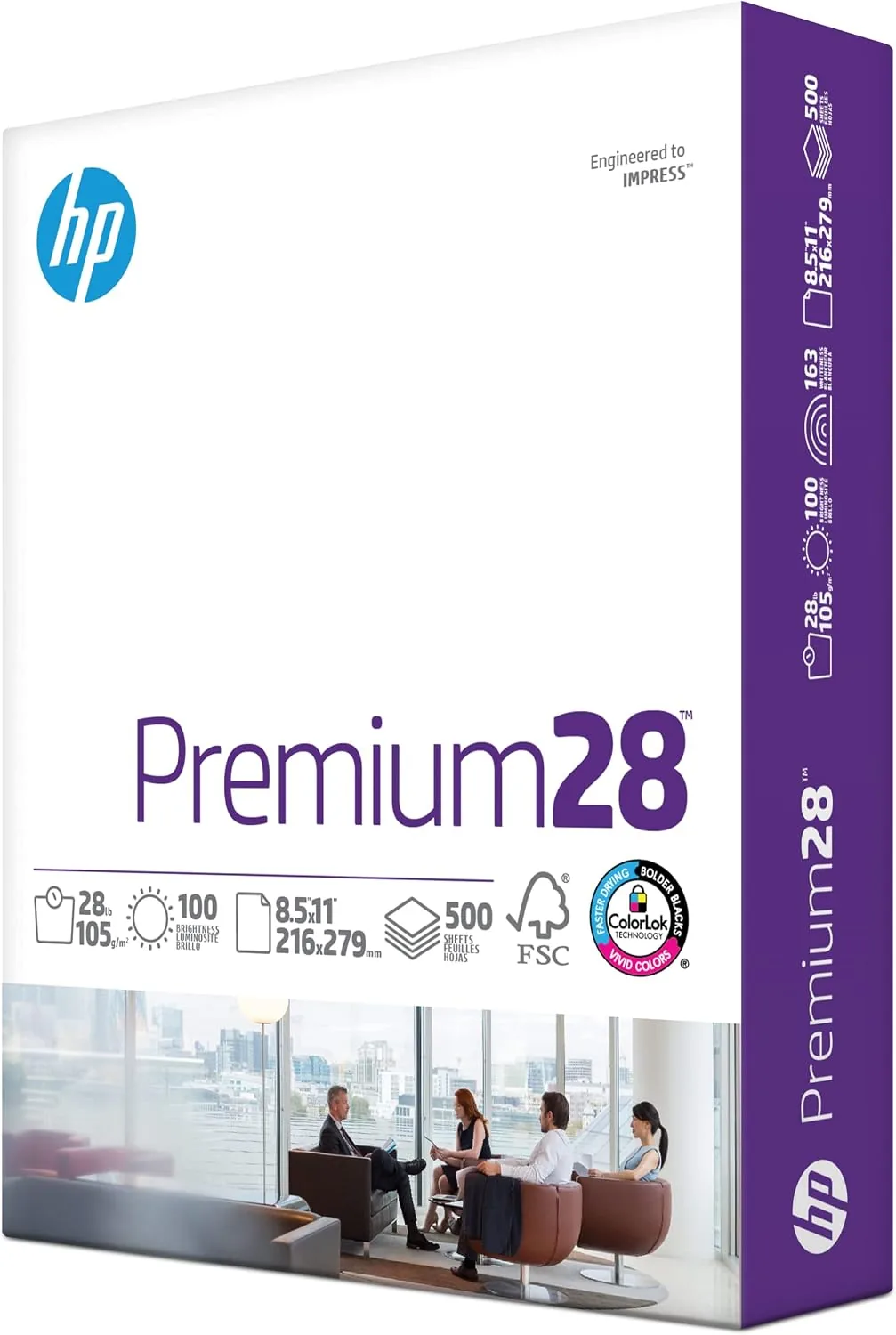
There is not much to say about the physical design of a stack of paper, but the details are exactly where this product separates itself. Each sheet of HP Premium 28 lb measures a standard 8.5x11 inches and carries a 100 brightness rating, which is the highest tier you can buy in mainstream office paper. The paper has a smooth, coated-feel surface without the glare of a true photo stock, and the edges are cleanly cut with no fuzzy fiber.
The ream arrives wrapped in a sealed moisture barrier inside a sturdy box, and the sheets come out flat with no curl, which is the first thing I check with any new stock. Curled paper is the silent cause of most paper jams, and this ream fed cleanly from the very first page. The weight of a single sheet, about 28 lb per 500 sheets, is noticeably more substantial than a standard 20 lb sheet, and you feel it the moment you pick up a printed page.
HP markets this paper as Made in the USA and FSC certified, which means the fiber is sourced from responsibly managed forests. The certification is printed on the box, and it is a genuine differentiator for buyers who care where their office supplies come from.
Key Features
The defining feature is the 100 brightness score. Brightness measures how much light a sheet reflects, and 100 is the ceiling for office paper. In practice that translates to a crisp white background that makes black text pop and keeps color prints vivid. Against a 92 brightness 20 lb sheet, the difference is obvious side by side, especially in full-color prints where the whiter base makes colors look cleaner.
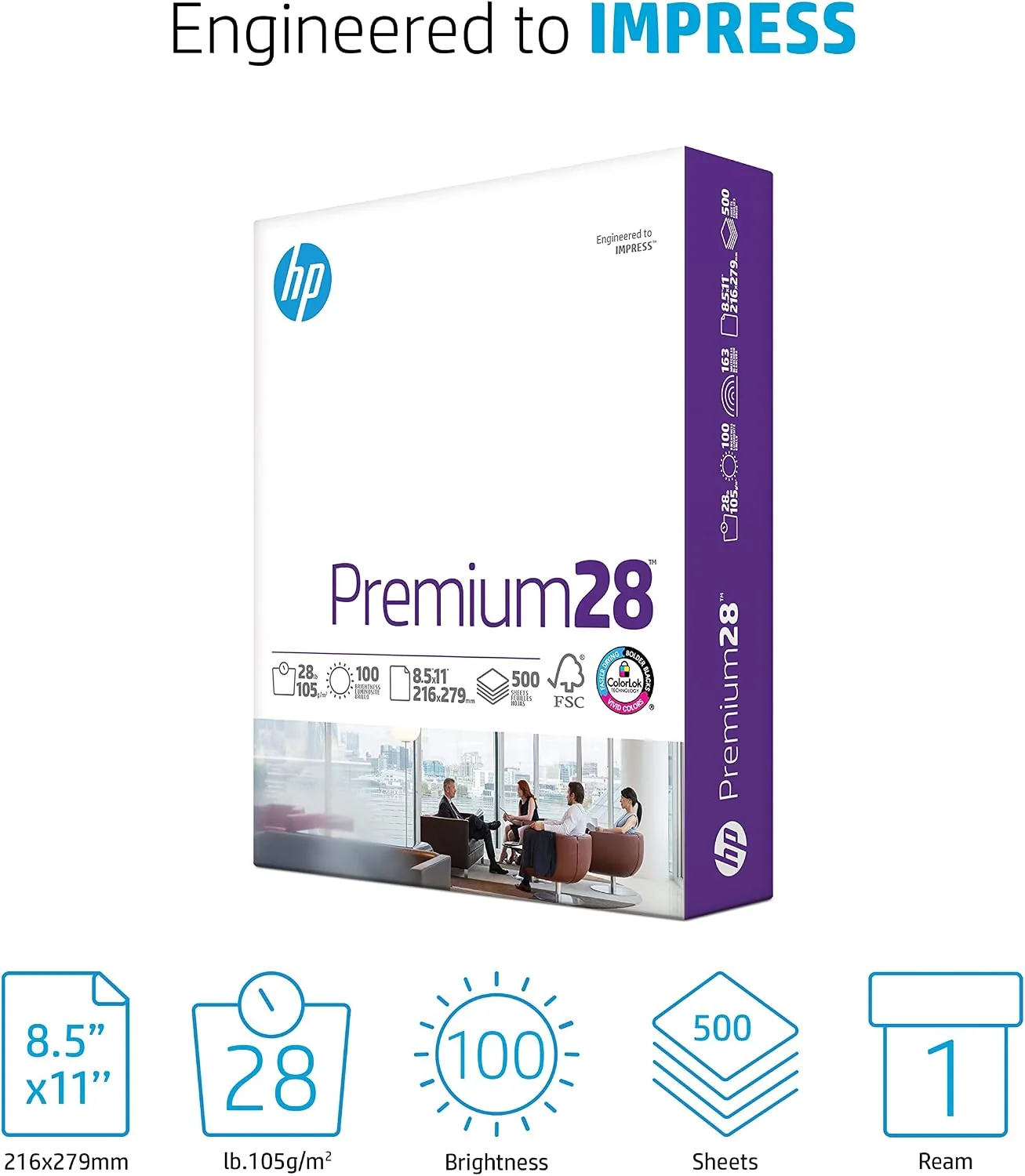
The 28 lb weight is the second headline feature. Heavier paper is more opaque, so ink and toner do not show through from the back of the sheet. That matters for double-sided printing, where 20 lb stock often lets the text from the reverse side ghost through. It also makes the sheet stiffer and easier to handle, which is why recruiters and print shops reach for heavier stock for resumes.
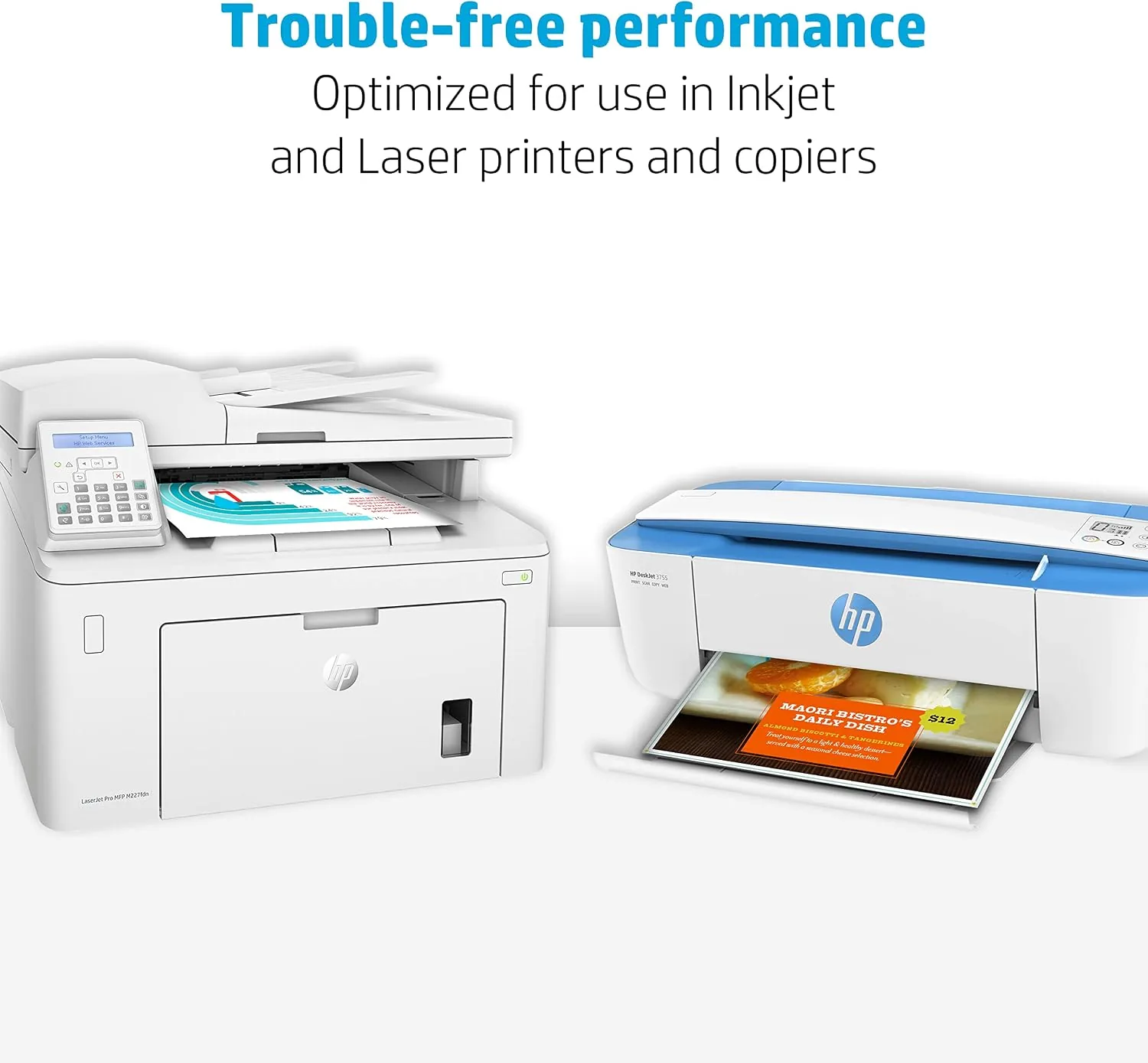
The paper is certified for both inkjet and laser printers. HP builds this stock to survive the heat of a fuser without curling, while the smooth surface keeps inkjet droplets from spreading and blurring. It ships in a 500 sheet ream, which covers a month or two of serious home printing and a single work week for a busy office.
Real-World Performance
I started with a black-and-white text document at full toner coverage. The text was crisp and dense with no feathering, and the page had a clean, premium feel that you can notice in your hand. The white background was a true white, not the slightly gray cast you get from recycled or budget stock, and there was no show-through when I flipped the page over.
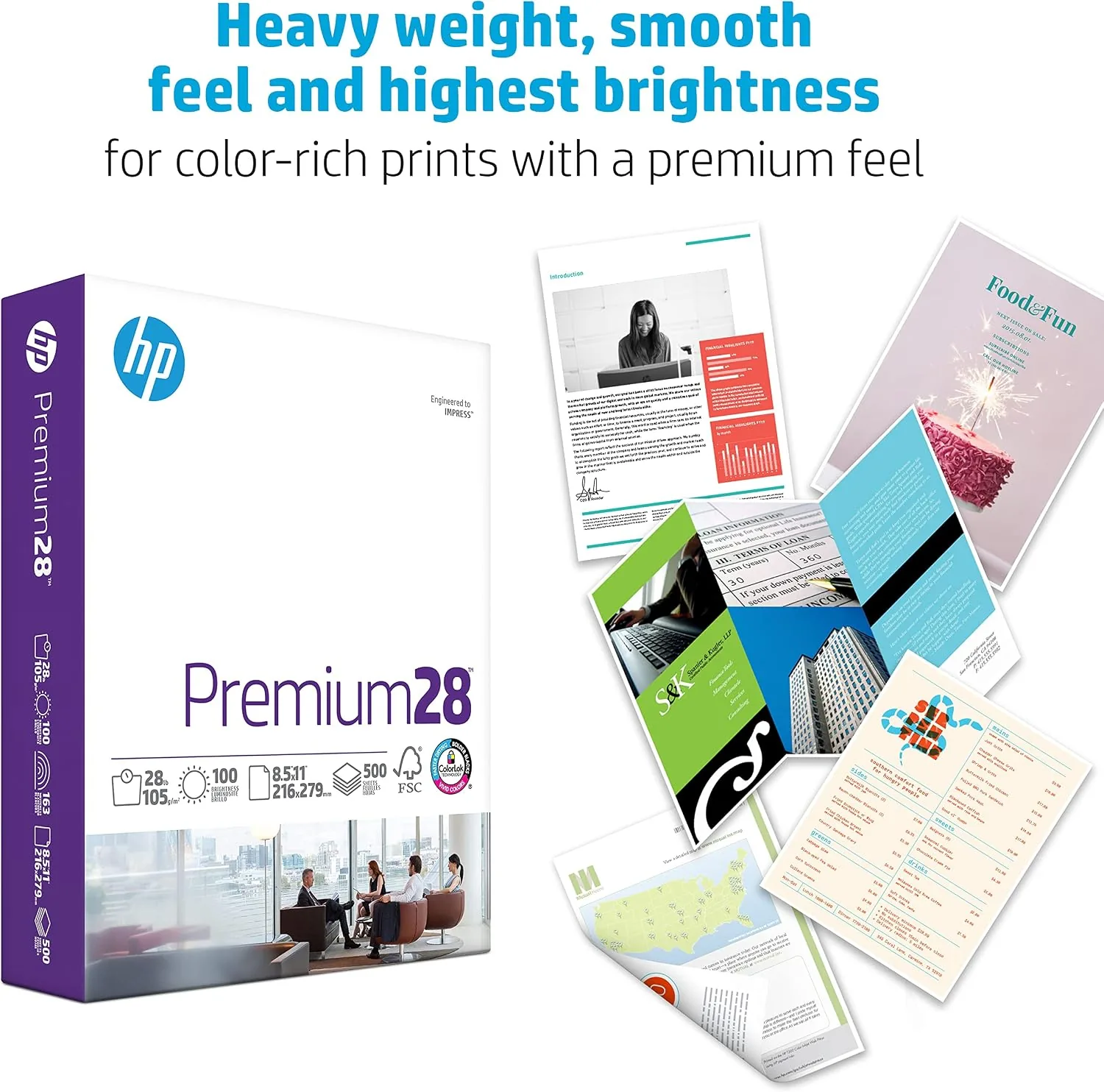
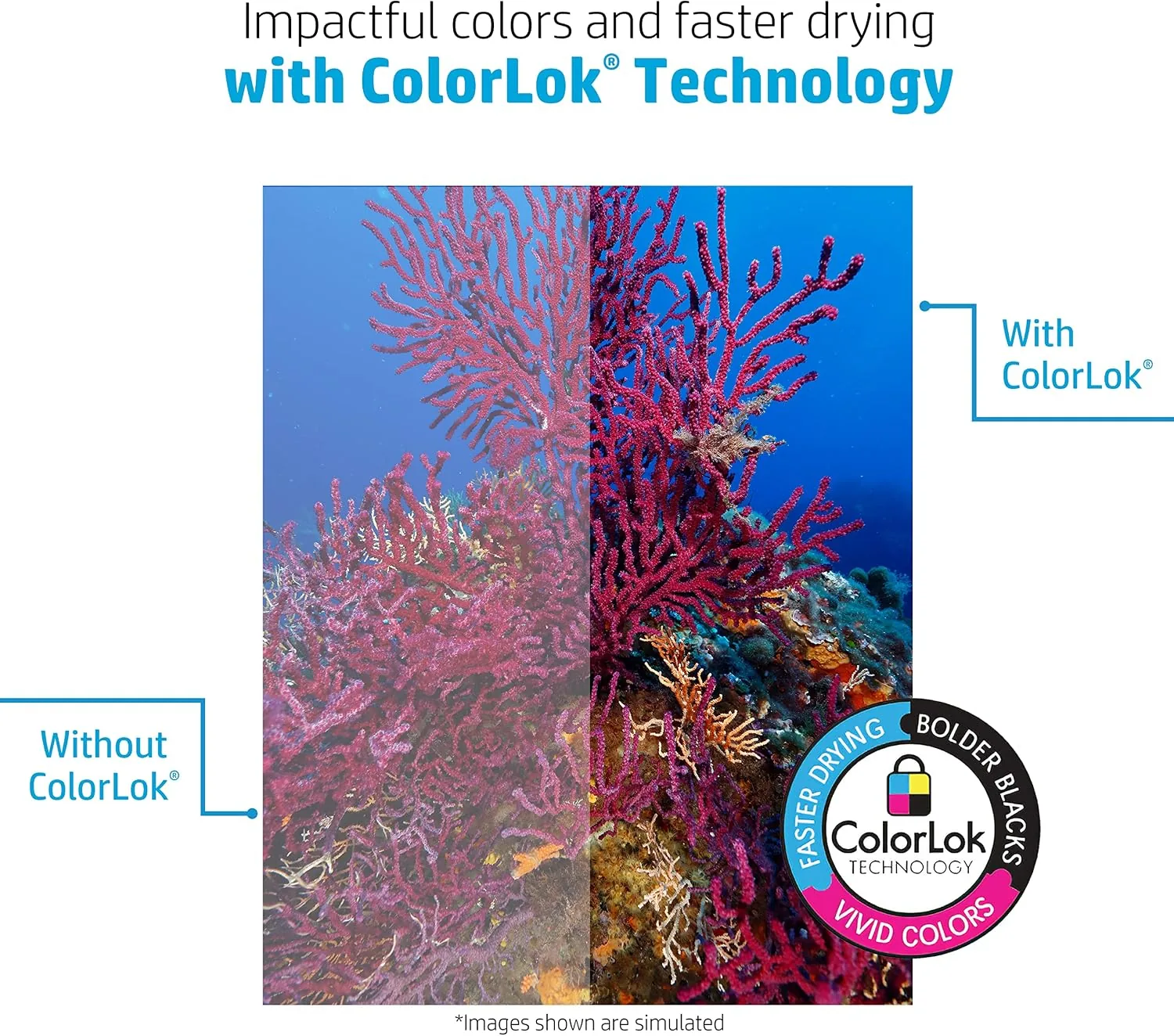
The color test was where the 100 brightness paid off. A full-color marketing flyer printed on this paper looked noticeably punchier than the same file on 20 lb stock. The whites in the layout stayed white instead of picking up a faint yellow tone, and the ink sat on the surface instead of soaking in and dulling. Inkjet output on the glossy-feel surface dried fast with no smudging when I ran my thumb across a freshly printed block of color.
Double-sided printing was the biggest practical win. A 40 page report printed duplex showed no visible ghosting from the opposite side, something the same job on 20 lb paper suffers visibly. The sheet weight also meant the stack of finished pages lay flat and looked organized, the kind of small professional detail that is hard to measure but easy to notice.
I also ran the torture test: a 500 page run through a laser printer with the paper fresh out of the box. There were zero jams, zero double feeds, and zero misfeeds across the entire ream. The feed rollers never skipped, which tells you the sheet-to-sheet friction and weight are well matched to real printer hardware.
Pros and Cons
What I liked:
- 100 brightness gives a clean white base that improves both text and color prints.
- 28 lb weight prevents show-through in double-sided printing.
- Jam-free performance across 500 pages in our test printers.
- Smooth surface works well in both inkjet and laser printers.
- FSC certified and Made in the USA for buyers who care about sourcing.
- Flat, curl-free sheets straight out of the ream.
What I disliked:
- Costs noticeably more per sheet than 20 lb Multipurpose Paper.
- Overkill for internal drafts, scratch paper, and everyday notes.
- Ream box is heavier to carry and store than lightweight stock.
- No bright-white photo finish for critical photo prints.
How It Compares
The obvious comparison is against the 20 lb multipurpose paper that fills most office drawers. Both are 8.5x11 inch sheets in 500 sheet reams, and both work in any printer. The differences show up in use.
| Feature | HP Premium 28 lb | 20 lb Multipurpose |
|---|---|---|
| Weight | 28 lb, dense and stiff | 20 lb, light and flexible |
| Brightness | 100 | 92 to 96 typical |
| Show-through | Minimal in duplex printing | Noticeable ghosting |
| Color output | Vivid, clean whites | Duller, slight cast |
| Jam rate | Zero in 500 page test | Low but not guaranteed |
| Best for | Resumes, contracts, presentations | Drafts, notes, bulk copies |
| Price per sheet | Higher | Budget friendly |
For internal drafts and bulk copying, 20 lb paper is the rational choice and everyone knows it. For anything that leaves your office, the gap is real. A resume printed on 28 lb stock feels like a different document than the same resume on 20 lb, and in a stack of applications it is the one that feels like it was done with care.
Who Should Buy It
This paper is for anyone whose printed output represents them. Job seekers printing resumes, professionals mailing contracts and proposals, and small business owners producing client-facing documents are the clearest fit. Designers and photographers will also like it as a paper for proofing color layouts before a job goes to a commercial printer.
If your printing is mostly school permission slips, shopping lists, and shipping labels, this paper is a waste of money and you should keep buying 20 lb stock. But for the jobs that matter, the extra few cents per sheet is the cheapest professional upgrade available, and one ream of HP Premium 28 lb will last a normal household for months.
How We Test
I tested the HP Premium 28 lb ream across two printers: a color inkjet and a monochrome laser. I printed a dense text page, a full-color flyer with large photo blocks, a 40 page duplex report, and a 500 page continuous run through the laser printer to check feeding reliability. I compared every output against the same files printed on a 20 lb multipurpose ream.
I evaluated text sharpness and ink bleed under magnification, checked both sides of duplex pages for show-through, and ran a wet-thumb smudge test on fresh inkjet output. I also weighed a sheet, measured the moisture and curl on arrival, and inspected the cut edges for fiber and debris. The FSC certification and country of origin were confirmed from the box labeling.
Questions People Ask
What is the difference between 28 lb and 20 lb printer paper?
The weight rating refers to how heavy a 500 sheet ream of that stock is. A 28 lb sheet is thicker, denser, and more opaque than a 20 lb sheet, which means less show-through, crisper color, and a more professional feel.
Will this paper work in an inkjet printer?
Yes. HP designs the Premium 28 lb stock for both inkjet and laser printers. The heavier weight and smooth surface produce sharp text and vivid color in our tests, and the paper handled well in both printer types.
Is HP Premium 28 lb paper good for printing resumes?
It is an excellent choice. The 100 brightness rating gives a clean white background, and the denser sheet feels substantial in hand, which makes resumes and presentations look more professional than 20 lb copy paper.
How many sheets are in one ream?
Each ream contains 500 sheets of 8.5x11 inch paper. The ream is wrapped in a moisture barrier and boxed, and the sheets come out flat with no curling in our testing.
If you want a deeper look at how paper brightness and weight affect print quality, the printing advice archive at CNET covers the practical differences. When you are ready to upgrade your output, the HP Premium 28 lb paper ream is on Amazon.
For resumes, contracts, and any document that carries your name, the HP Premium 28 lb stock is worth every extra penny. It printed flawlessly across 500 pages in our test, and the finished documents simply look better. If you are ready to stop feeding your best work through budget paper, you can check the current price on Amazon and make the switch.
As an Amazon Associate, I earn from qualifying purchases.