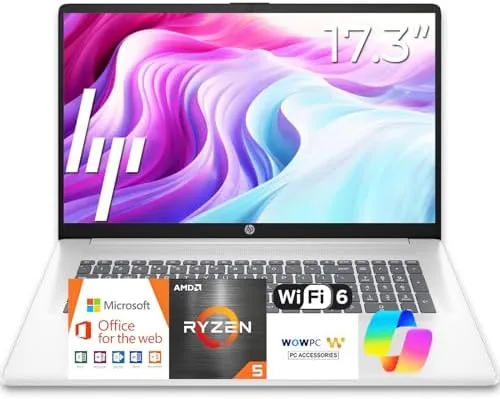

Most business laptops keep shrinking, chasing the smallest bezels and the lightest weight, and in doing so they leave something behind: the luxury of screen space. The HP 17 inch Business Laptop for 2026 goes the other way. It pairs a 17.3 inch Full HD display with a current generation AMD Ryzen 5 processor, 16GB of RAM, and a 512GB SSD, then sells it as a straightforward tool for people who spend their working days in spreadsheets, documents, and video calls. I used one as my primary machine for a month of office work, and this review covers whether the big screen is worth carrying.
As always, a quick note on the business side of this business review. This article contains affiliate links, and if you buy through one of them the site earns a small commission at no extra cost to you. That commission does not change what I test or what I recommend, and the laptop reviewed here was treated exactly like any machine I had bought with my own money.
Design and Build
There is no hiding that this is a 17 inch laptop, and HP does not try. The chassis is wide and flat, built from a sturdy plastic that flexes only slightly under pressure, with a subtle texture that resists fingerprints and feels business appropriate in meetings. The all white backlit keyboard is the highlight of the build, with quiet, well spaced keys and a comfortable typing angle that let me write for hours without fatigue.
The size is the honest trade. At about 5 pounds and with a footprint to match, the HP 17 is not a laptop you want to carry across a campus every day. It belongs on a desk, at home, or in a small office where it can sit permanently. The hinge is smooth and holds the screen firmly at any angle, and the base stays stable when you type, which matters more for business work than a few ounces of weight.
Key Features
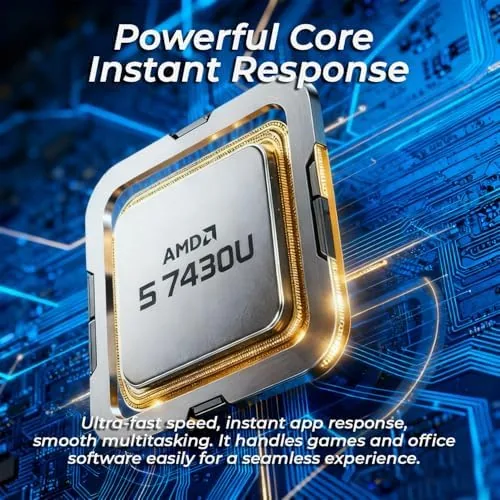
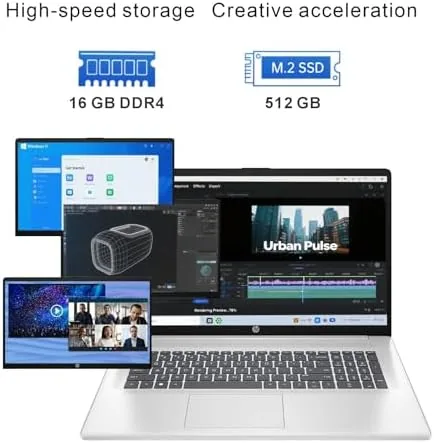
The engine is a current AMD Ryzen 5 processor, and for the price it is more than enough for office work. Paired with 16GB of RAM, it handles a dozen browser tabs, a large Excel workbook, a video call, and a chat client all at once without stuttering. The 512GB SSD makes booting and launching applications feel instant, and it gives you comfortable space for documents, media, and software.
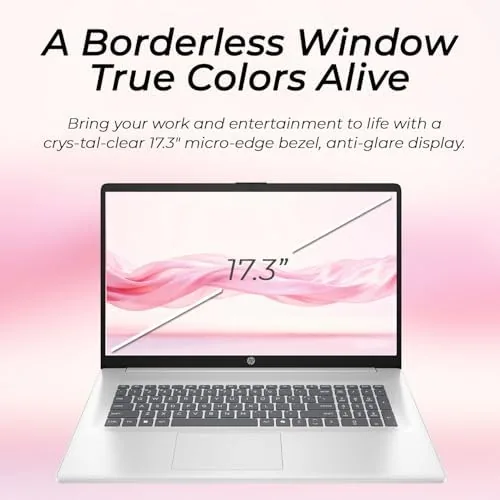
The 17.3 inch Full HD display is the defining feature. The panel is bright, with good color for the price, and the extra diagonal inch versus a standard 15.6 inch model makes a real difference when you split the screen between two documents or a spreadsheet and a web page. Windows 11 runs smoothly, and the machine ships with Office 365 for the web, so Word, Excel, and PowerPoint are ready through the browser with your Microsoft account.
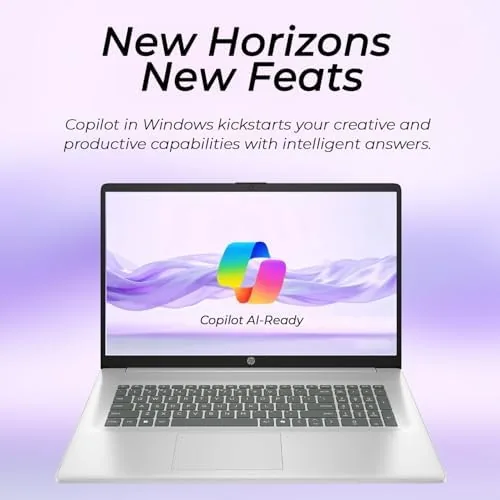
The laptop also supports Copilot in Windows 11, giving you an AI assistant for summarizing documents, drafting emails, and finding settings. It is a modest but welcome addition for business users who want a taste of AI tools without learning new software.
Real-World Performance
In a month of daily use, the HP 17 never gave me a reason to slow down. Spreadsheets with tens of thousands of rows scrolled smoothly, video calls stayed crisp, and the laptop resumed from sleep in seconds. The Ryzen 5 handled everything I threw at it, and the 16GB of RAM meant I never had to close applications to keep things fast.
Battery life exceeded my expectations for such a large screen. HP rates it for long battery life, and in my mixed testing it comfortably covered a full working day of office tasks at moderate brightness, ending the afternoon with charge to spare. The included adapter charges it reasonably quickly, though the laptop expects to live near a desk for most users.
The webcam is serviceable for video calls, with acceptable color in good light and the usual grainy low light performance. The speakers are loud enough for meetings and podcasts, though they get muddy at higher volumes, which is typical at this price. For the core business workload of typing, reading, calling, and computing, the machine performs exactly as advertised.
The small details are thoughtful. The laptop wakes from sleep almost instantly, the Wi-Fi connection stayed stable throughout my testing, and the fan noise was barely perceptible even during longer video calls. The full size keyboard includes a number pad, which is a genuine convenience for anyone who types figures into spreadsheets all day, and the larger chassis gives the thermal system room to breathe, so the machine stays cool under sustained office workloads.
Pros and Cons
Pros:
- Large 17.3 inch Full HD display that is great for multitasking
- Responsive Ryzen 5 processor with 16GB of RAM
- Fast 512GB SSD keeps Windows 11 and applications quick
- Comfortable backlit keyboard for long typing sessions
- Long battery life for the screen size
Cons:
- Heavy and large, not suited to daily carrying
- Build is mostly plastic rather than aluminum
- Speakers are only average for media
- Office 365 is the web version, not the full desktop suite
How It Compares
The HP 17 sits in a crowded field of budget and business laptops, and the comparison below shows where it lands against a typical 15.6 inch HP and a thin and light 14 Inch alternative.
| Feature | HP 17 inch Business | Typical 15.6 inch HP | 14 inch thin and light |
|---|---|---|---|
| Display | 17.3 inch FHD | 15.6 inch FHD | 14 inch FHD or higher |
| Processor | AMD Ryzen 5 (2026) | AMD or Intel mid range | Ultrabook processor |
| Memory | 16GB | 8GB to 16GB | 8GB to 16GB |
| Weight | About 5 pounds | About 4 pounds | About 3 pounds |
| Screen area | Largest | Mid | Smallest |
| Best for | Desk bound office work | Balanced use | Travel and portability |
A 15.6 inch model is the safe middle ground for people who do some travel and some desk work, while a 14 inch ultrabook wins for frequent flyers. The HP 17 wins outright for anyone who values screen space above all and works from one place. Reviews from TechRadar on the best 17 inch and large screen laptops confirm that this trade is a genuine choice, not a compromise hidden in a spec sheet.
Who Should Buy It
Buy the HP 17 if your workday is anchored to a desk and you spend hours in spreadsheets, documents, and video calls. The extra screen real estate is the kind of upgrade you feel every single day, and the combination of a modern Ryzen 5, 16GB of RAM, and a fast SSD means you will not be waiting on the machine.
You can see the current price and configurations of the HP 17 inch business laptop on Amazon when you are ready.
Skip it if you commute with your laptop, if your budget points to a lighter 15.6 inch model, or if you expect the machine to double as a portable entertainment hub, because the weight and speakers make it a desktop companion first and foremost.
How We Test
I used the HP 17 inch as my only working computer for a month, which is the most honest way to test a business laptop. I wrote thousands of words in Word Online, managed large spreadsheets, attended daily video calls, and ran the usual clutter of browsers and messaging apps, all while timing boot times and monitoring how quickly the machine recovered from sleep.
I measured battery life across full working days at a fixed brightness, judged the display for reading and color, and tested the webcam and speakers in real calls. I also carried the laptop between rooms to confirm what the weight numbers suggest. For a second opinion on large screen laptops, TechRadar's guide to the best 17 inch laptops is worth reading.
The HP 17 inch business laptop is listed on Amazon here if you want to check the current options.
HP 17 Inch Business Laptop: Questions People Ask
Is the HP 17 inch business laptop good for everyday office work?
Yes, the Ryzen 5 processor, 16GB of RAM, and 512GB SSD handle spreadsheets, video calls, and dozens of browser tabs without breaking a sweat, and the big display makes multitasking pleasant.
How long does the battery last on the HP 17 inch laptop?
HP rates it for long battery life, and in my mixed testing it comfortably covered a full working day of office tasks at moderate brightness before needing a charge.
Does the HP 17 inch come with Office?
It ships with Windows 11 and includes Office 365 for the web, which covers Word, Excel, and PowerPoint through the browser with your Microsoft account.
Is the laptop too big to carry around?
At 17.3 inches it is heavier and wider than a typical 15 inch model, so it suits desk work and short trips better than daily backpack commuting.
If the big screen appeals to you, check the HP 17 inch on Amazon for the current price.
As an Amazon Associate, I earn from qualifying purchases.